- 01Postcards Prompts
- 02Christmas Postcards
- 03New Year Postcards
- 04Chinese New Year Postcards
- 05Saint Valentine's Day Postcards
- 06Easter Postcards
- 074th Of July Postcards
- 08Halloween Postcards
- 09Dia De Los Muertos Cards
- 10Happy Birthday Cards
- 11Personalizing Postcard Prompts
- 12Final Touches: Editing
- 13Upscaling for Printing

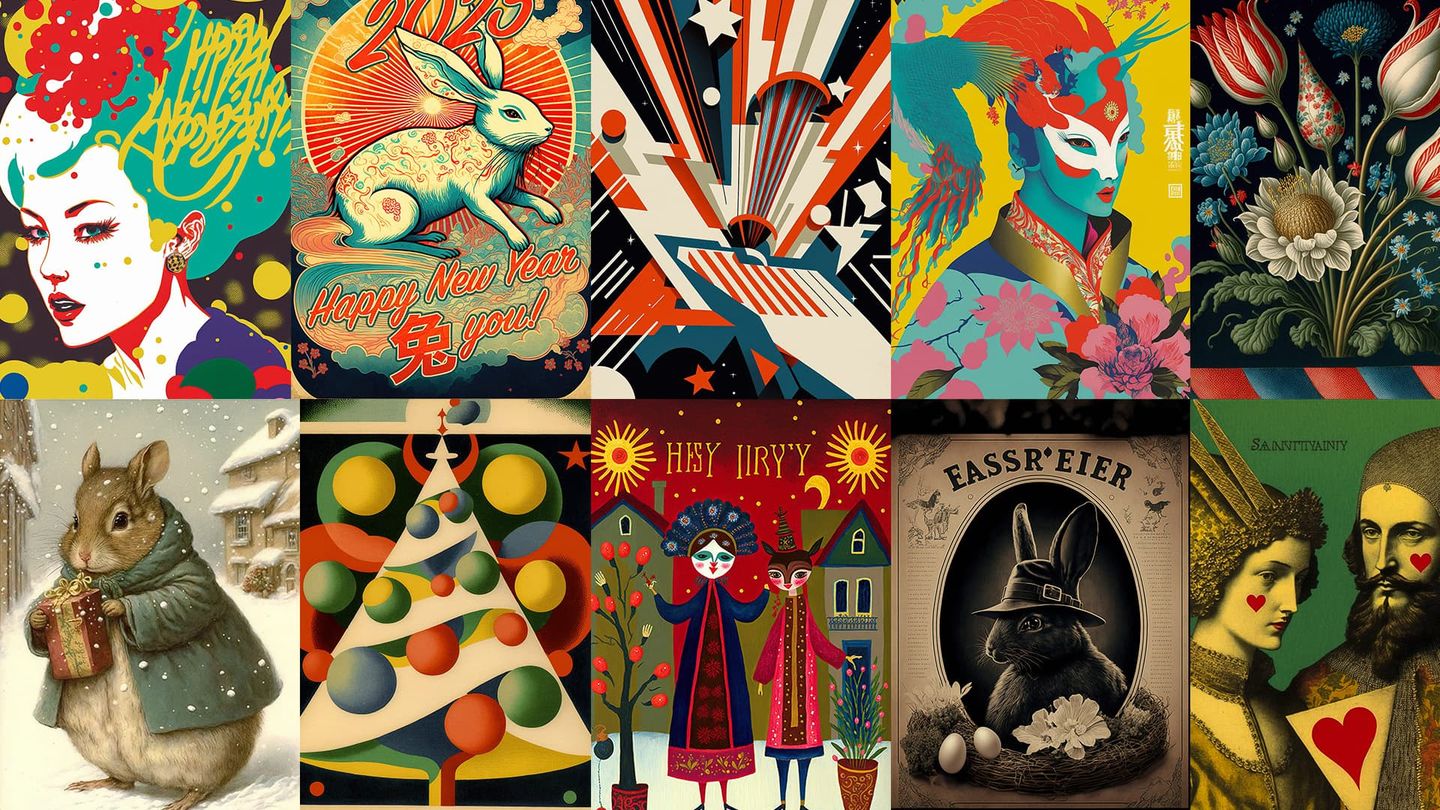
It's that time of the year again! But let's be honest. It's always that or this time of the year: Halloween, Saint Valentine's Day, Christmas, Easter, Chinese New Year, you name it.
So many reasons to send a token of attention or affection to loved ones! I'm talking about postcards, and with this research, I want to explore how they can be designed with Midjourney AI.
Here are some styles that will help you (with the touch of your artistic spark) to create a unique and memorable postcard for various holidays!
Postcards Prompts
Of course, sometimes, to get your postcard to printing, you have to fiddle with it. That might require basic Photoshop skills: to remove nonsensical writing, to add your own text, or to fix a glitch or two (yes, Midjourney is still bad with hands :)). I will briefly cover this postproduction stage and upscaling for printing at the end of this post.
For this experiment, I used the same prompt: or . In captions, I will only mention artists and/or techniques.
Also, I chose benchmark holidays a bit randomly, so sorry I missed your favorite! I hope you will be able to fill for me and generate some amazing postcards for it!
Christmas Postcards
New Year Postcards
Chinese New Year Postcards
Note, how Midjourney will sometimes devote a postcard to an animal. This is what happens if you specify this year's animal in your prompts:
Saint Valentine's Day Postcards
Easter Postcards
4th Of July Postcards
Halloween Postcards
Dia De Los Muertos Cards
Happy Birthday Cards
Personalizing Postcard Prompts
And from here, you can customize your prompts with more personal details related to the person you devote your postcard to. That way you will get unique and thoughtful results!
Final Touches: Editing
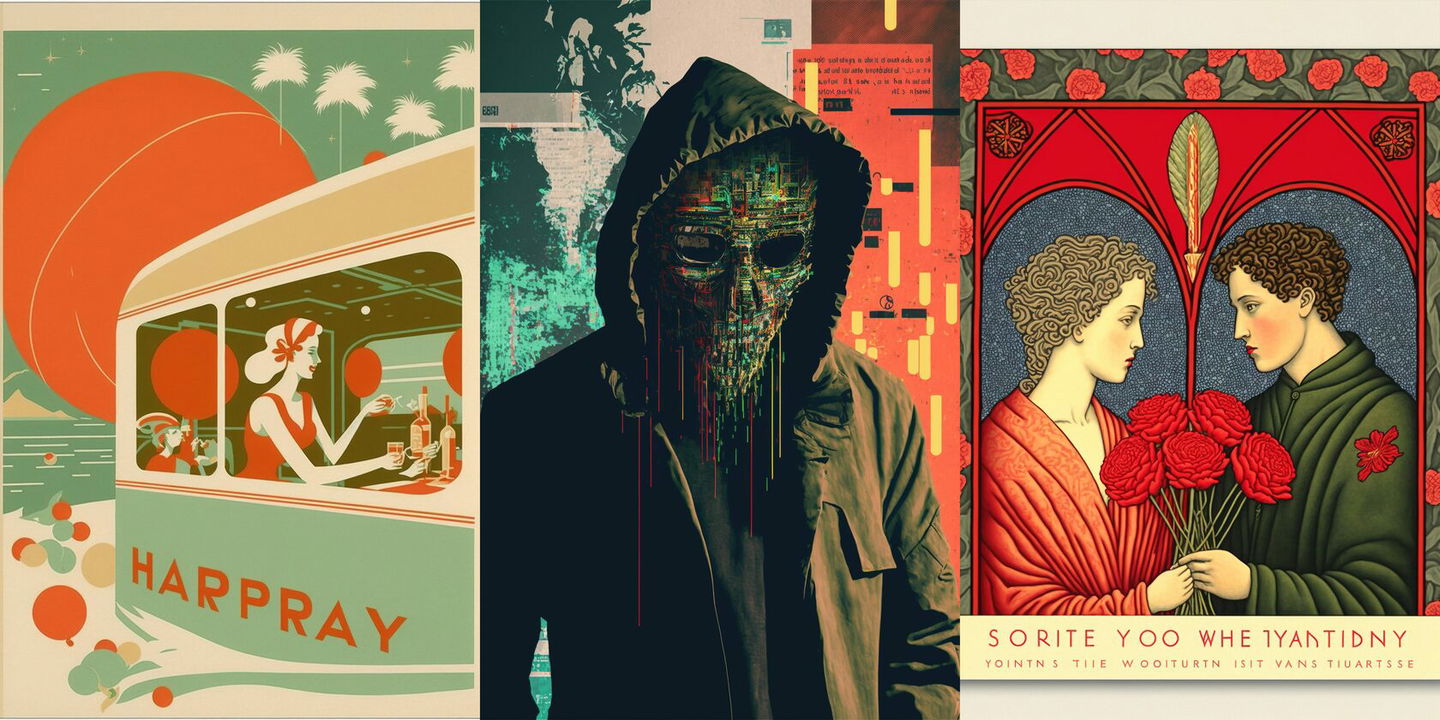
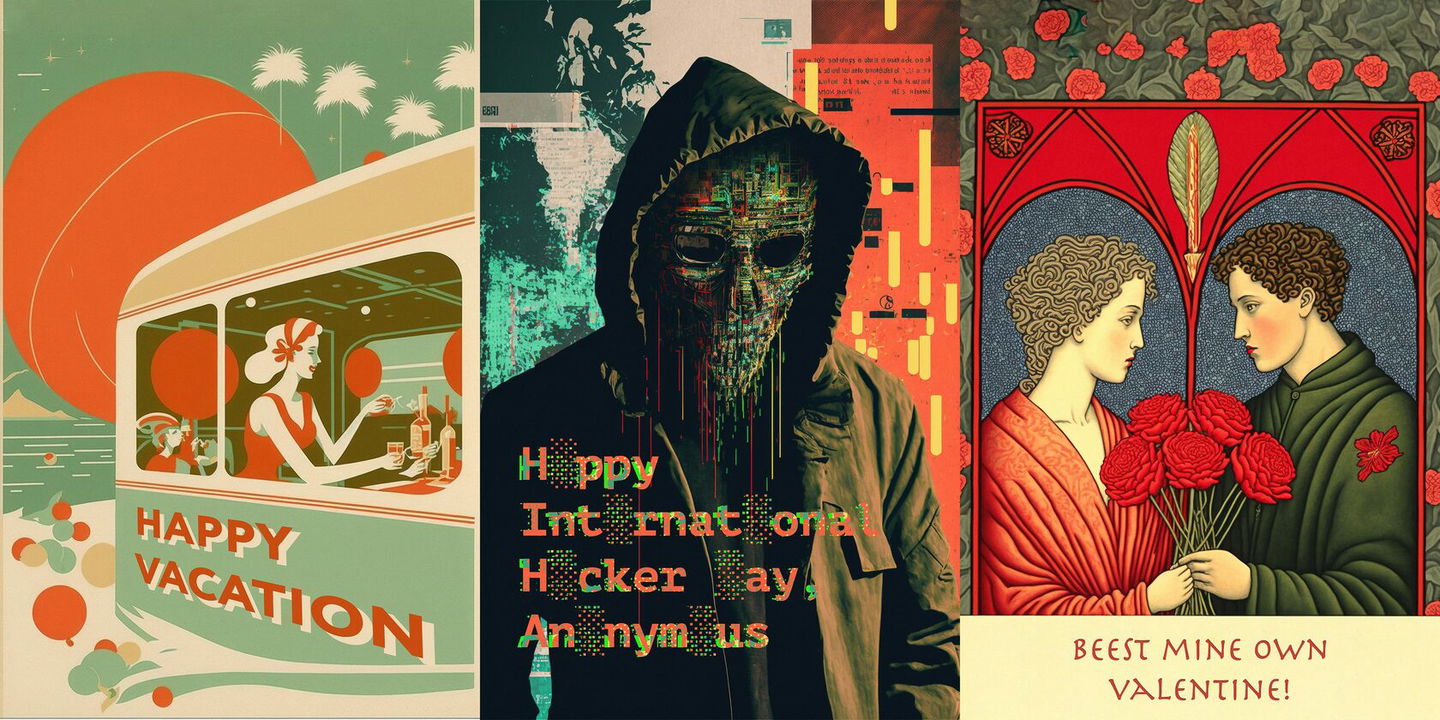
Oftentimes, Midjourney generations will feature a nonsensical writing (DRARIIIIA), or you might want to add your own text to it. I do with the most basic Photoshop instruments. In most cases, it's Content-aware fill to remove things or add parts of the image, and Text to add (surprise) text. :)
Upscaling for Printing
One day, I will post a proper post on upscaling your generations, but I will keep it short today. ¯\_(ツ)_/¯
Long-time photographer, I am used to keeping my images organized with Adobe Lightroom, which happens to have a built-in (AI-powered!) upscaler. It can double the resolution of your images. With the current Midjourney V4 upscaler, this allows you to go up to 2048x3072px (for 2:3/3:2 aspect ratio) or 2048x2048 (for square images). Technically, you can, but that's some degree of headache :]
Another thing I use Lightroom for is postproduction. There are a few easy steps I increase sharpness dramatically and then add grain to soften the image back, in a more organic way.
All that might be enough for a good quality 20x30 size print (depending on the initial generation quality, of course). Upscaler in V3 easily allows 40 by 60cm prints if you upscale them properly.
In fact, there are many ways to upscale your generations dramatically. But I will only mention two.
The first one is free but requires some tech savviness. I honestly wasn't motivated enough to get into that, but I see how people get excellent results! Here is an insightful post on Medium on how to use free neural networks for upscaling.
Another is Gigapixel AI. It is moderately pricey, but it's a one-time deal. And then you get all the updates forever and can upscale images up to 16 times the original. Of course, at this level, it only works with already great photos, to begin with. V4 generations are not that good, but in my experience, Gigapixel can smoothly upscale V4 square images to 4096x4096 without losing too much in quality. Good old sharpen+noise—and the results are ready to be a poster, not a postcard.
Let's see how Lightroom's Super Resolution compares to Gigapixel AI.
I edited the Gigapixel AI upscaled image to add the text: 2023 and “Happy New Year 兔 you,” where tù 兔 (“rabbit, hare”) stands for English “to,” so it reads “Happy New Year to You!”.
I then sent the result to my local lab to print on Hahnemühle Photo Rag Metallic paper. It's dense (340g/m²), semi-glossy, has a subtle metallic glow, and adds a beautiful kick to colors.
Once again, I will do a separate post about upscaling soon. I hope this post helps you create your own unique postcards, personal and meaningful.
Happy That Time Of The Year, everyone!
— Andrei
About the author

I am a visual artist with 17 years of experience in portrait photography, film, mask design, and education. As Midjourney AI and its analogs are revolutionizing the world of art and our creativity itself, I am overwhelmingly excited to explore the limits of these fantastic new tools and share my findings with the community.