.jpeg)

Midjourney has revealed its Version 4, or --v 4, in prompts. Long story short: it's BIG!
We ran a series of tests and experiments to reveal how it sees the world, and here are the results.

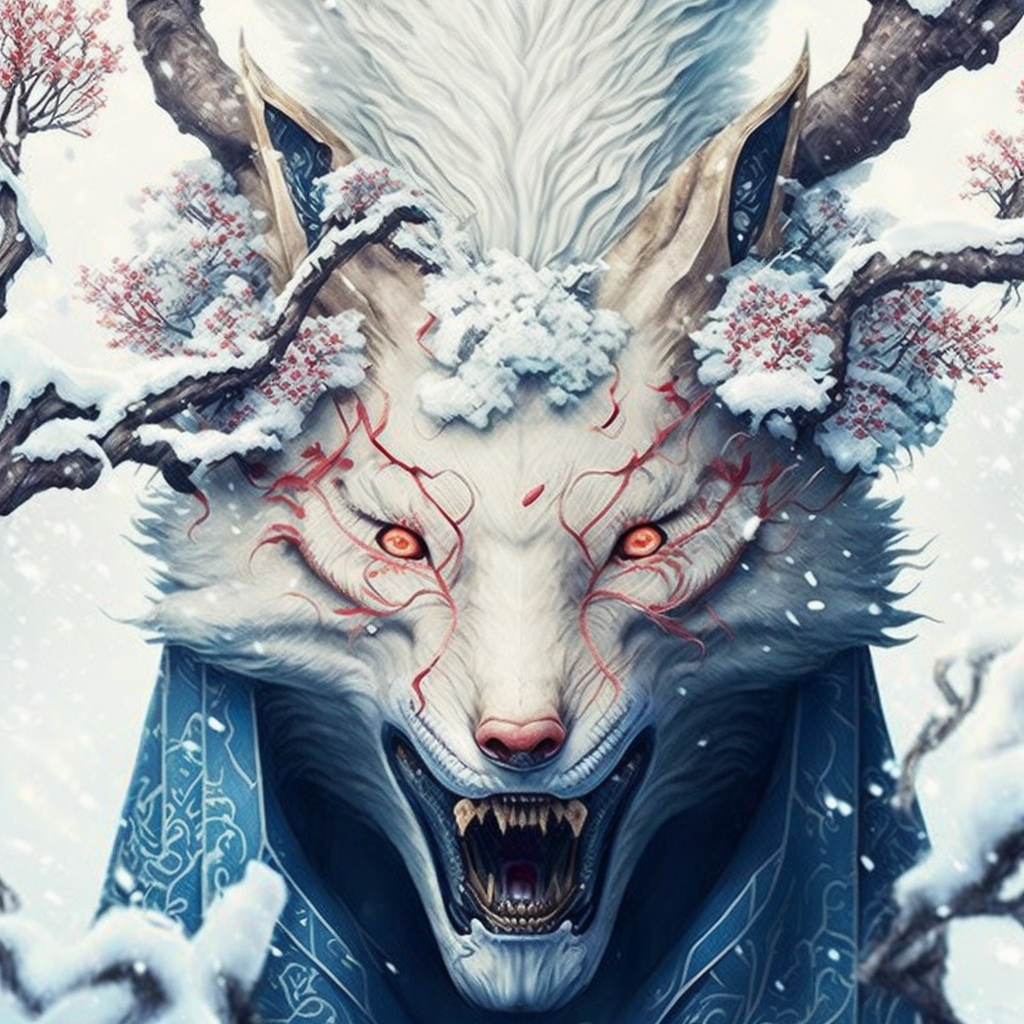
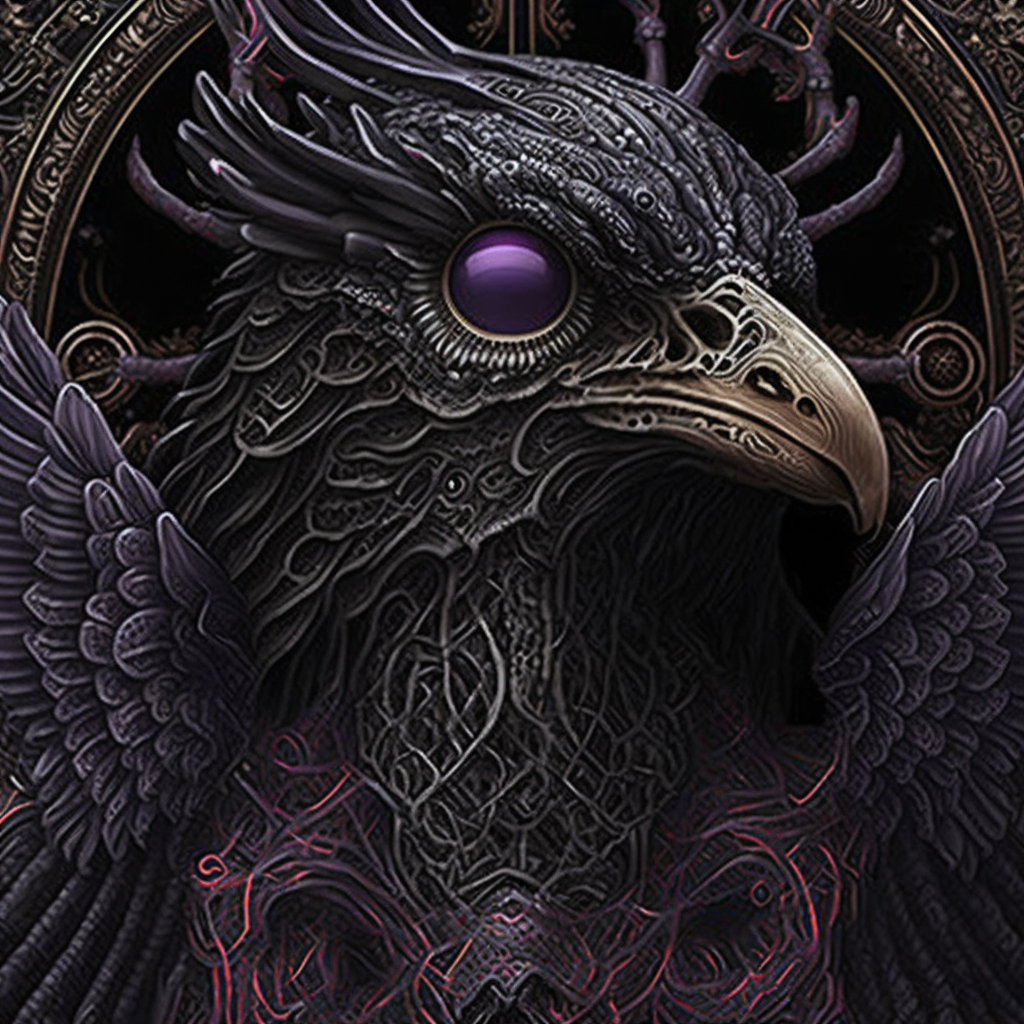
Quick Facts
This is still an Alpha version—so expect a lot to change in the nearest future!
To better understand the intricate workings of V4, here is what Midjourney-people say about V4 ↗
You can turn Version 4 ON for your generations via /settings (or add --v 4 to a prompt).
Version 4 support Image prompts! And that's a nuclear bomb. See below!
Emotional Response
The --v 4 blows your mind. It exceeded my expectations almost every single time. It knows what's "beautiful" for humans and sends it back to us tenfold. It has excellent attention to detail and knows composition perfectly.
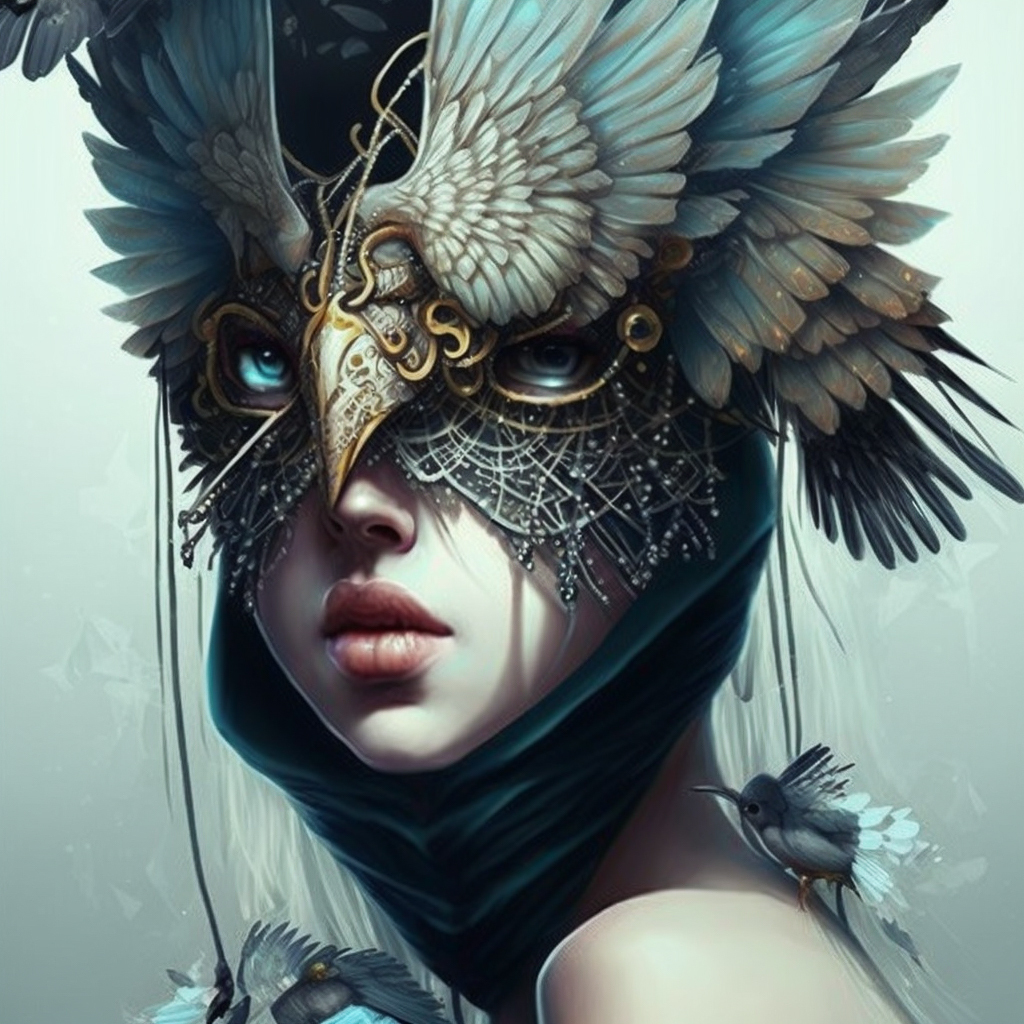
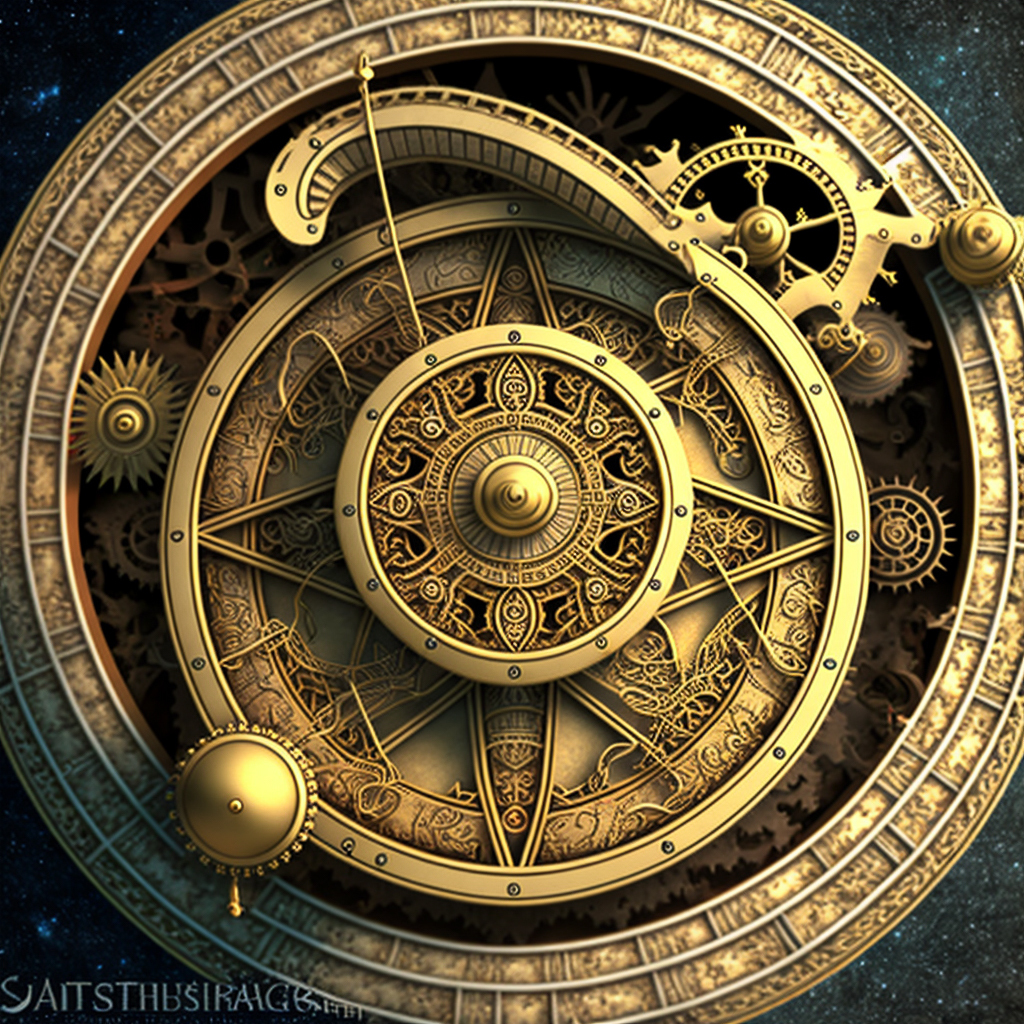
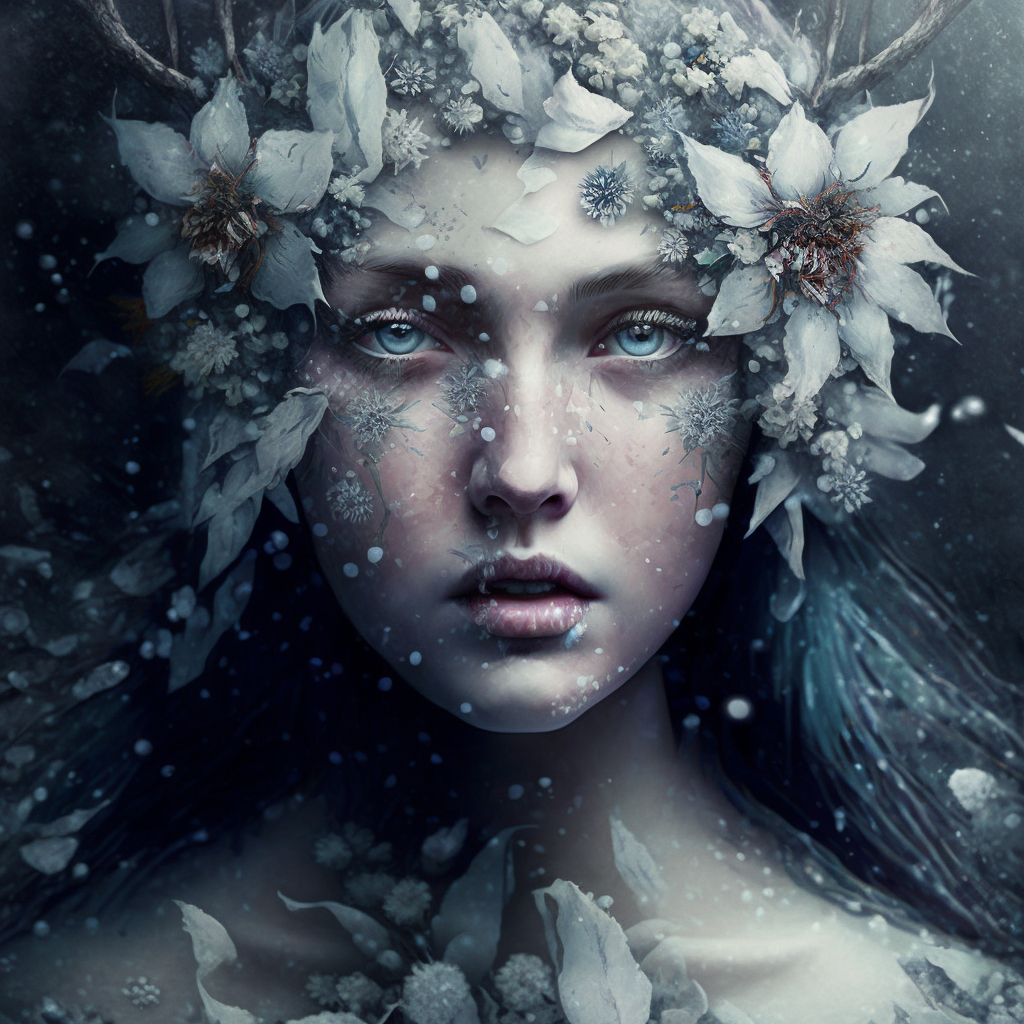
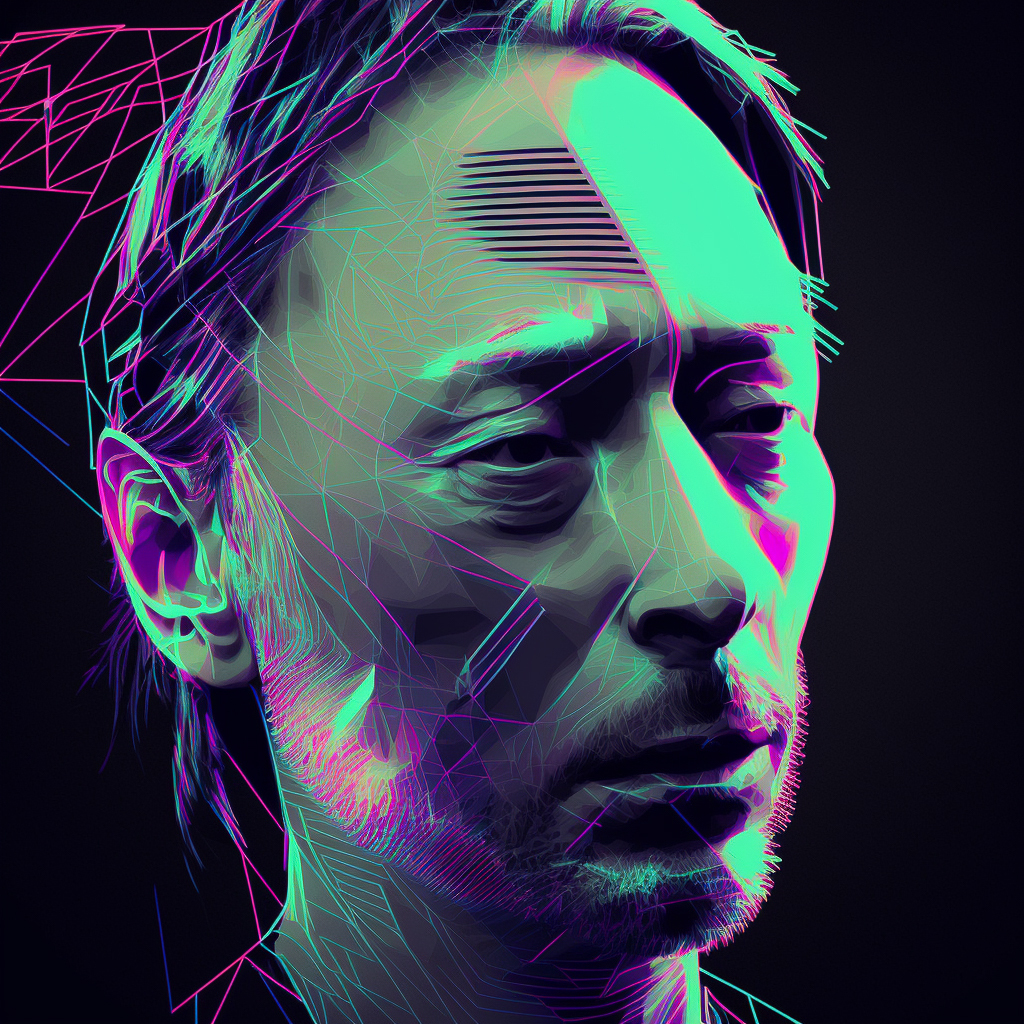
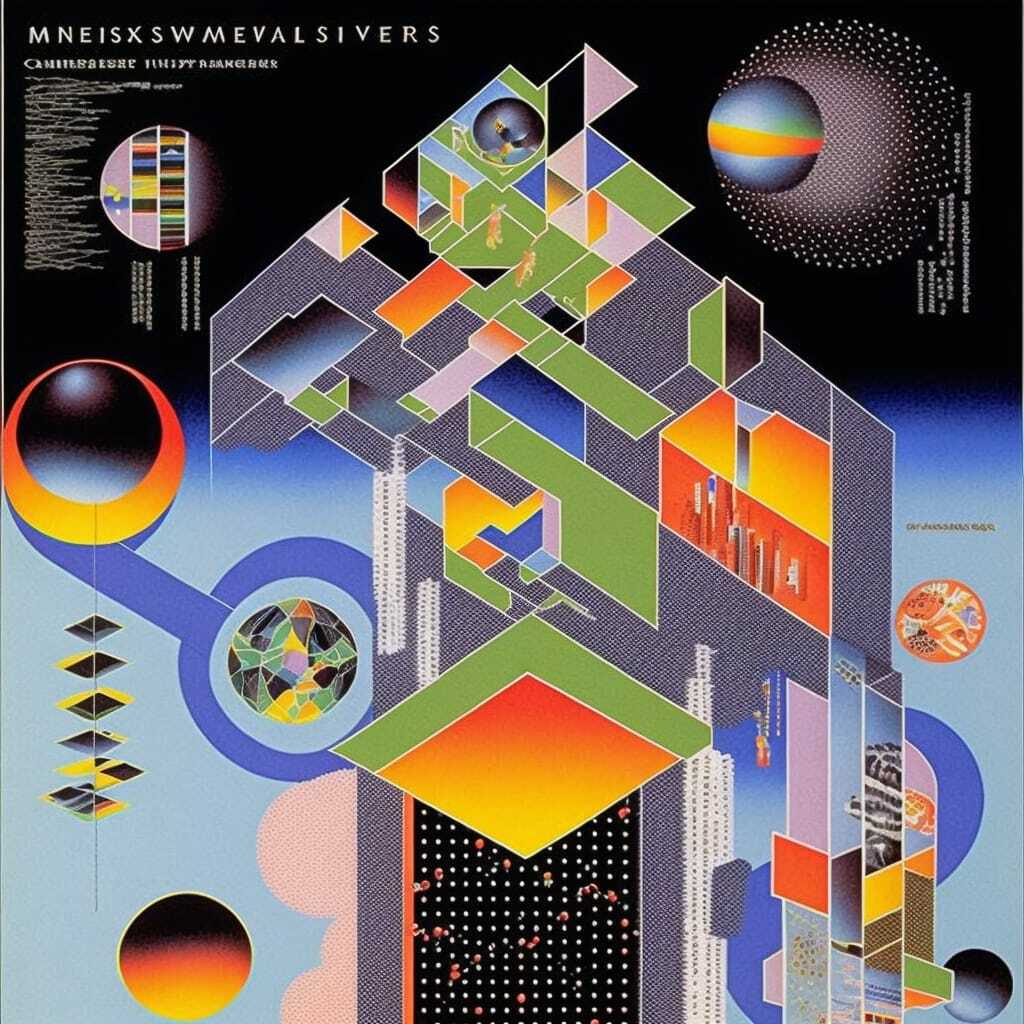
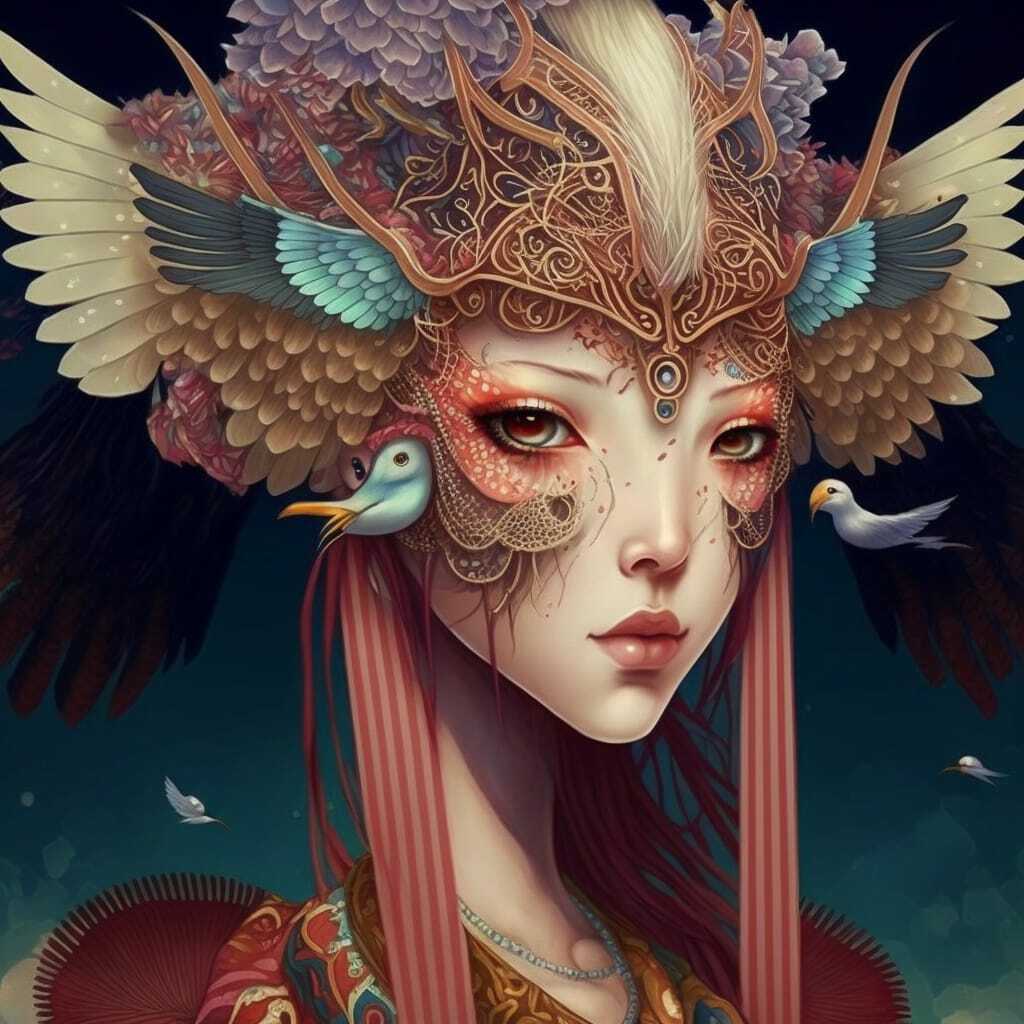
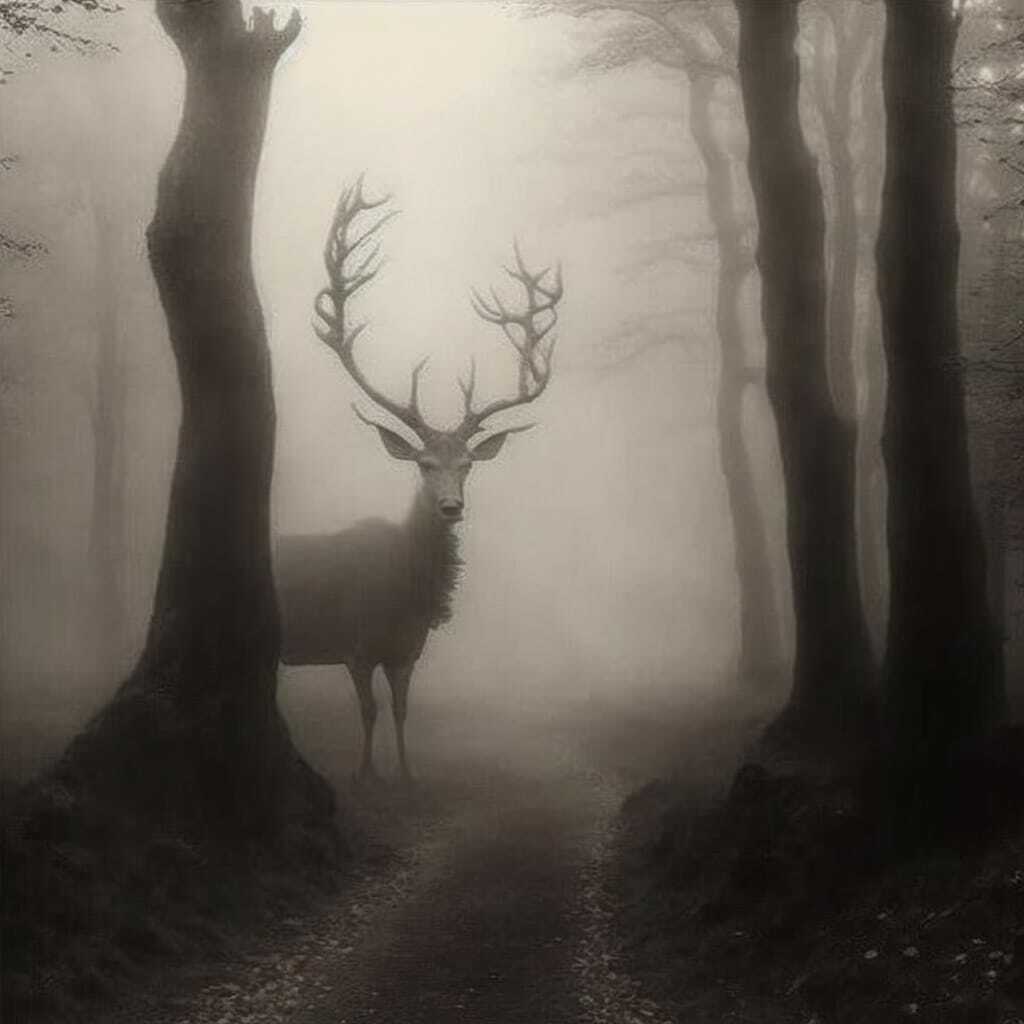
And—it seems to become a feature for Midjourney—even when the results are off or glitch-y, they are off beautifully. I encourage you to experiment!
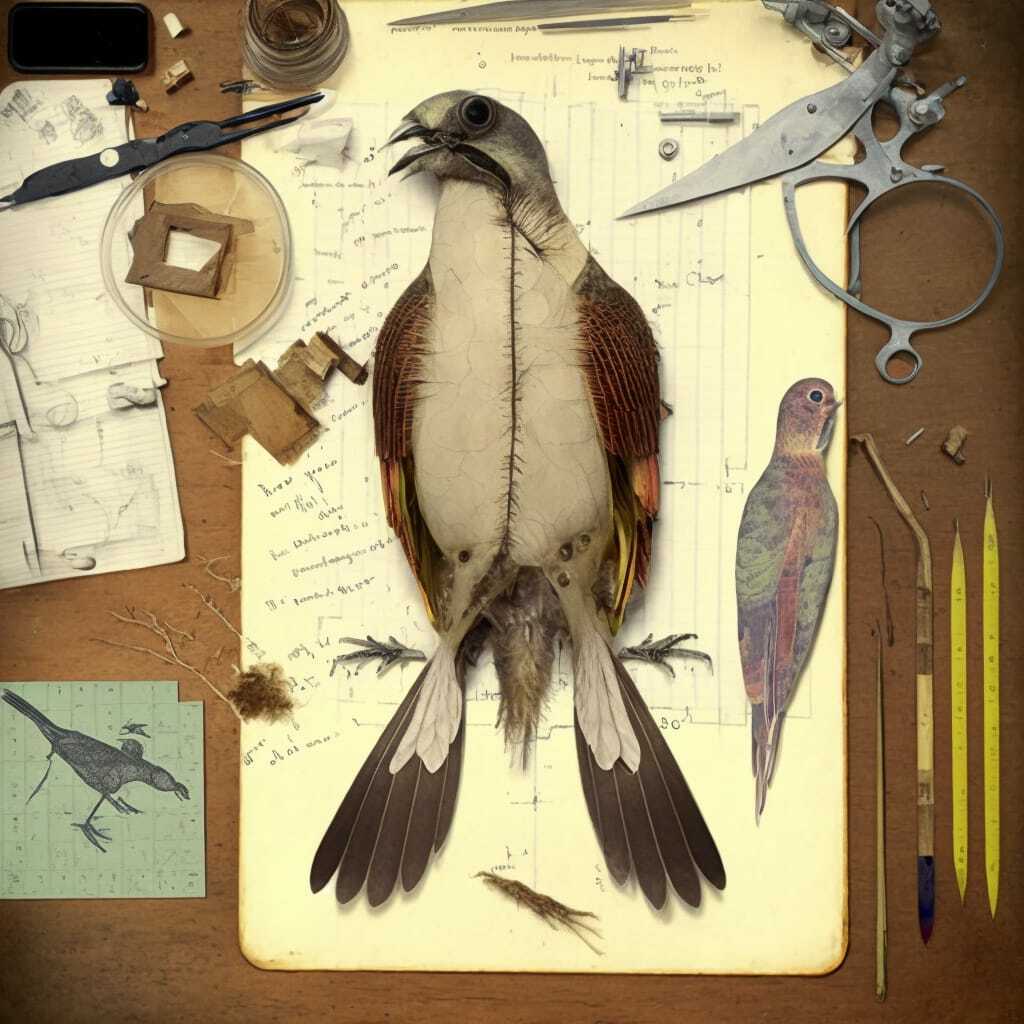
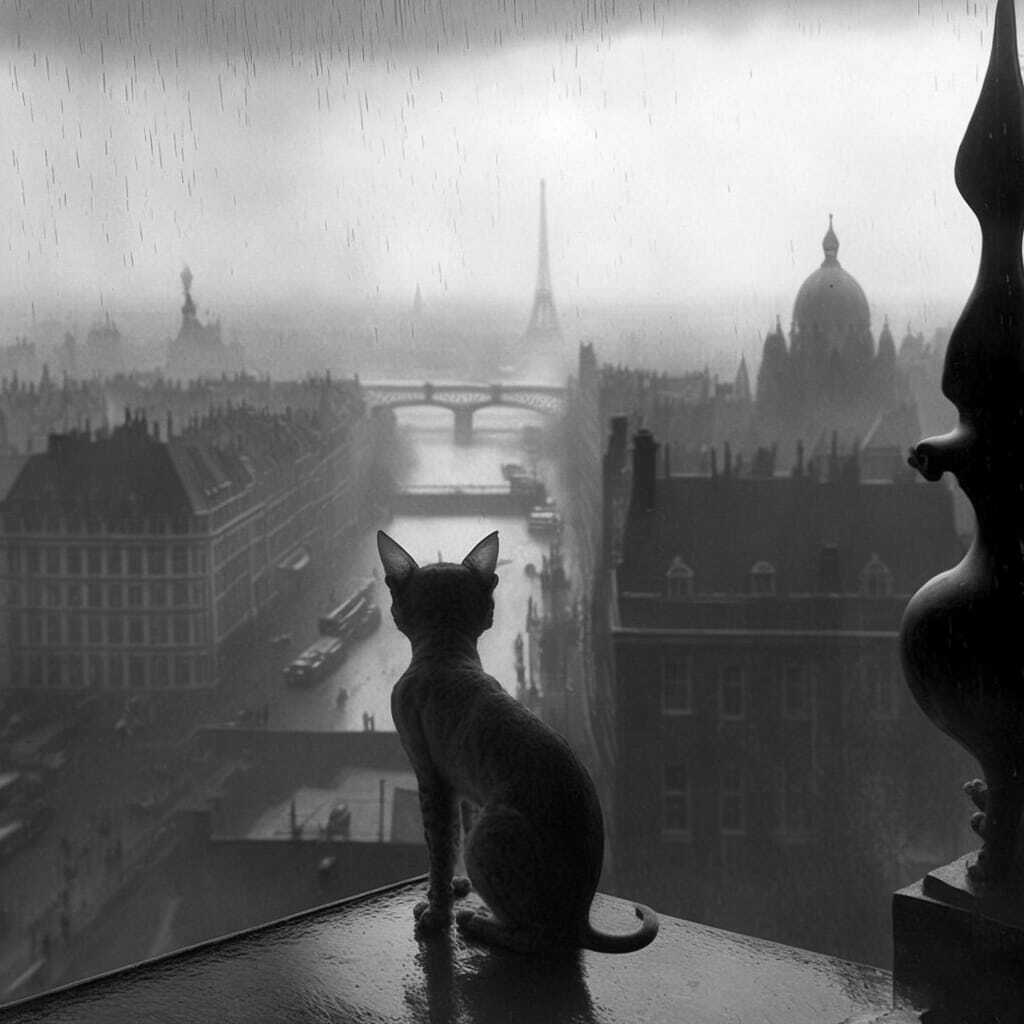
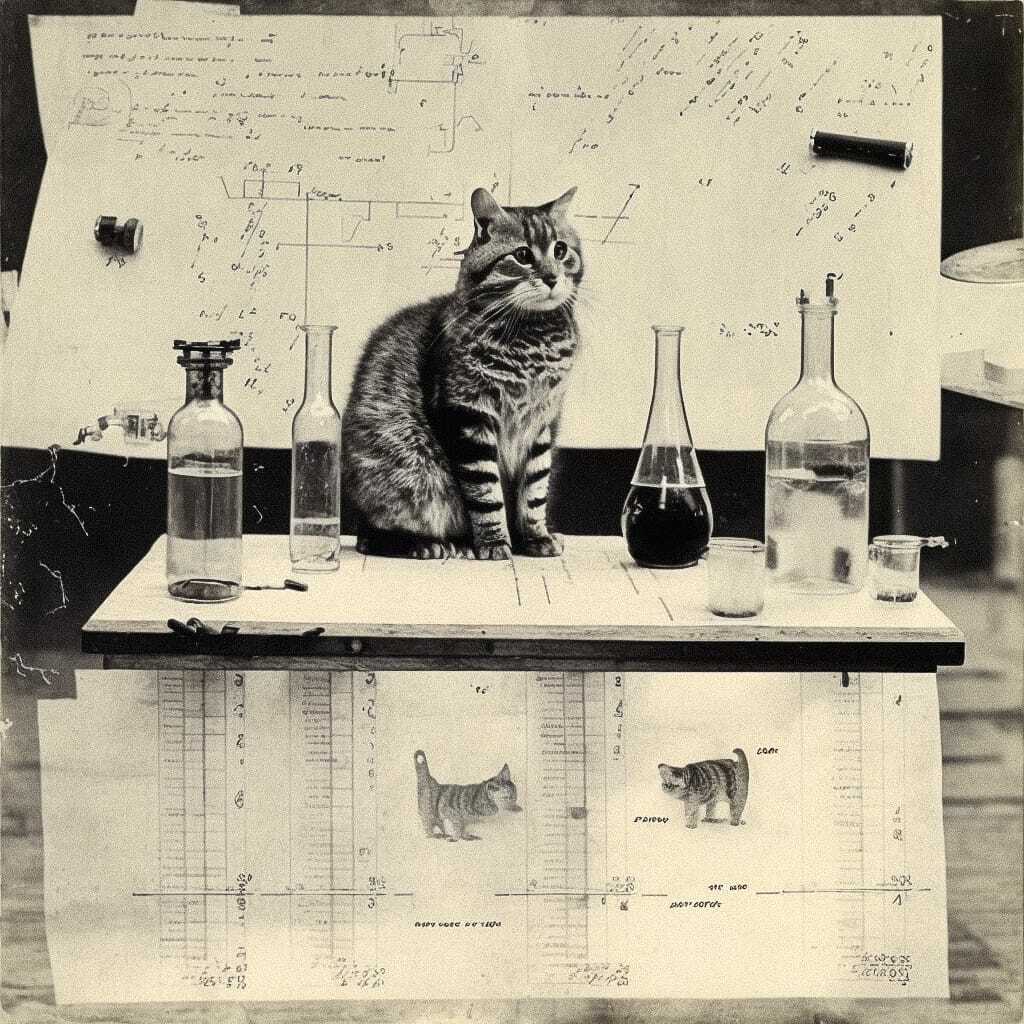
Image Prompts
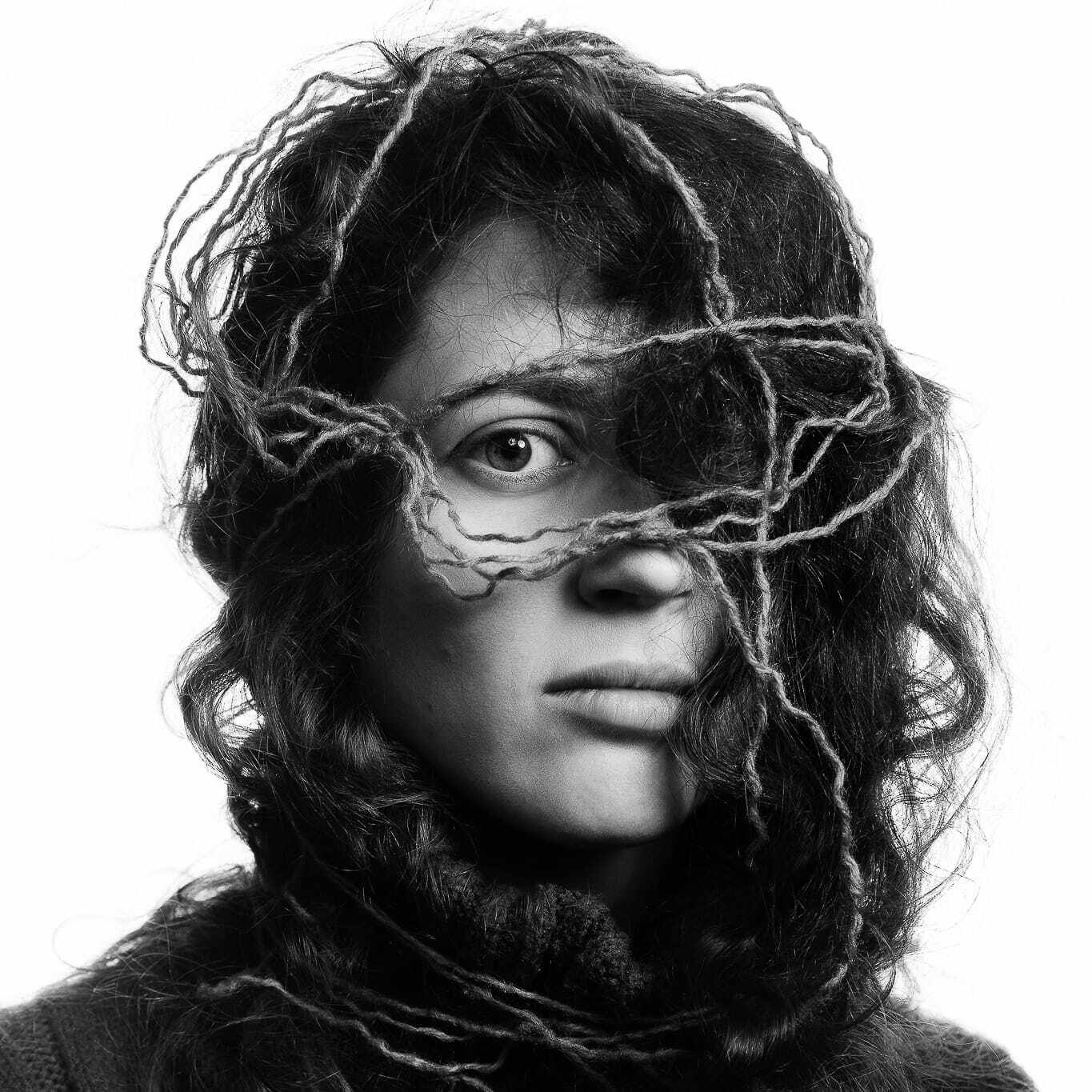
As a portrait photographer, I am overly fascinated by the limits of Image Prompts. I was very impressed by it in V3, but Version 4 takes Image Prompts to the moon. Thus they will be my focus today.
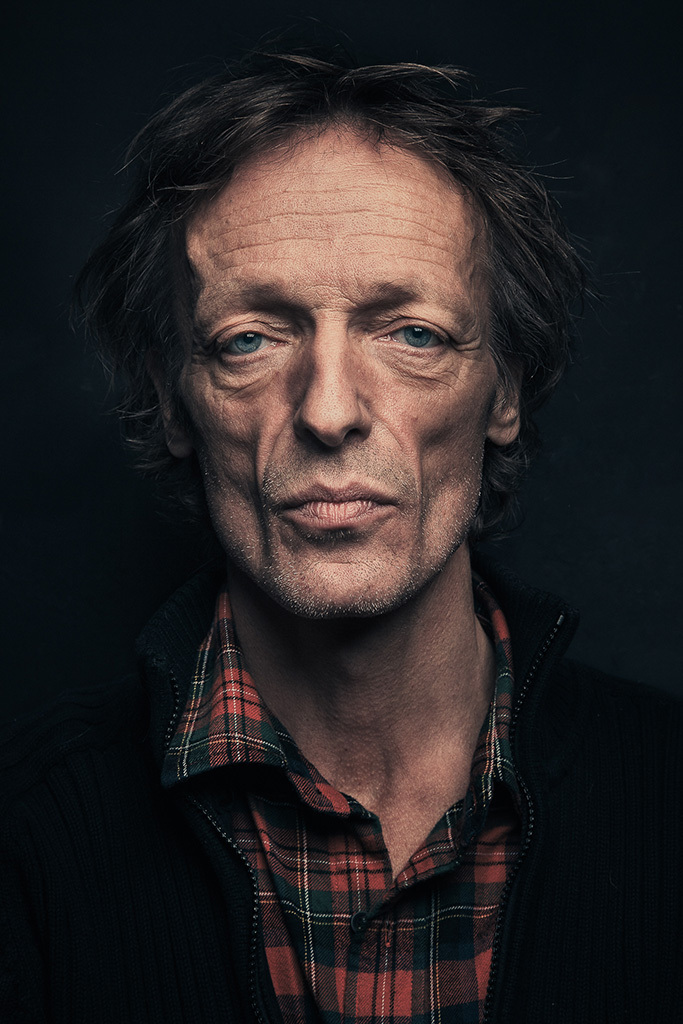
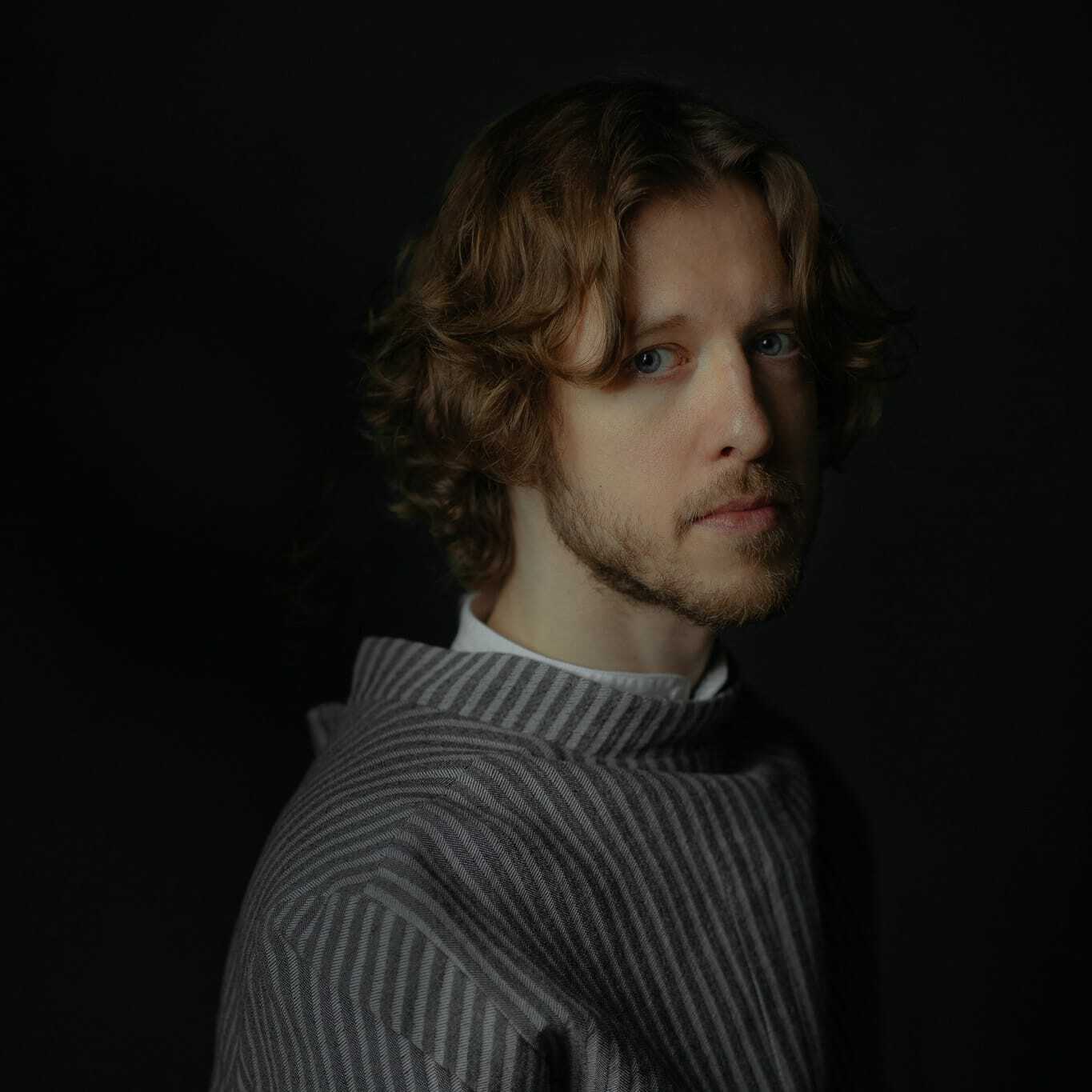
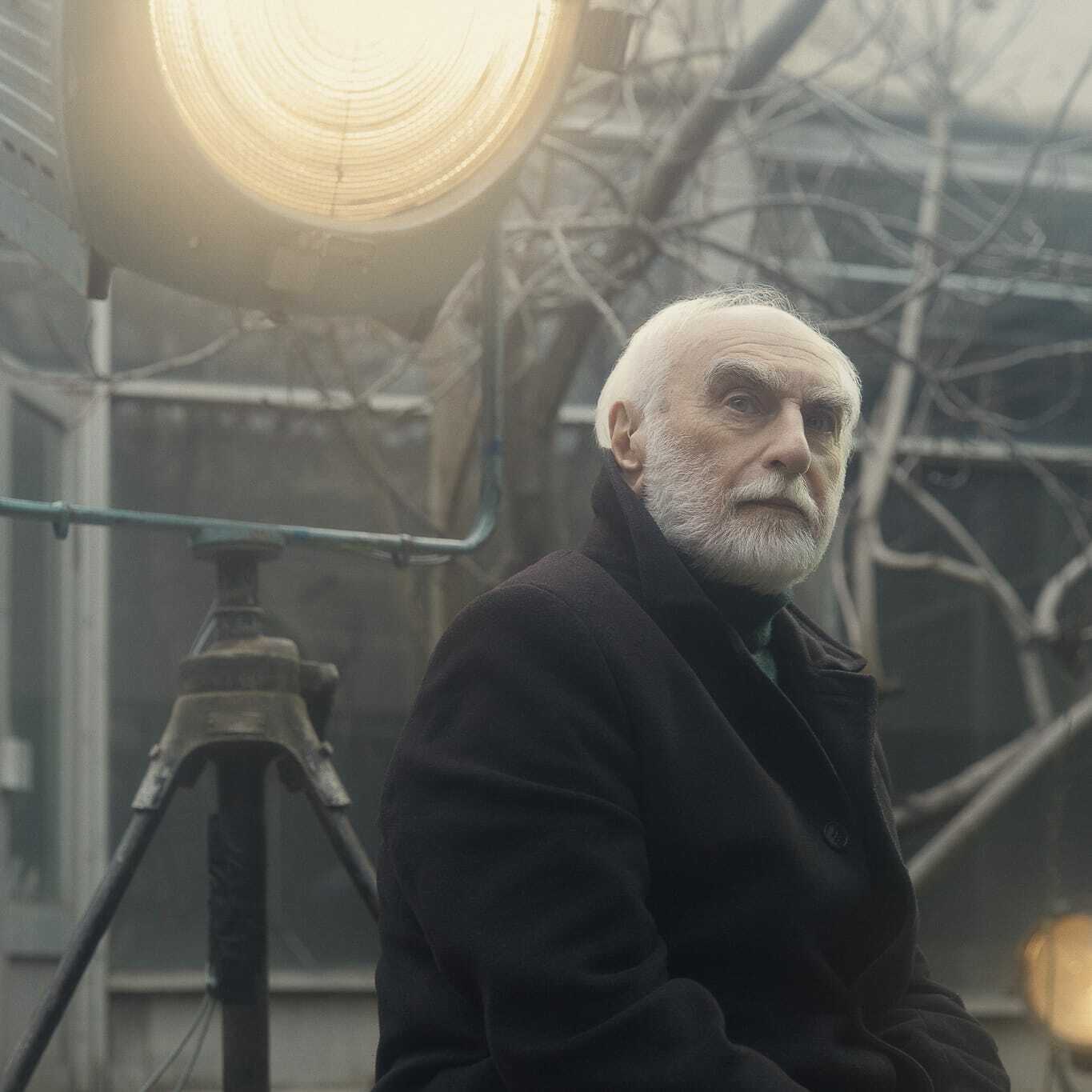
Meet Francis, a friend whom I photographed in Paris some years ago.
And that's what happened when I first “fed” that portrait to Midjourney V3.
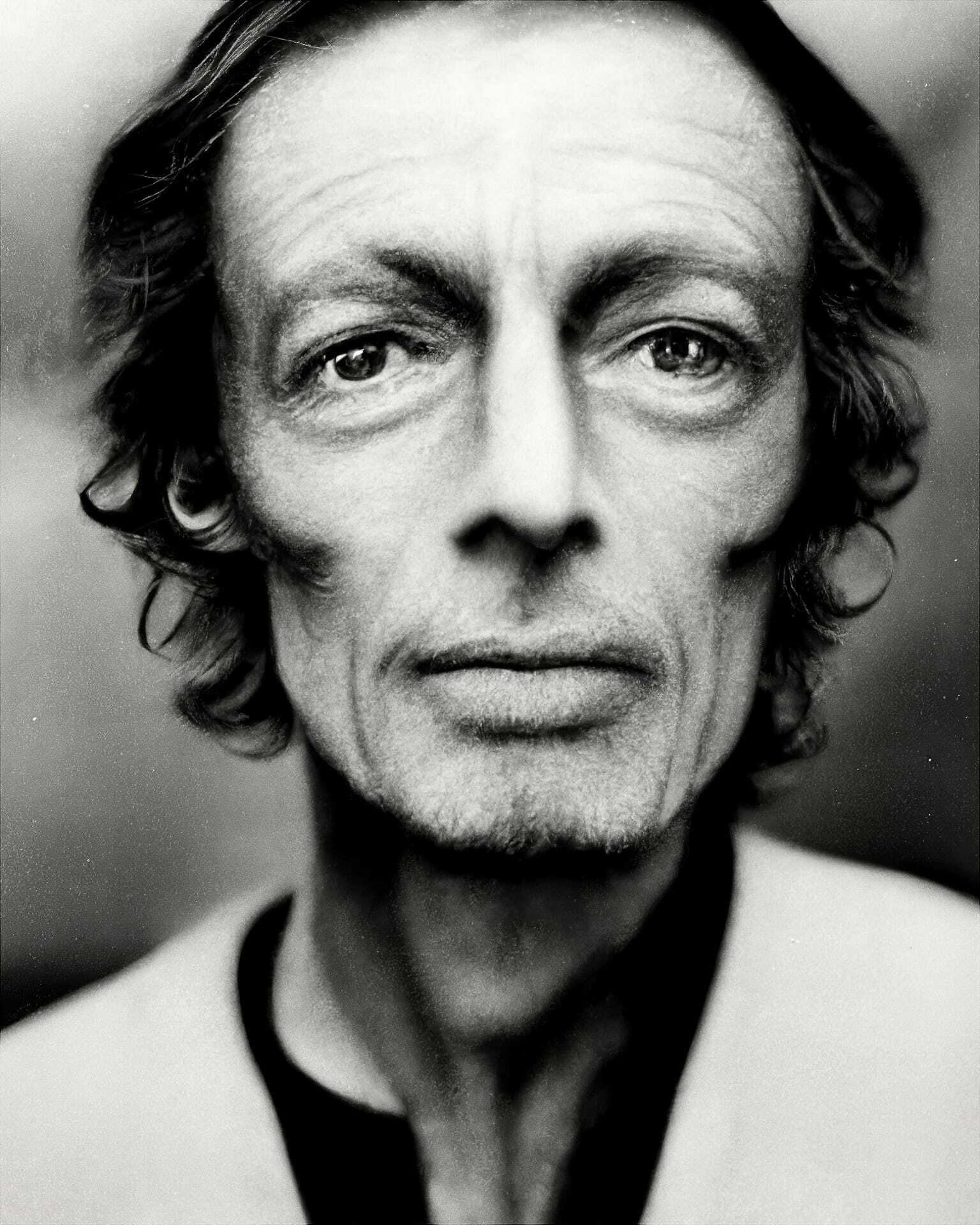
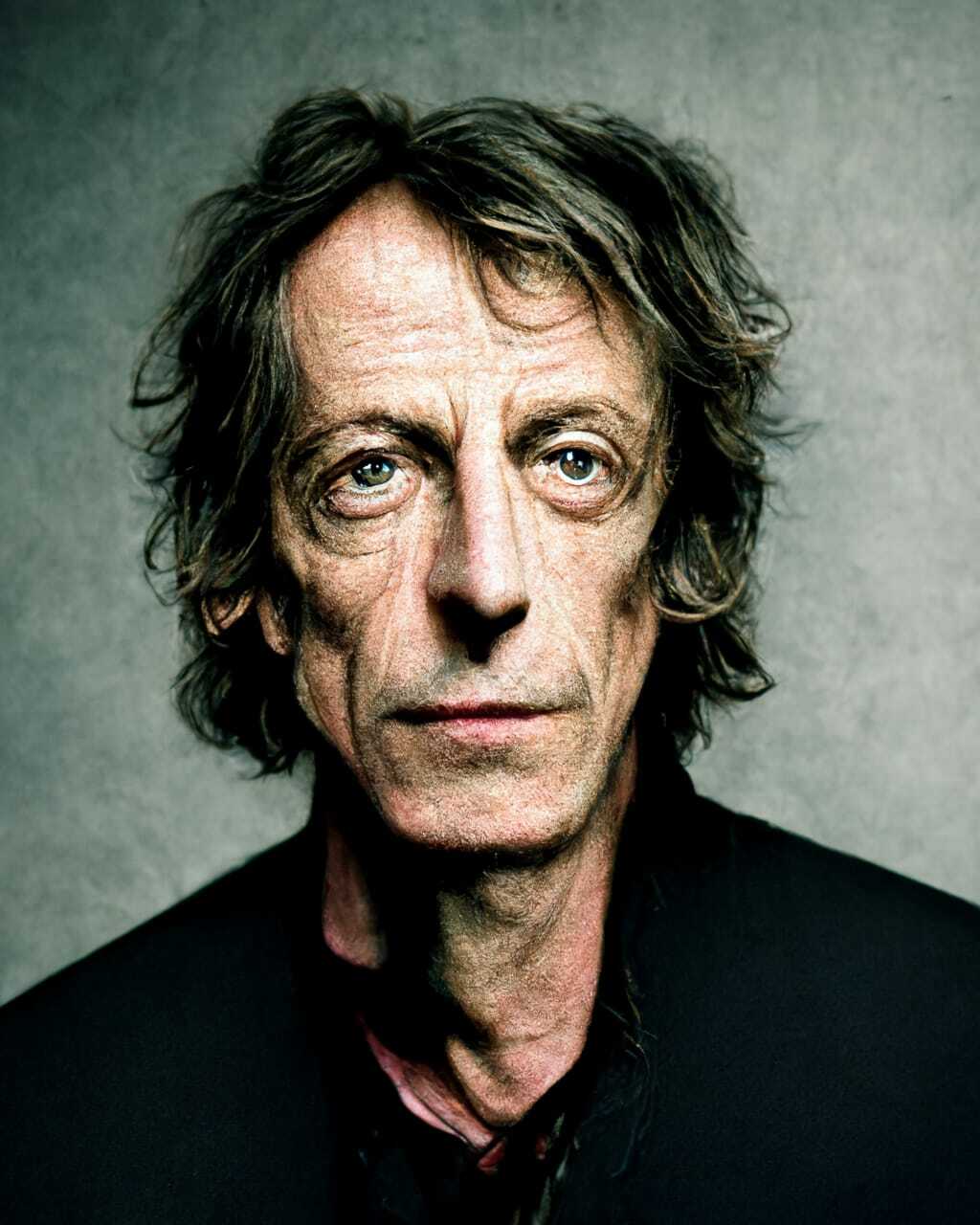
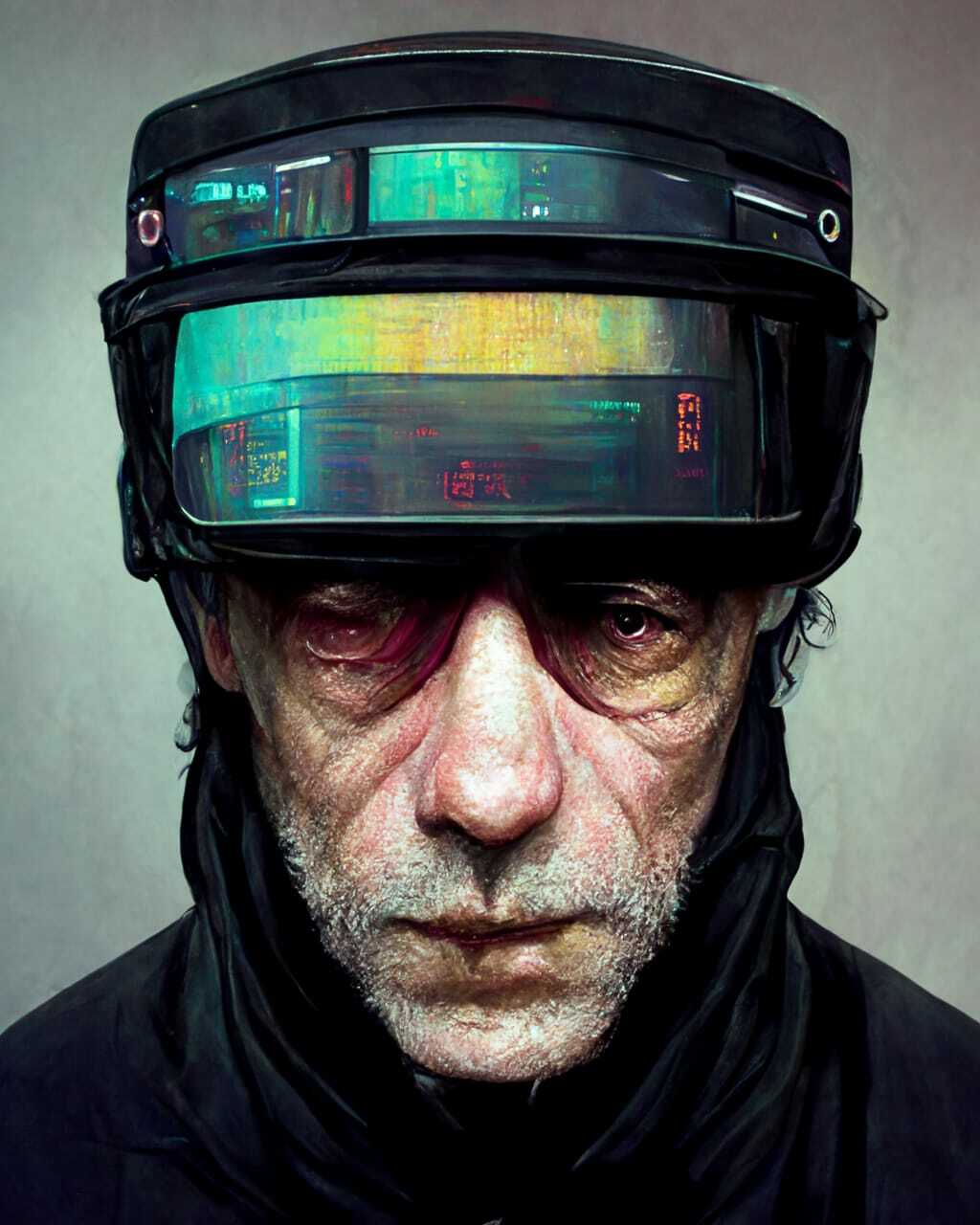
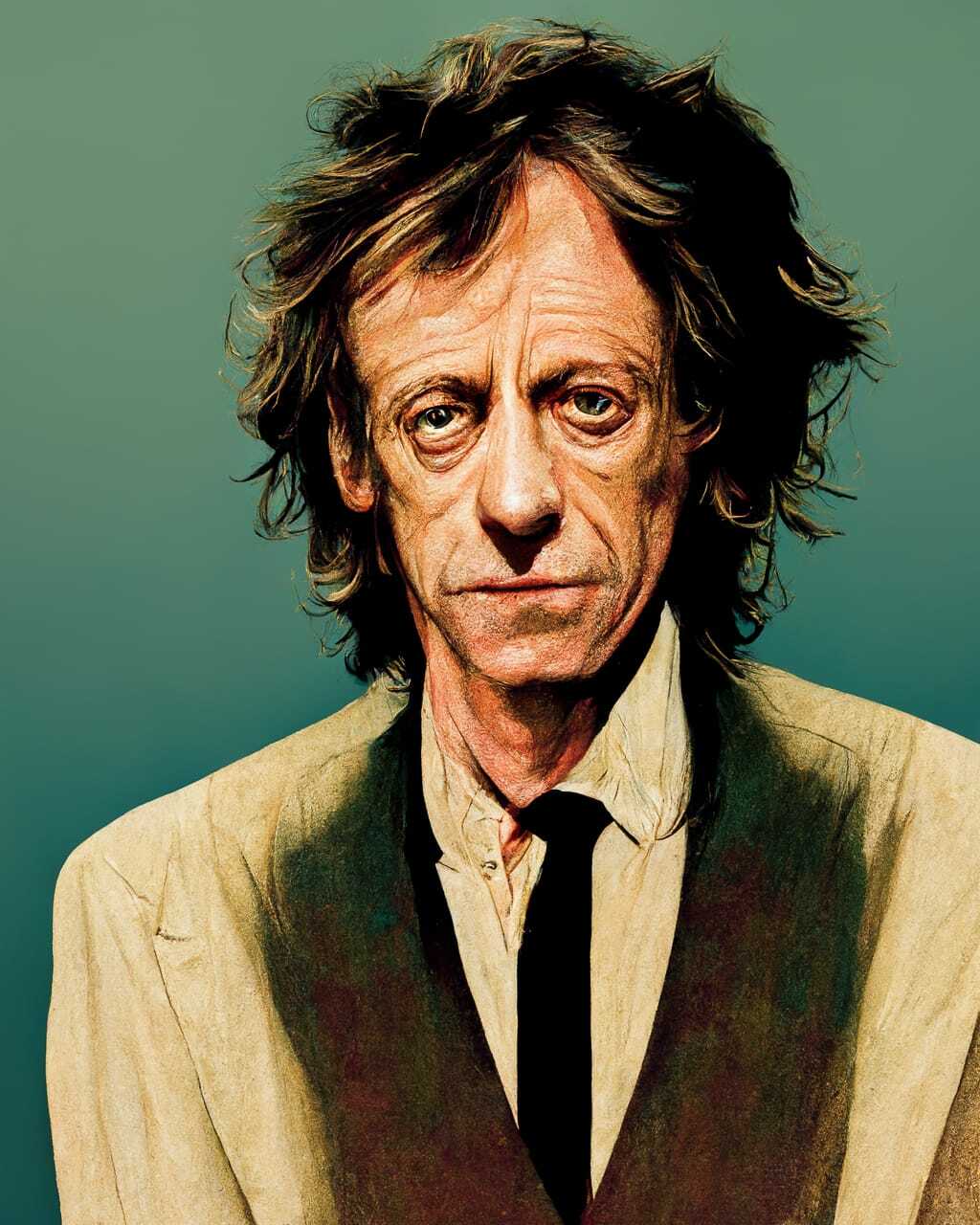
Sidenote: Francis' portrait taught me another important lesson—the more pronounced a person's features are, the better Midjourney “captures” and “reinterprets” them. Bottom line: choose subjects with strong, pronounced characters, and images with clearly visible and well lit features.
Today, I asked V4 to reimagine the portrait of Francis with a simple addition as [someone]. For the sake of brevity, I will only indicate that [someone] under each sample below.
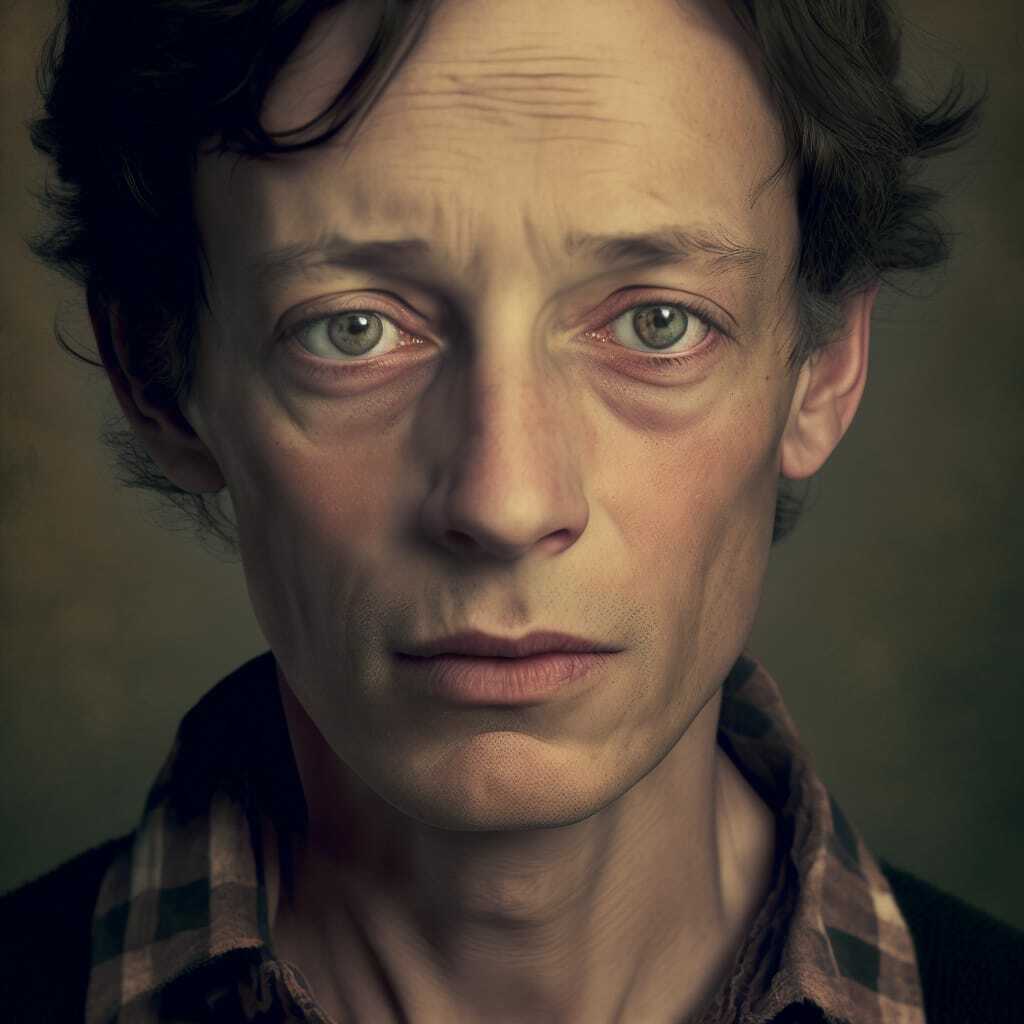
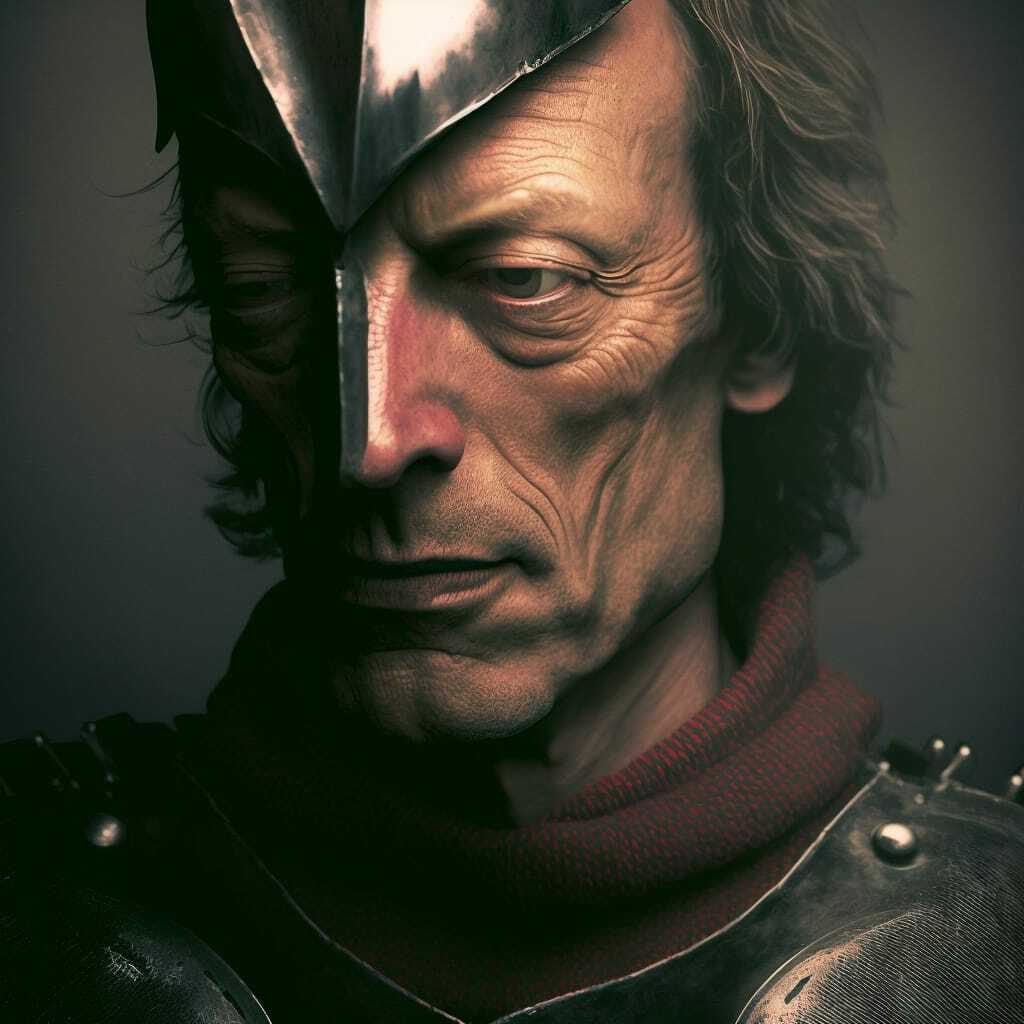
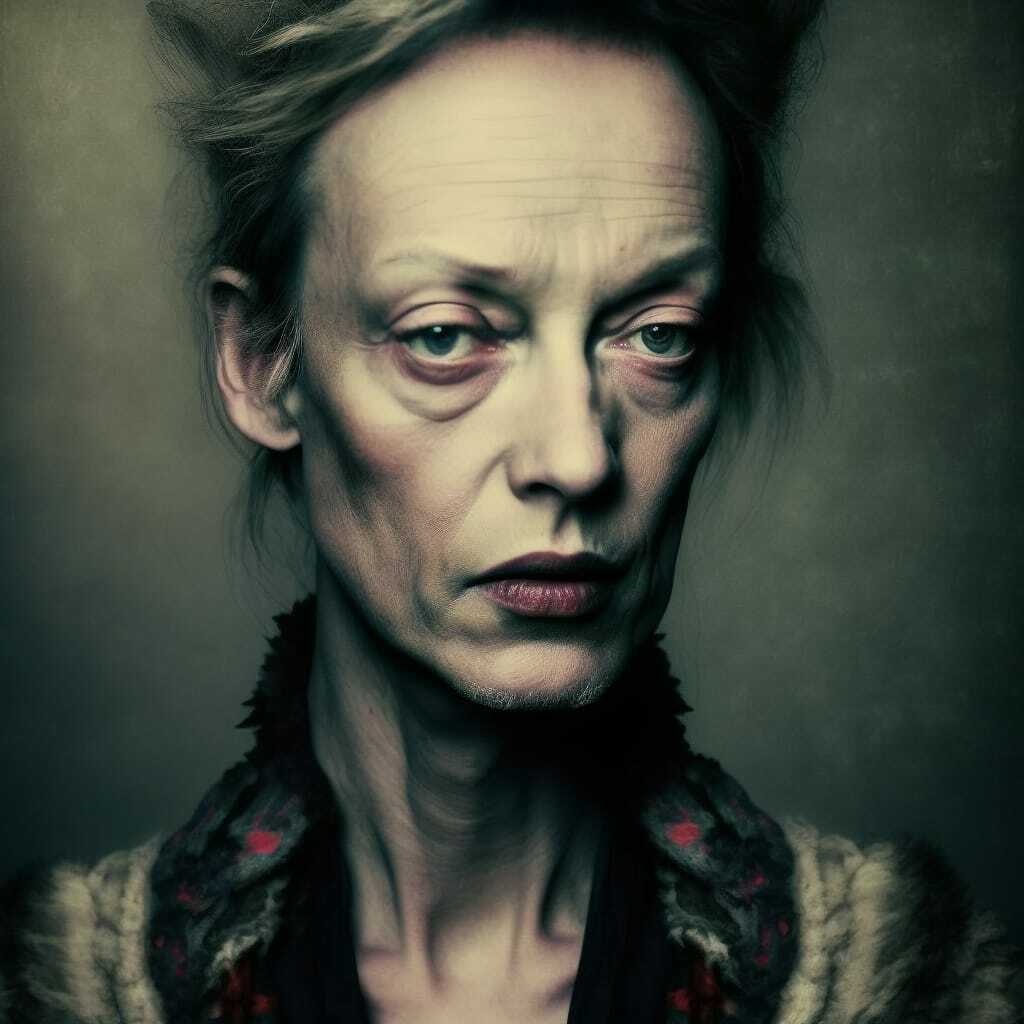
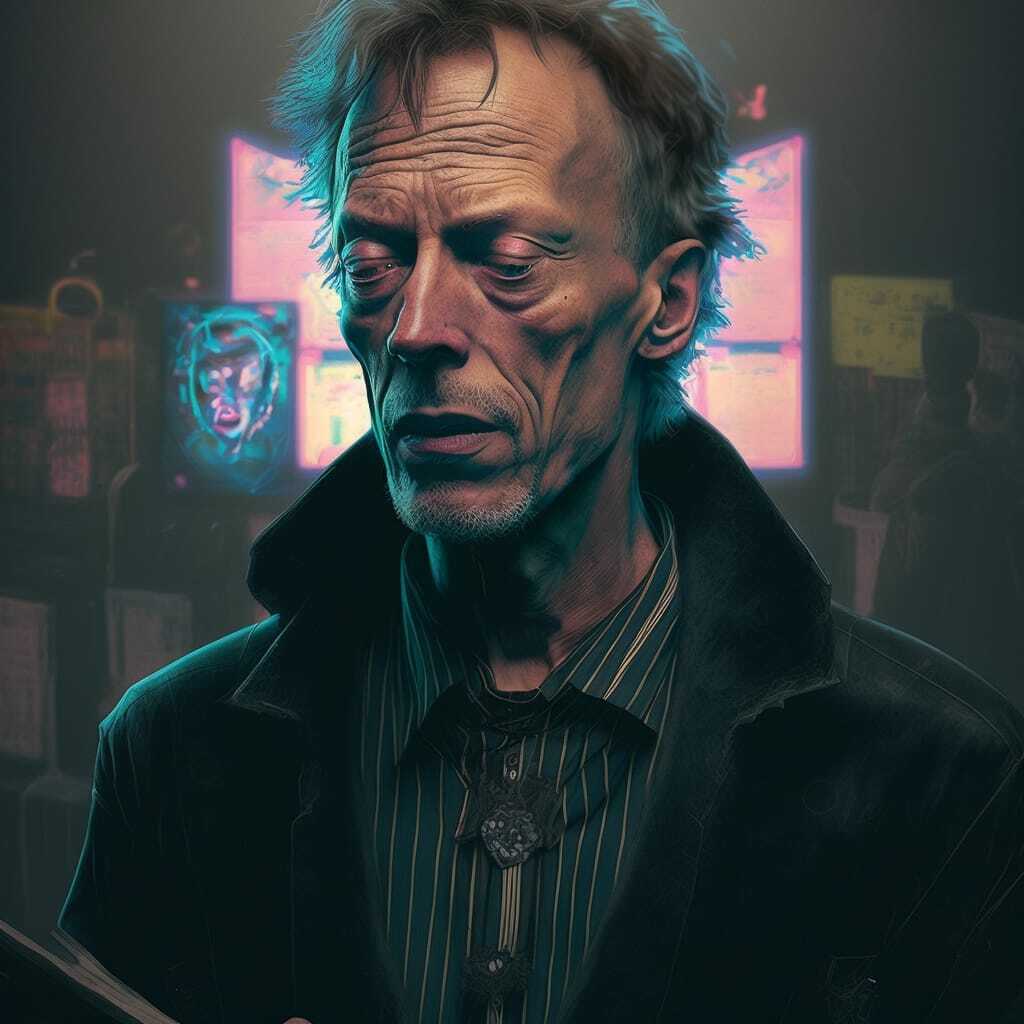
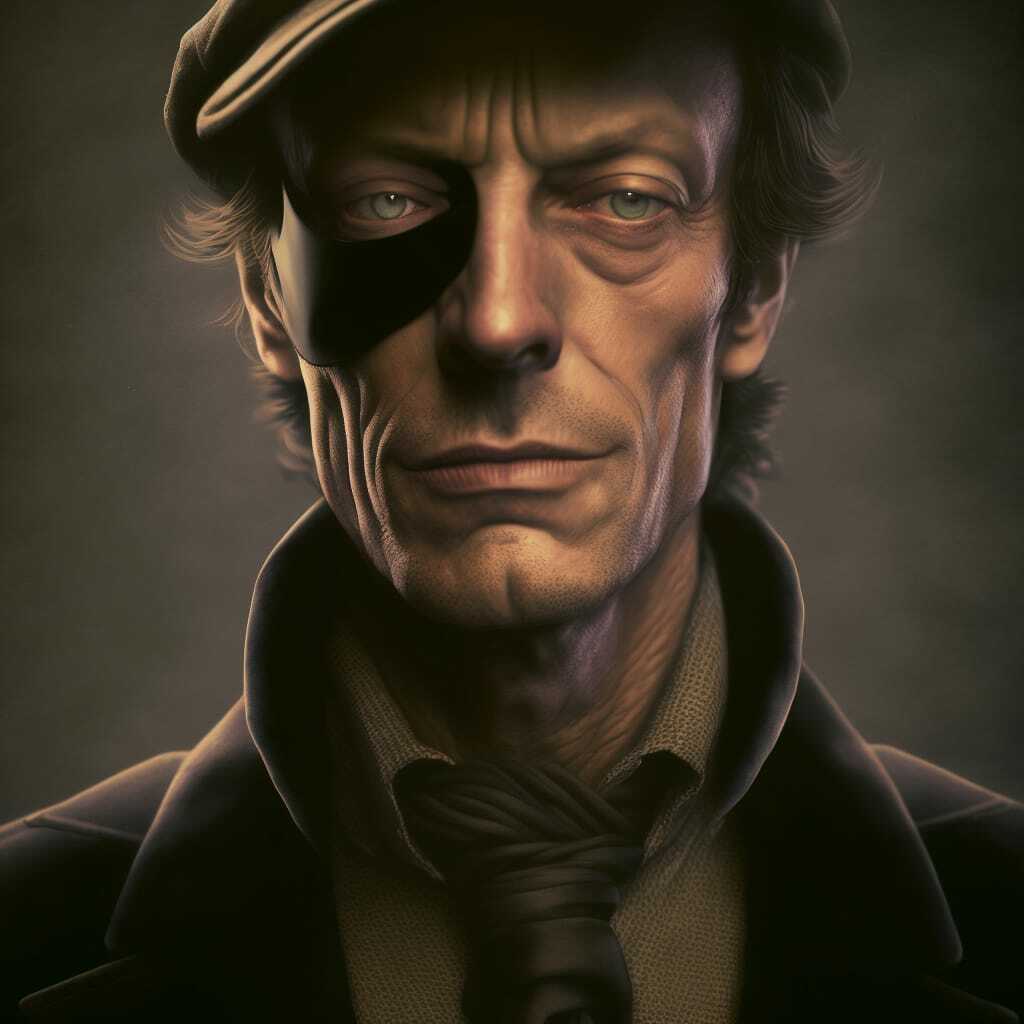
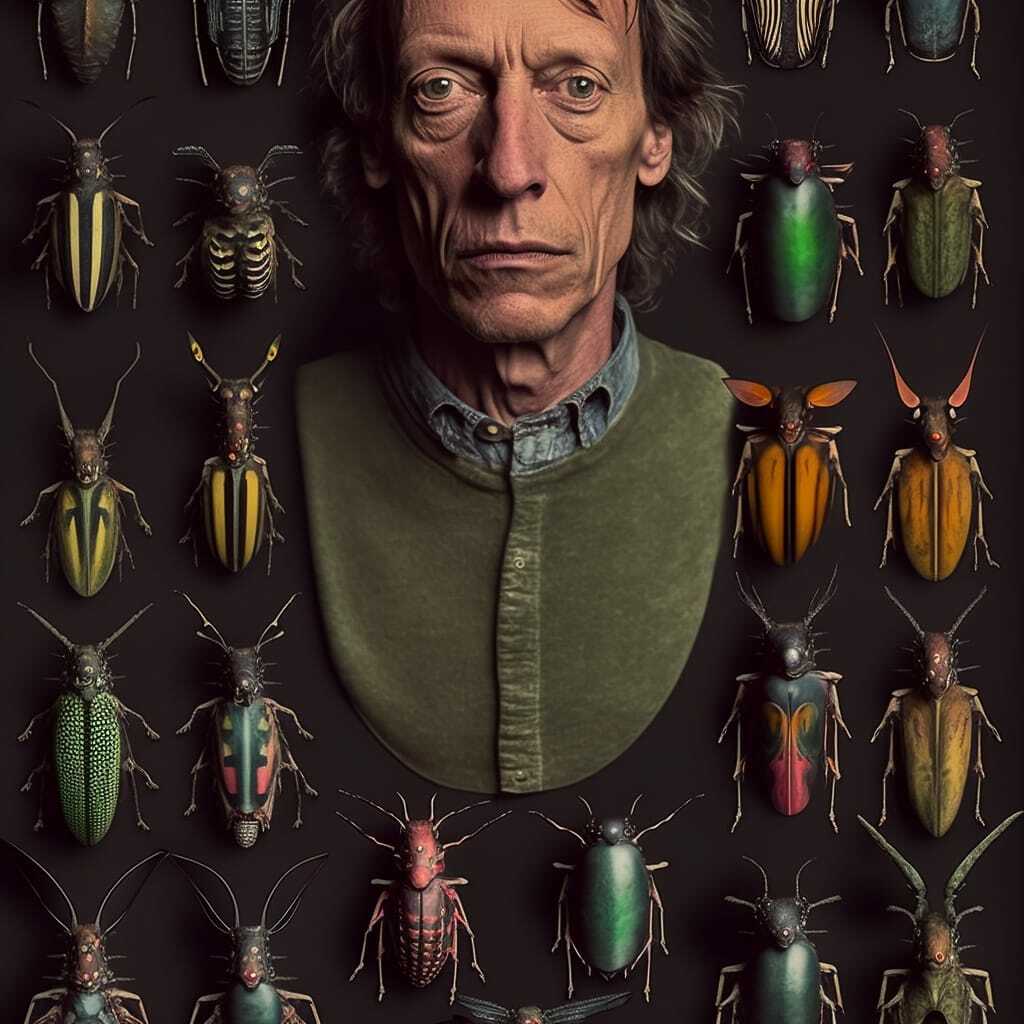
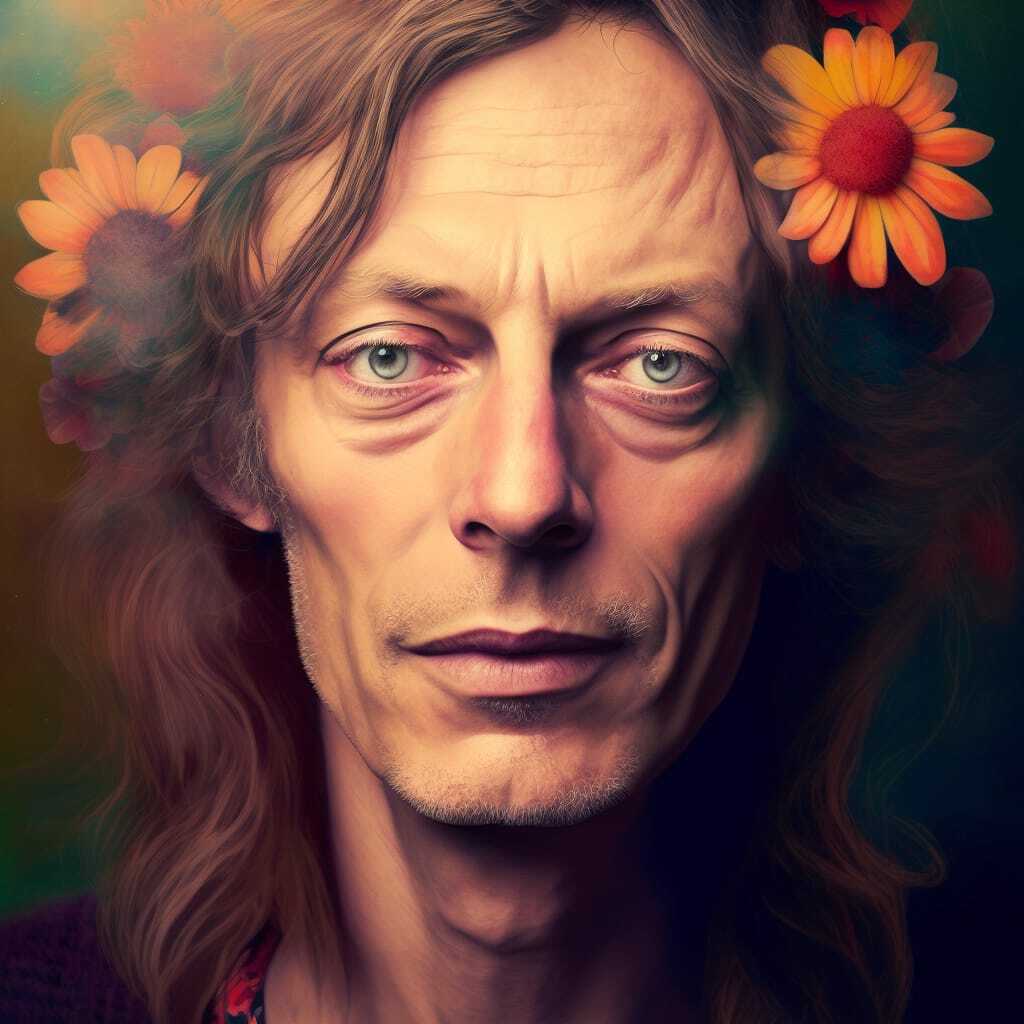
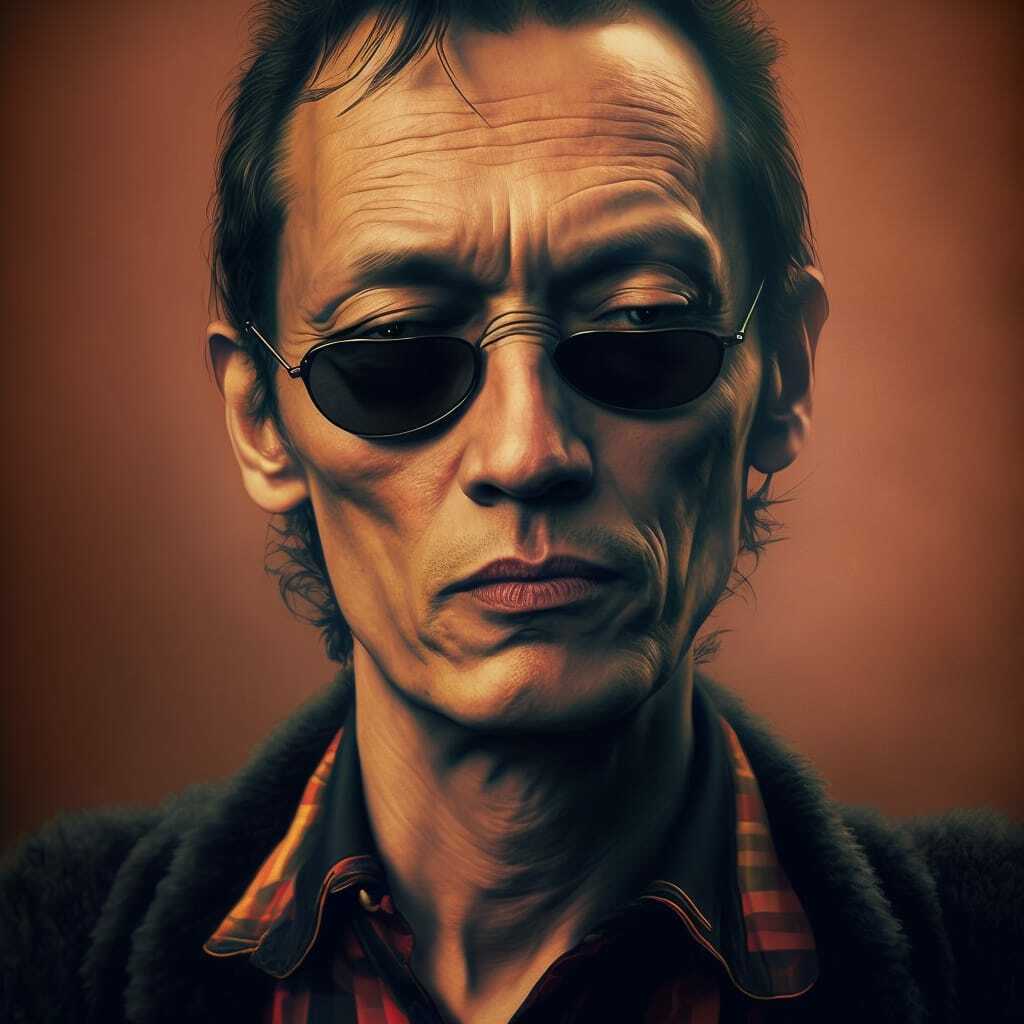
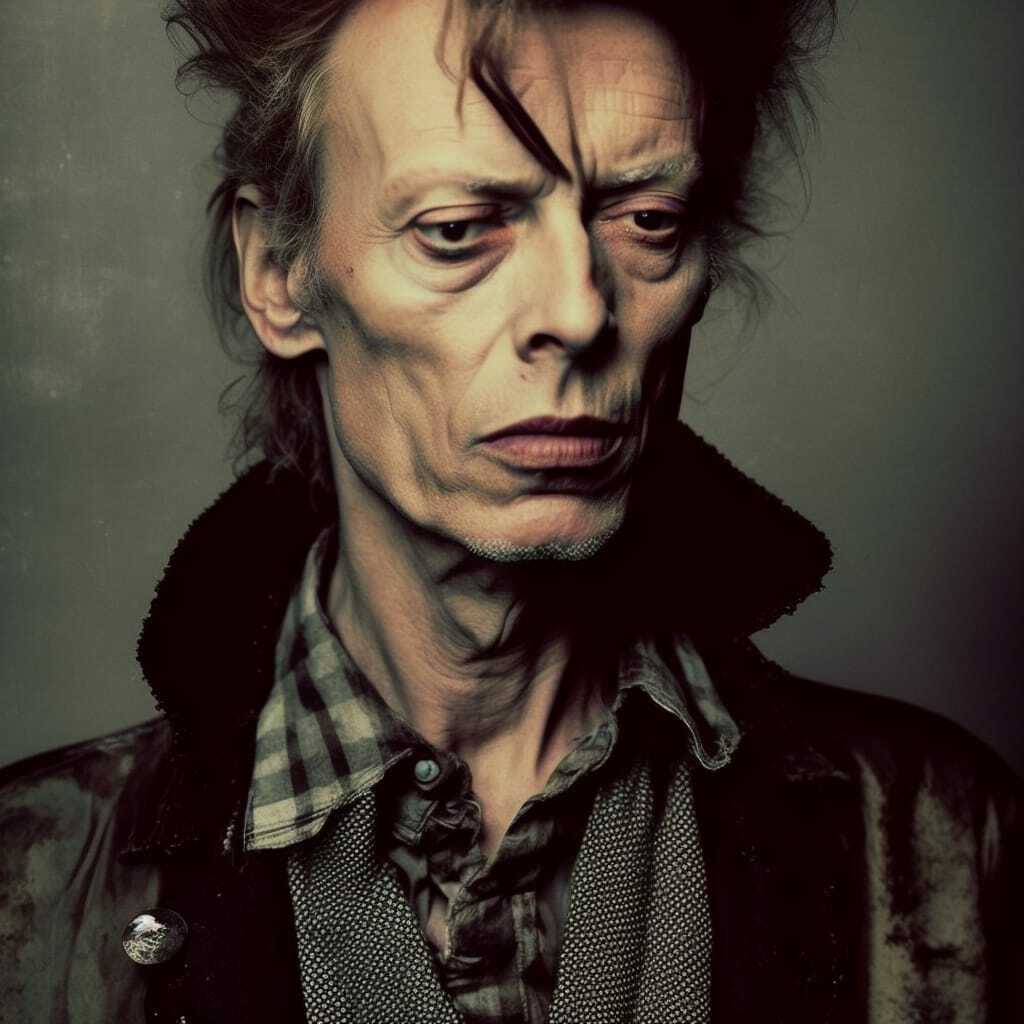
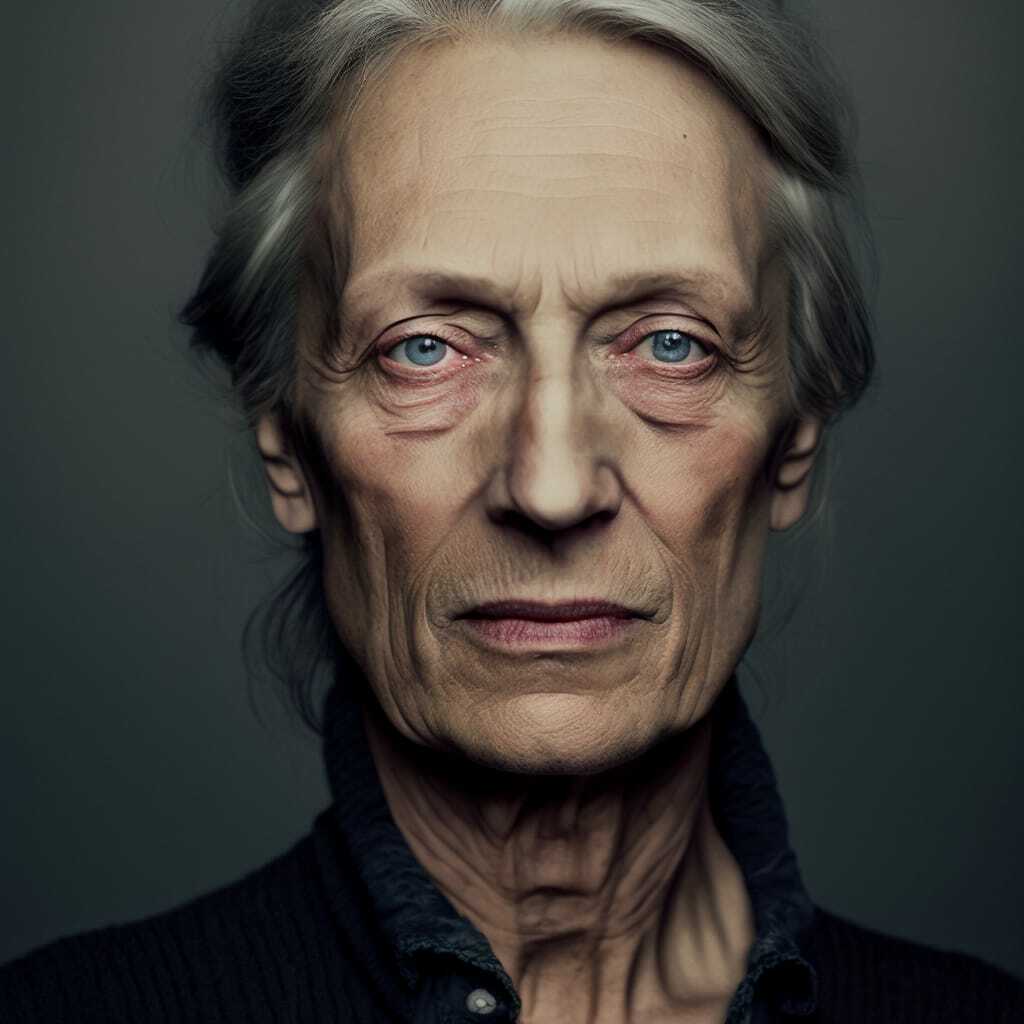
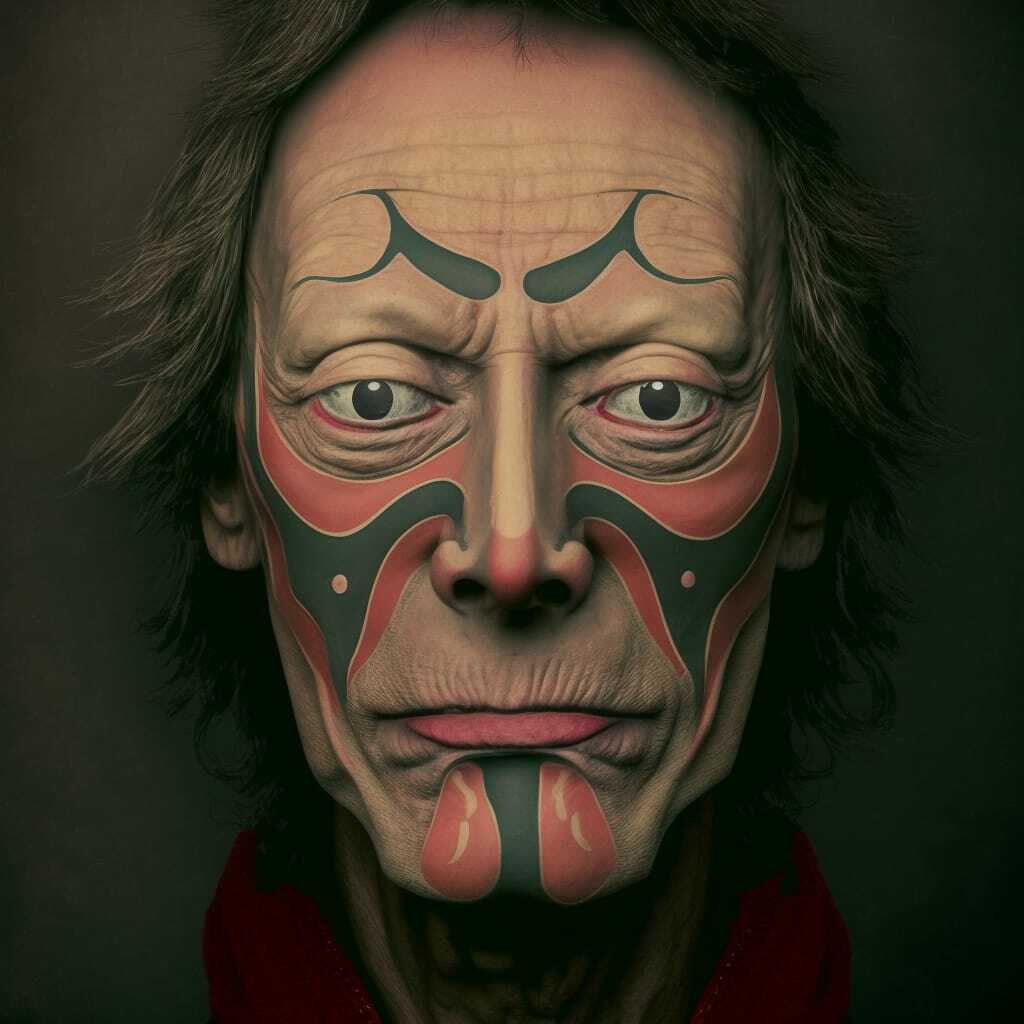
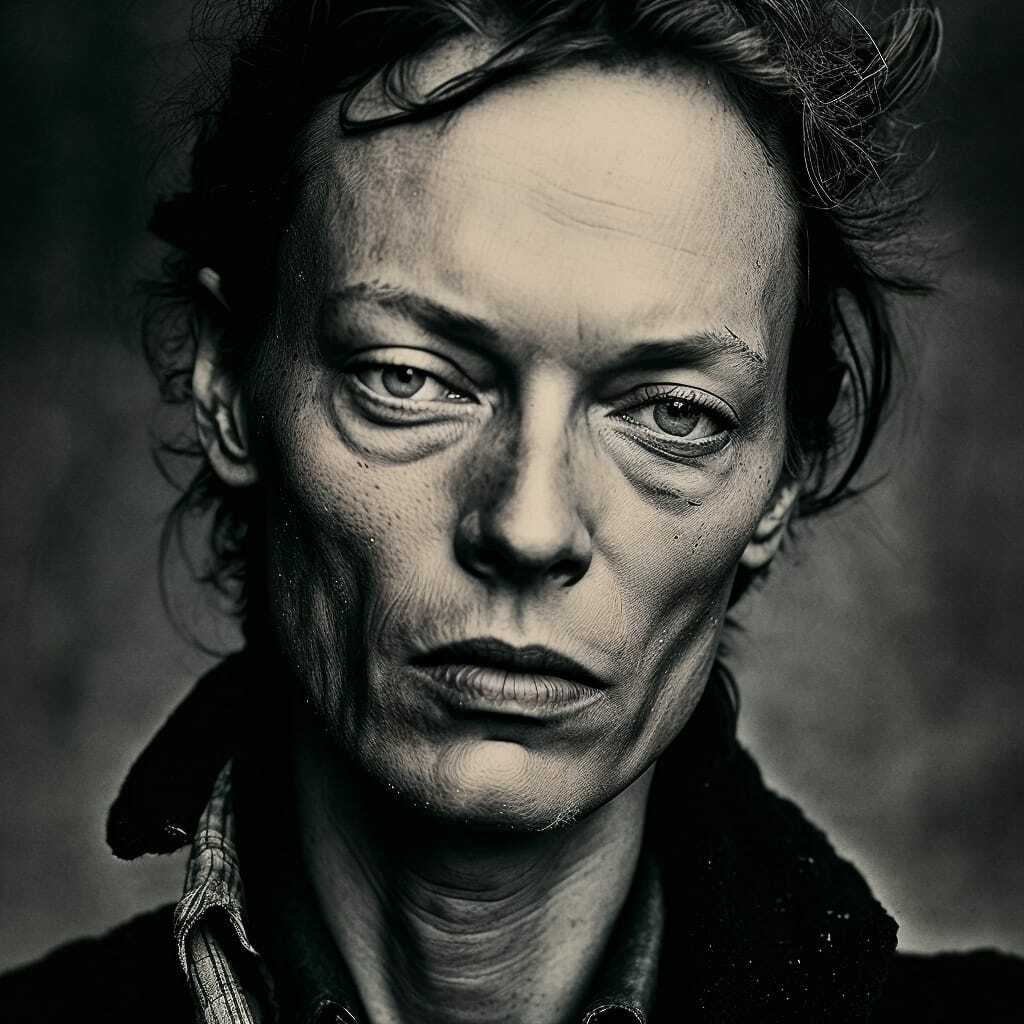
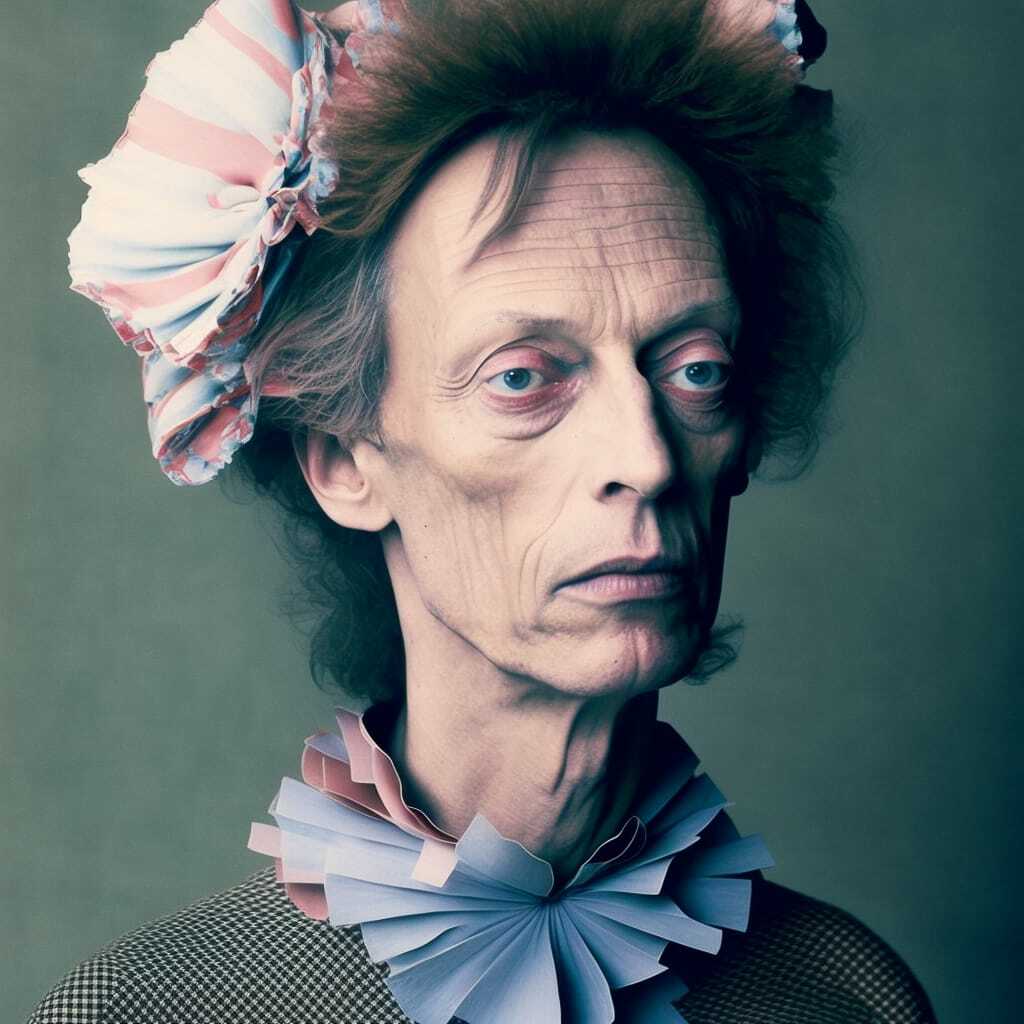
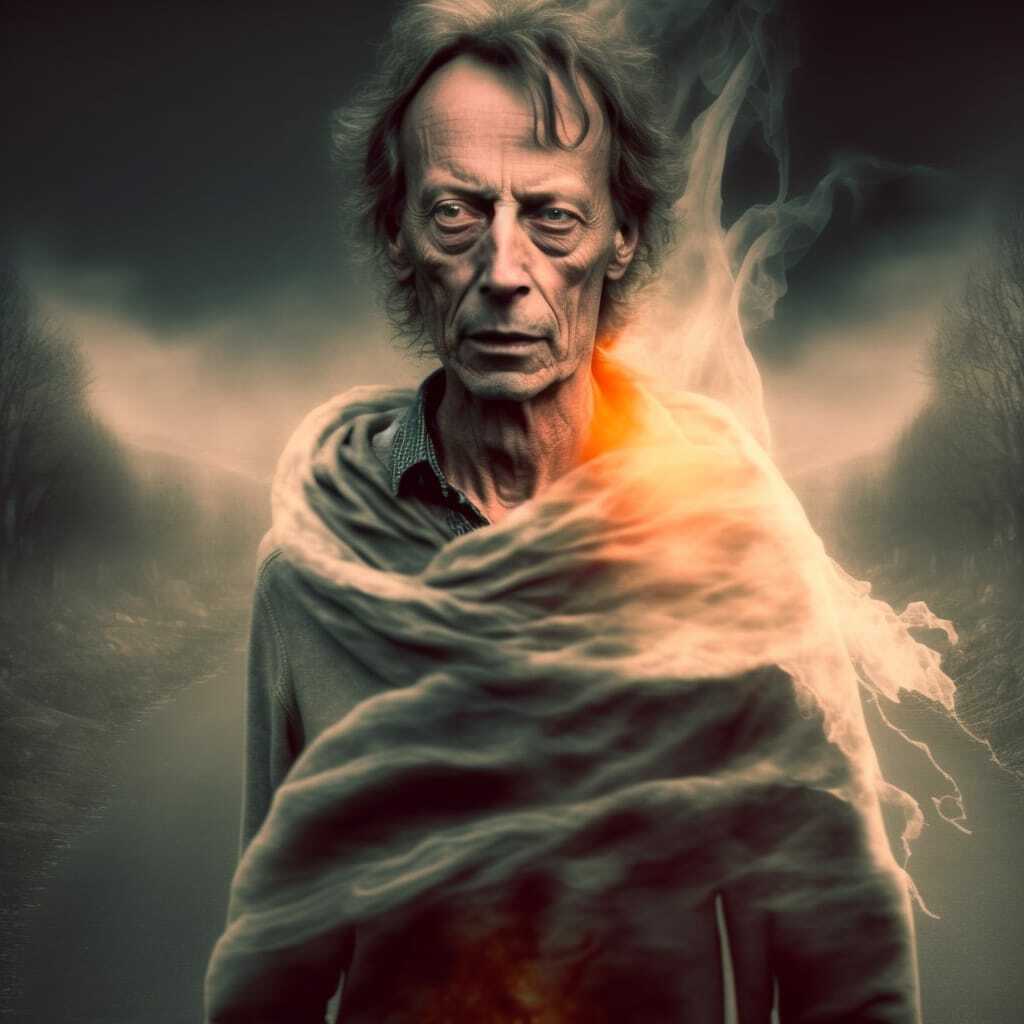
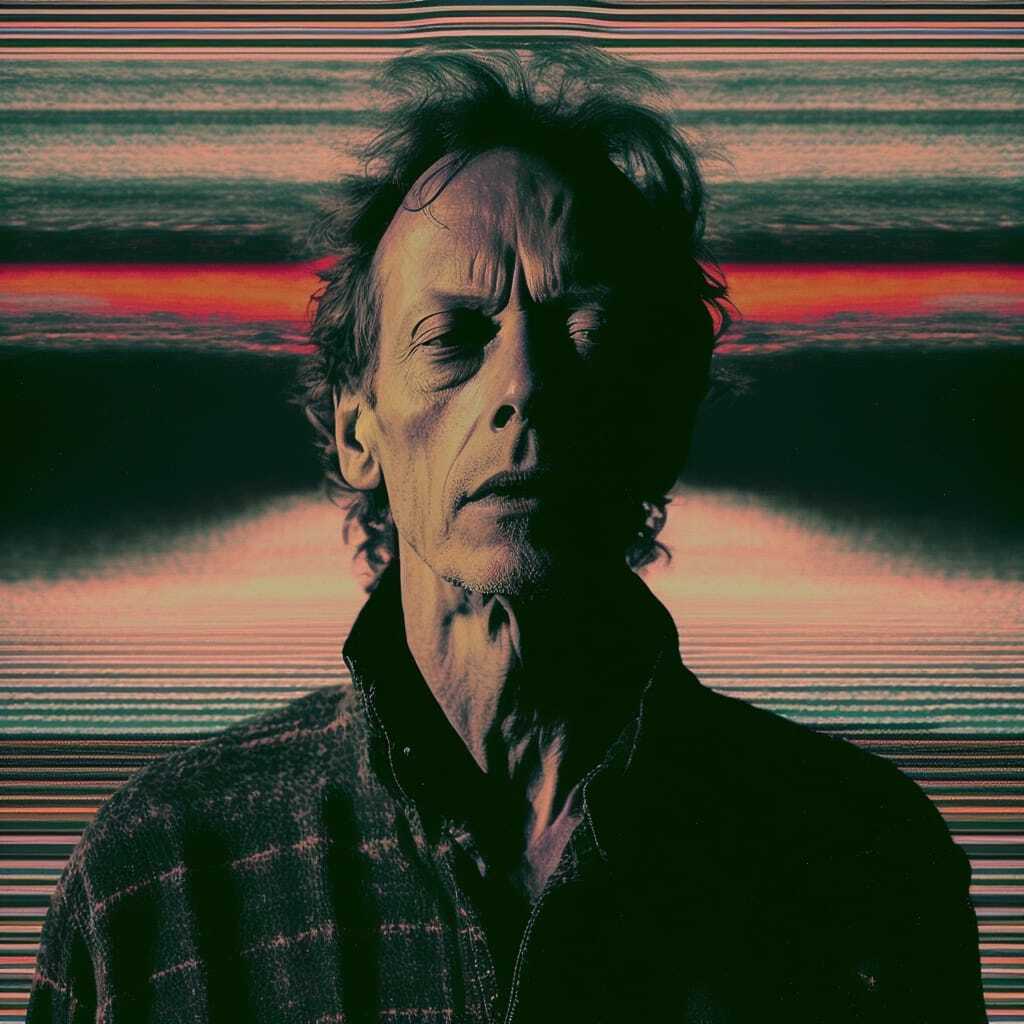
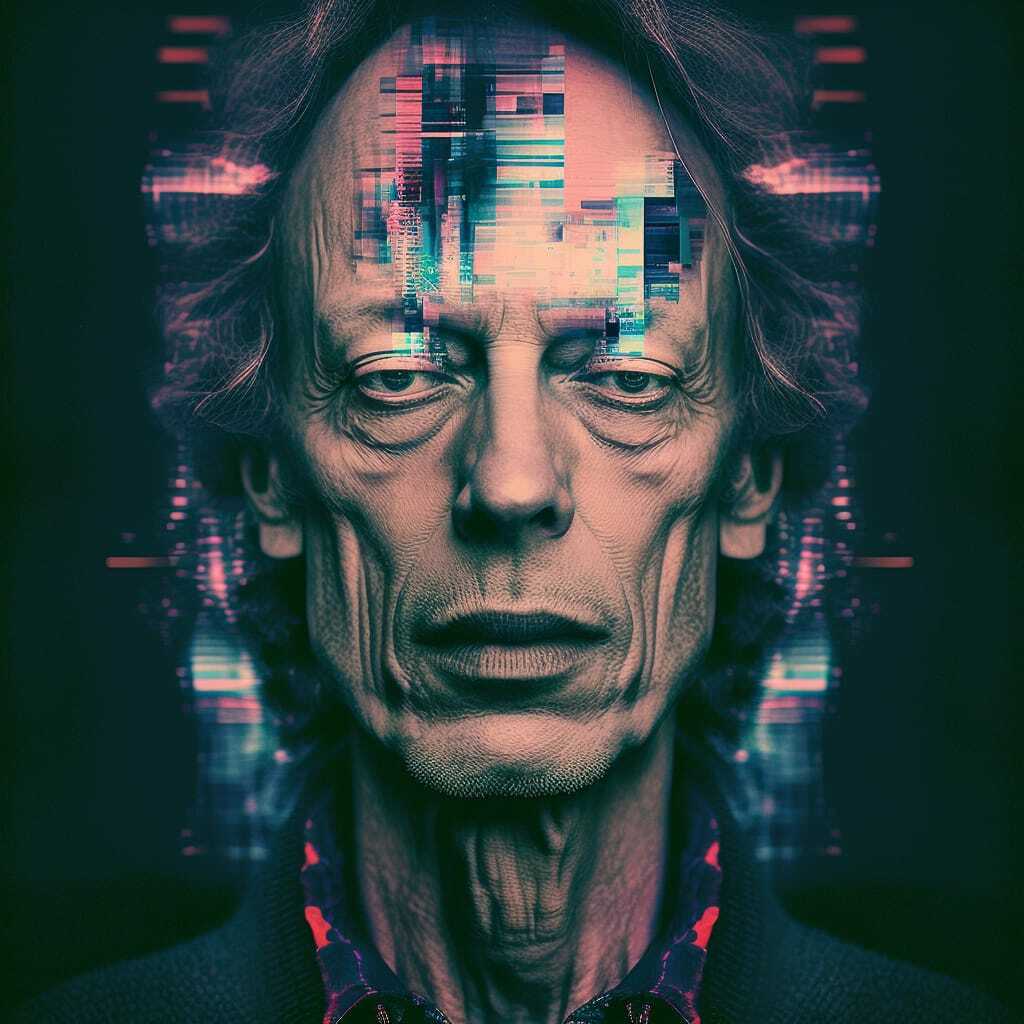
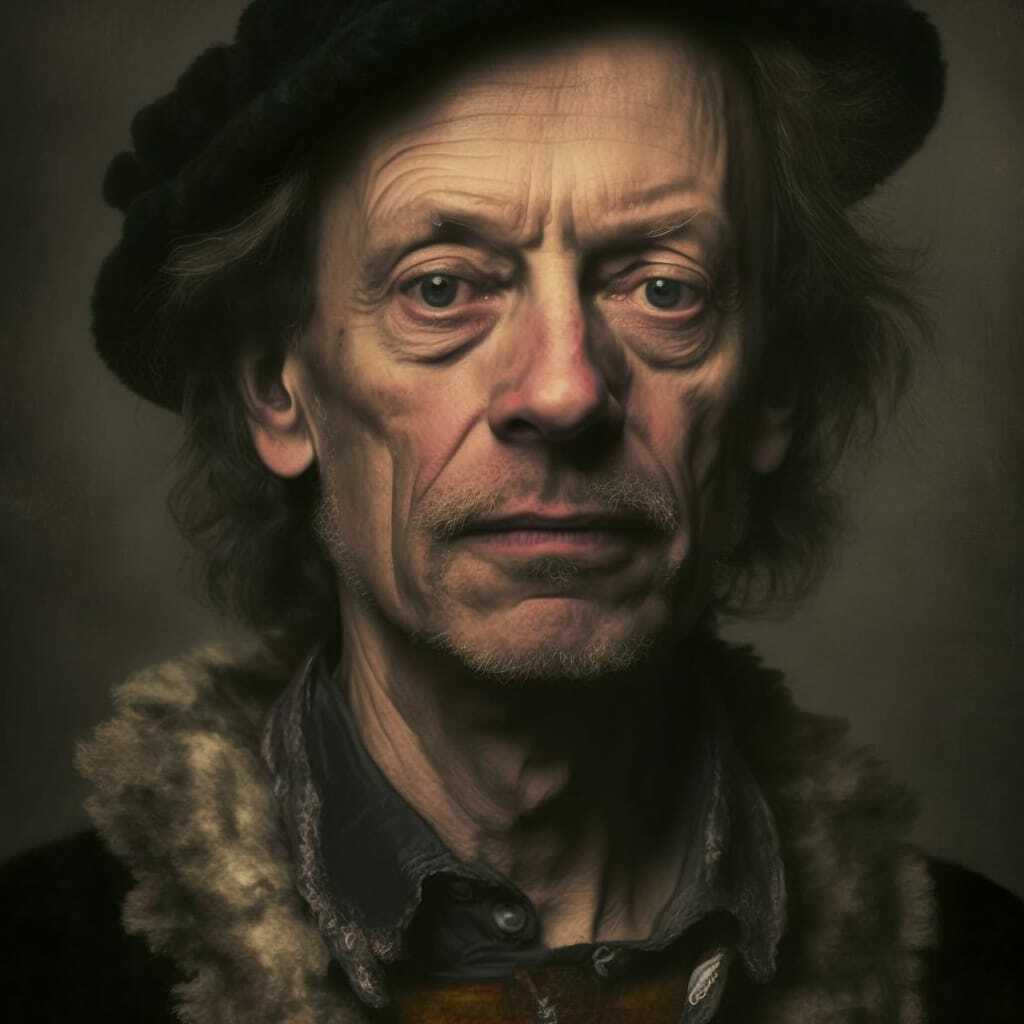
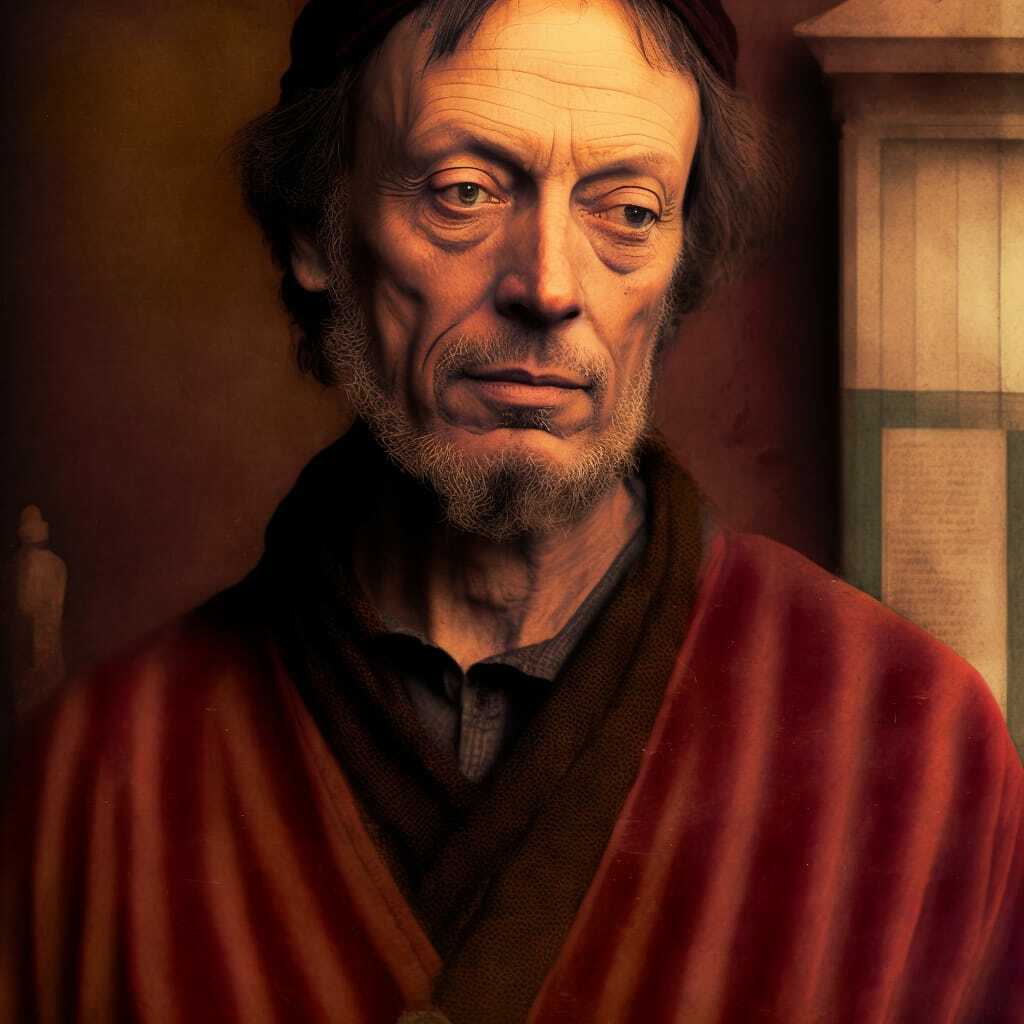
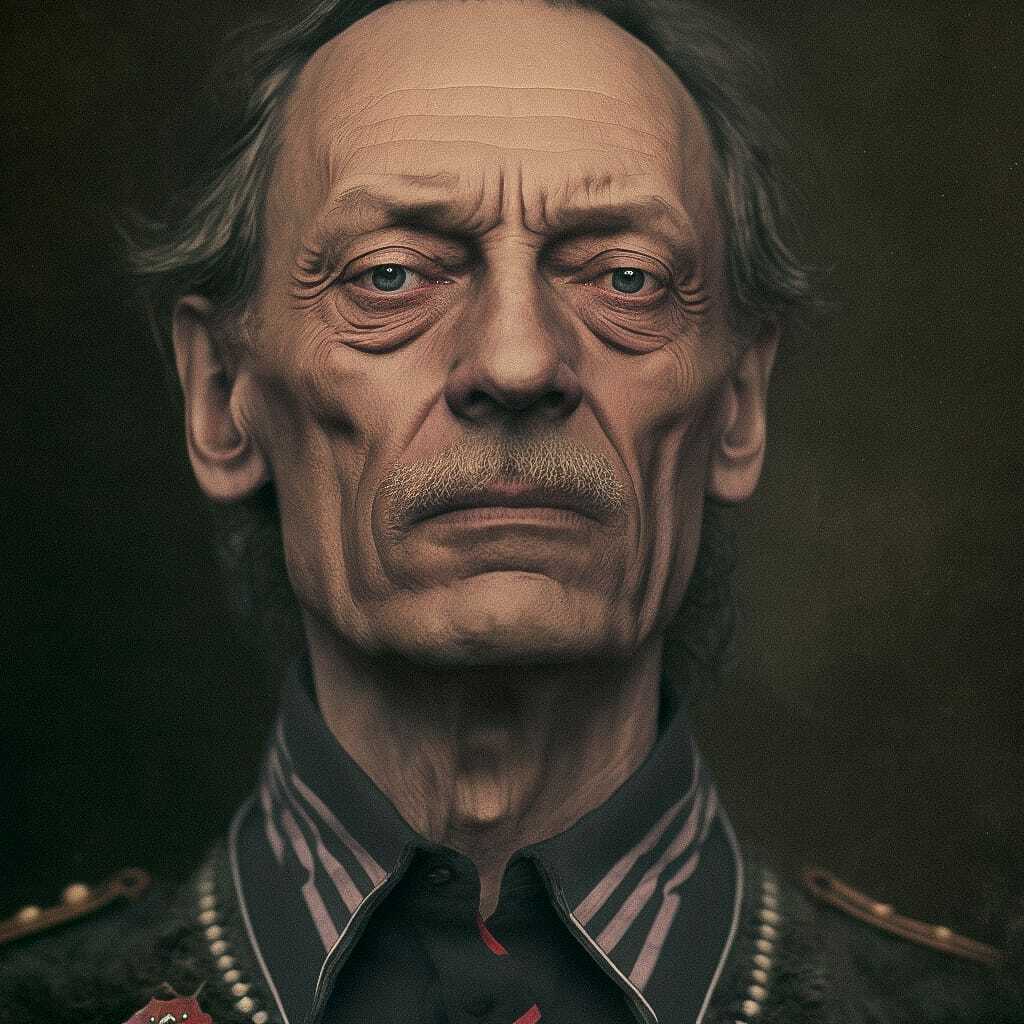
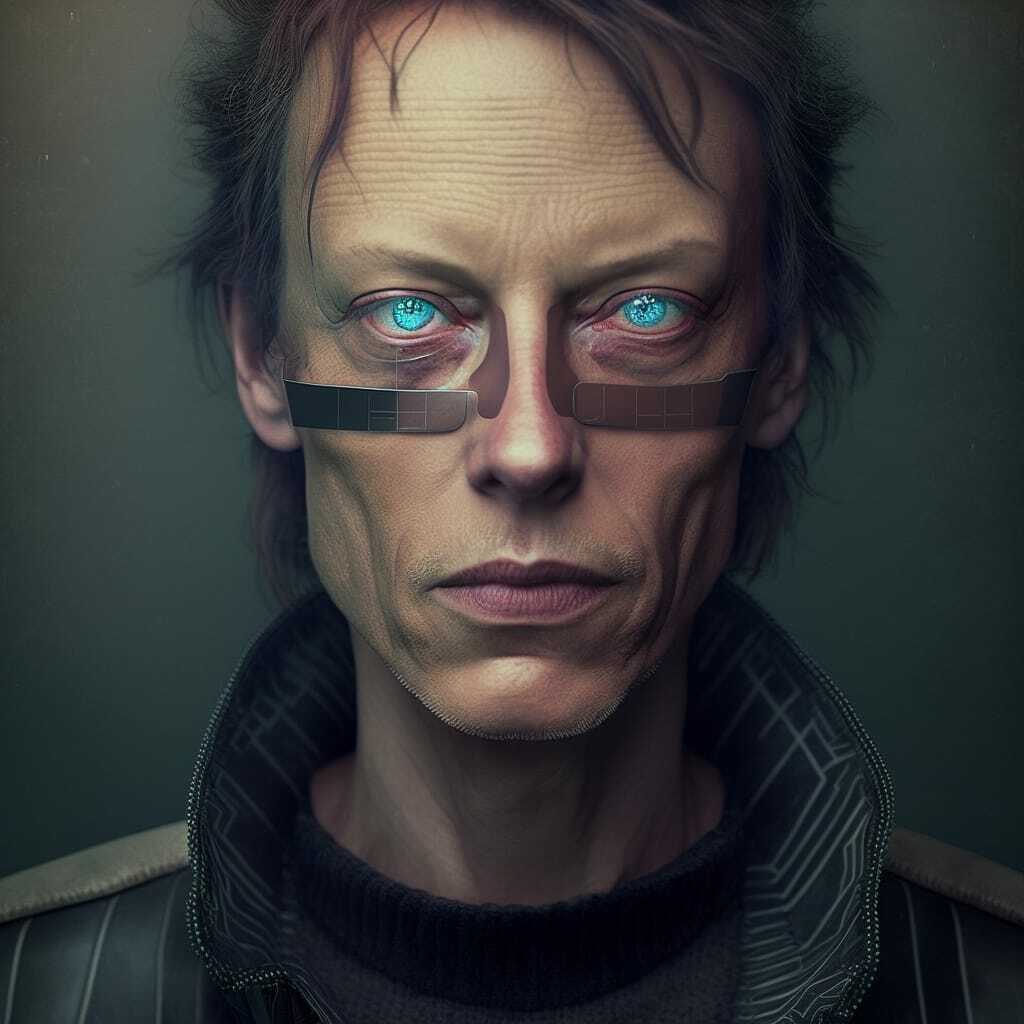
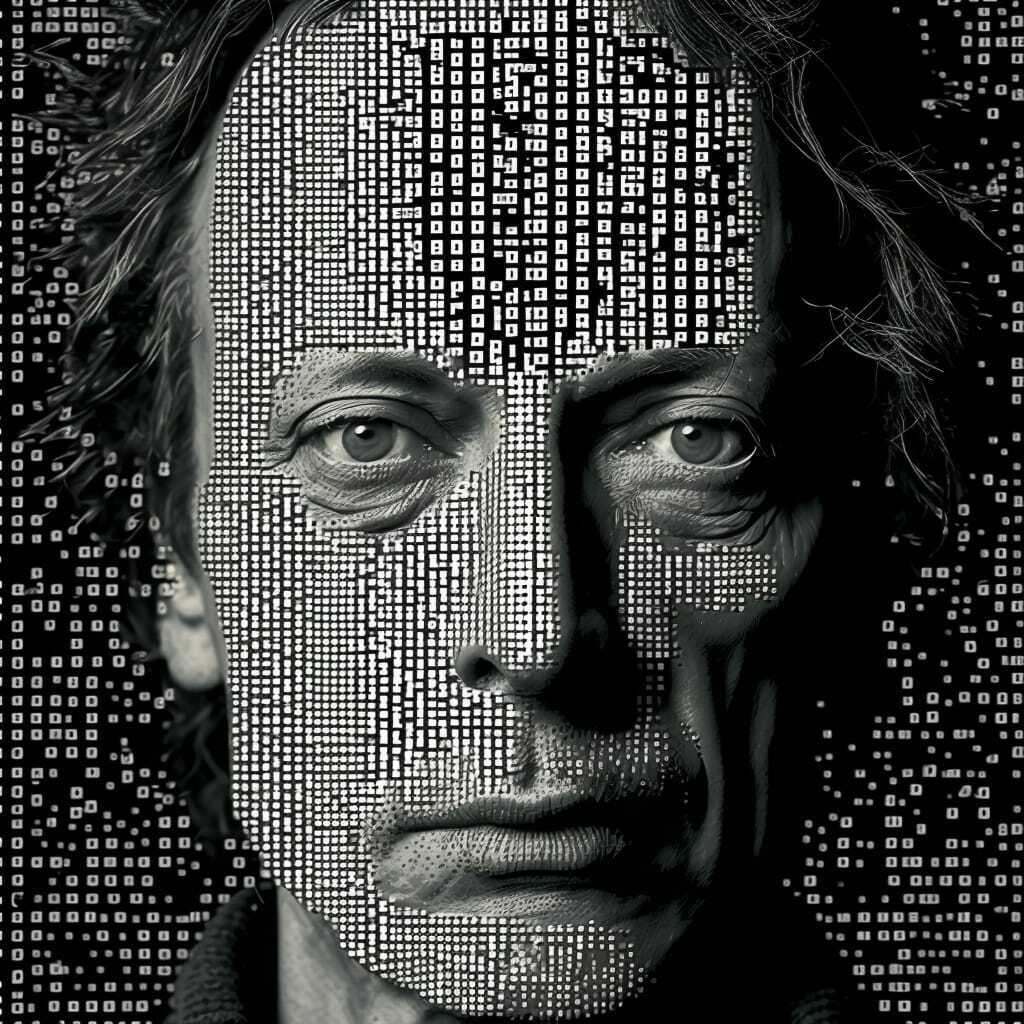
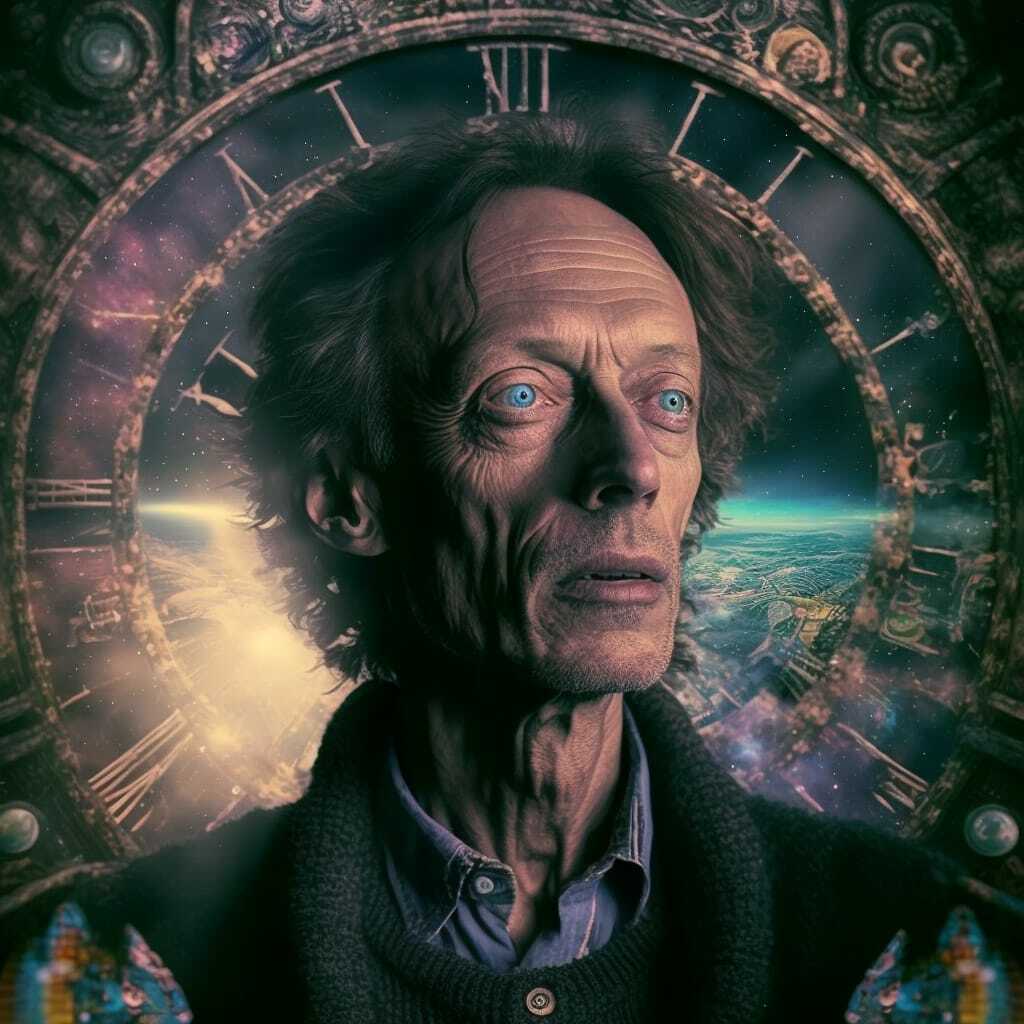
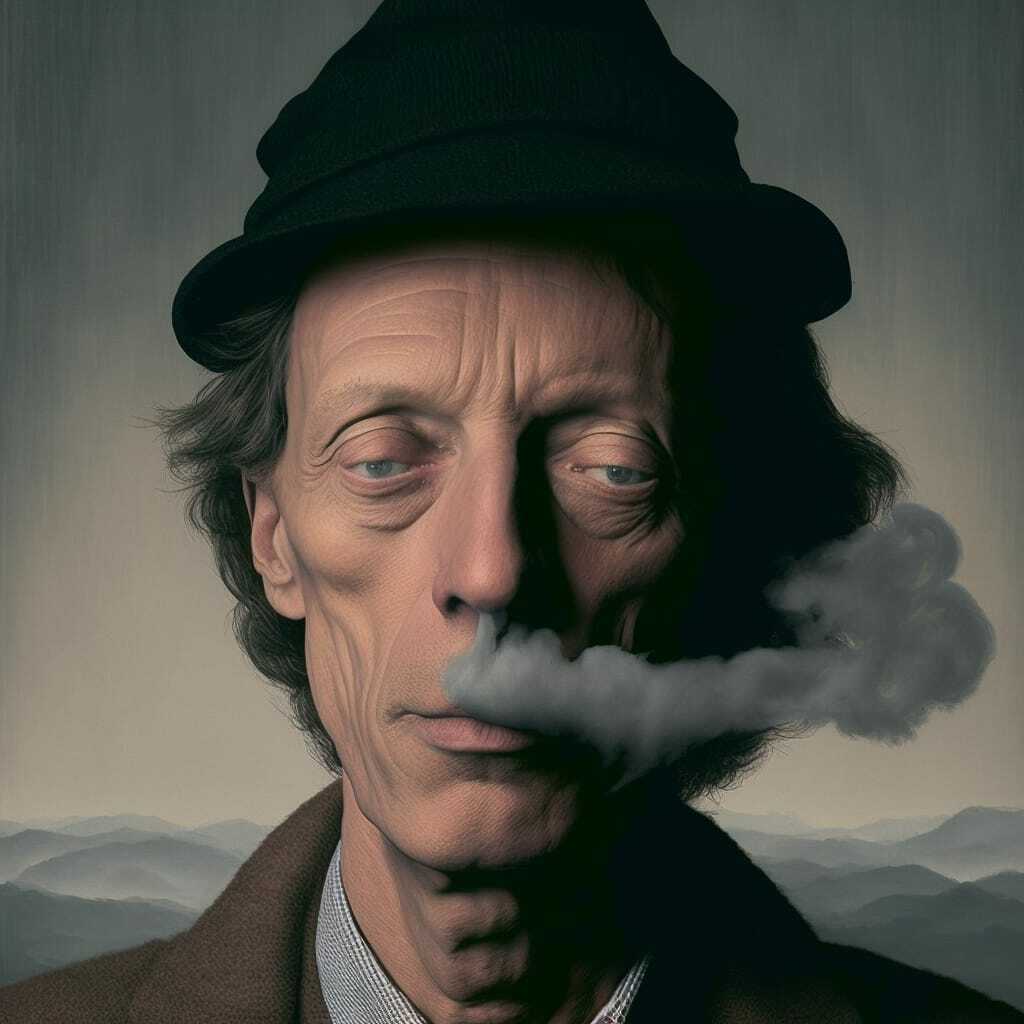
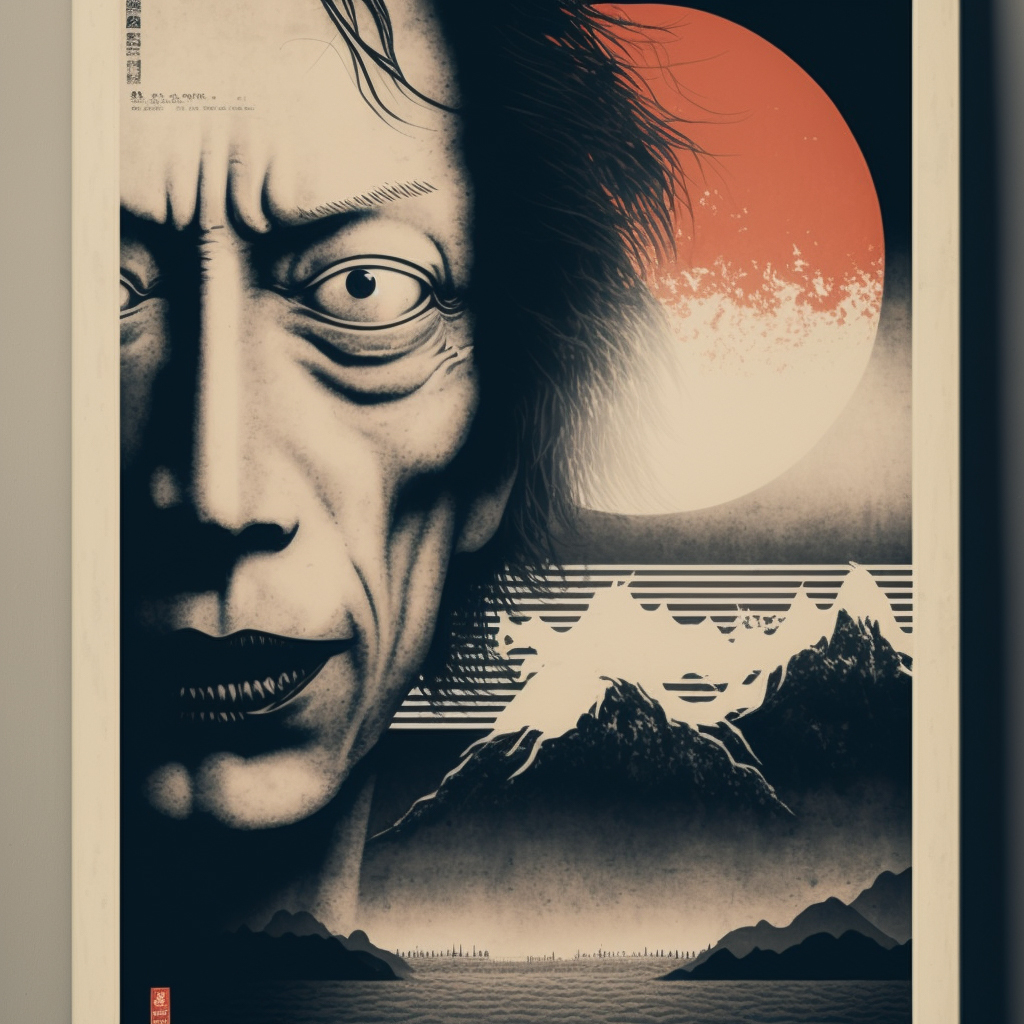
As you can see, V4 is crazy good here. It truly catches the character and carefully transitions the style. And it seems to successfully put together even the craziest combinations! (see below)
Even though V4 knows most artists' styles from my experiments, some confuse AI. In some cases, it seems to only apply a part of the style: like light, color, and composition, but not the actual brushstrokes; or use the artist's style as a backdrop or even some scene elements.
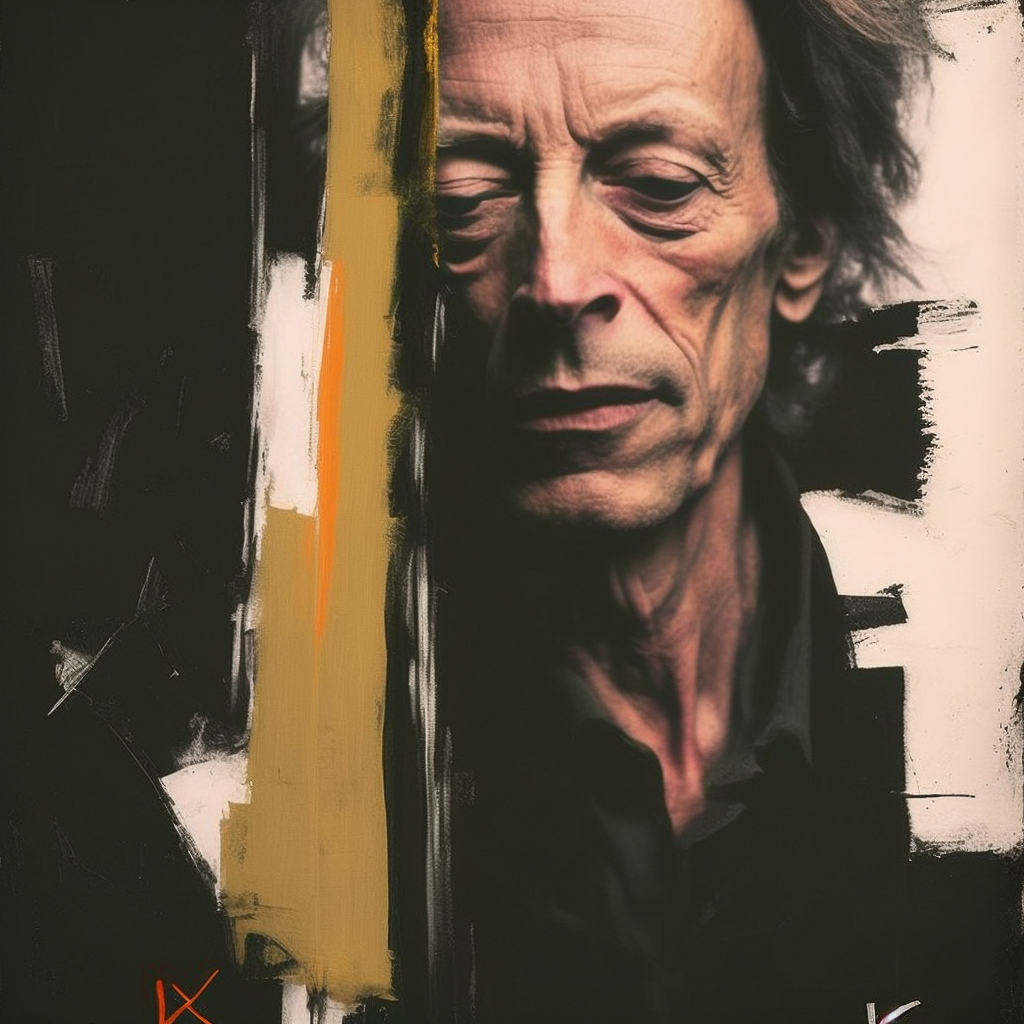
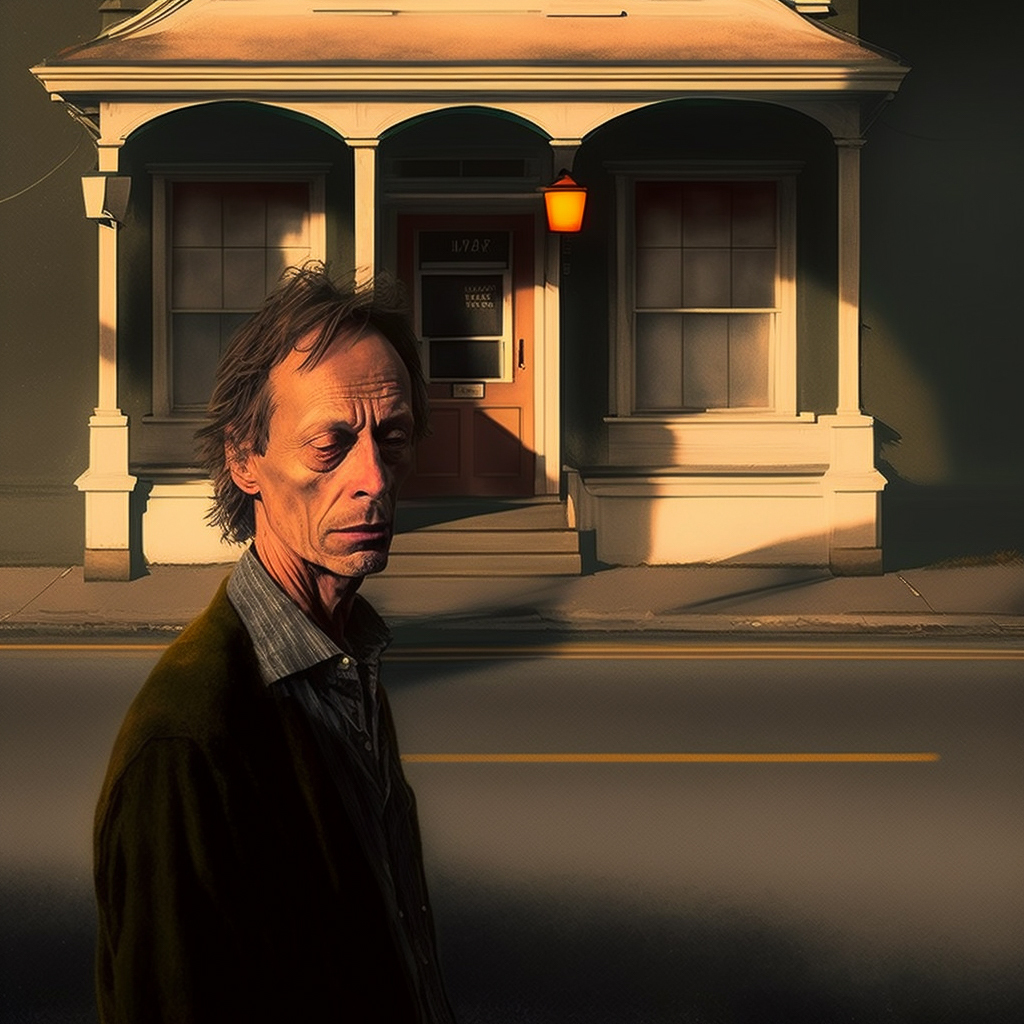
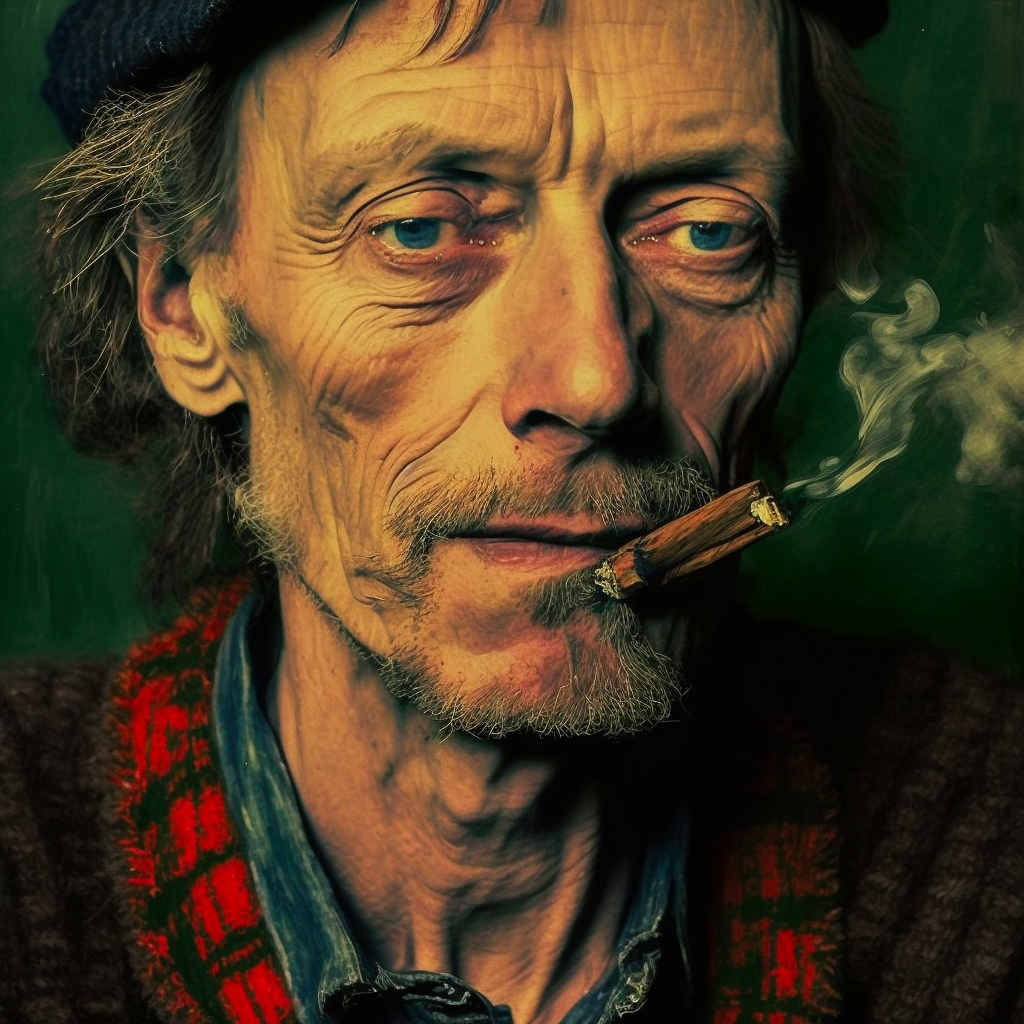
I then tried some of my other portrait work, including more detailed, wide-frame scenes.
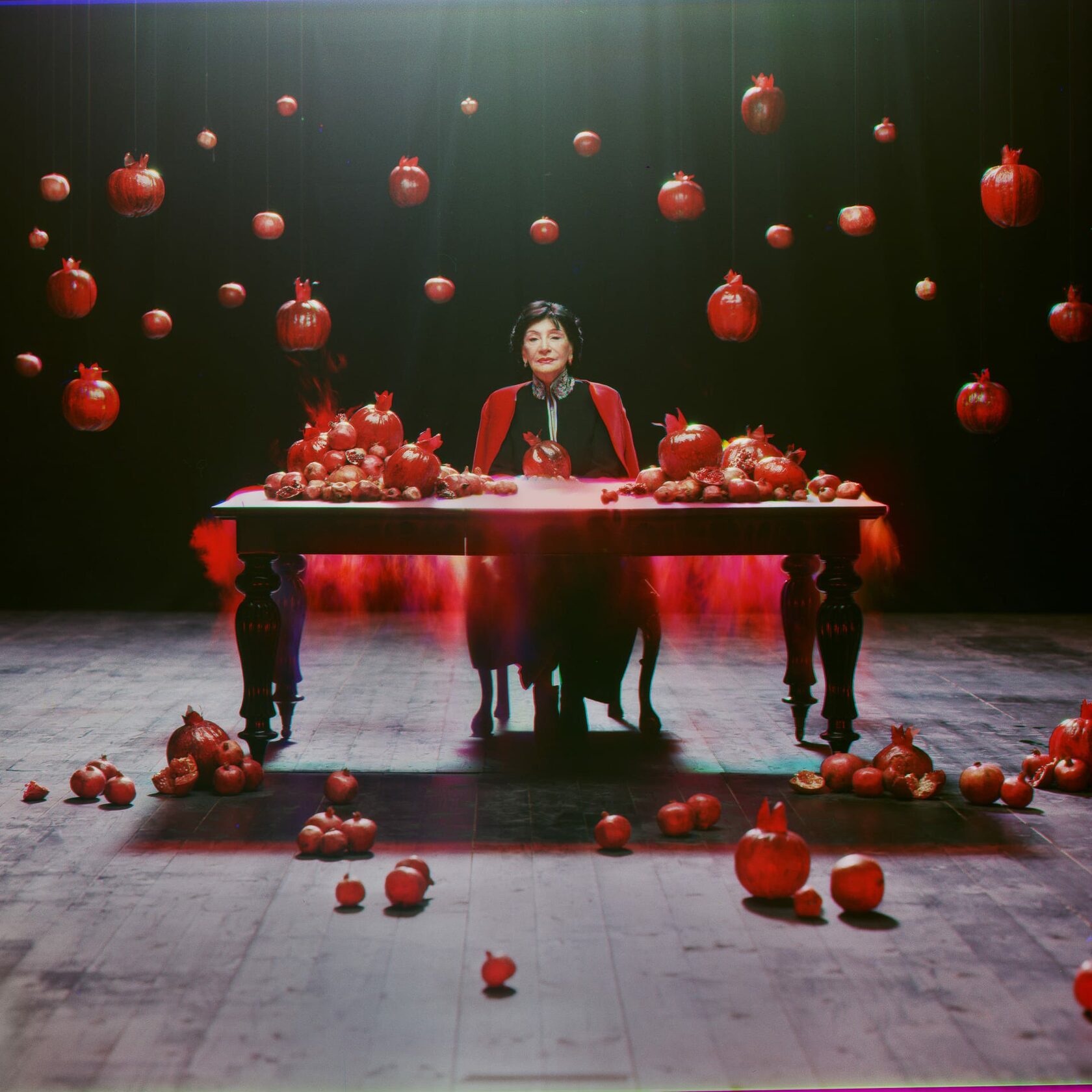
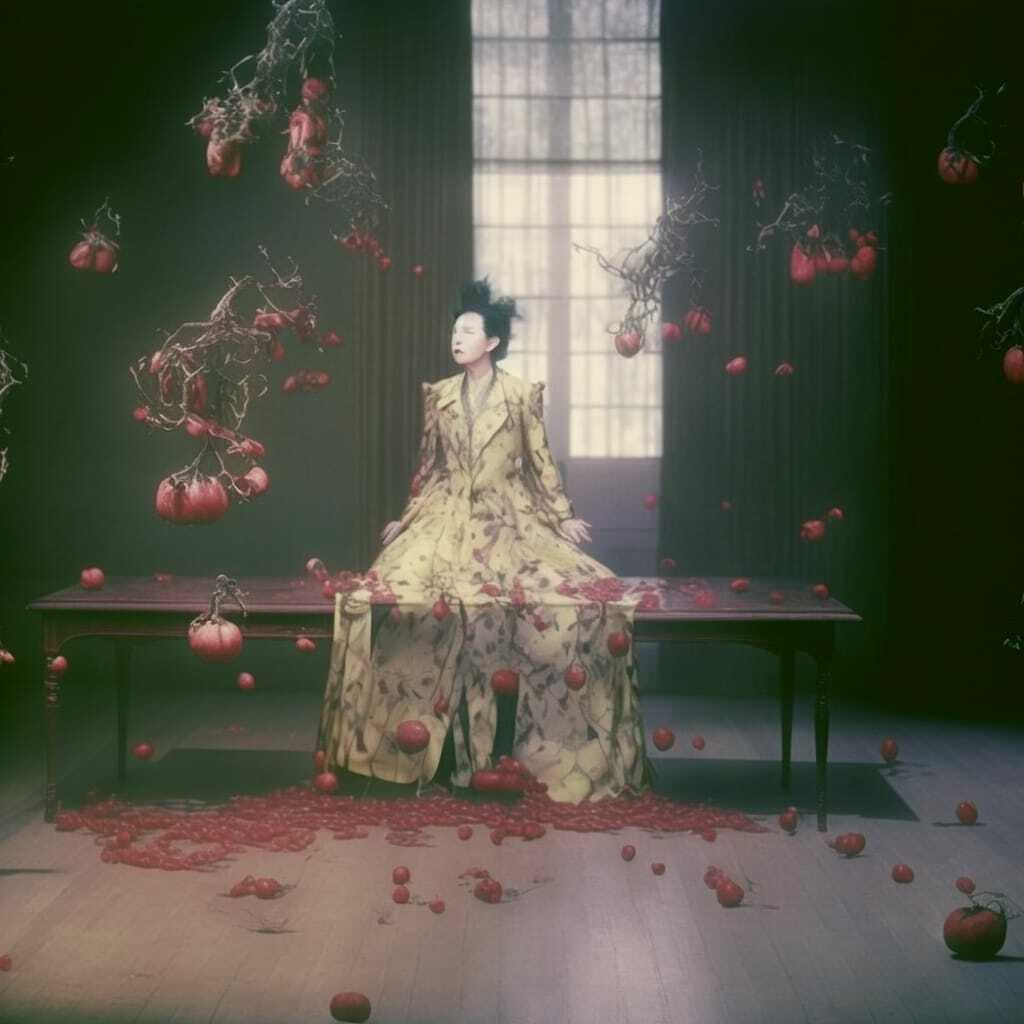
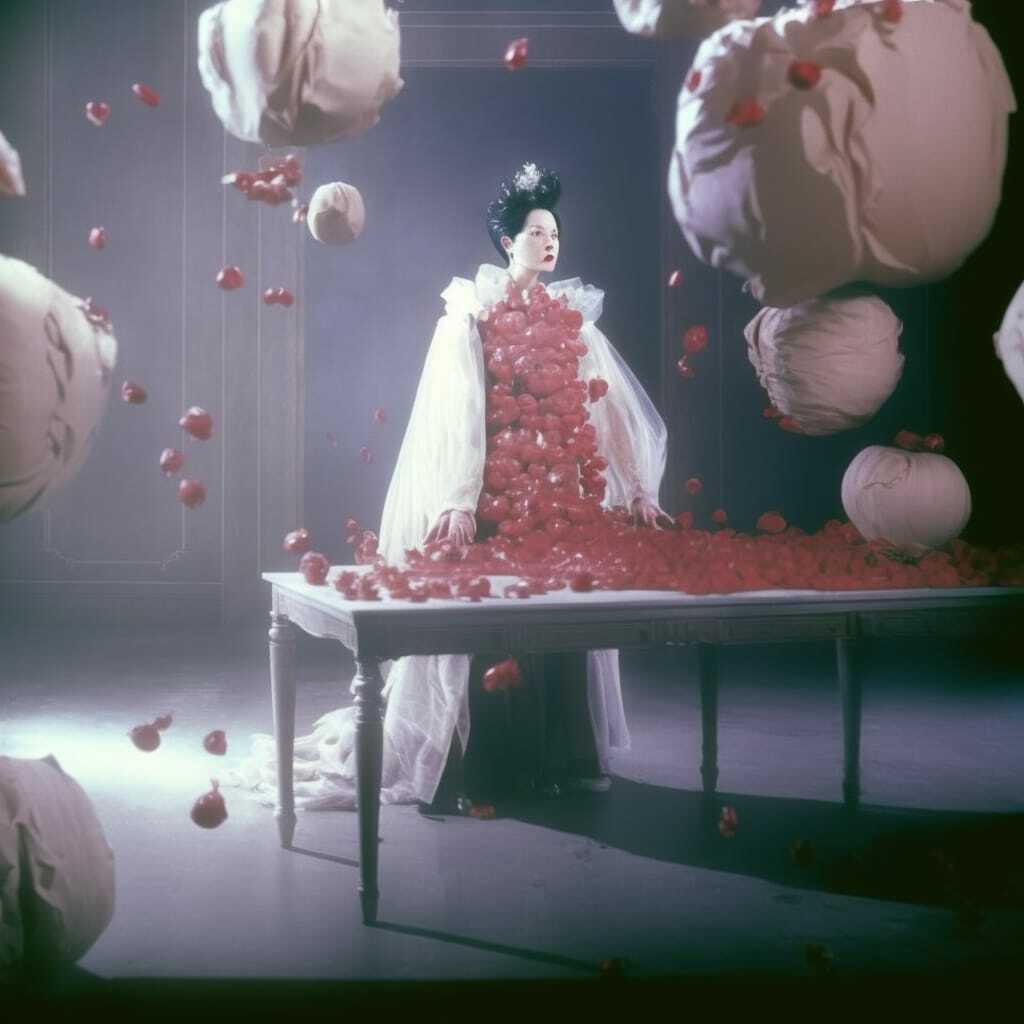
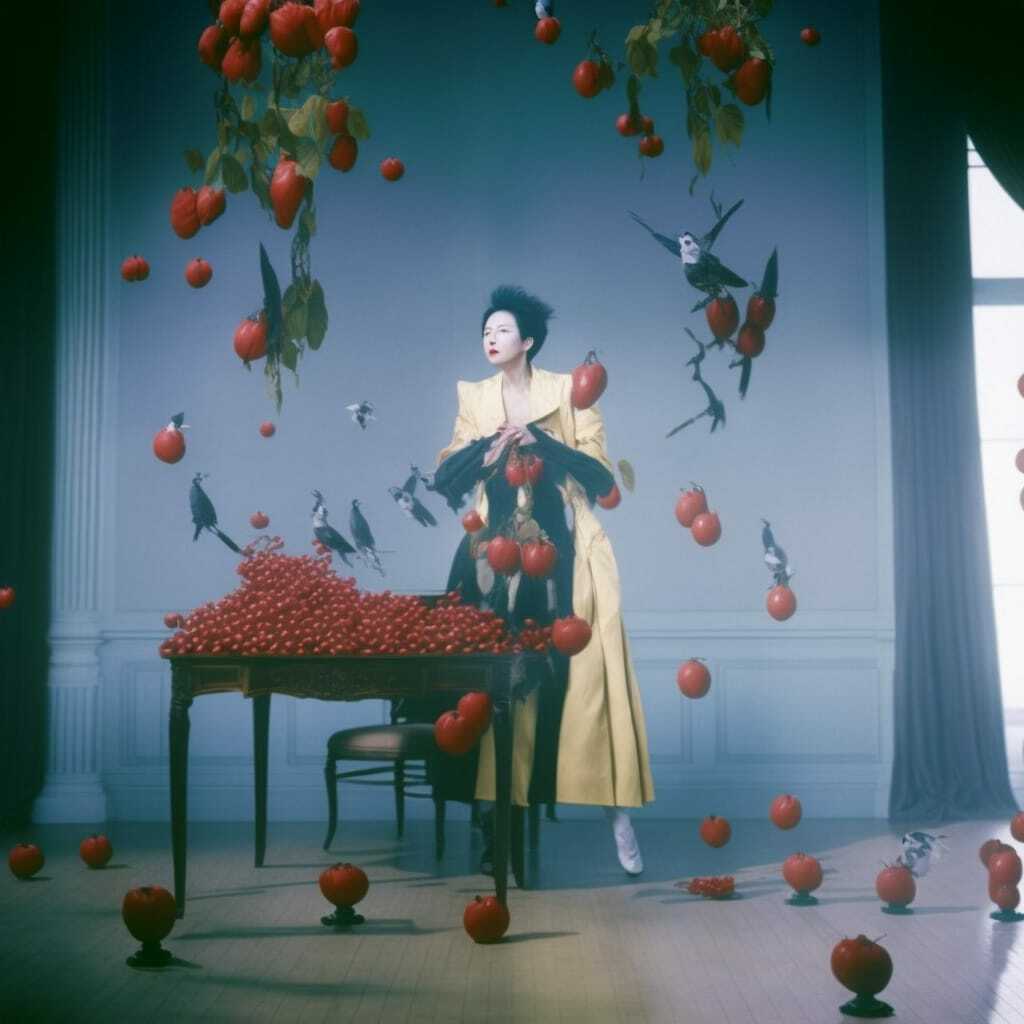
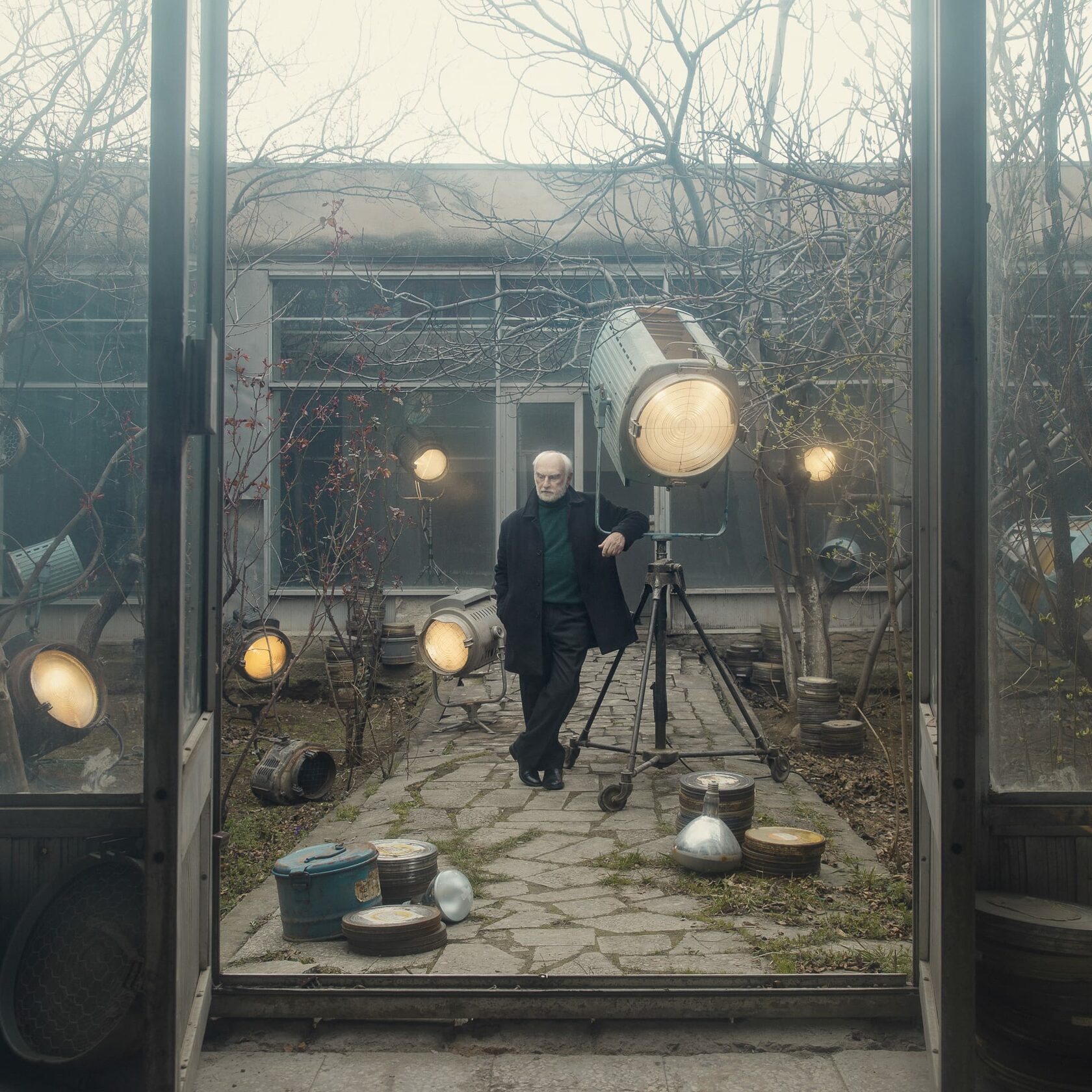
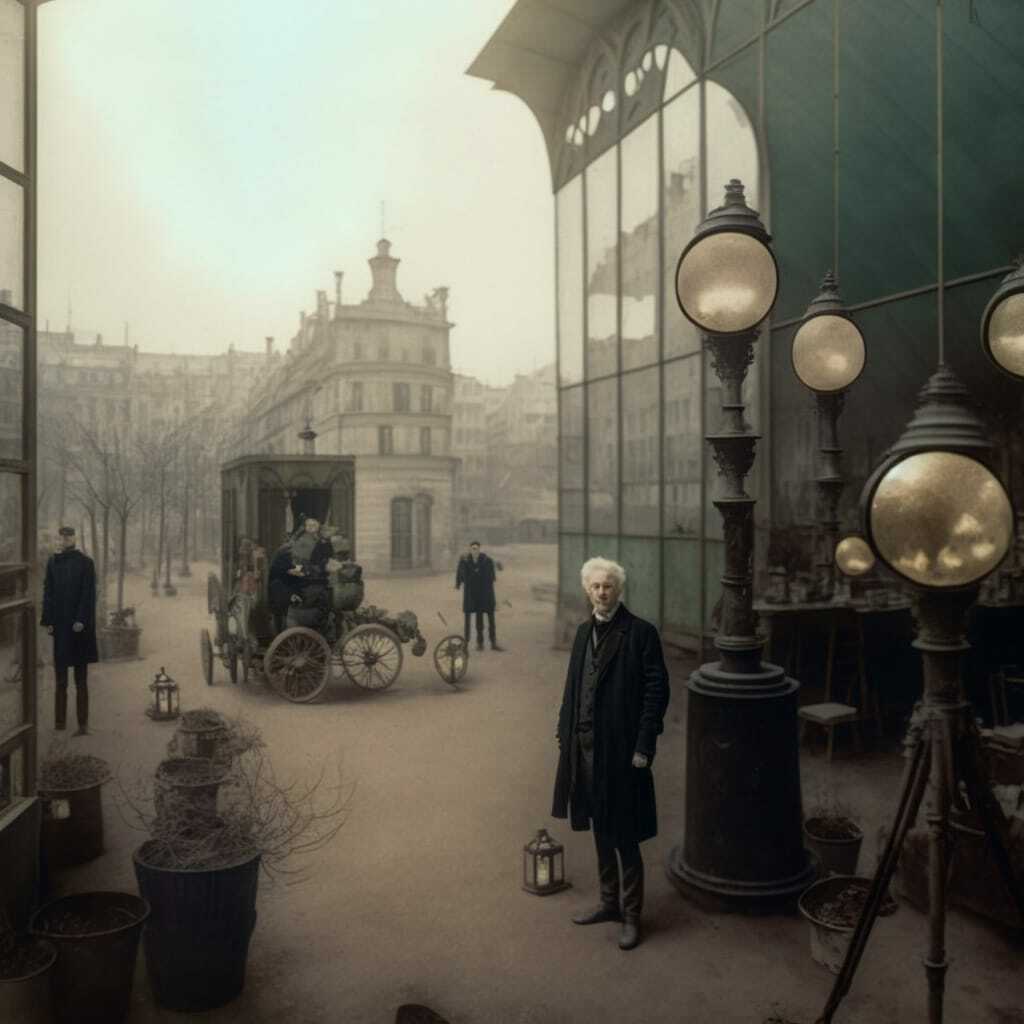
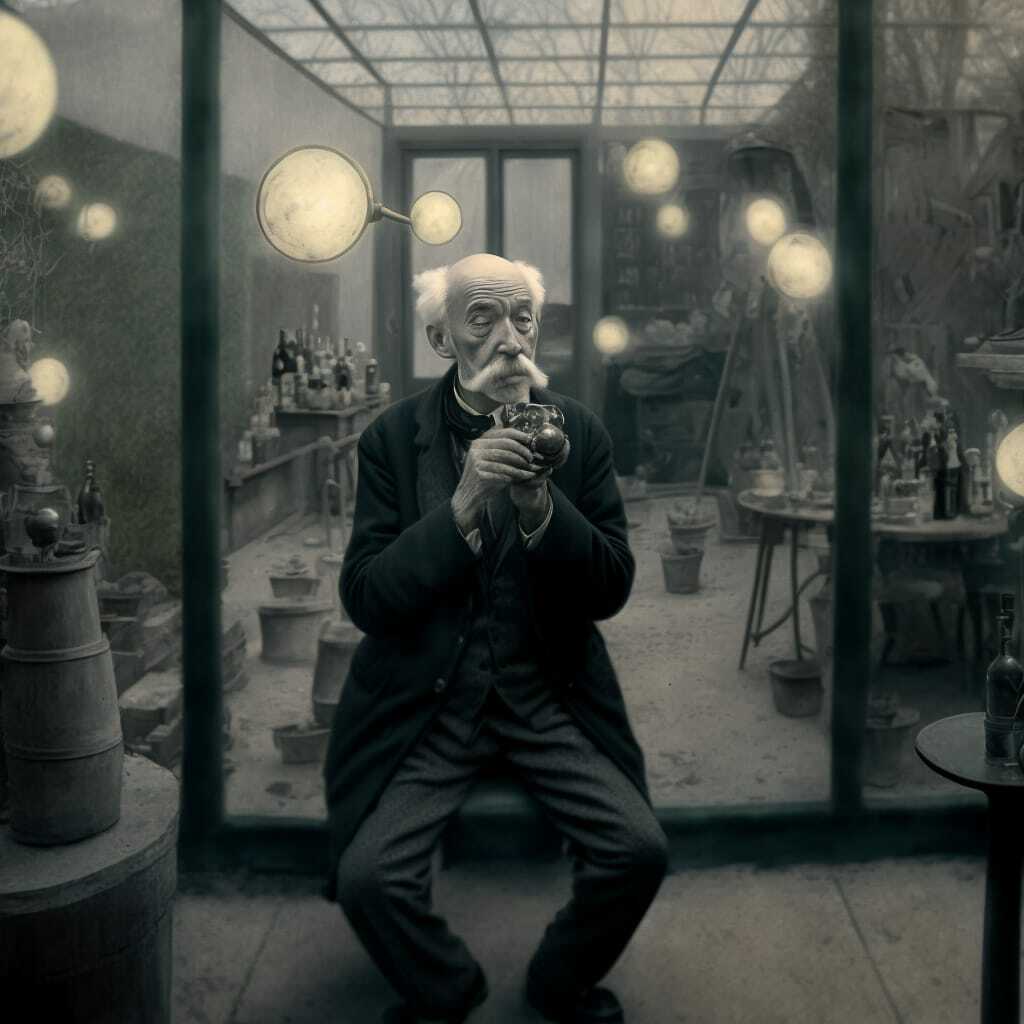
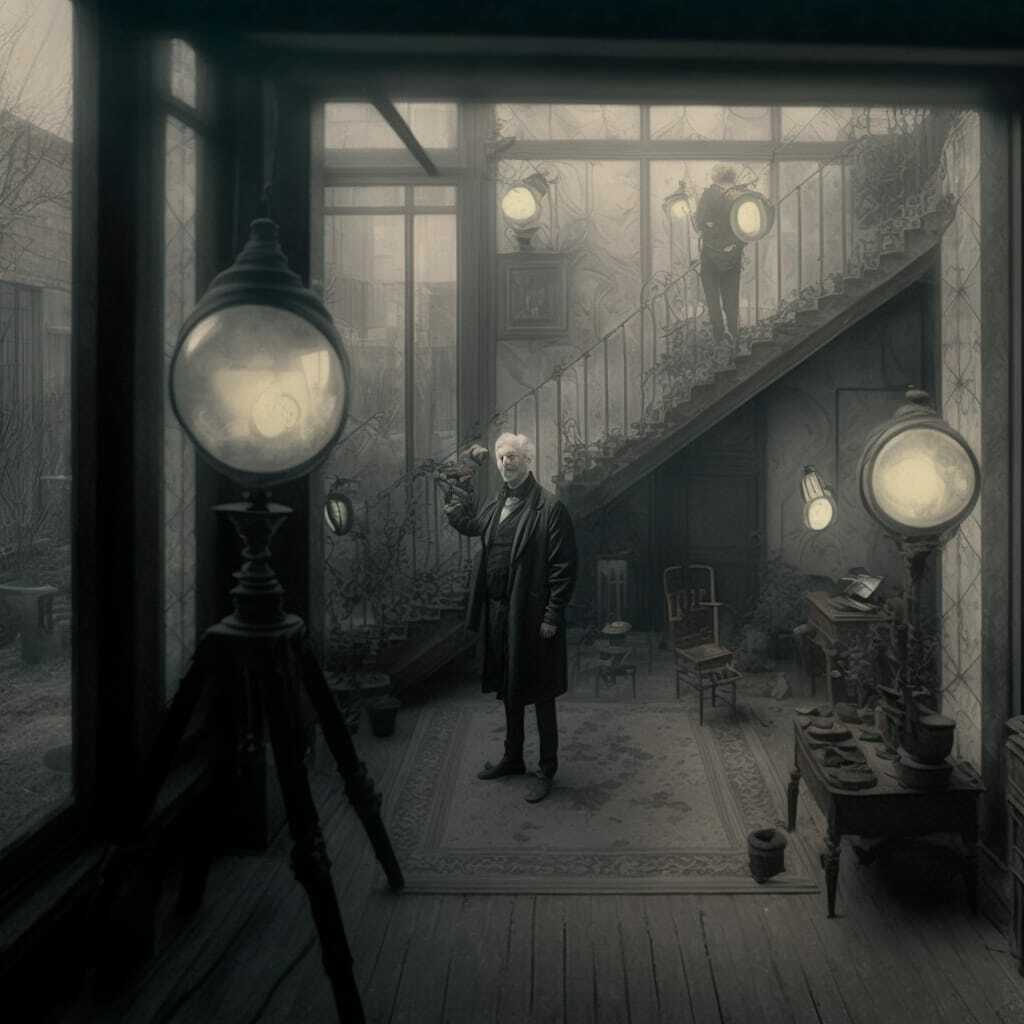
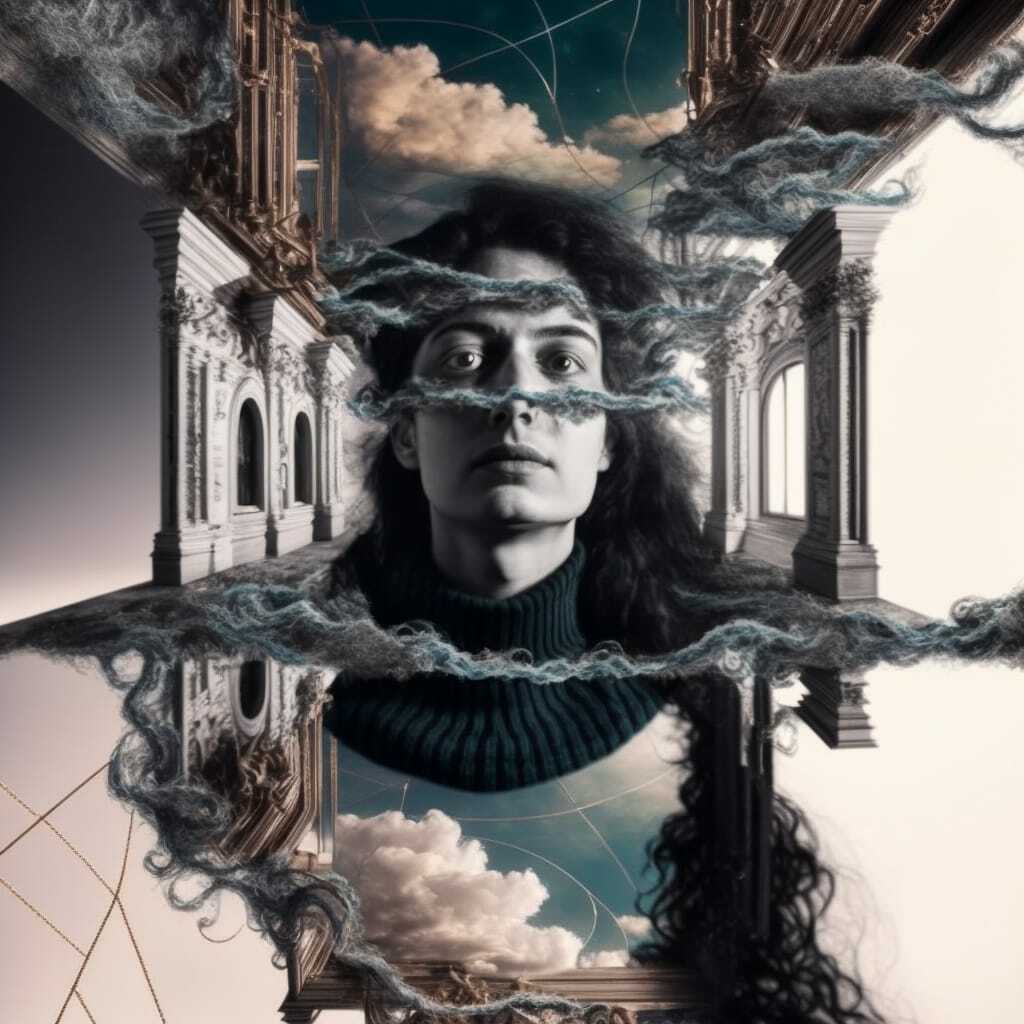
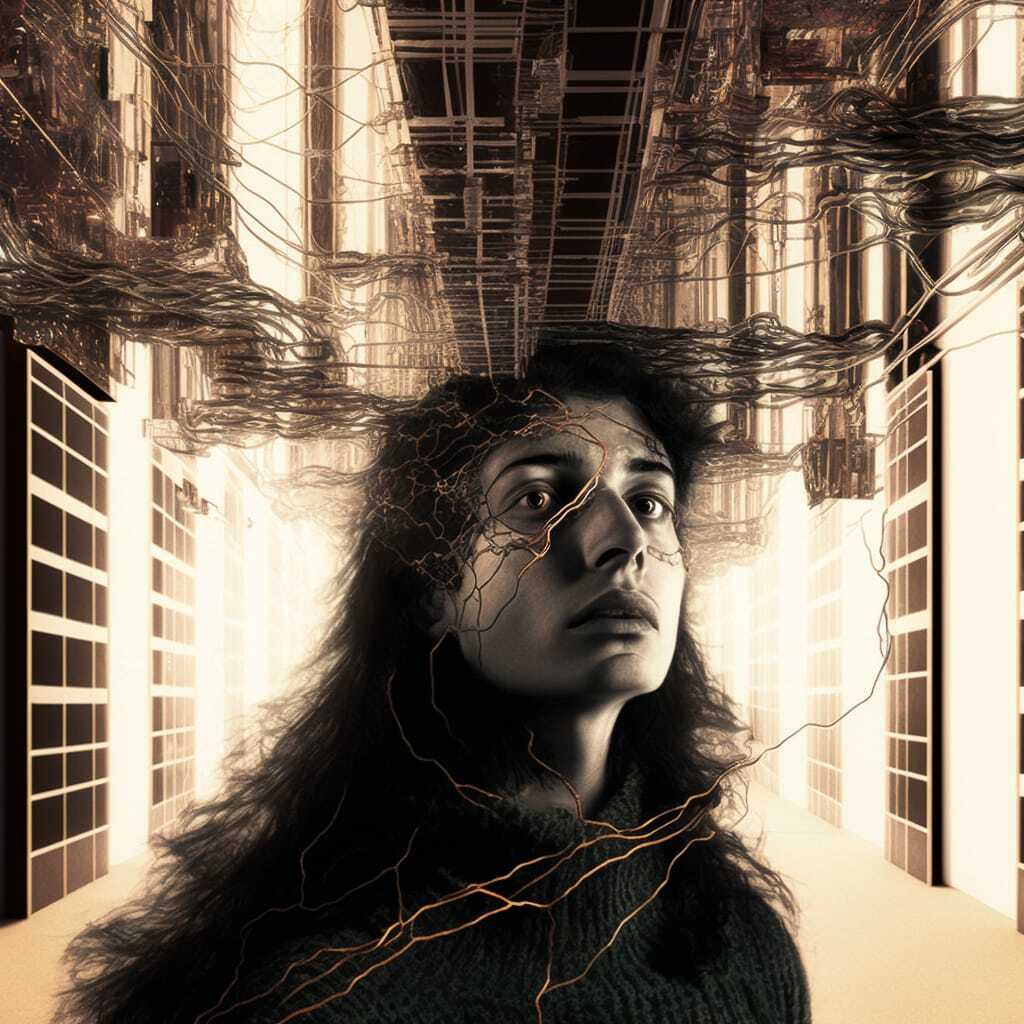
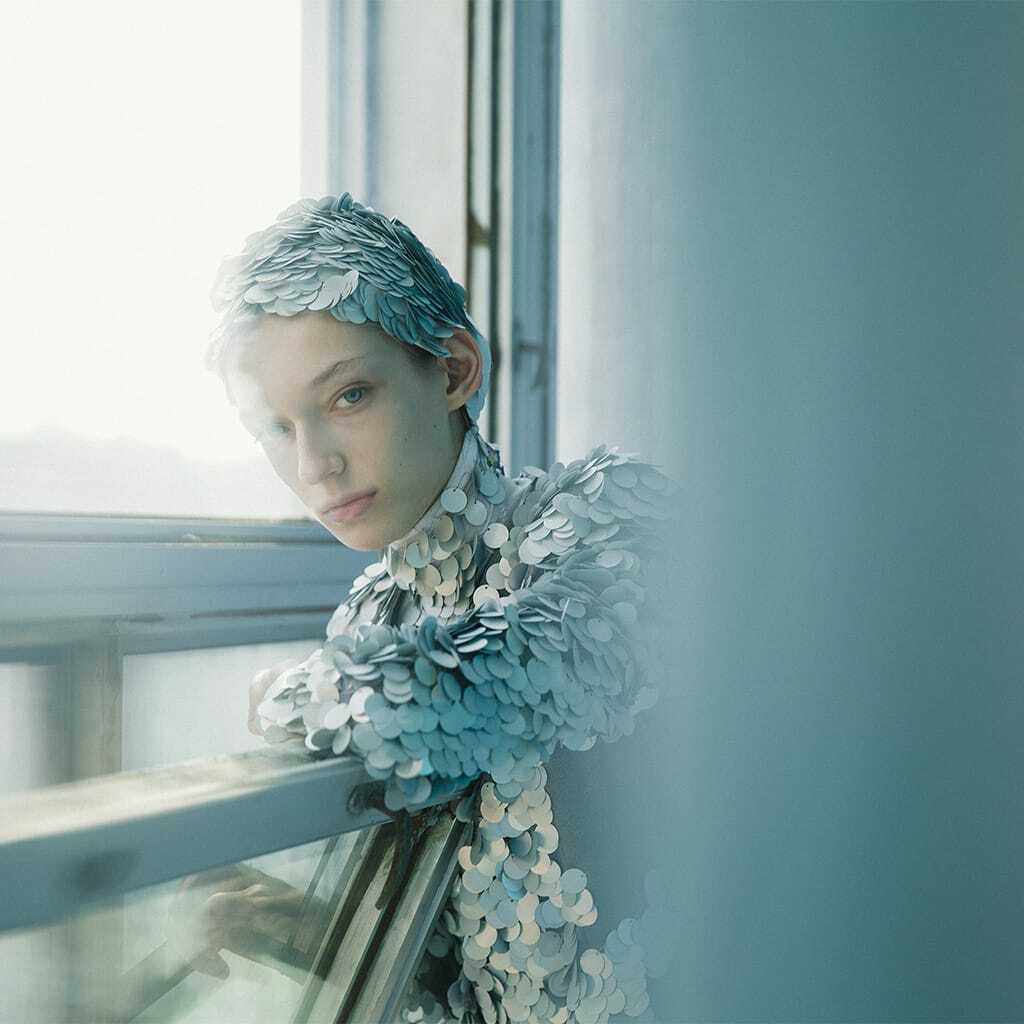
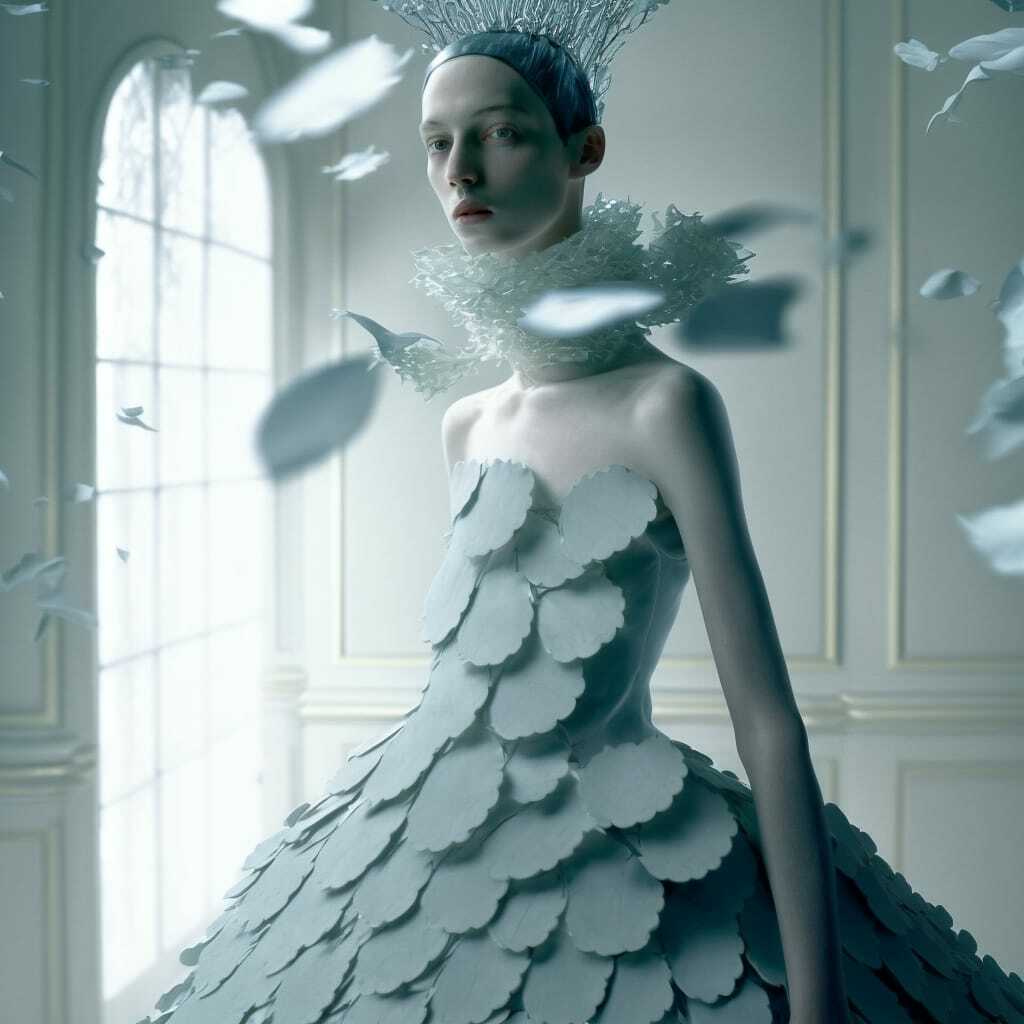
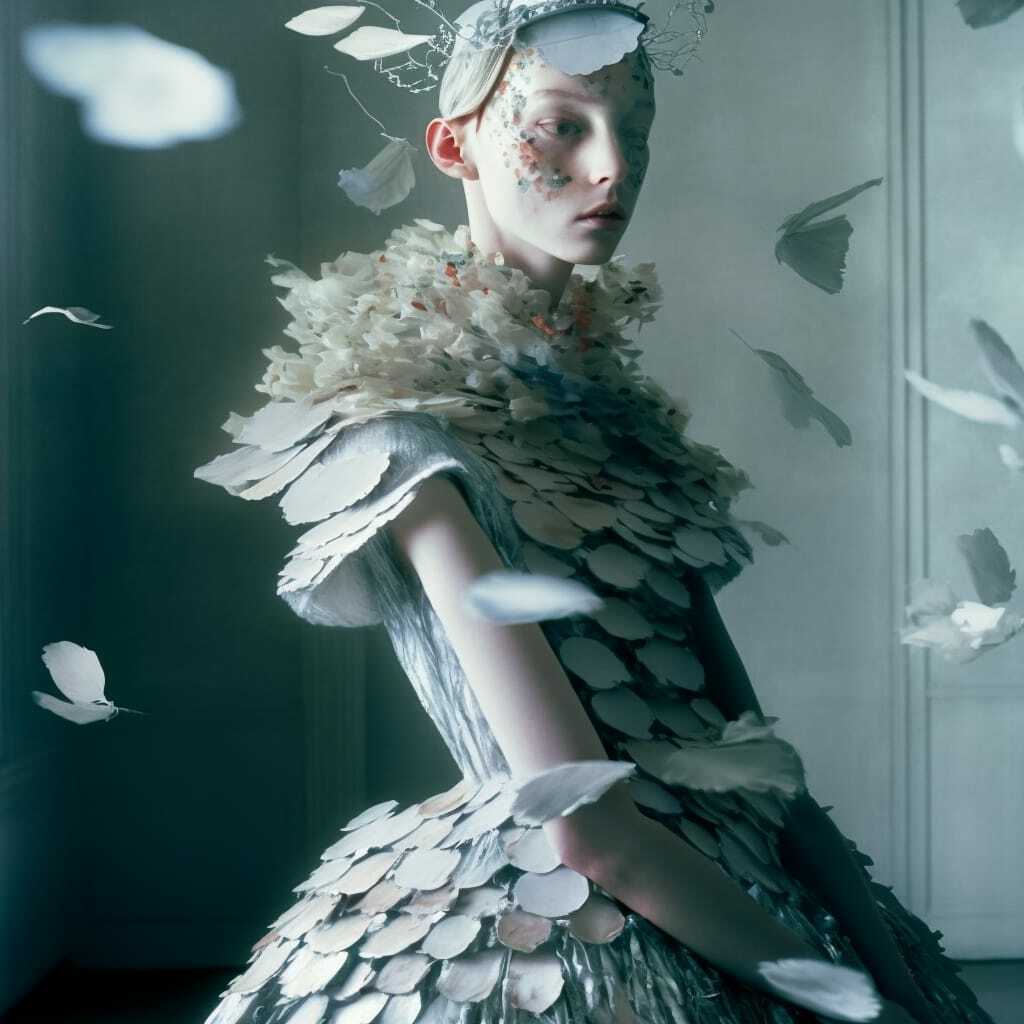
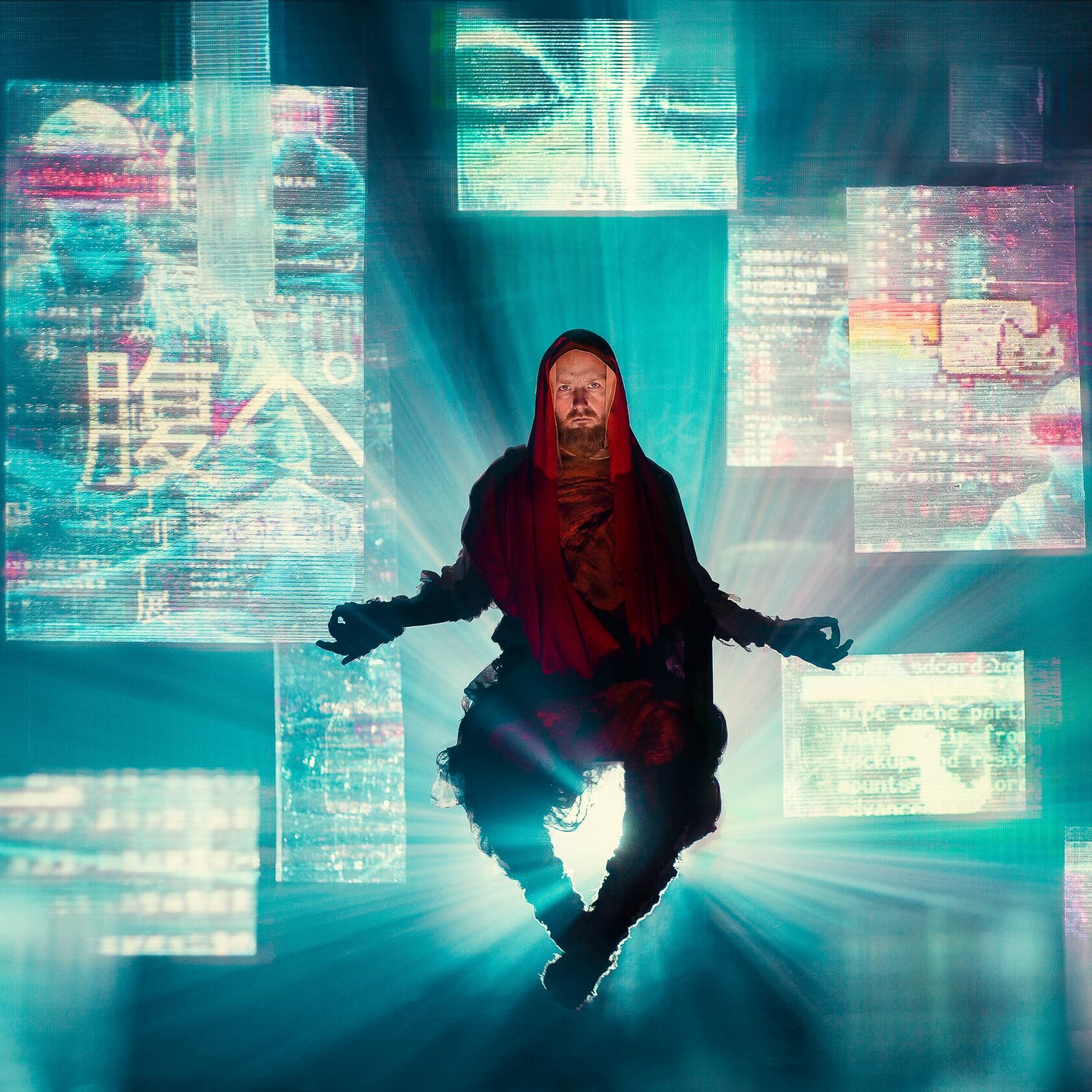
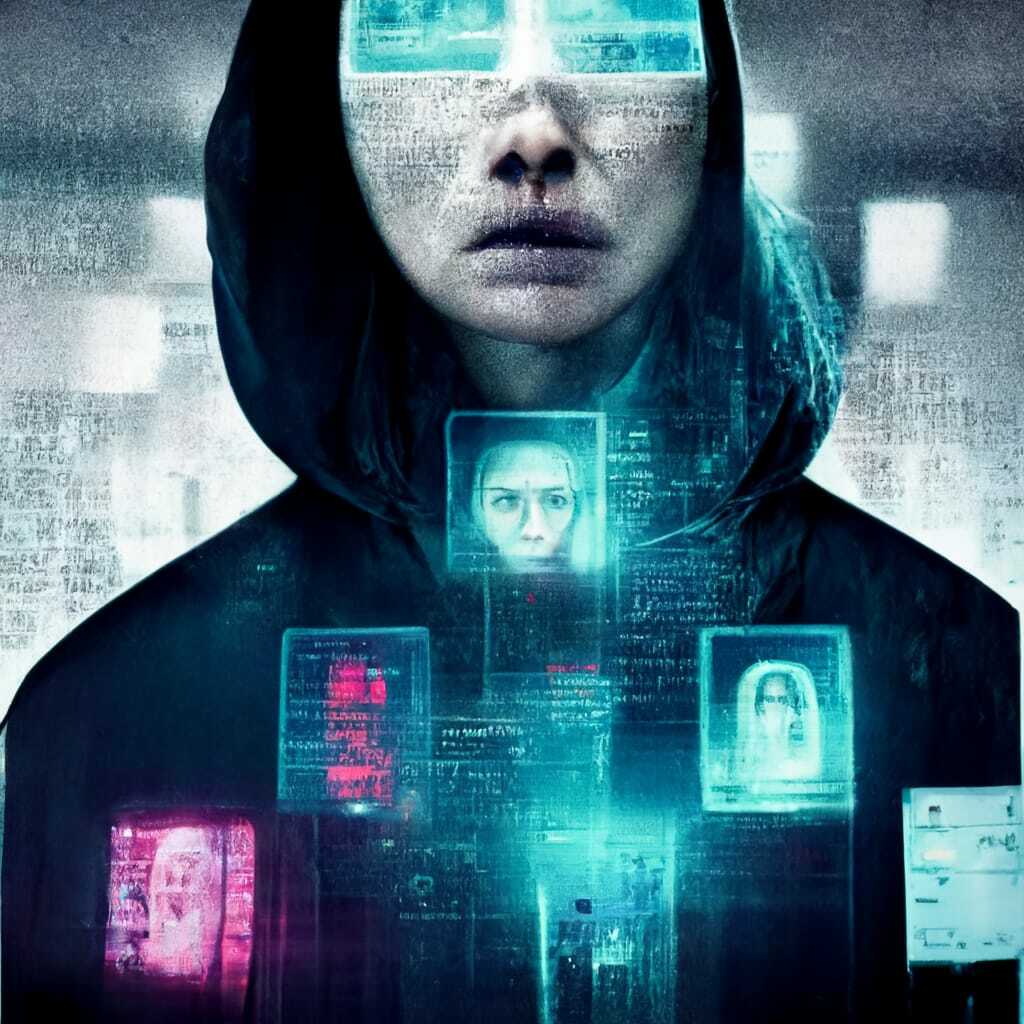
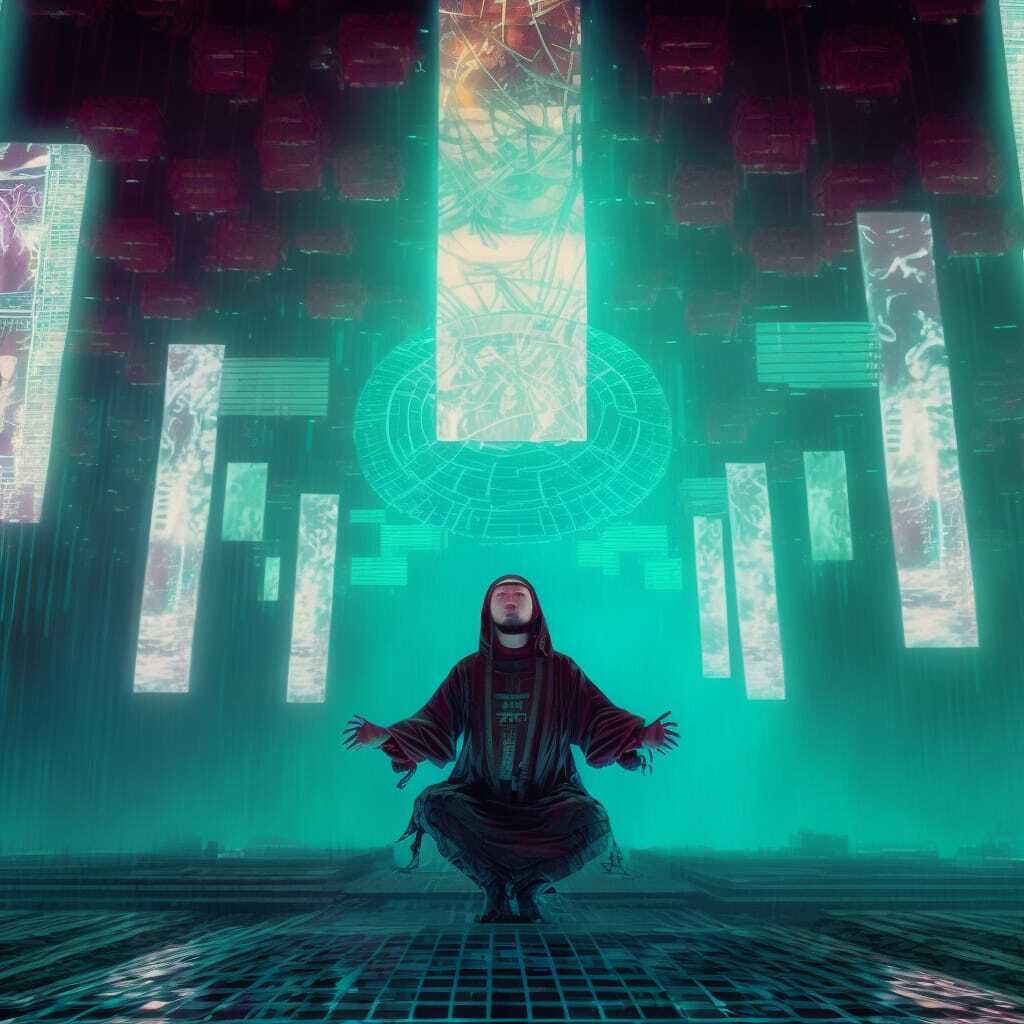
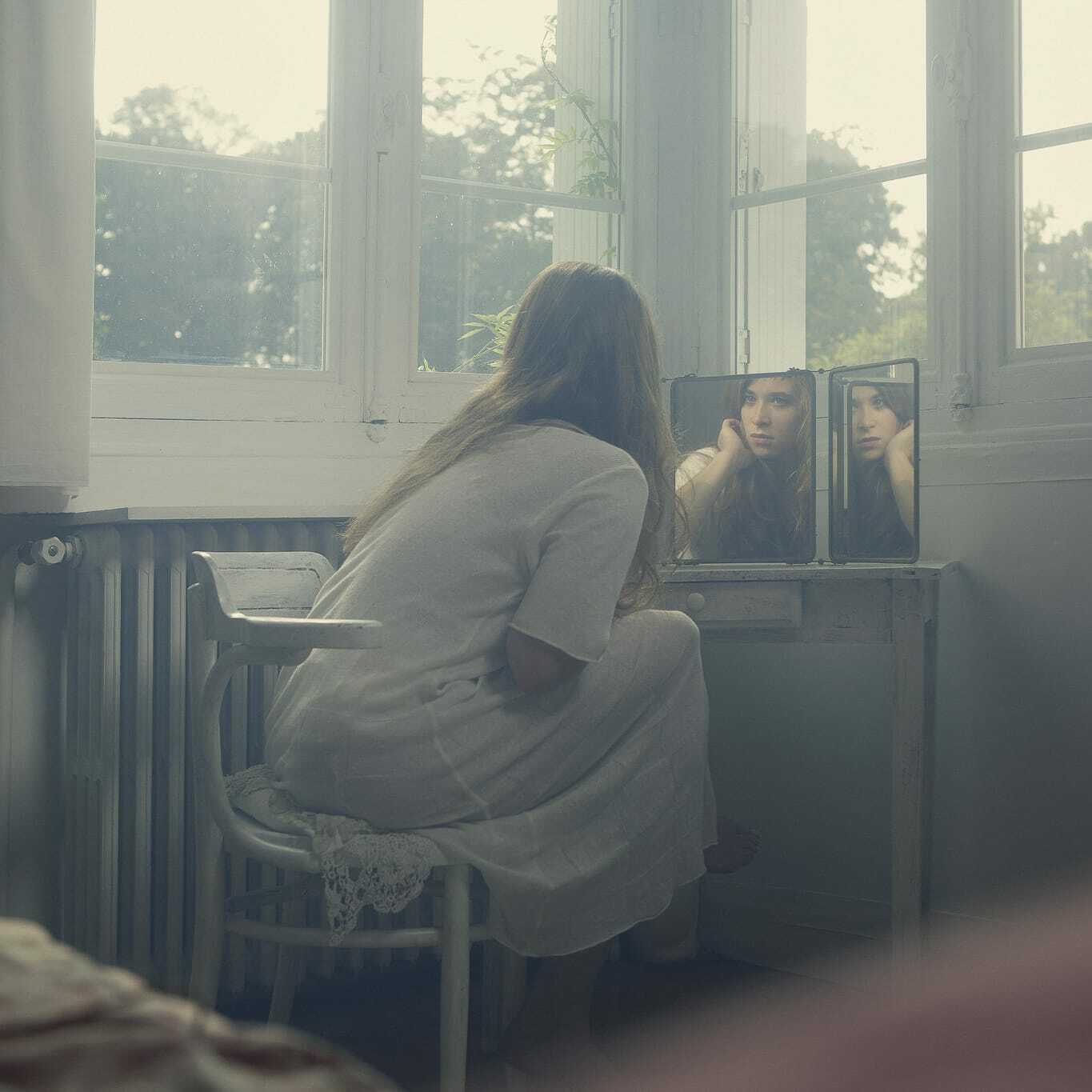
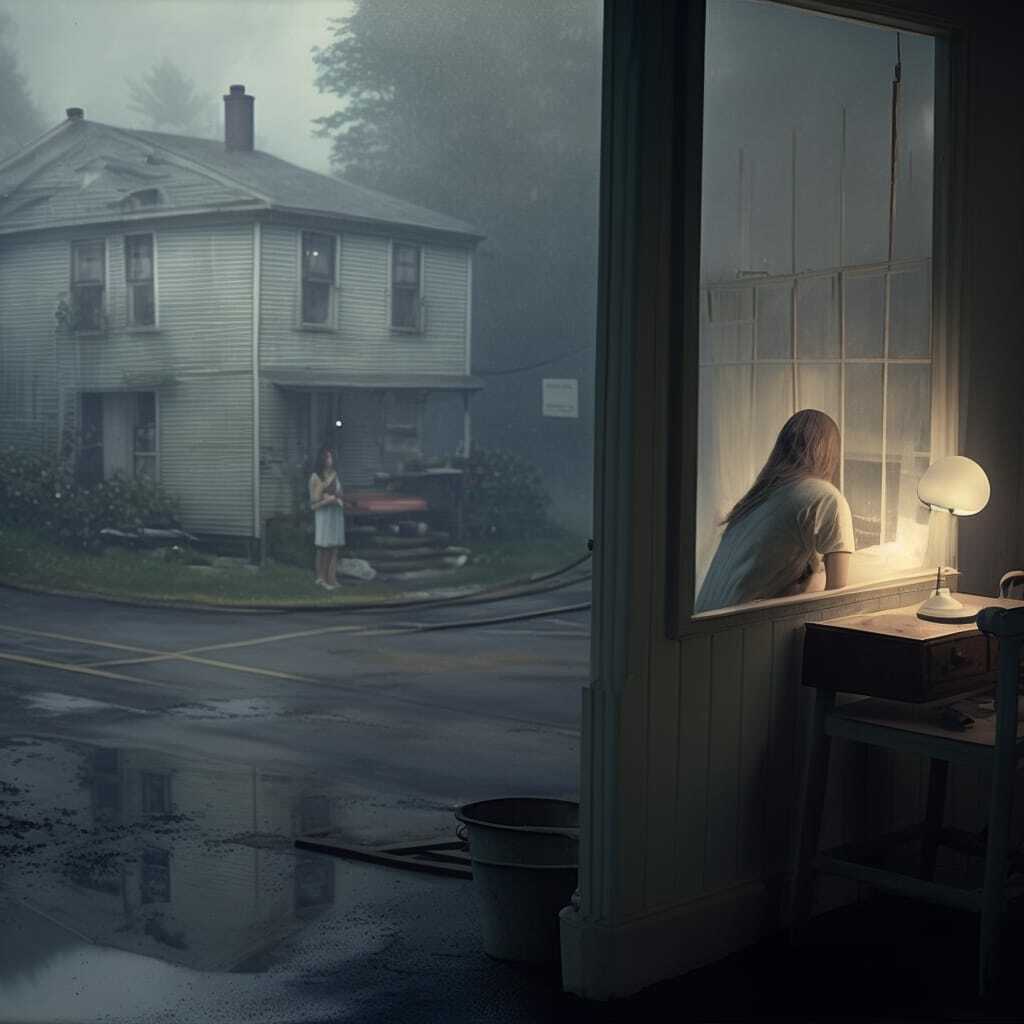
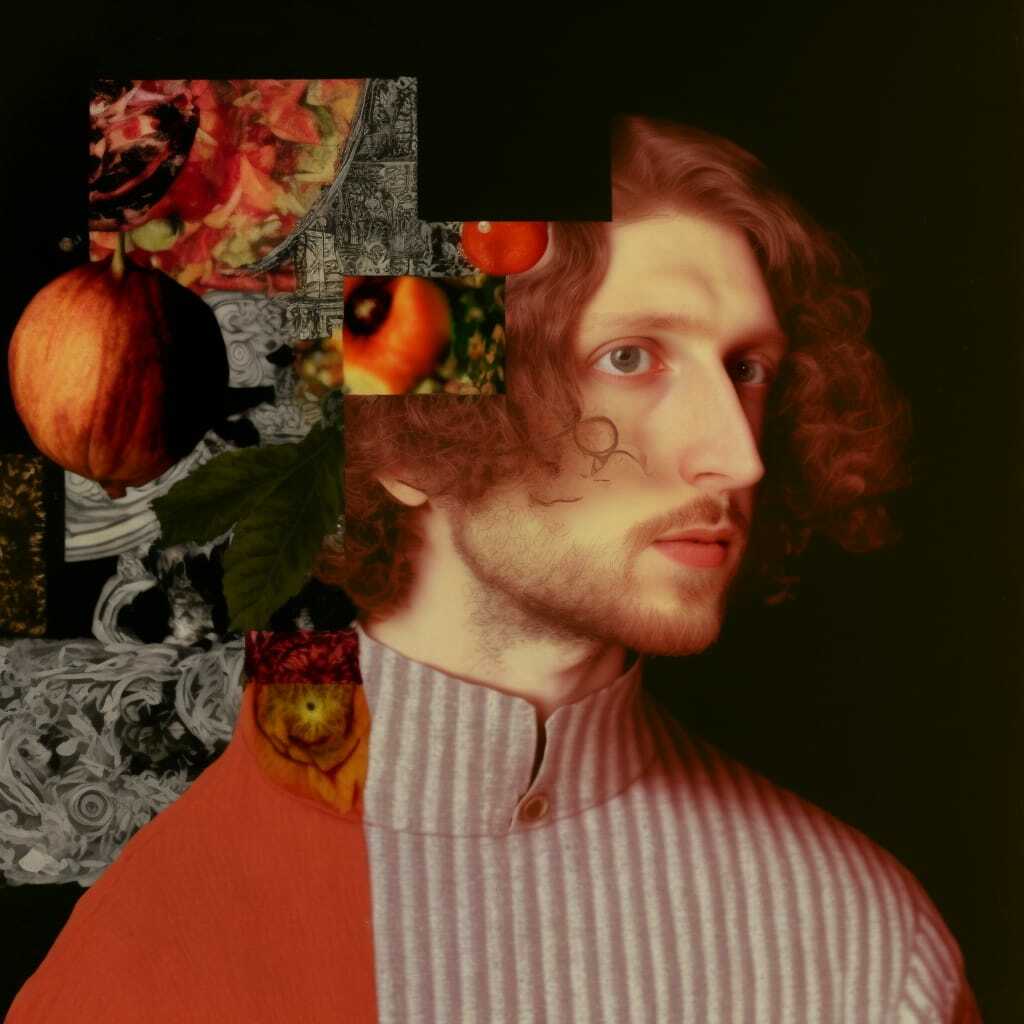
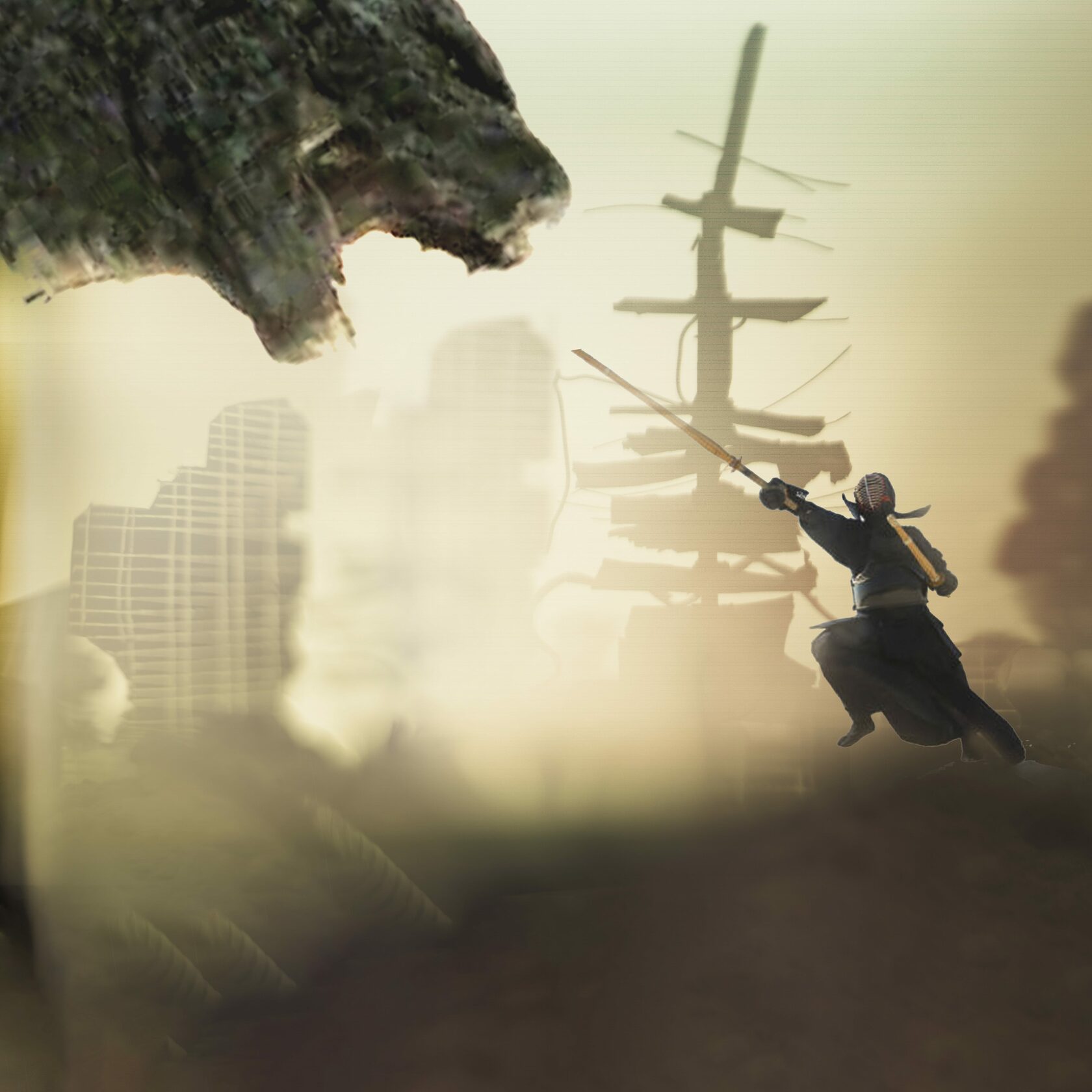
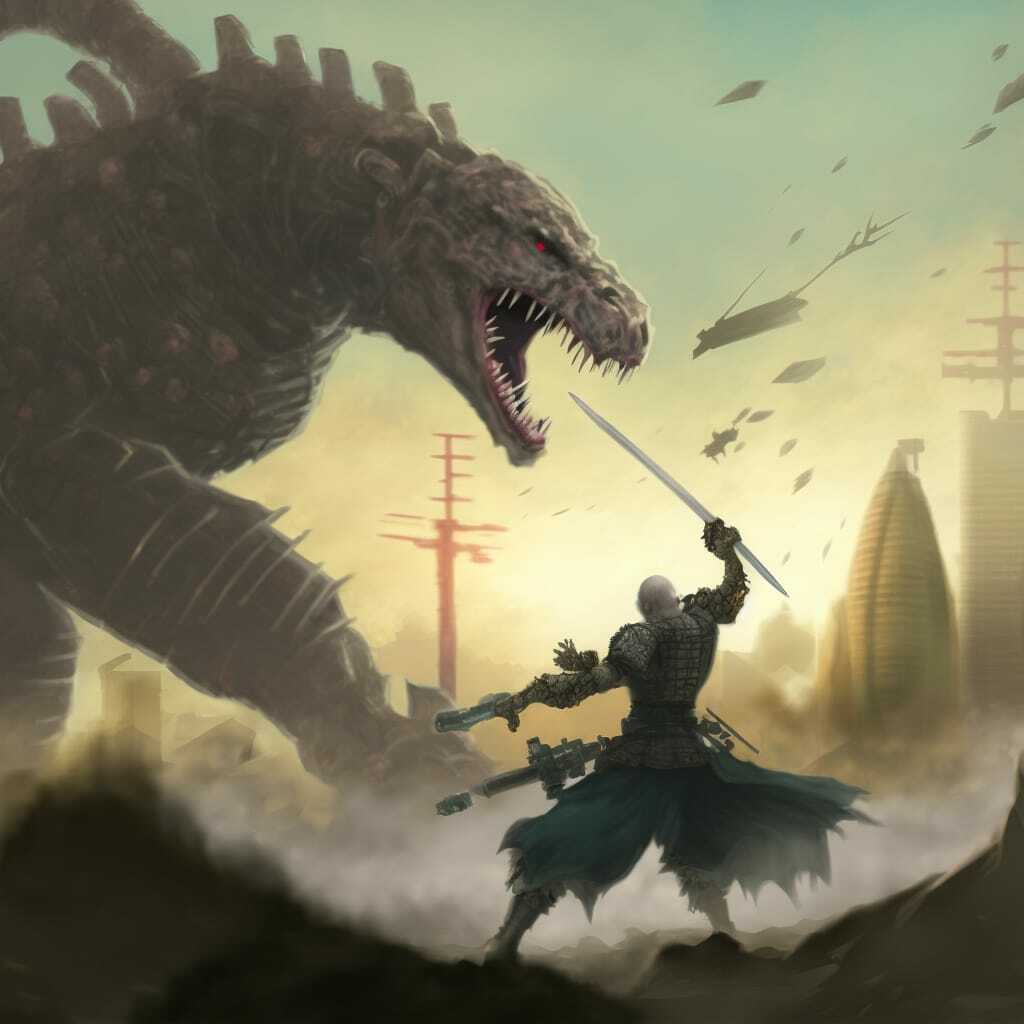
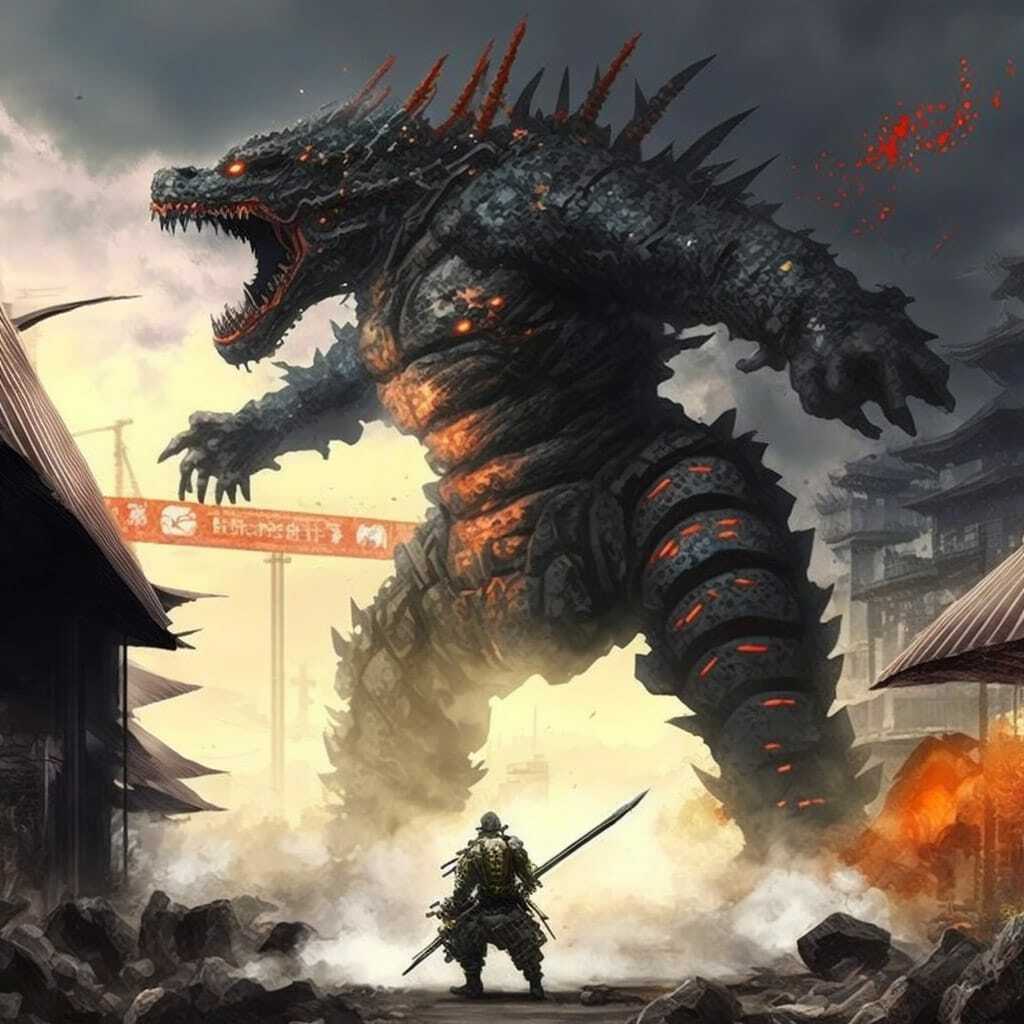
I see a lot of people use Midjourney for previsualization in their photographic projects. I think its a very cool idea! In my days *coughs* we used Photoshop to put digital collages together, and some more intricate ones could consume hours to prepare. Let's feed one of those old-school collages to Midjourney and compare the result with text-only prompt generation.
Multi-Image Prompts
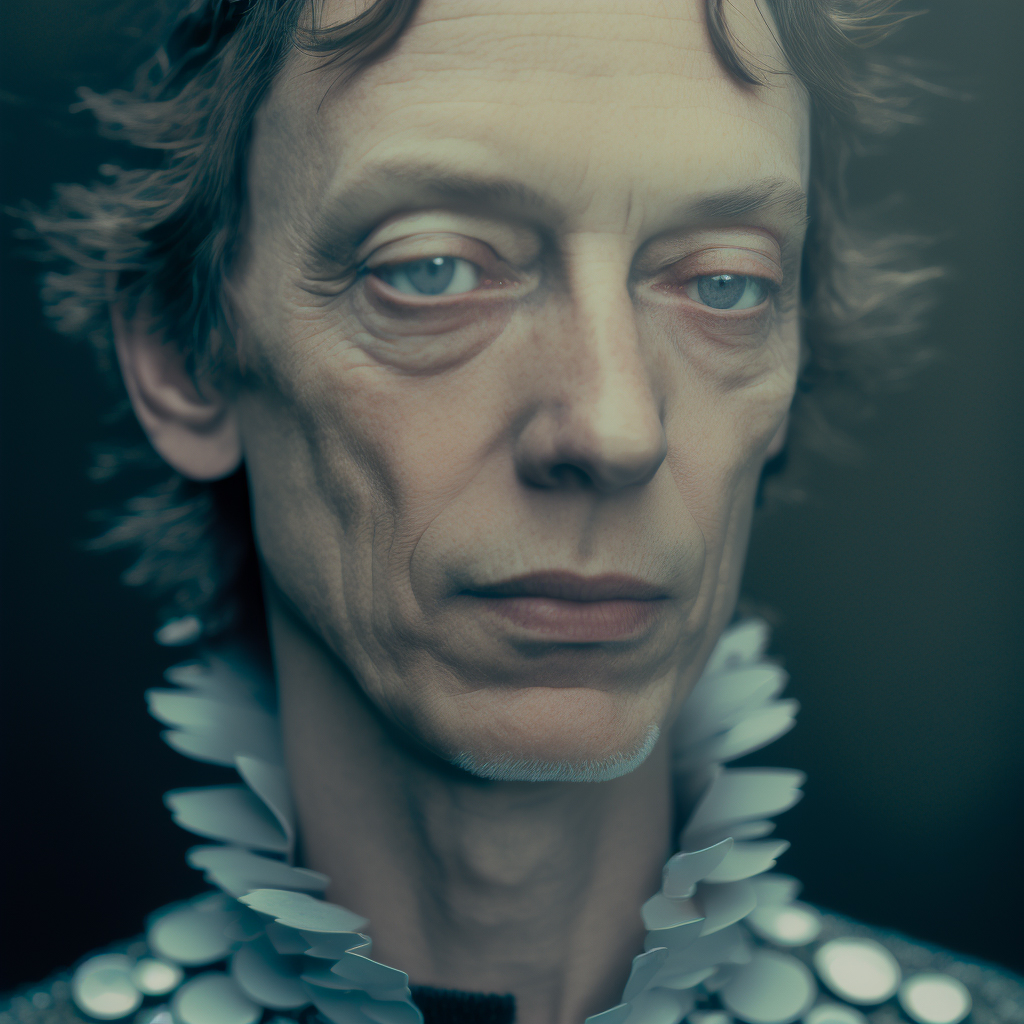
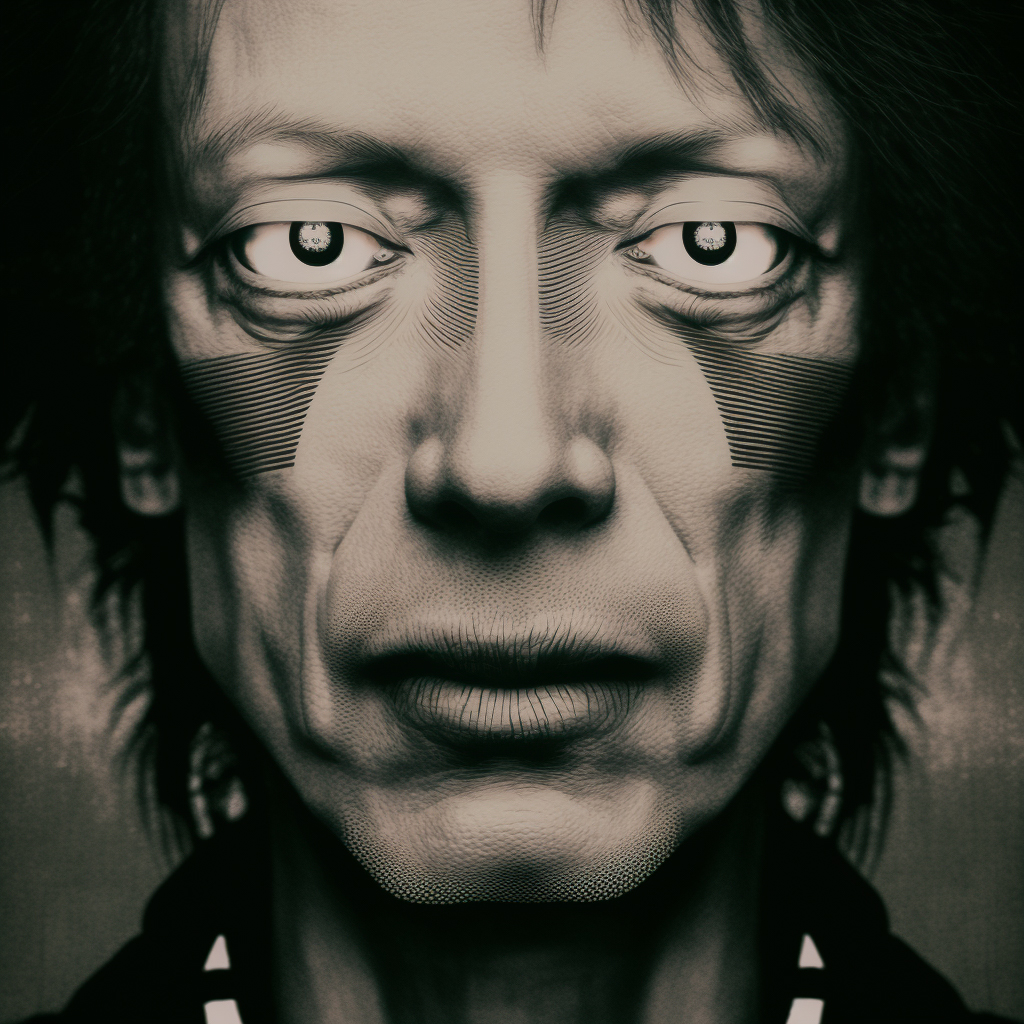
And that wasn't enough, here comes the ground-breaking part. You can feedidjourney two images and see how it magically blends them together. Yes, you could do it in, too. But V4 takes it to a whole new level.
To see how it works, I took a few iconic movie scenes and asked Midjourney to mix them with the portrait of Francis. Note, that when blending two input images together, you don't need a text prompt. So, I skipped it for each of the following cases:
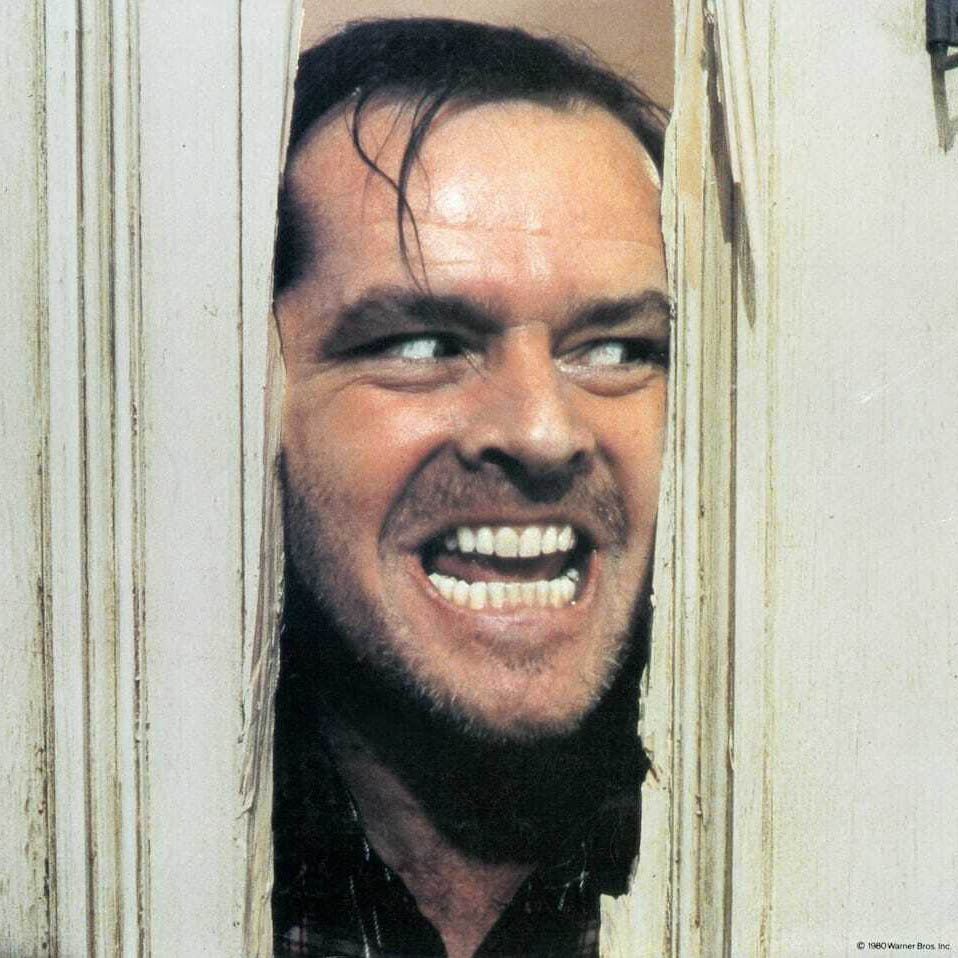
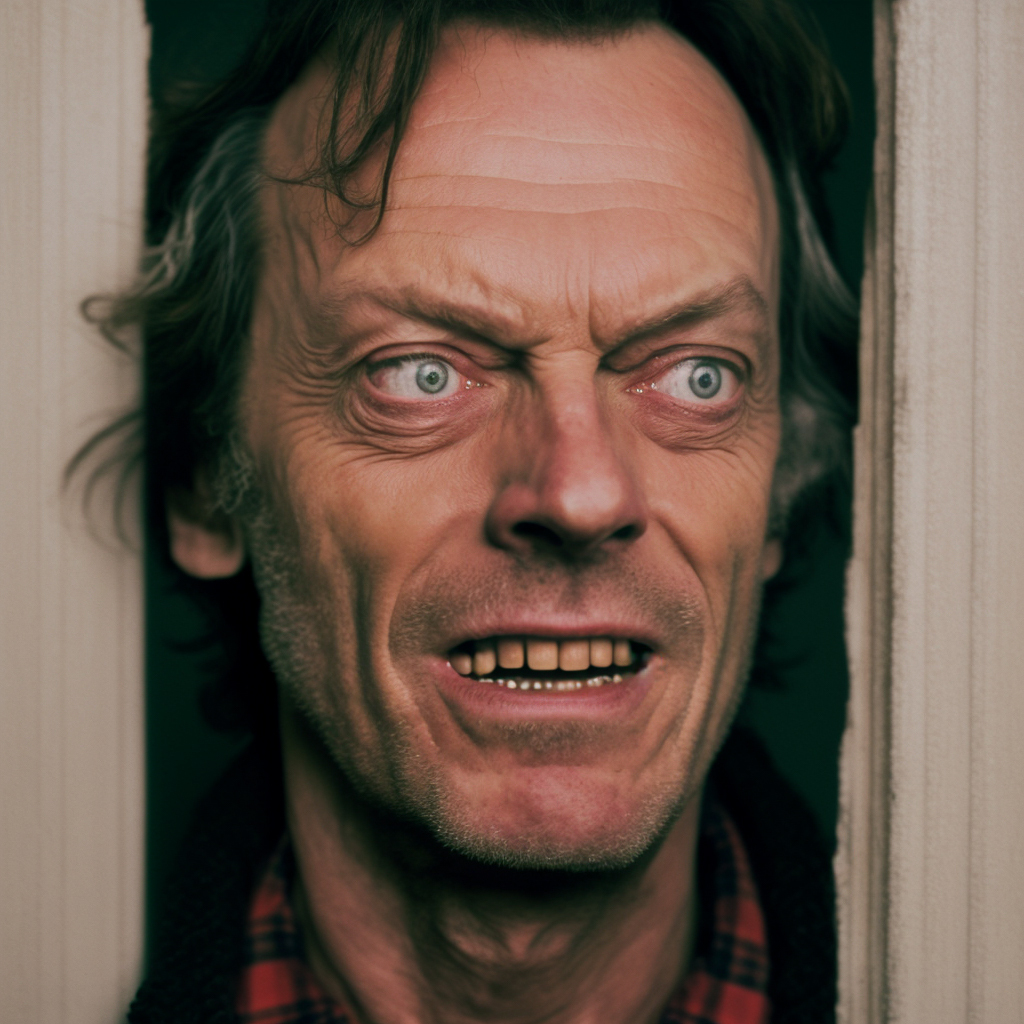
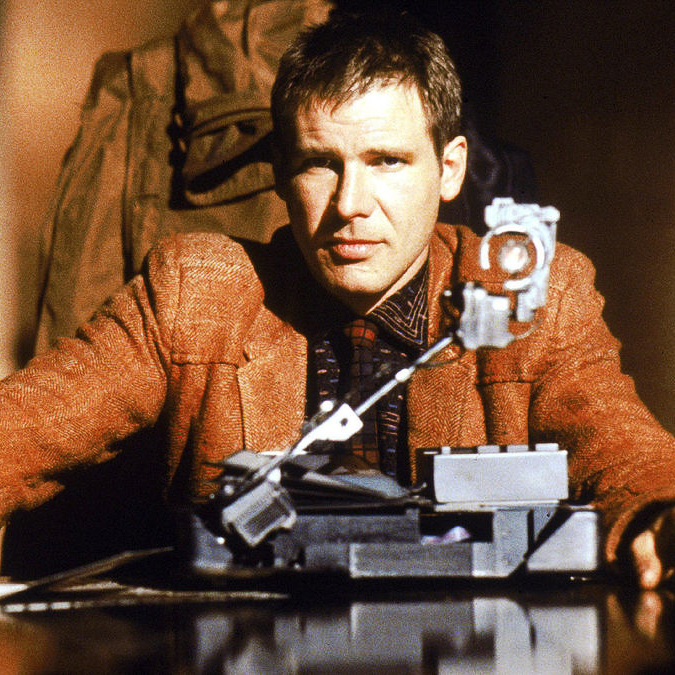
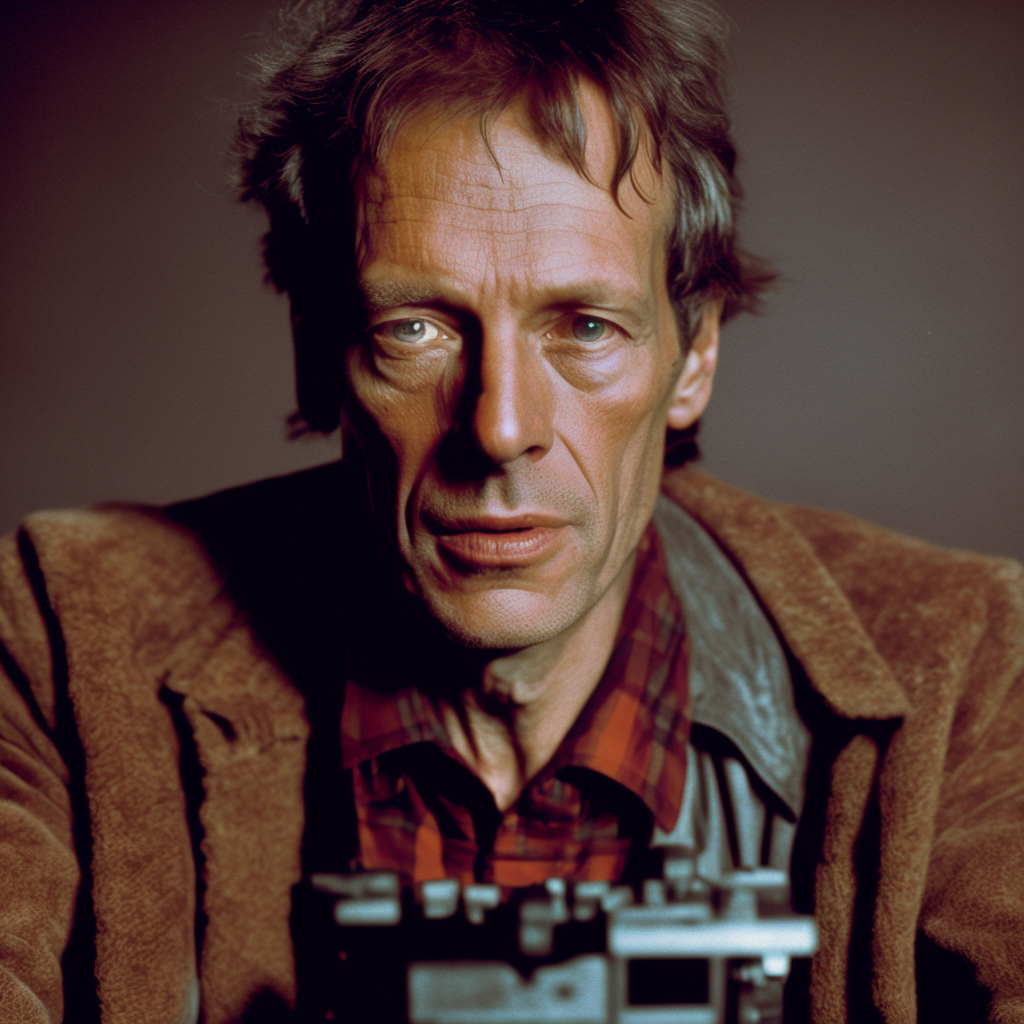
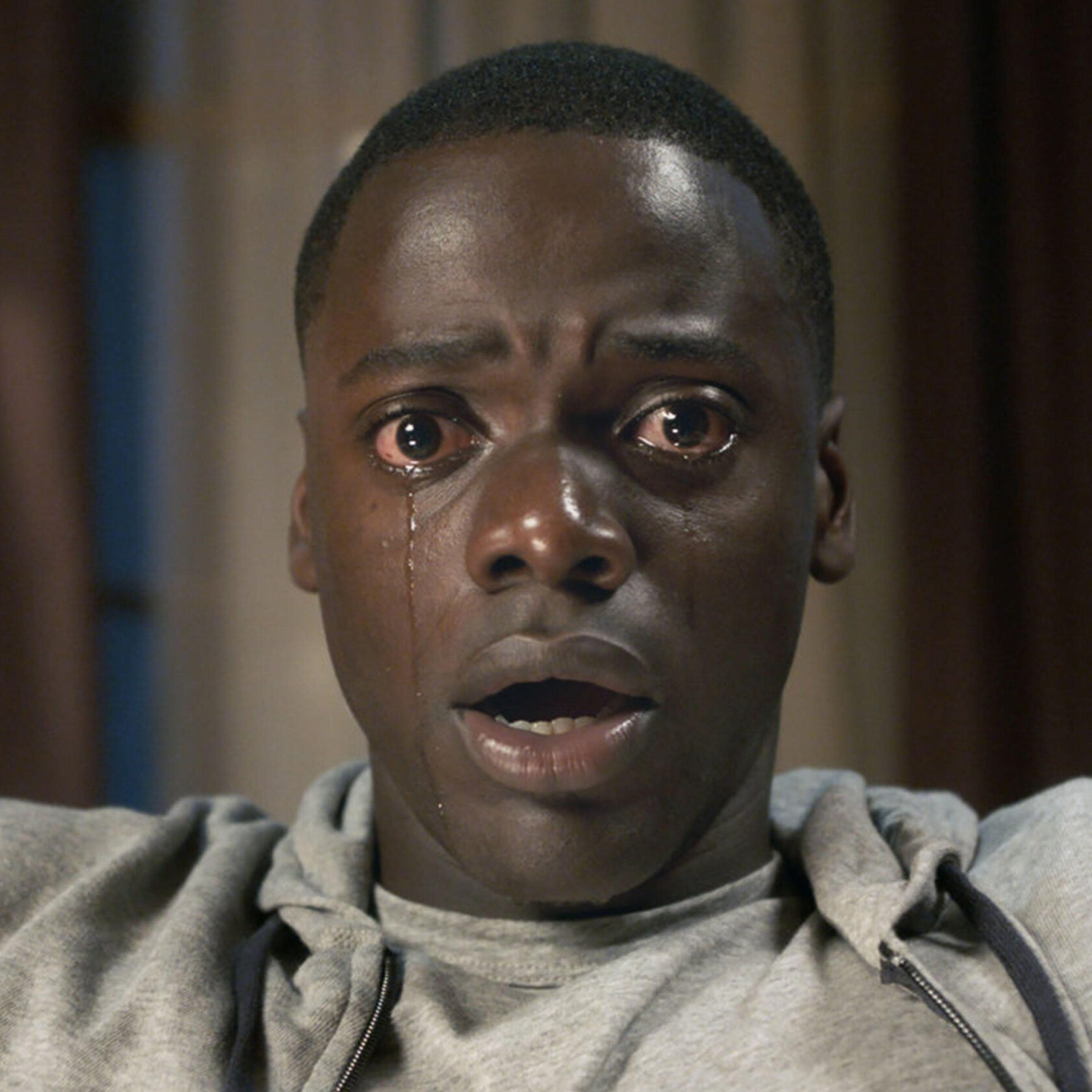
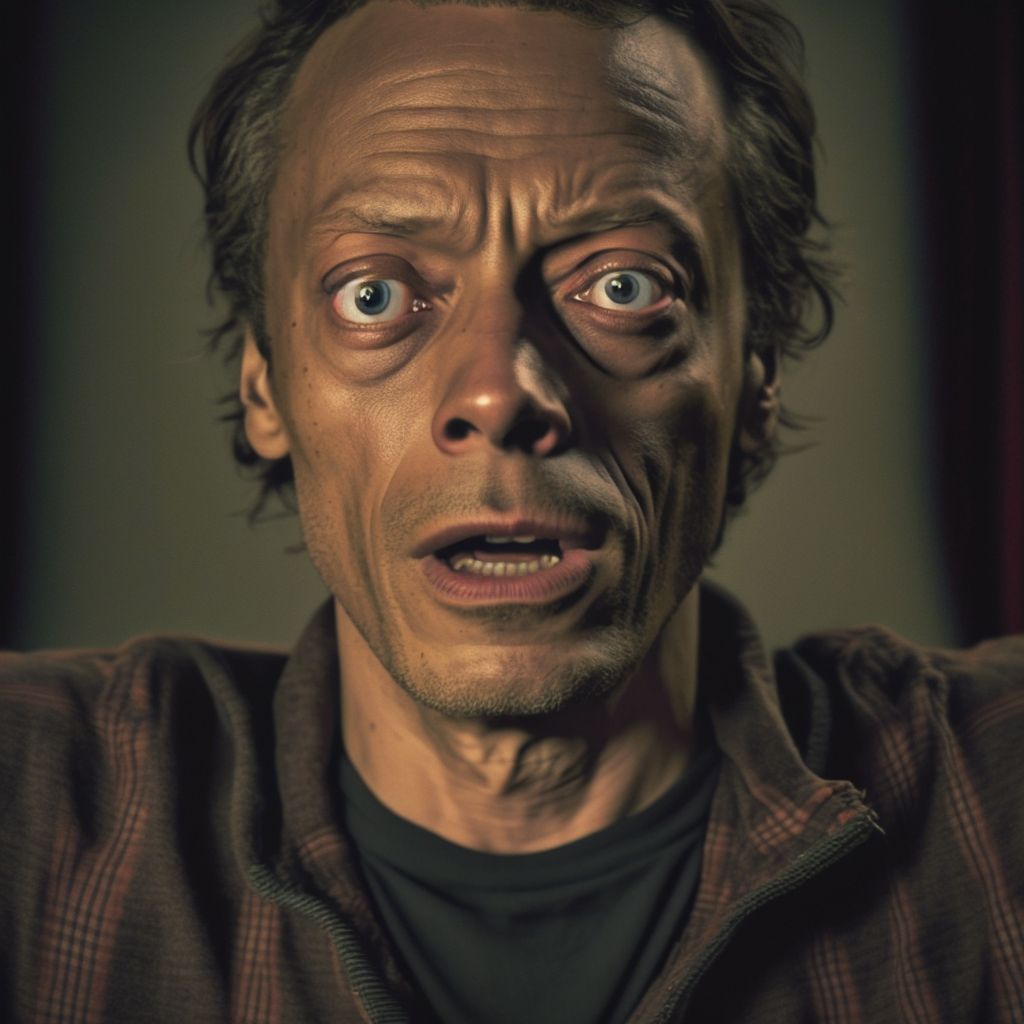
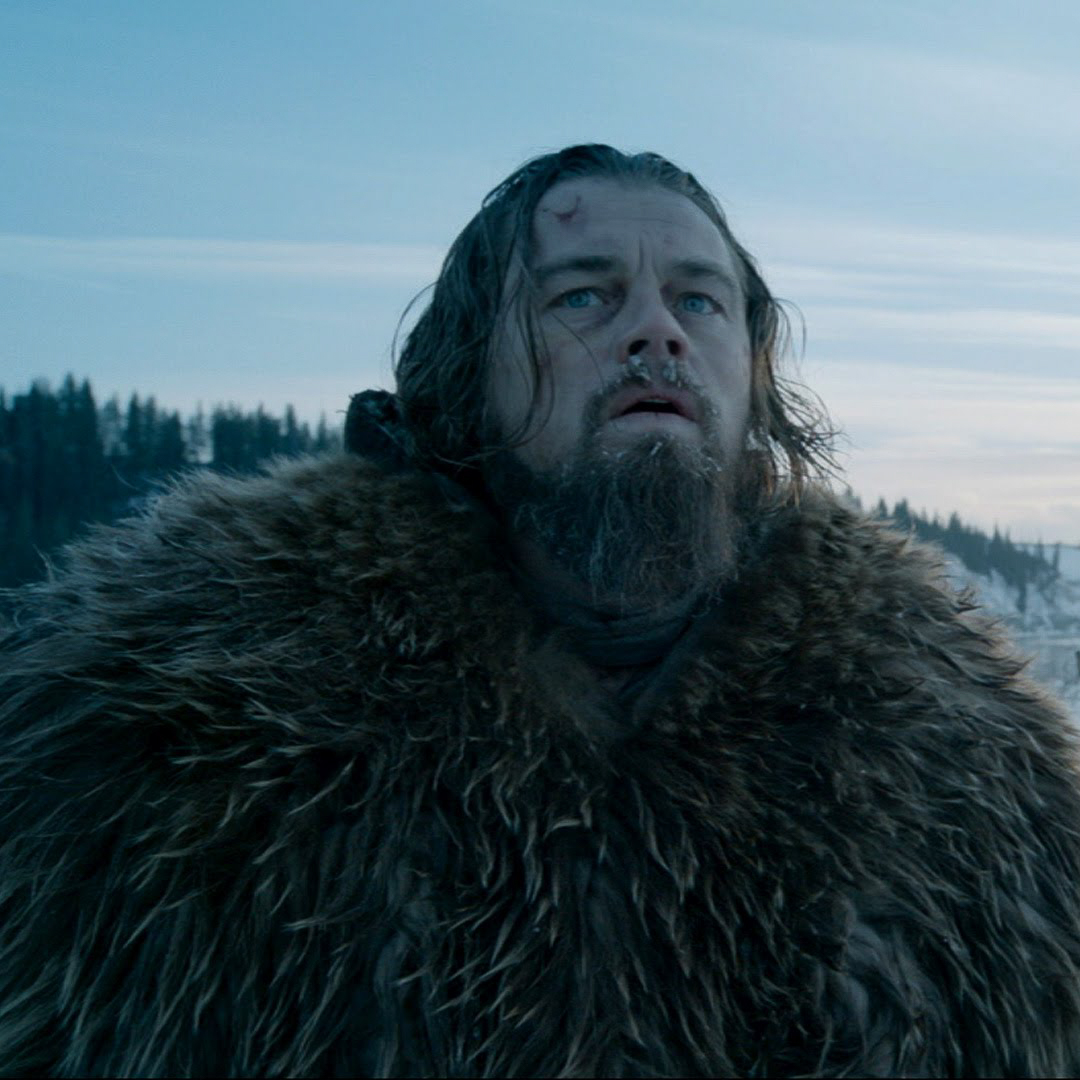
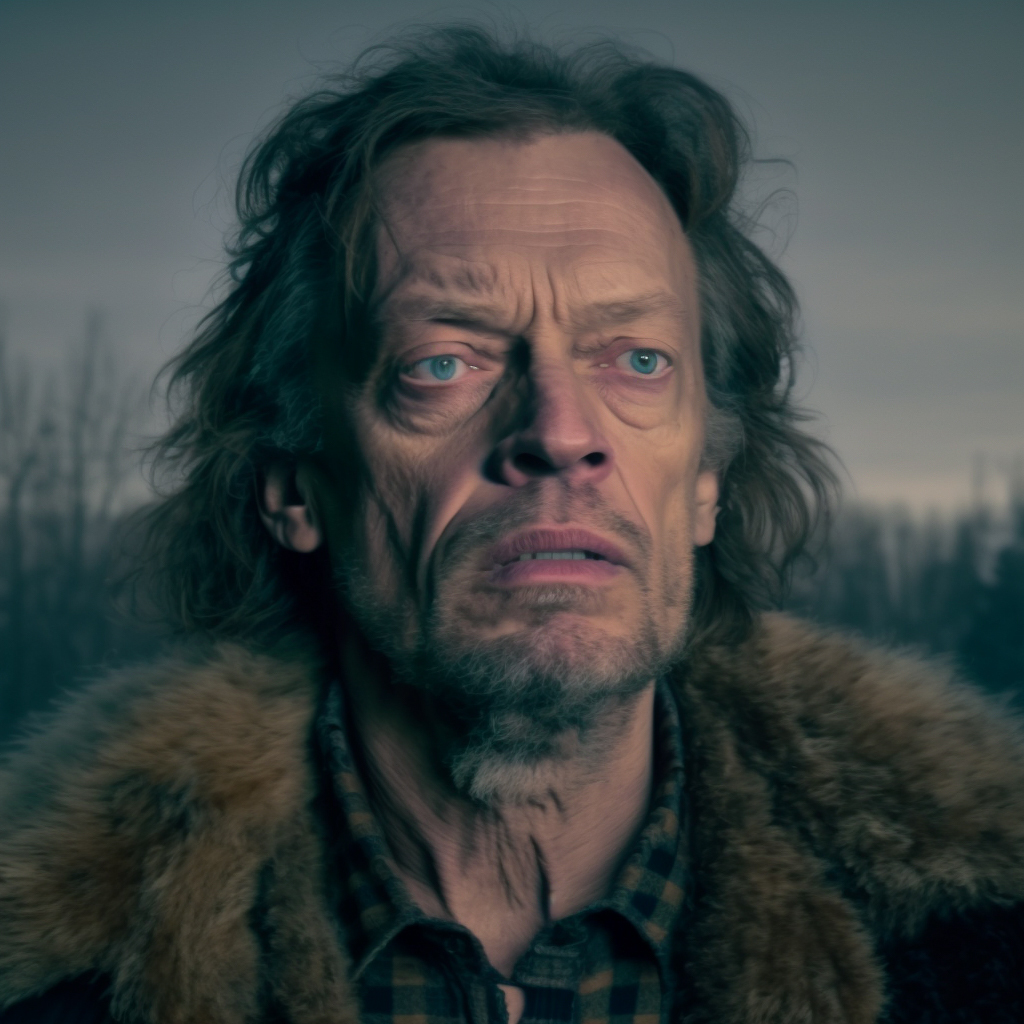
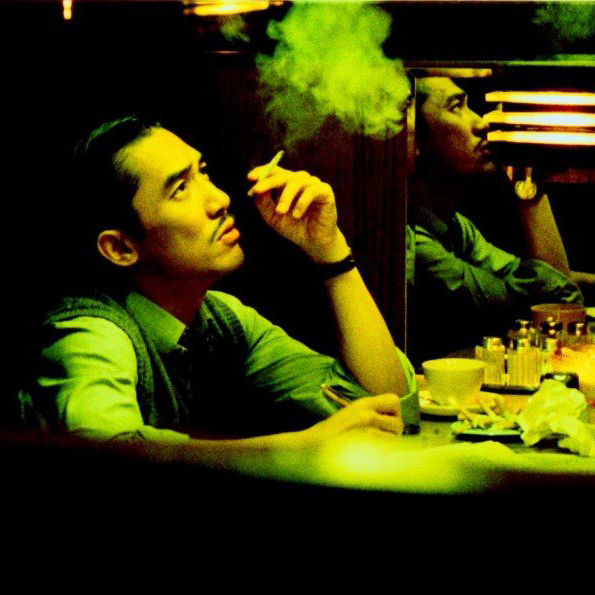
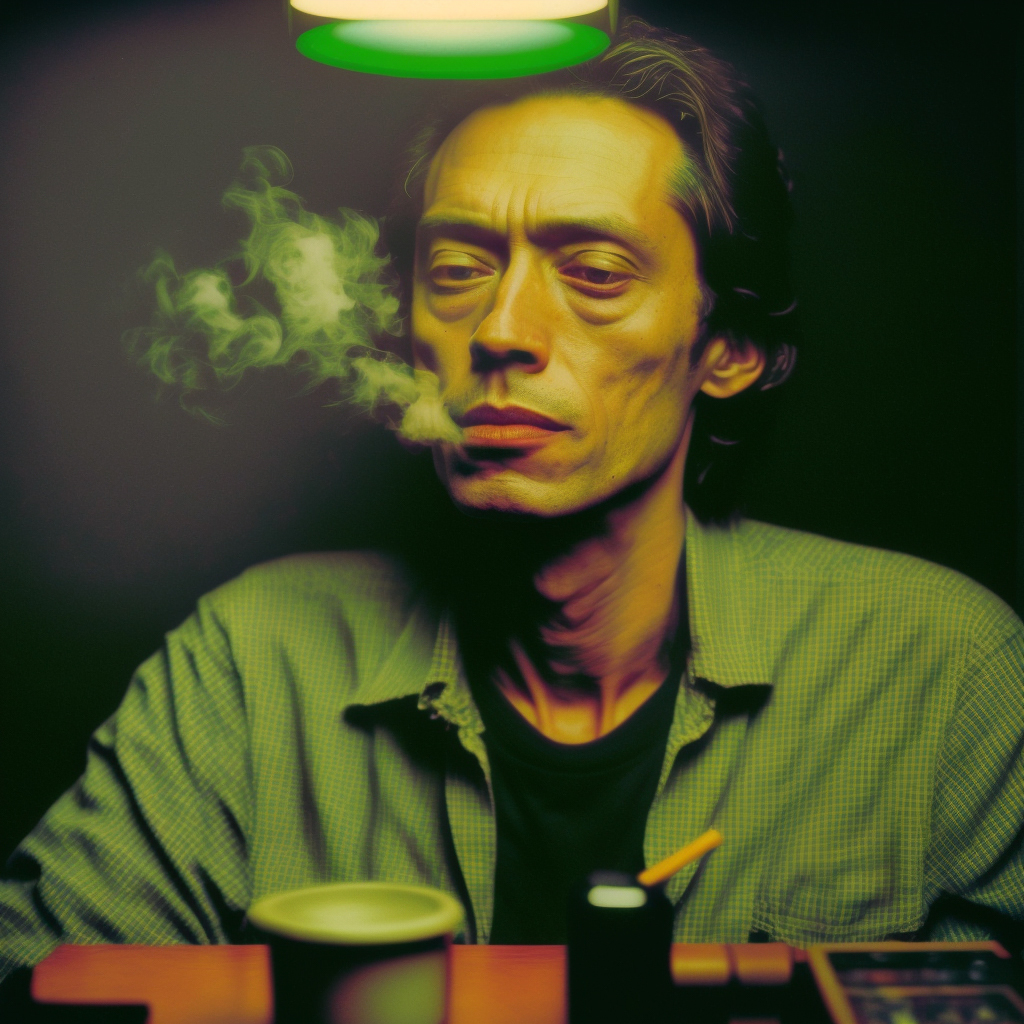
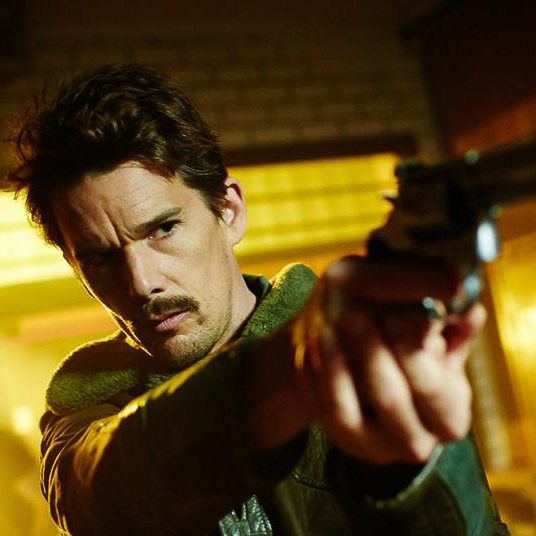
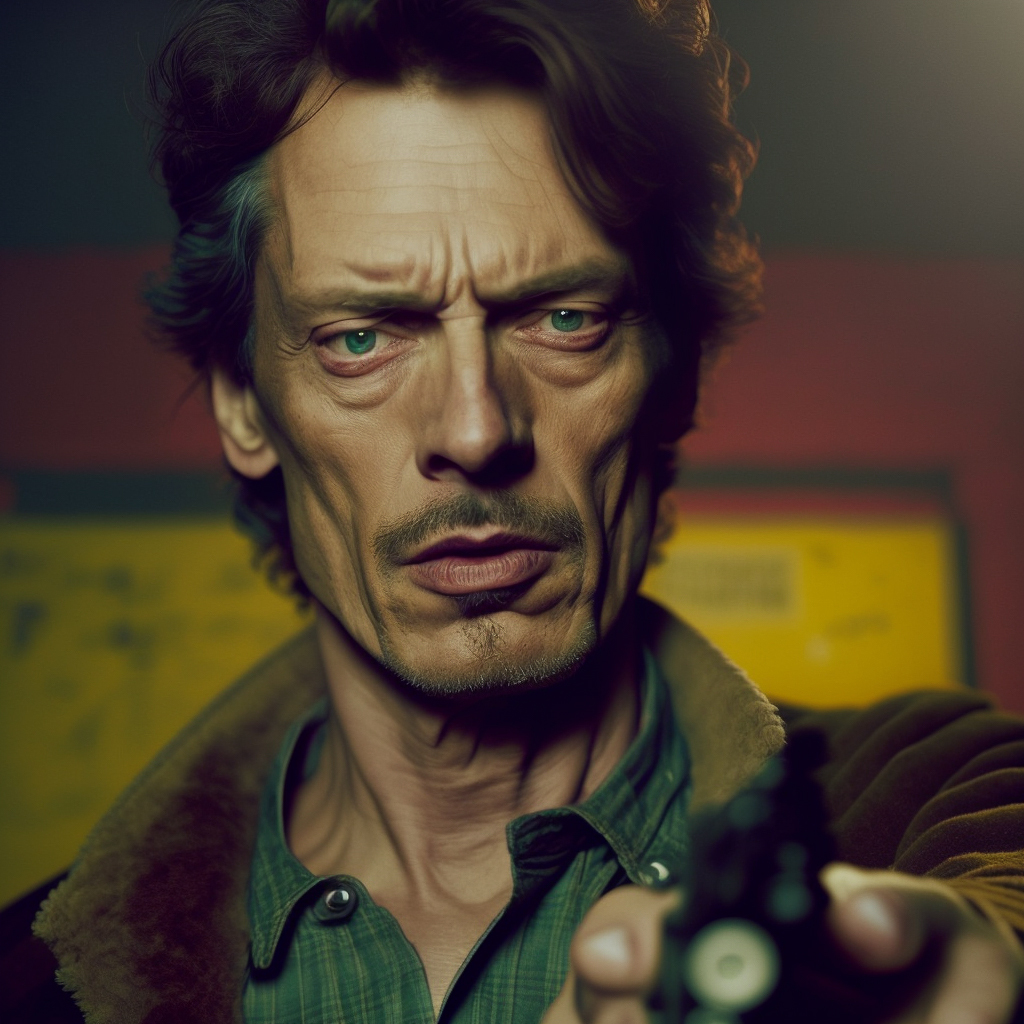
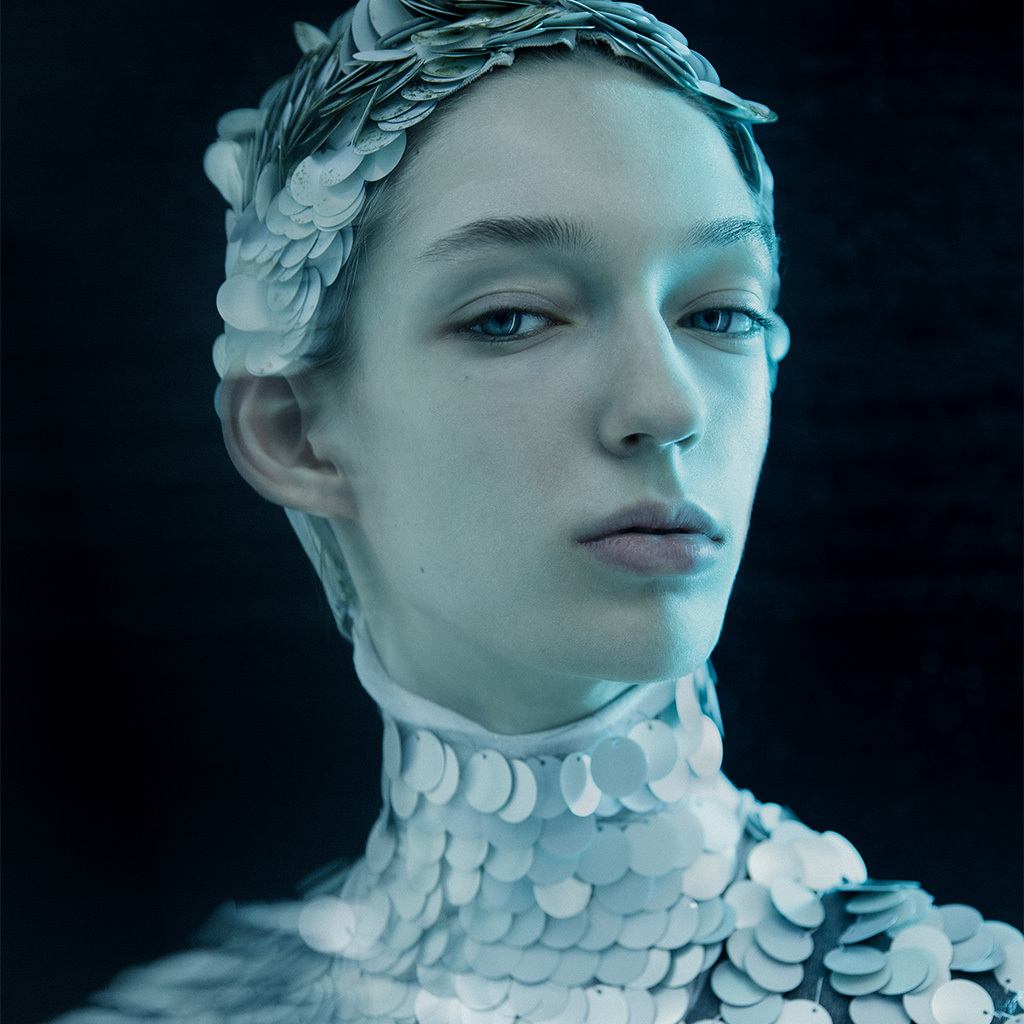
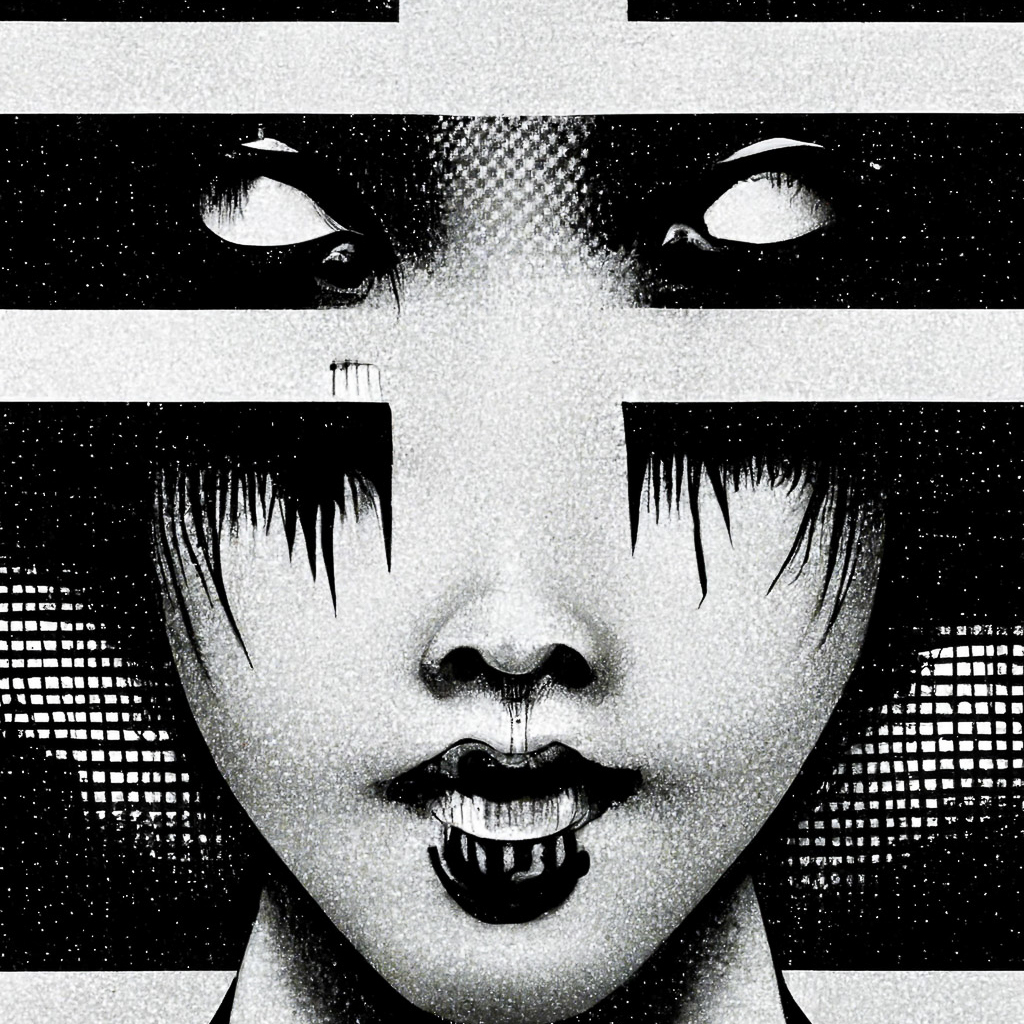
Of course, I tried blending Francis' portrait with some other images from both photographs and even Midjourney generations.
Bonus Track
And what if we try “feeding” Midjourney its own generations while changing the reference style on each step?
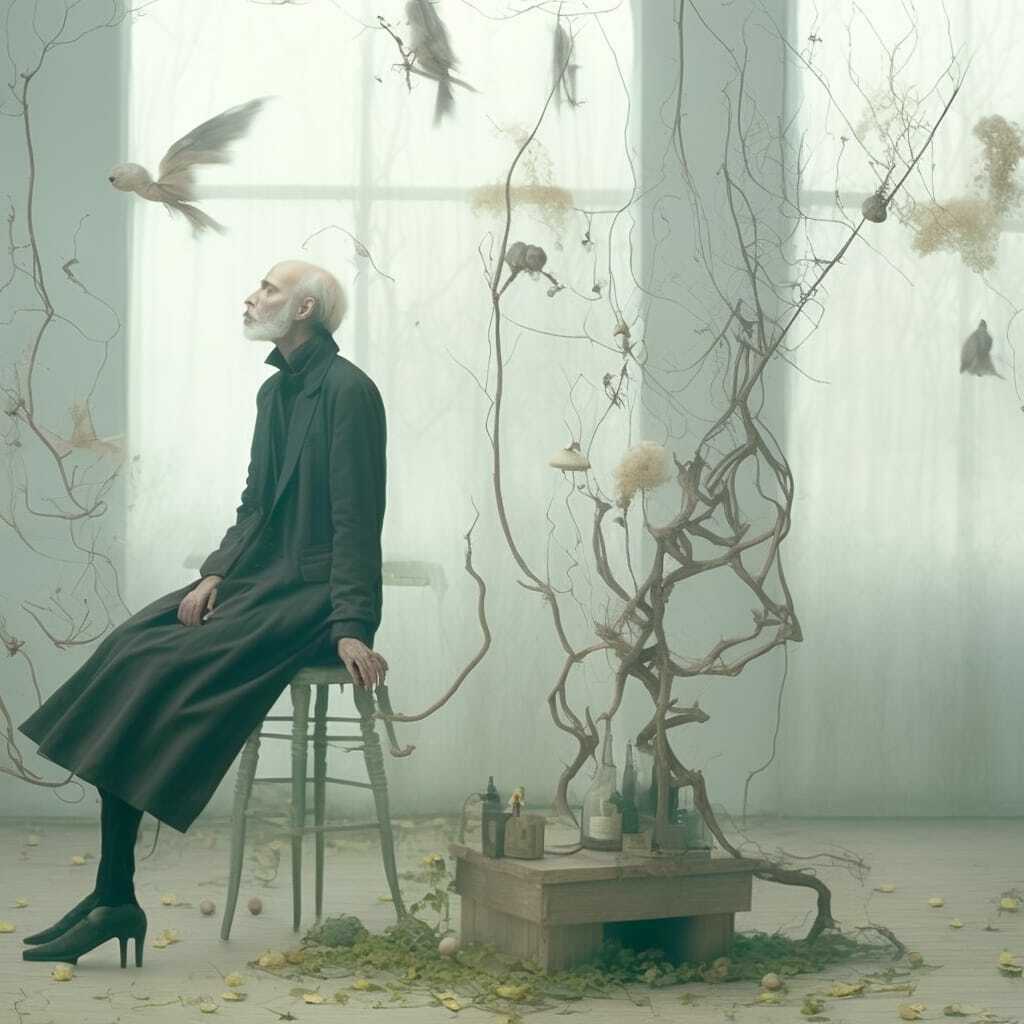
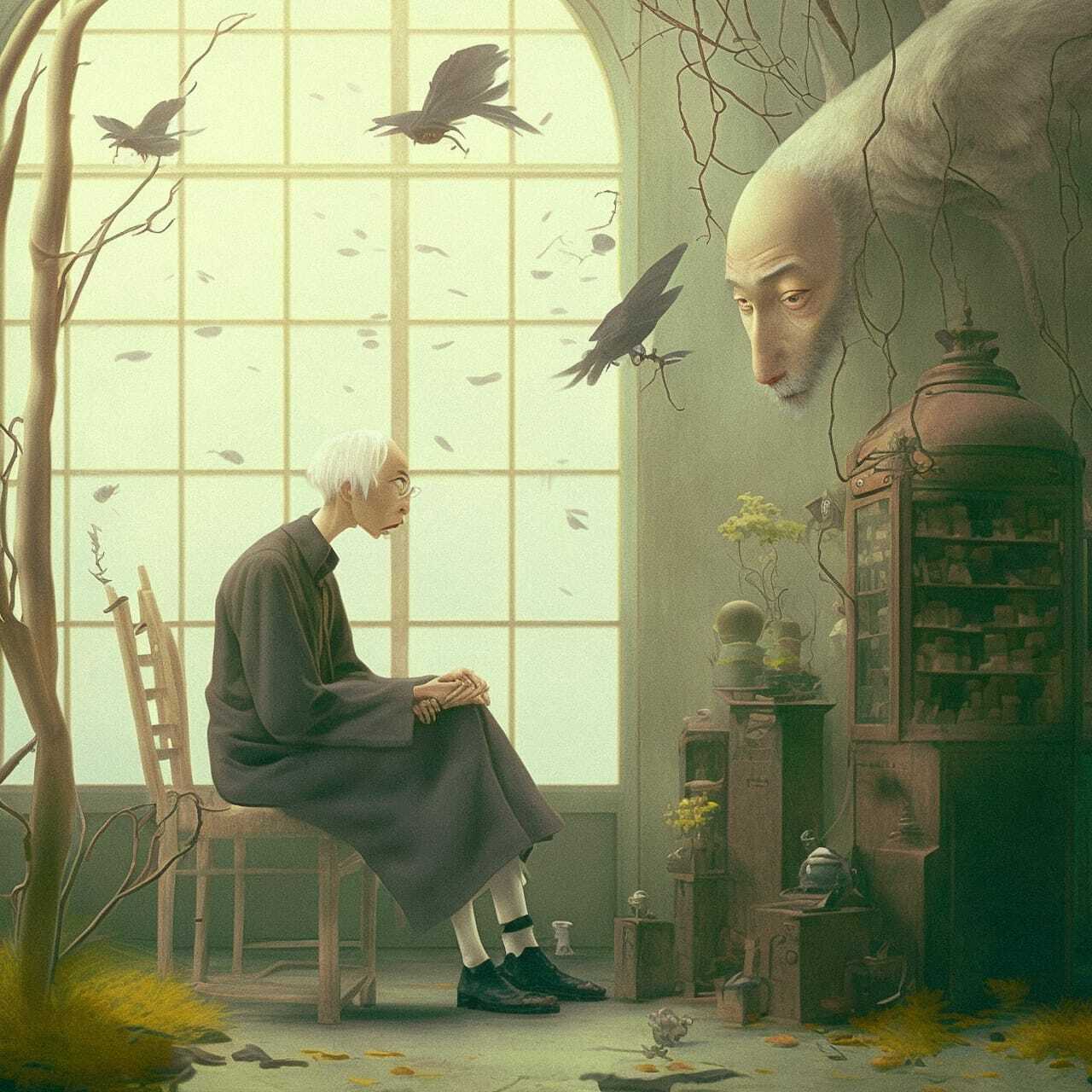
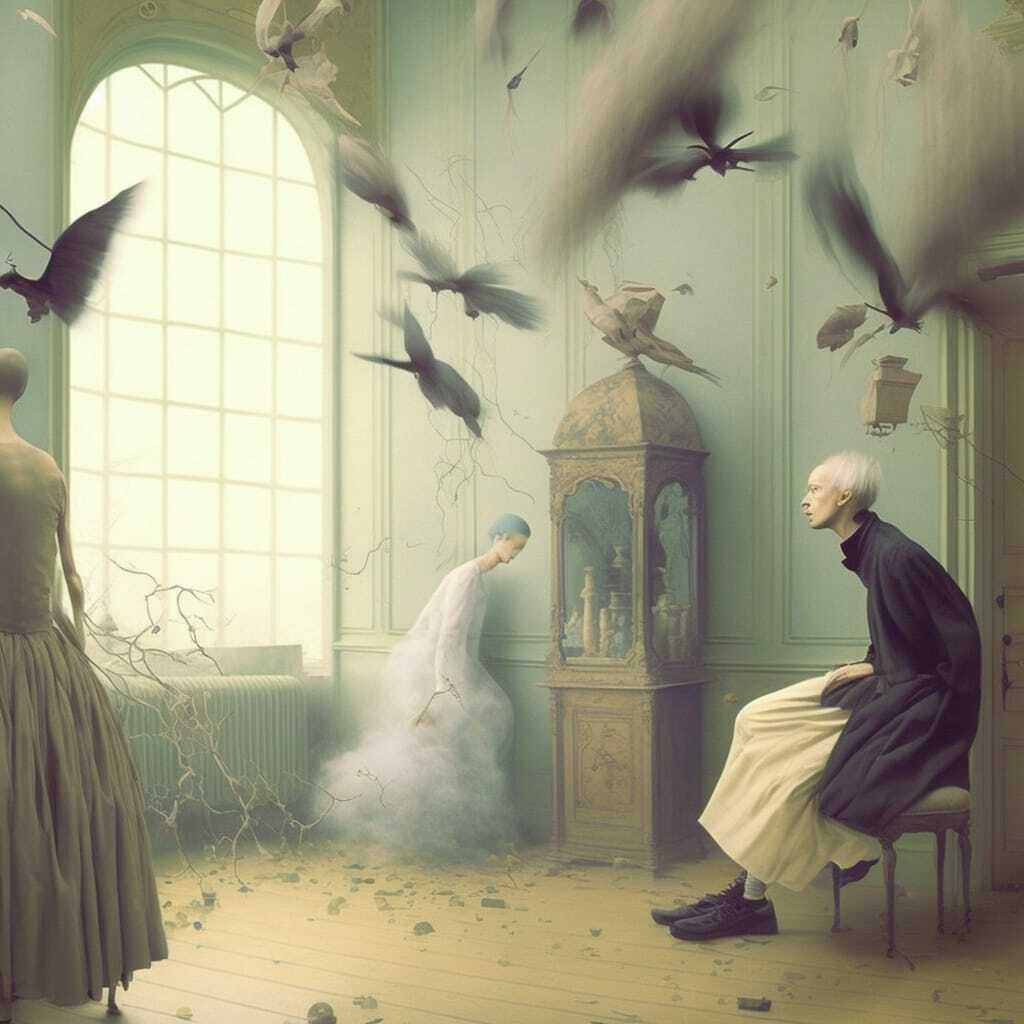
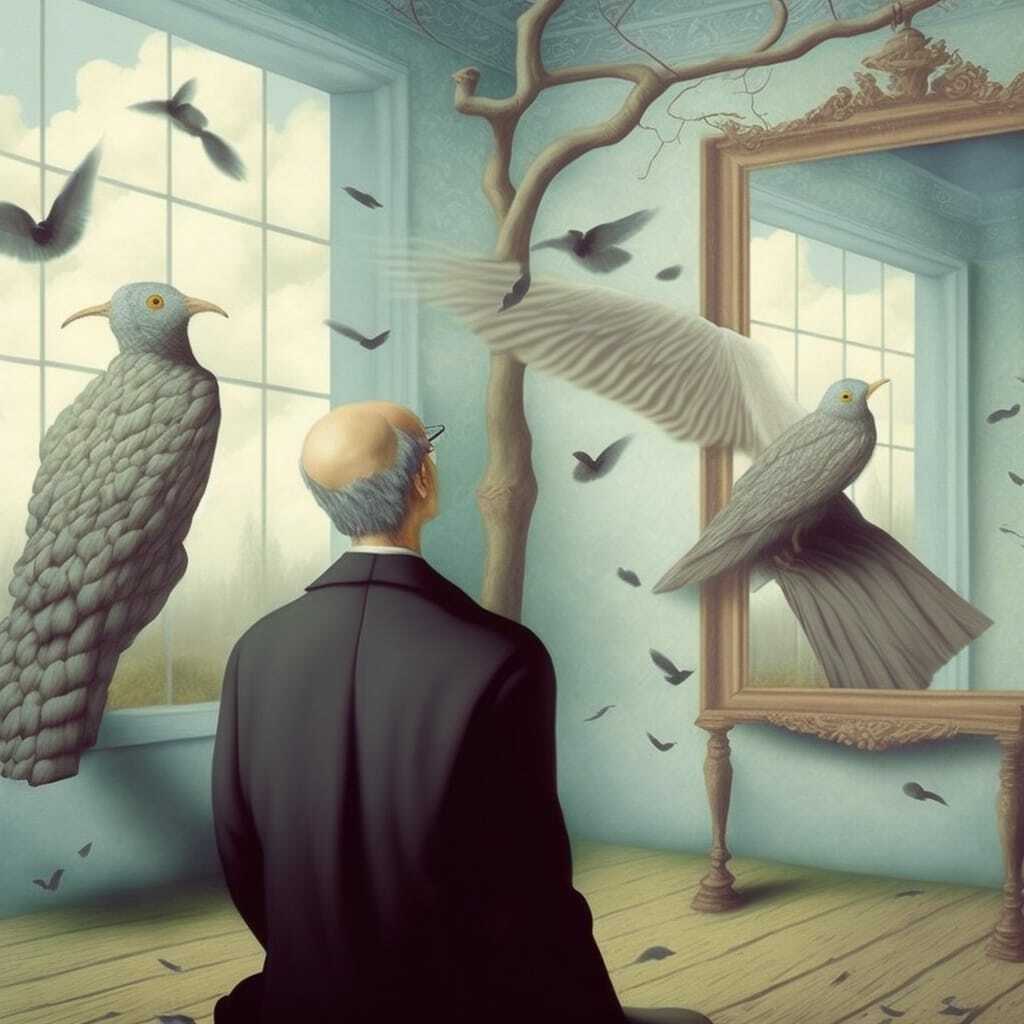
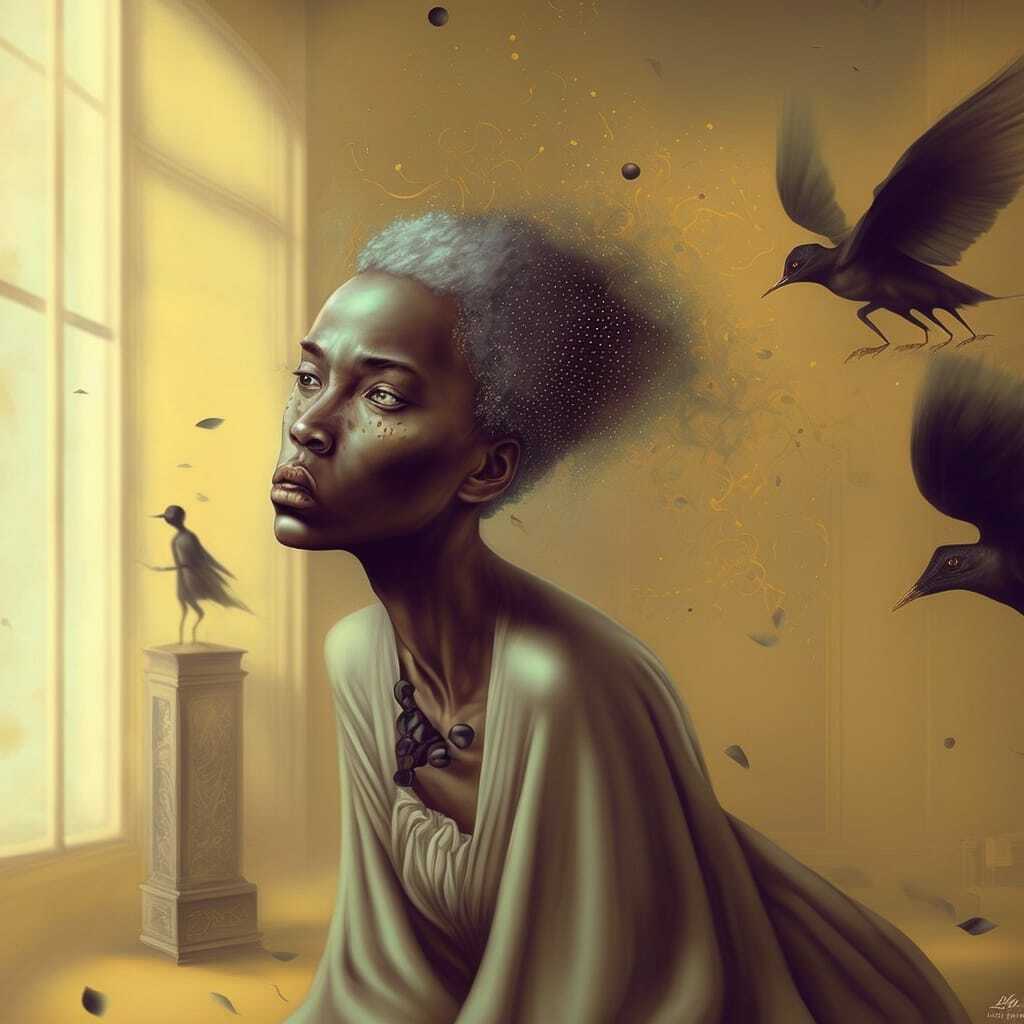
Mind. Blown. Thank you, Midjourney!
Happy midjourneys,
Support Midlibrary
If you want to help us maintain and expand Midlibrary, produce more regular educational content of higher quality, and keep it free for everyone, please condsider joining our Patreon community.
Unless noted otherwise, all images on this website are created by the Midlibrary team using Midjourney AI and are not representative of real artists' works or real-world prototypes of the Midjourney styles used. Please respect the copyright—kindly ask us before re-using any materials published on Midlibrary.io.
♡

