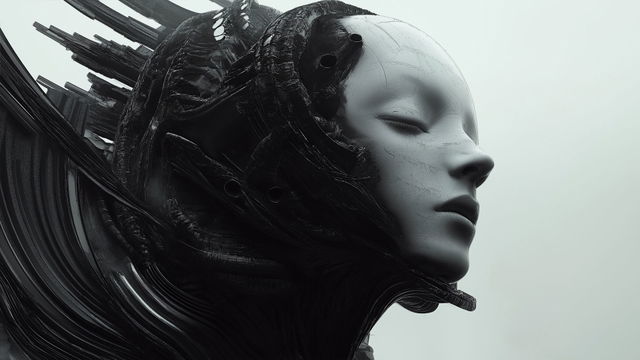
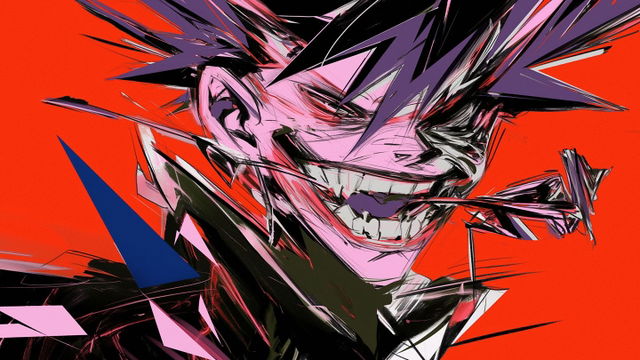
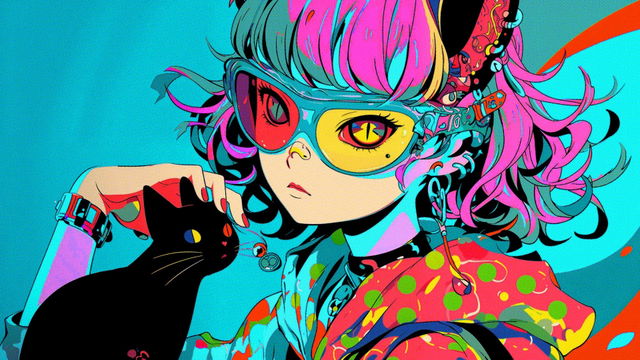
Deep Dive into Midjourney SREF Codes
Feb 2025·Updated Oct 2026·by

Style Reference codes, or SREF codes, are transforming the way we use Midjourney to create art. In this in-depth guide, we explore Midjourney’s game-changing innovation—simple numeric codes that, when added to your prompt, evoke unique visual styles and elevate your results to a whole new level.
SREF Codes In a Nutshell
SREF codes is a precise, reusable, and easily accessible method for controlling the visual style of your Midjourney generations.
In short, SREFs are numeric identifiers that represent specific aesthetics within Midjourney. By adding an SREF code to your prompt, you instruct Midjourney to apply a predefined style to the output image.
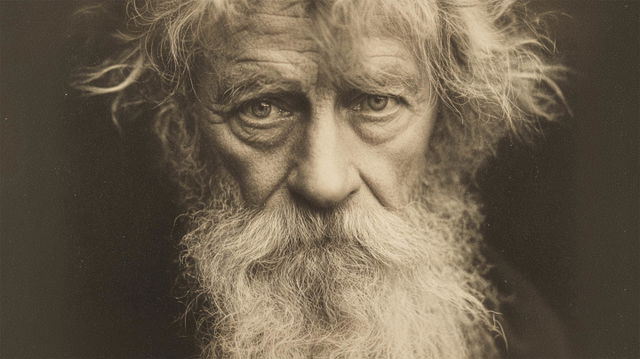
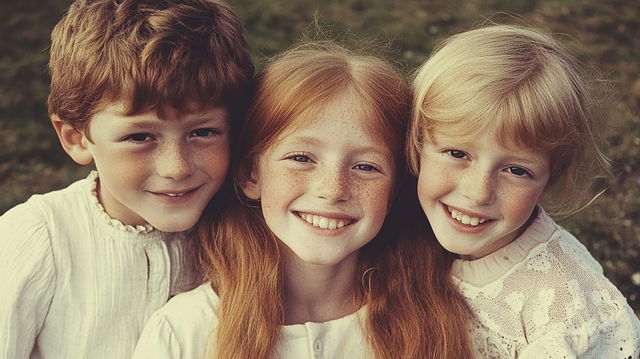
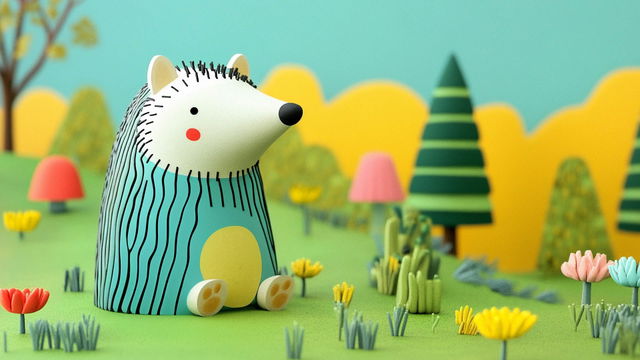
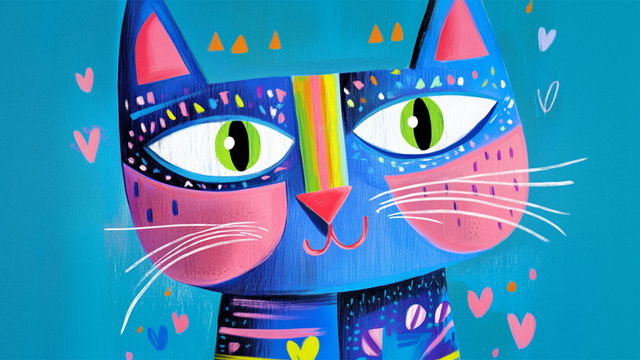
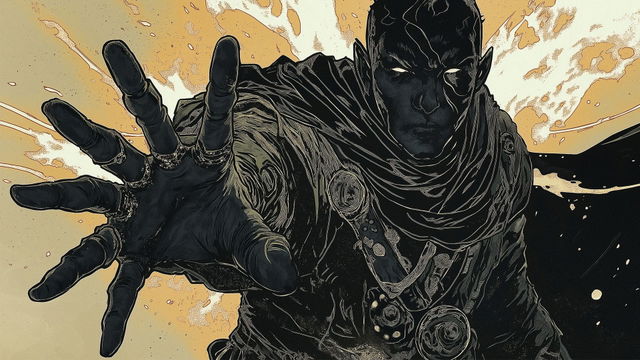
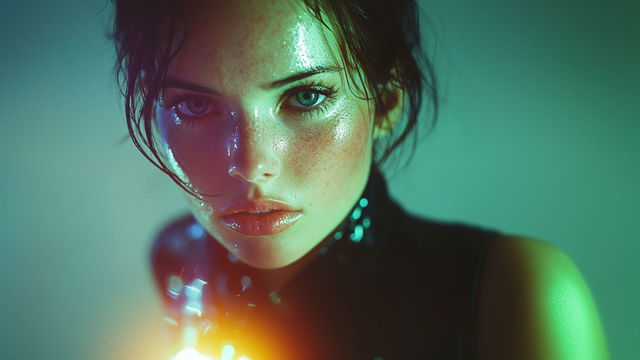
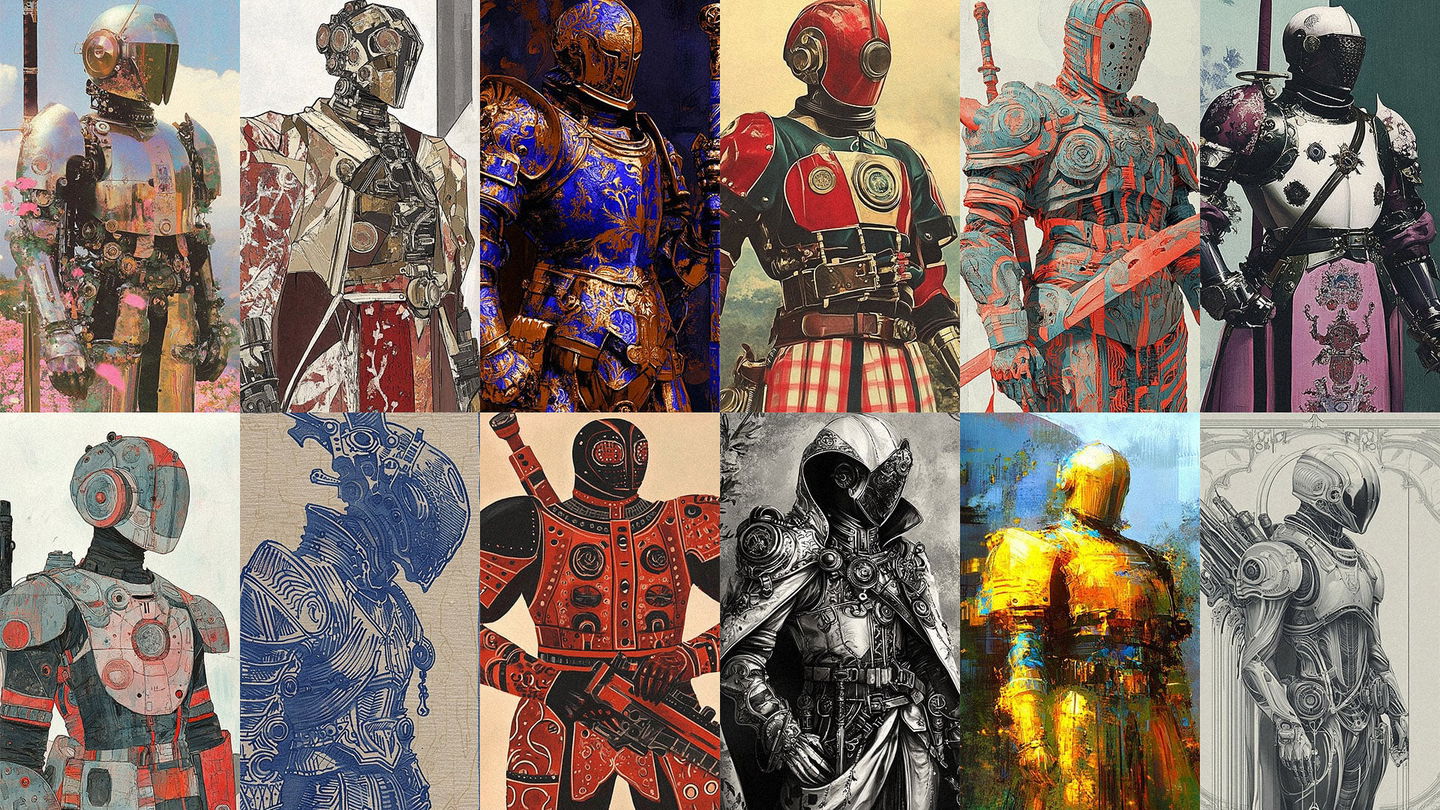
Let's see how different SREF codes dramatically transform the outcome from the same prompt.
ⓘ As in all Midlibrary Guides, you can click on any and —both in galleries and in text—to copy them to clipboard for use in your own prompts.
Essentially, these codes act as shortcuts to otherwise intricate and detailed style descriptions. This allows you to focus on the core of your prompt without meticulously specifying visual features such as artistic techniques, colors, textures, or lighting. Simply add to your prompt and watch the magic unfold..
SREF Codes vs. “Traditional” Styles
“Traditional” Midjourney styles—or Artistic Styles—are keywords that guide the AI toward a specific set of visual features based on real-world prototypes.
These can include the names of artists, art genres, artistic movements, techniques, mediums, or even titles. Since its inception, Midlibrary’s mission has been to classify and document these styles, creating a visual catalog of the references that Midjourney “knows” and can consistently reproduce across various prompts.
Today, the Midlibrary Library holds over 5,500 named styles, organized into 15 categories. Each one shows four pictures made by Midjourney V8.2, is tagged with the look words read off those pictures, and keeps its pictures from earlier Midjourney versions wherever we made them.
To build this collection, the Midlibrary team tested over 14,000 names and titles from nearly every domain of visual art. The challenge, however, is that there are only a certain amount of names, and Midjourney recognizes only a limited number of them. In the early days, we could add hundreds of new styles each month. Over time, however, new ones appeared on our radar far less frequently—only about a dozen a month made it through verification and sampling.
Enter SREF codes!
Just like an artistic style, an SREF code directs Midjourney to a specific set of visual features that the AI will apply to your prompt.
These can include drawing or collage techniques, photography styles, color palettes, contrast levels, light and shadow ratios, compositions, layouts, and much more.
But unlike “traditional” styles, the number of possible SREF codes is virtually infinite! And, without a fixed real-world prototype, each SREF code is an entirely new and original aesthetics, an unexpected, unique mix of artistic elements—all that with consistently reproducible results.
Building The Library
After months of research, hundreds of hours of coding, prompting, categorizing, and analyzing—along with thousands of generated samples—Midlibrary released its own SREF codes catalog in January 2025, with 2,800+ hand-picked codes. Today it holds over 3,900.
Hunting for SREFs
But how do SREF codes make it into Midlibrary catalog in the first place?
Meet , a parameter that, when added to your prompt, generates a random SREF code and applies it to your image.
In Midjourney's response, instead of , you will see in your prompt. Repeat this process a dozen times, and chances are you’ll discover an SREF that perfectly fits your artistic vision. Or, it will surprise you with an unexpected and inspiring result!
So, we repeated this process tens of thousands of times using the same baseline prompt——chosen for its broad ambiguity. While clearly “requesting” a work of art, it avoids specifics, like medium, genre, technique, or color palette. This way, we allowed each SREF to “reveal itself” fully.
The baseline prompt highlights the core essence of a style—whether it leans toward illustration or painting, architecture or portraiture, abstraction or photorealism, and so on.
After going through thousands of artworks, we selected only the most interesting and promising codes and tested each one on 16 more prompts—one for each domain of visual art.
Four Pictures in V8.2
For Midjourney V8.2, we made every code’s samples again, with an even plainer prompt: . These four V8.2 pictures are what you see for every code in the Library today—the look a code brings on its own, when nobody asks it for anything in particular.
Applications
The 16 domain prompts—and one more, —now live on every code’s page, under Applications: the same code on 17 subjects, from an abstract 3D render to a logo, each with its whole prompt. They were made with V6.1 or V7, when the code joined the catalog.
And, this led us to re-thinking and re-designing the Midlibrary styles catalog from scratch.
SREF Codes in the Library
- Open the Library and choose SREF codes in the Category column of Filters—or simply follow that link. Each tile shows the first of a code’s four V8.2 pictures, with the code’s name under it.
- Move over a tile to see all four of its pictures at once—the whole range of the code at a glance.
- Click a tile to open its card. Copy SREF code puts the code on your clipboard, ready for your prompt; Save to collection keeps it in one of your collections. With the keyboard, the arrows move between tiles, C copies and S saves.
- Click the name to open the code’s own page.
Every code carries a name of its own—Sylvan Stratos, Paintflora Oddity—so you can find it again. The name is for you; Midjourney only needs the number.
Finding A Perfect SREF
To help you navigate over 3,900 SREF codes, the Library offers three tools: Search, Filters and Colours.
Looking for a horror mood, a collage, or lighthouses? Just use Search at the top of the page—or press / from anywhere. It reads each code’s name and the words for what its pictures show.
Prefer a more structured approach? Try Filters—click the Filters button in the top line, or press Shift+F. Beside Category, ten columns of look words—style quality, subject, technique, colour scheme, mood and more—describe what each code’s four pictures show. Pick words in any of them, and the Library keeps only the codes that carry all of them.
Colours, right beside Filters (Shift+C), works the same way with the colours in the pictures—pick as many as you like.
Whenever a filter is on, you will see a dot on the Filters icon. Reset filters, or Shift+R, clears them all. And the menu at the left of Filters sets the order of the grid: Most popular, A → Z, Newest Picks or Shuffle.
SREF Code In-depth
Now that you’ve found your perfect SREF code, the best way to understand its potential is to visit its own page. Its four V8.2 pictures run across the top; under them is the code, with Copy SREF code and Save to collection beside it.
Further down, Observations and Look terms say in words what the pictures show, and Colours lists their palette. Earlier versions keeps what the code looked like in older Midjourney versions, and Applications shows it on its 17 subjects. Click any picture to see it large, and move through the rest with the arrows.
At the end, Similar styles shows six styles closest to this one—and More like it in the Library → opens the whole Library ordered by likeness, ready for your Filters.
Applying Your SREF Code
Now that you’ve found your perfect SREF, applying it is simple: just paste the copied snippet after the text part of your prompt, and you’re all set! The copied line ends in —the version the four pictures were made with.
Easy! And if you want to fine-tune the results...
Style Weight:
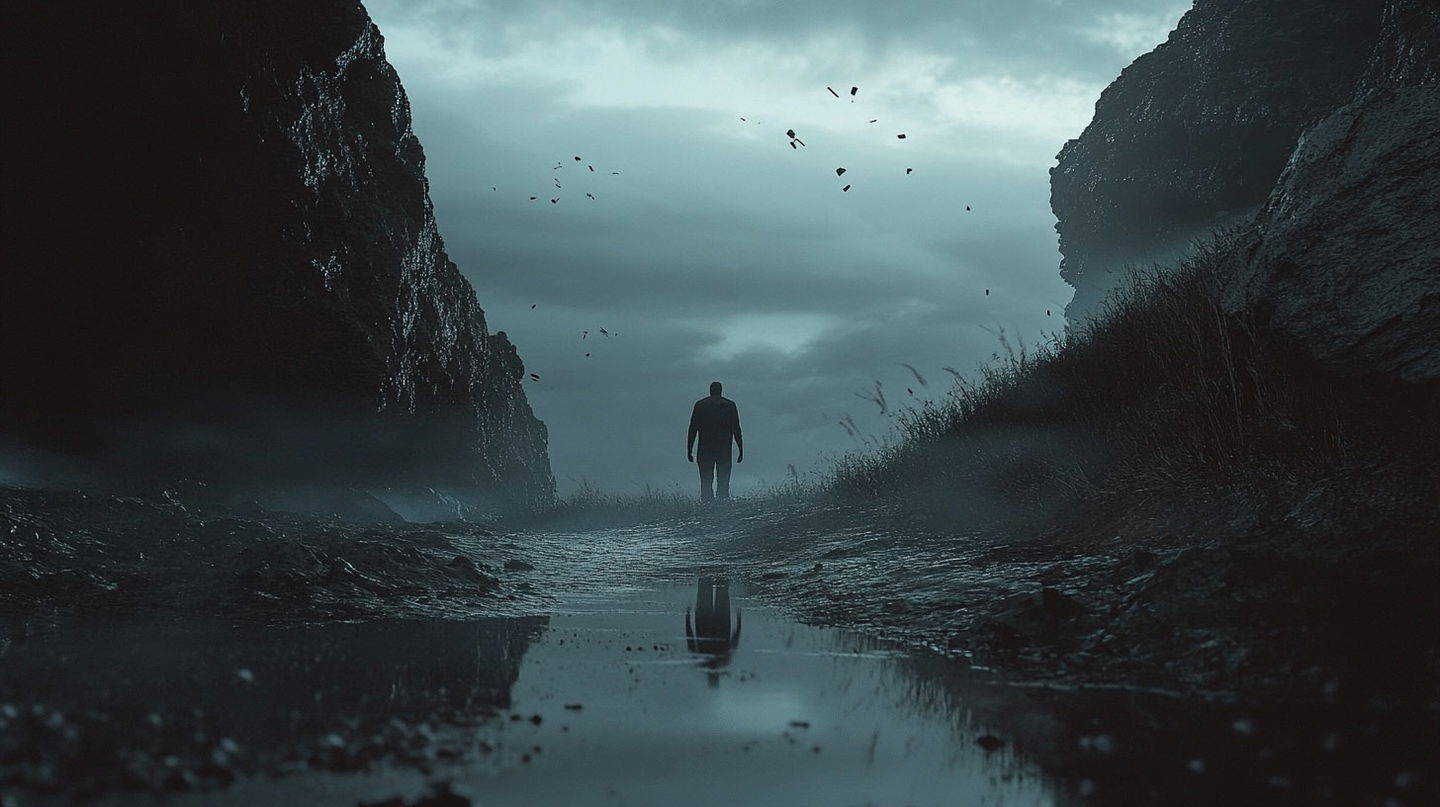
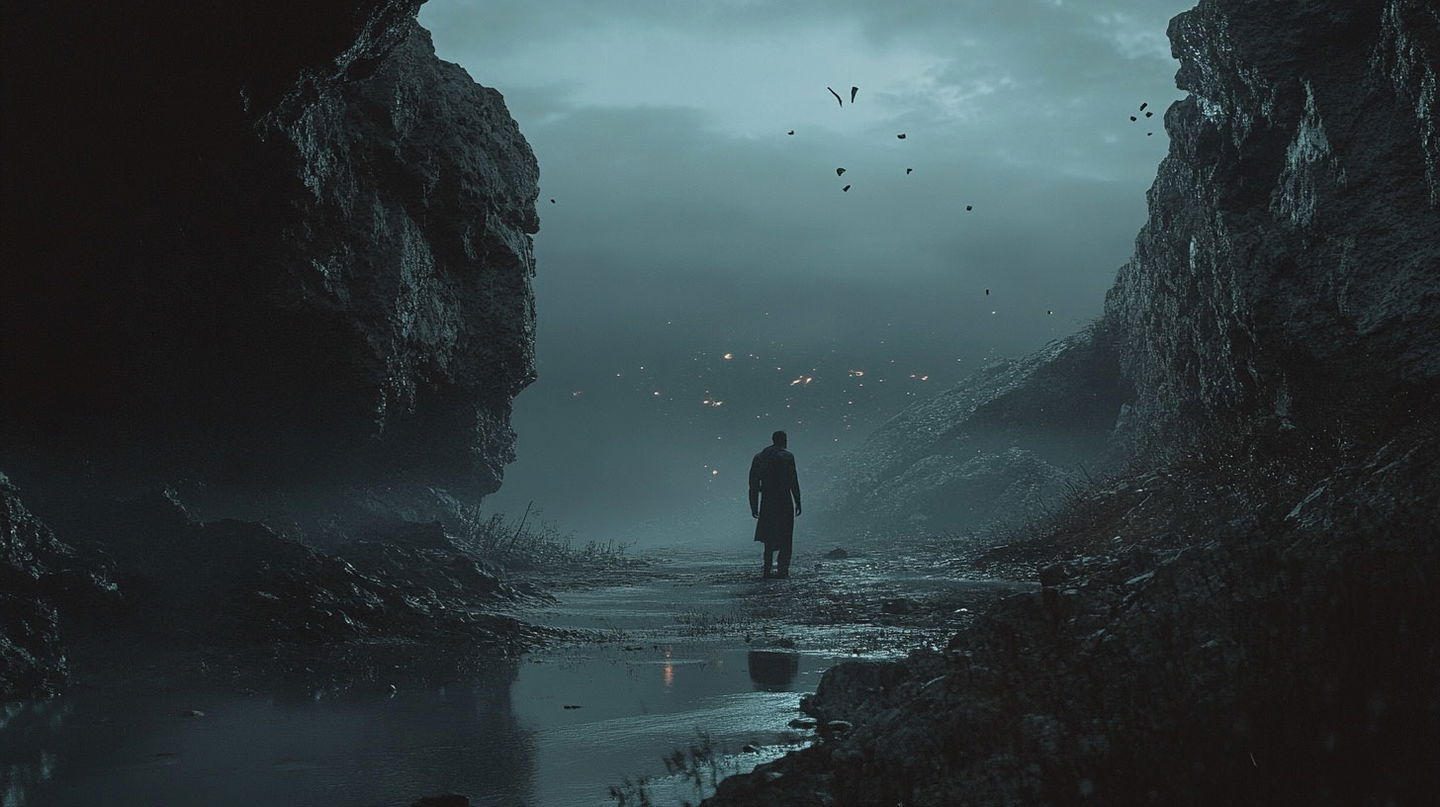
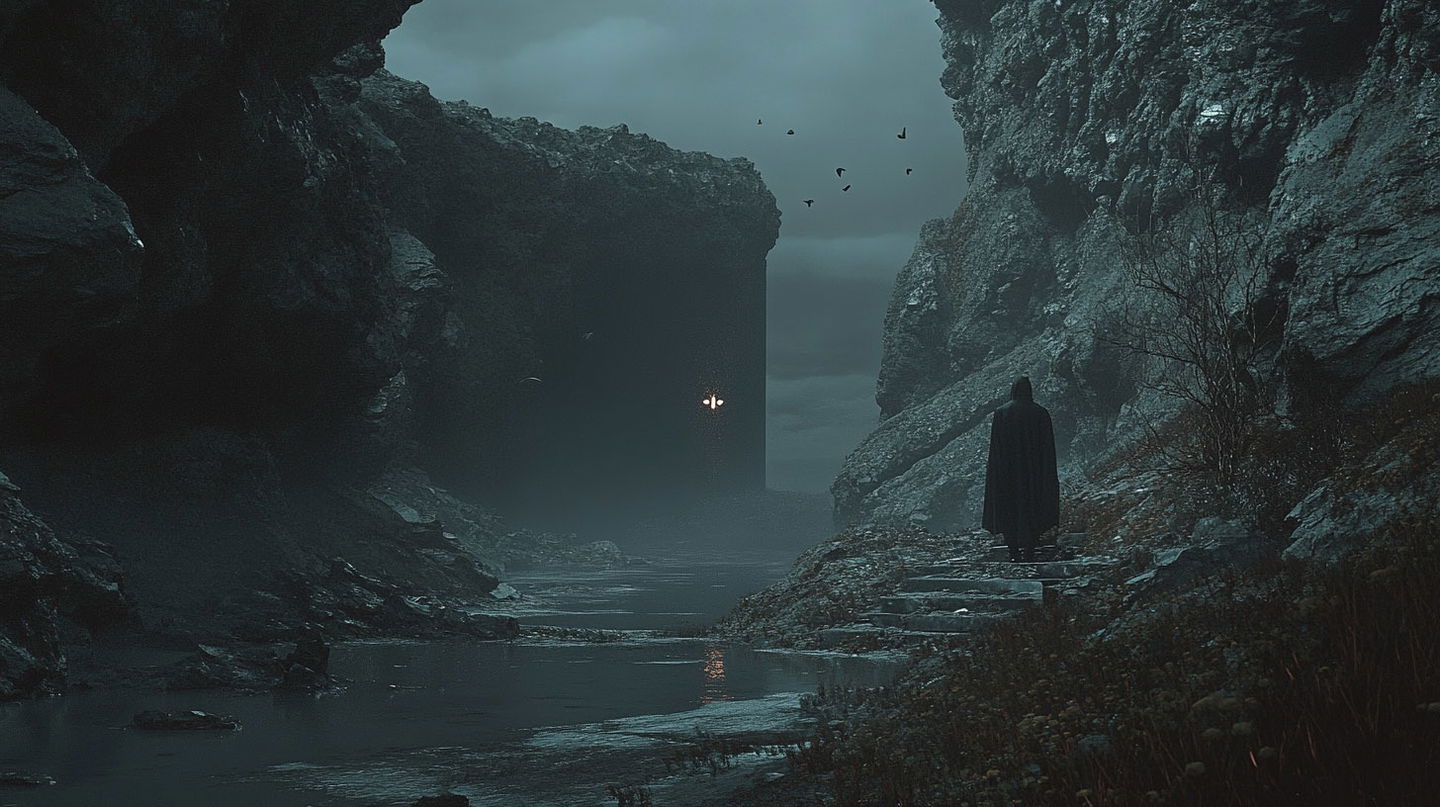
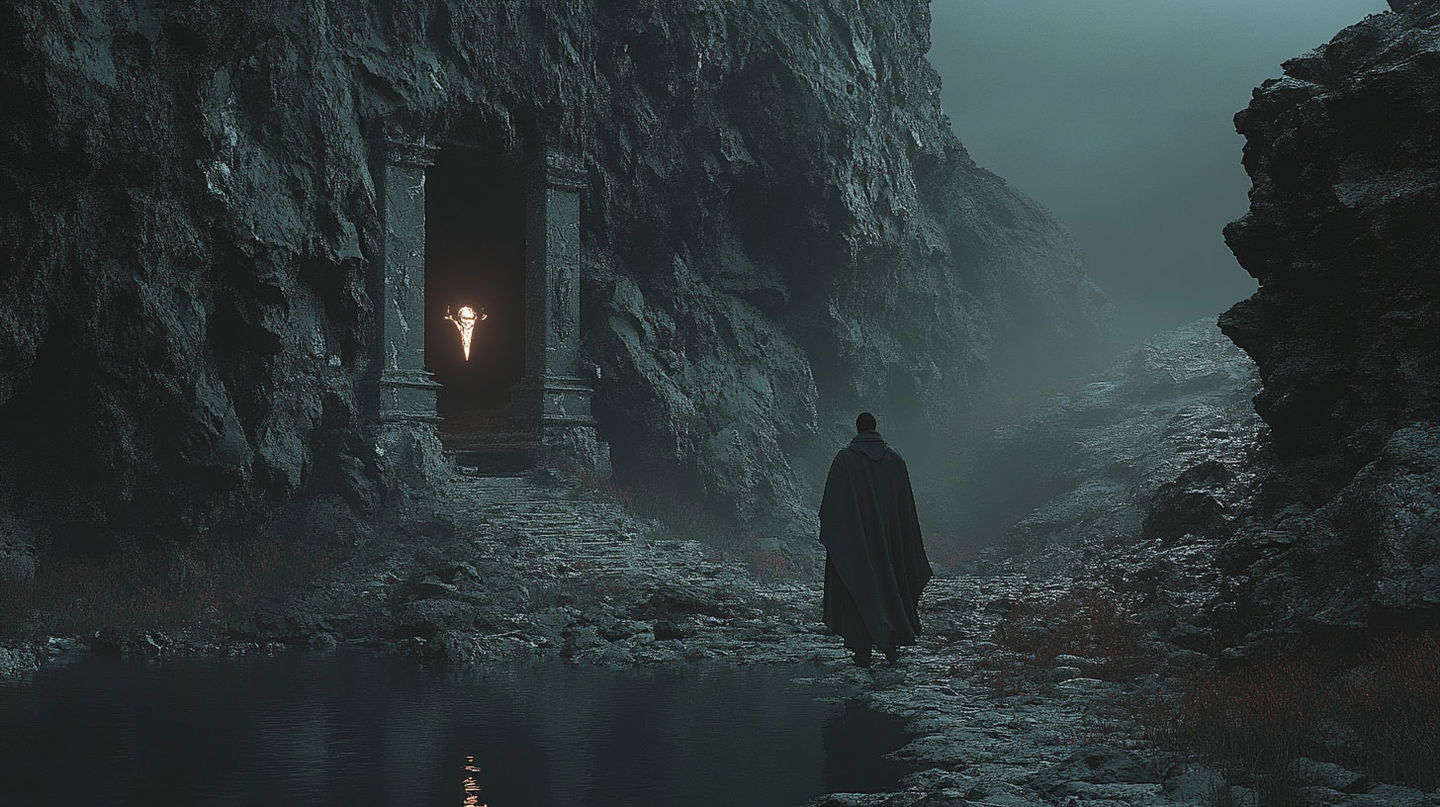
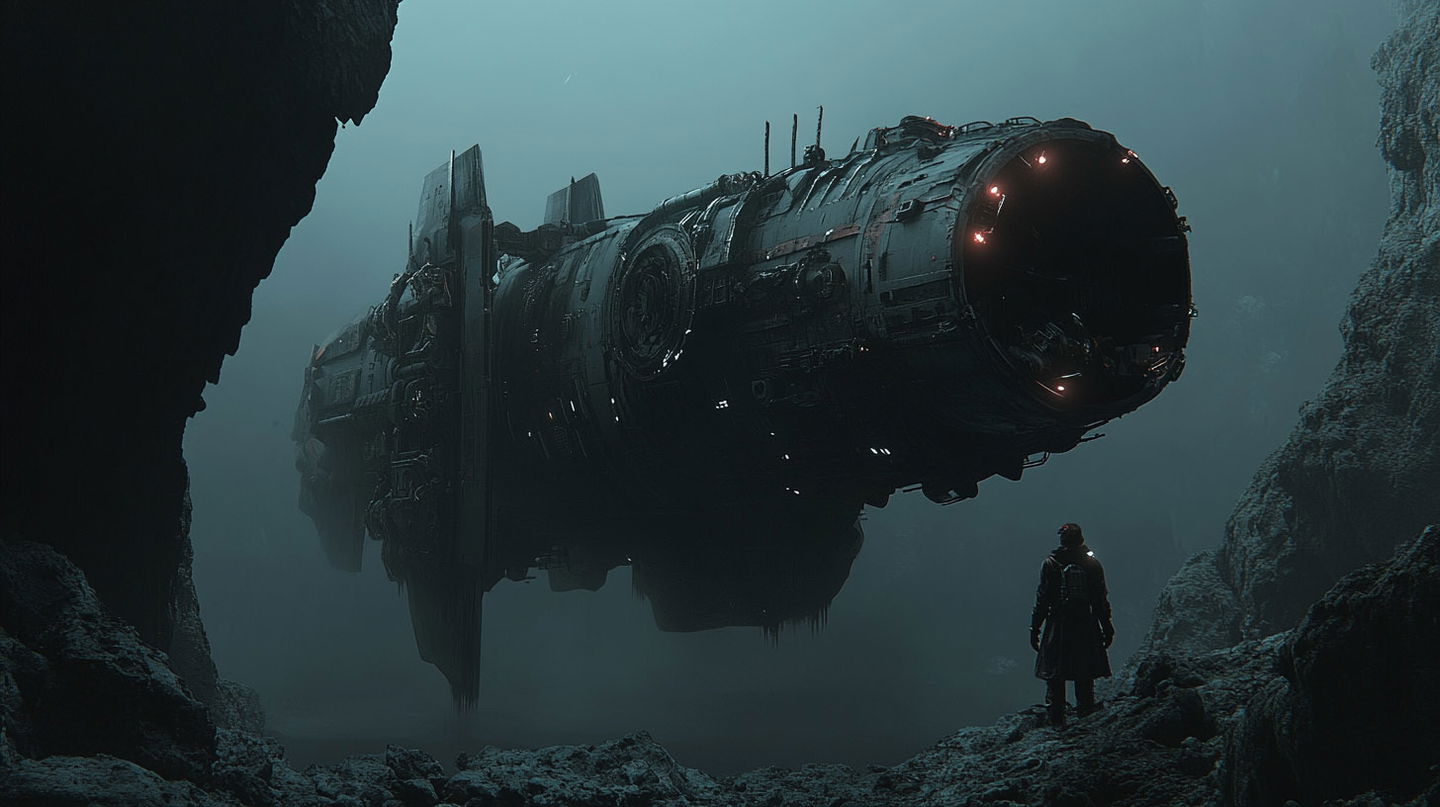
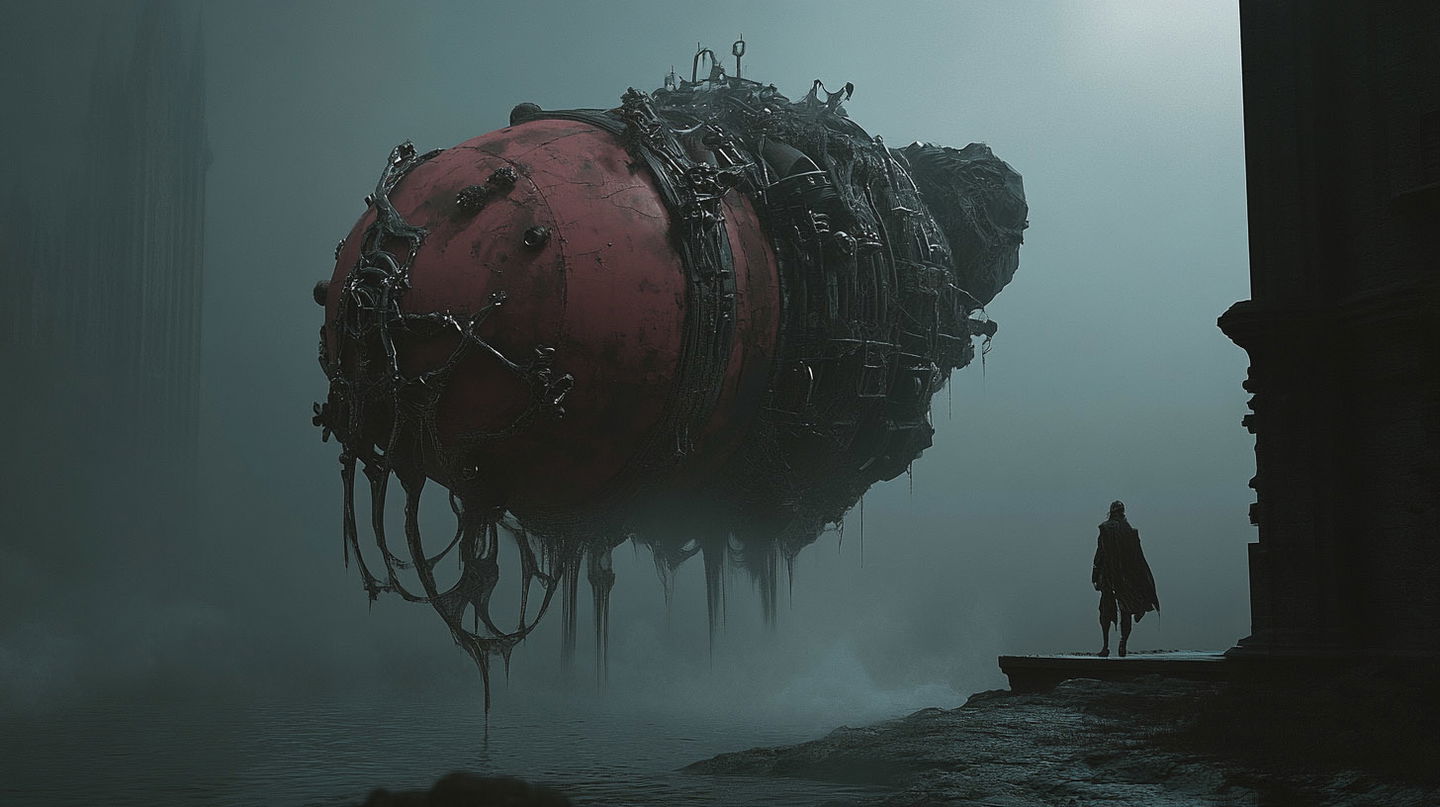
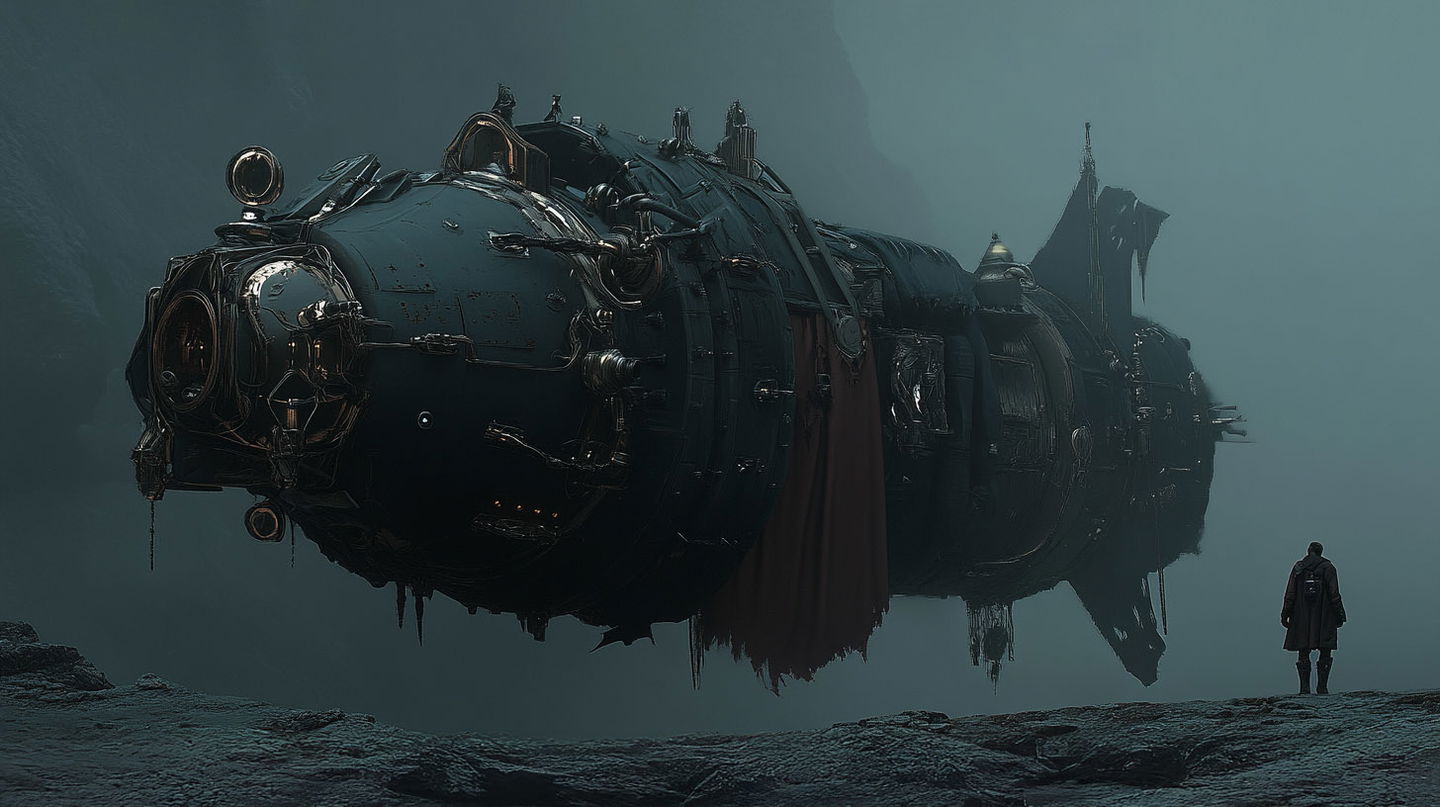
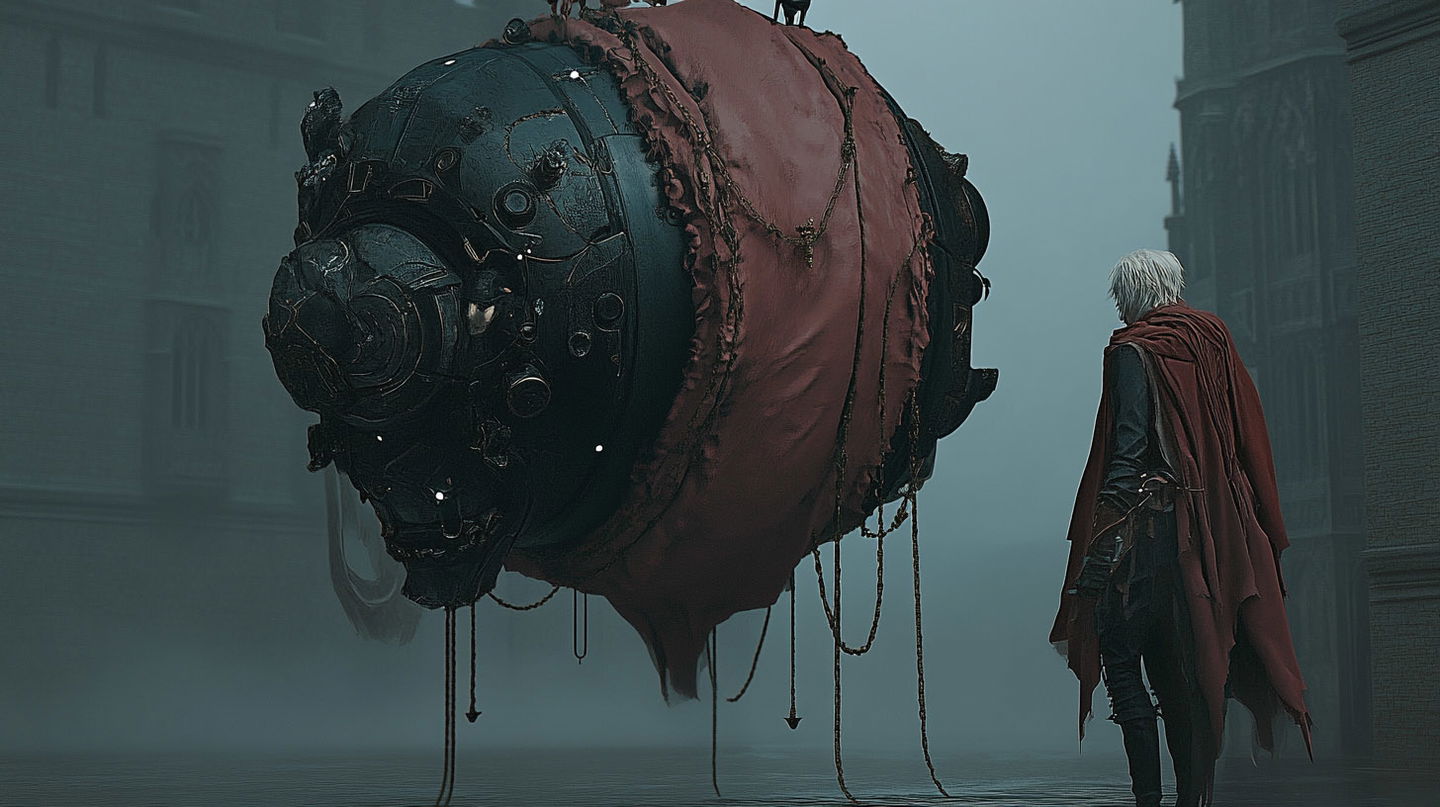
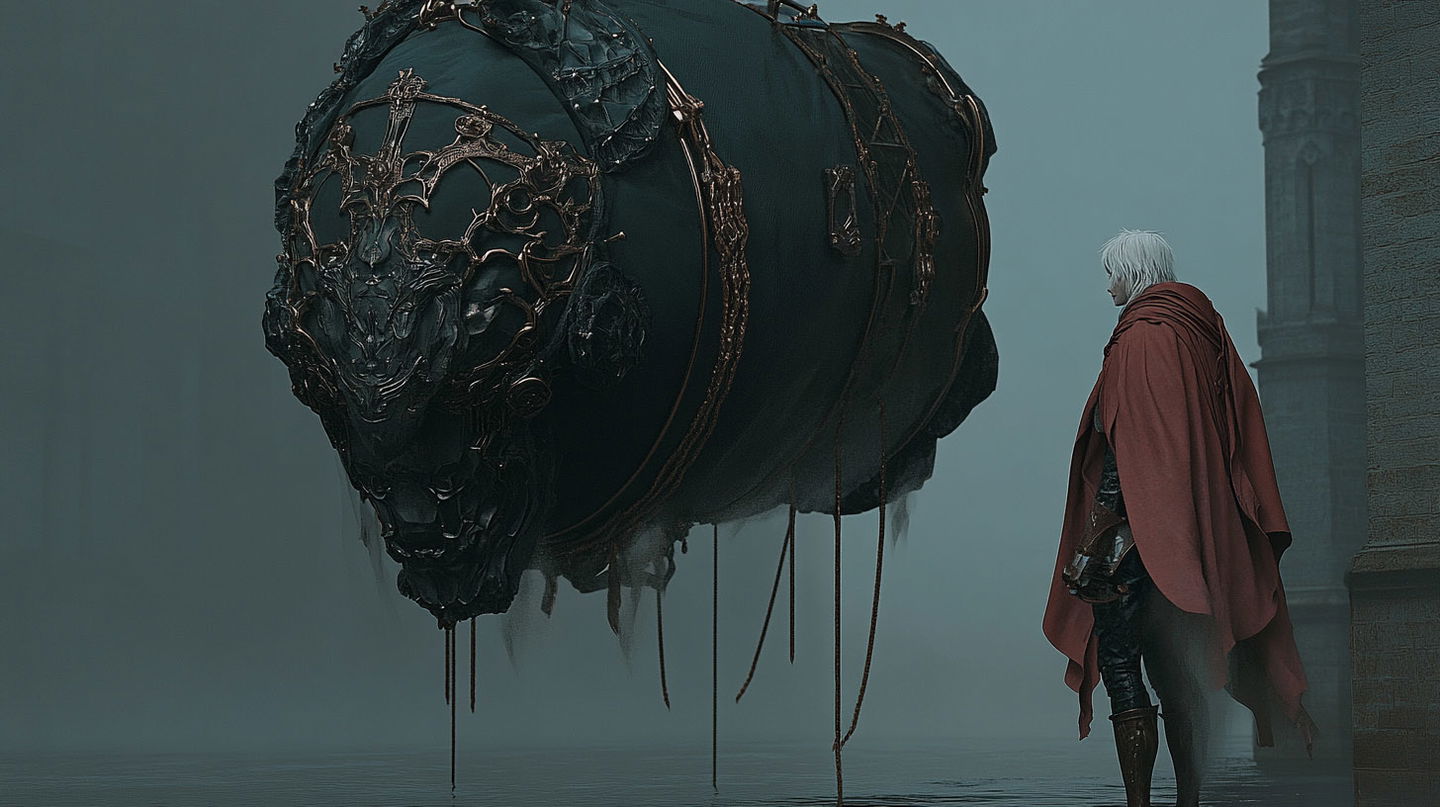
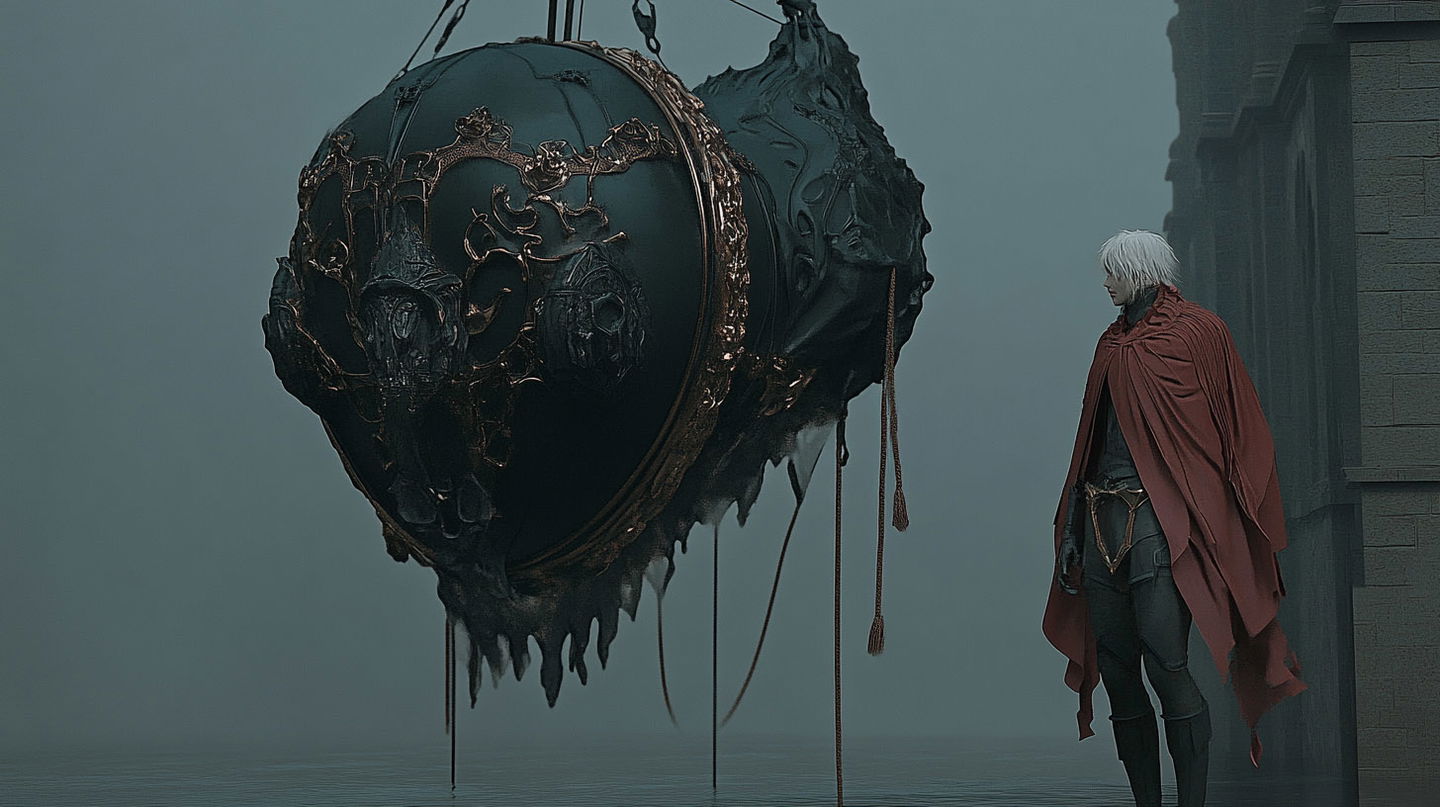
...you can adjust the intensity of the style’s influence on your prompt. For that, use , or Style Weight, parameter, which accepts a value between 0 and 1000 (with 100 as the default).
↓
Lower values (below 100) gradually dilute the SREF’s presence, allowing more room for the prompt’s details.
↑
And higher values (above 100) increase the influence of the SREF, making its visual characteristics more dominant. Note, that extremely high values may overpower the prompt, prioritizing the SREF’s core visual features over the original input.
+
From our experiments, the “sweet spot” is usually between 65 and 175. But don't let that stop you from experimenting with lower or higher values (and even going extreme!),
Infinity & Beyond
Welcome to one of the most incredible aspects of the Midjourney SREF codes—blending styles!
Yes, you can combine SREF codes to create an infinite number of unique aesthetics, crafting your own secret mix of favorite styles. And it’s super easy: Just place two (or more) codes after , separated by a space.
Balancing SREF Codes
By default, all blended styles influence the result equally. However, if you want to prioritize one style over another, you can assign weights to each SREF code in your blend.
- To assign different weights to SREF codes, use the following format:
- Weights can be any number—only the proportions between those numbers matter—allowing you to control how much influence each SREF has relative to other styles.
E.g.,: and will both produce the same effect—<code 1> will appear twice as prominently as <code 2> in the final image.
Ultimately, experimenting with different weights allows you to tune your blends to create even more personalized styles.
Referencing Existing Images
When discussing Midjourney’s style reference capabilities, it’s impossible not to mention another powerful feature—image-based style referencing.
Instead of using an SREF code, you can input the publicly accessible URL of an image (or multiple images, separated by spaces) after . Midjourney will then attempt to transfer the visual style of that image to your prompt.
For a deeper dive into this feature, check out our in-depth guide: Midjourney Style Reference for Photographers→
And guess what? You can combine an existing image with SREF codes—just like blending multiple SREFs!
Simply place the image URL alongside the SREF code(s) after , and Midjourney will merge the visual characteristics of both.
Further Exploration
On top of everything, SREF codes work seamlessly with some of the Midjourney’s most important parameters. Just like with “traditional” prompts, you can use: , , , , and to bring the results closer to your vision.
And, you can also apply SREF codes to image prompts, unlocking even more creative possibilities!
We’ll be covering more advanced techniques in upcoming guides. Stay tuned!
Conclusion
SREF codes are more than just a technical feature—they mark a paradigm shift in how artists using Midjourney, can create, refine, and elevate their work by developing personalized, original visual styles.
And at Midlibrary, we are committed to continuously expanding our SREF codes catalog—adding new styles, enhancing categorization and tagging algorithms, and refining our AI-powered search to make discovering the perfect SREF easier than ever.
Happy midjourneys,
— Andrei
P.S. You can now keep your favorites—both “traditional” artistic styles and SREF codes—in Collections: boards for your styles, in your own order. All it takes is a free account.
About the author

I am a visual artist with 17 years of experience in portrait photography, film, mask design, and education. As Midjourney AI and its analogs are revolutionizing the world of art and our creativity itself, I am overwhelmingly excited to explore the limits of these fantastic new tools and share my findings with the community.