Four quick questions — which AI tools you use, and what we should build next.help us choose.

Take the poll →
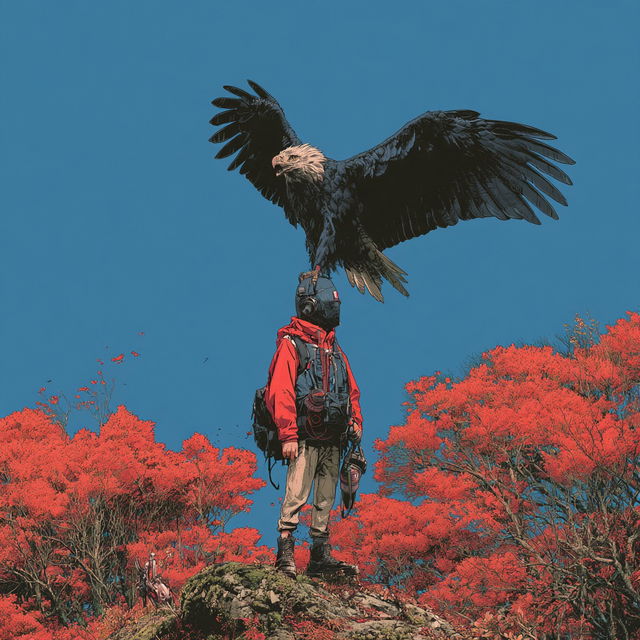
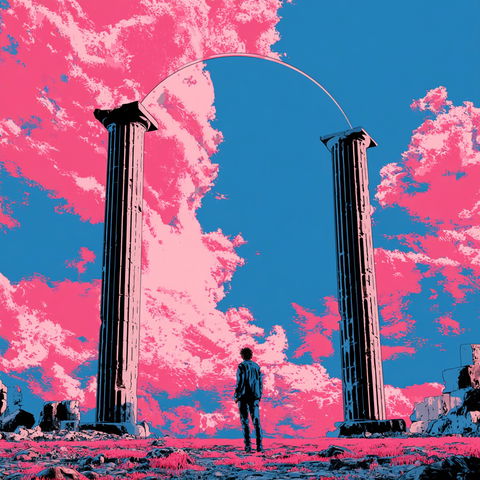
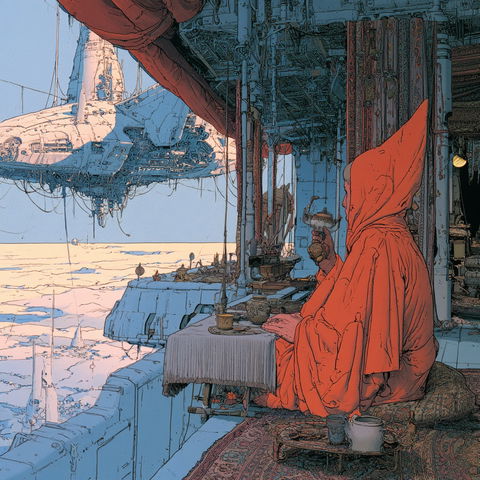
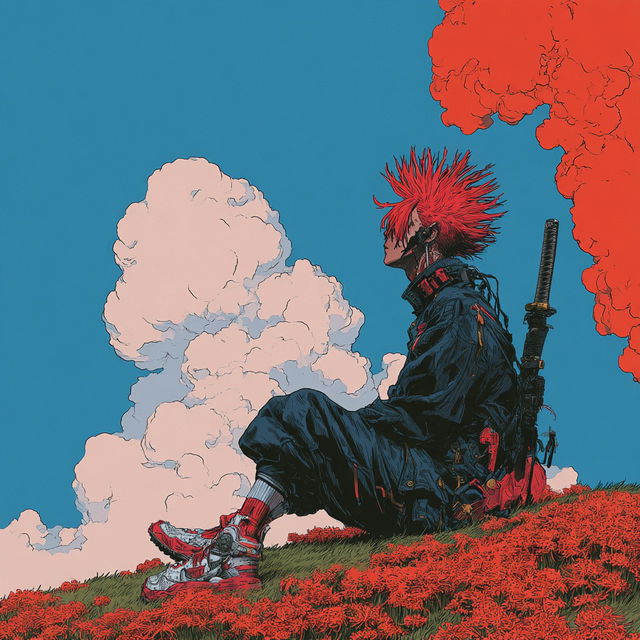
Tealgrim style, Midjourney V8.2, render 1 of 4
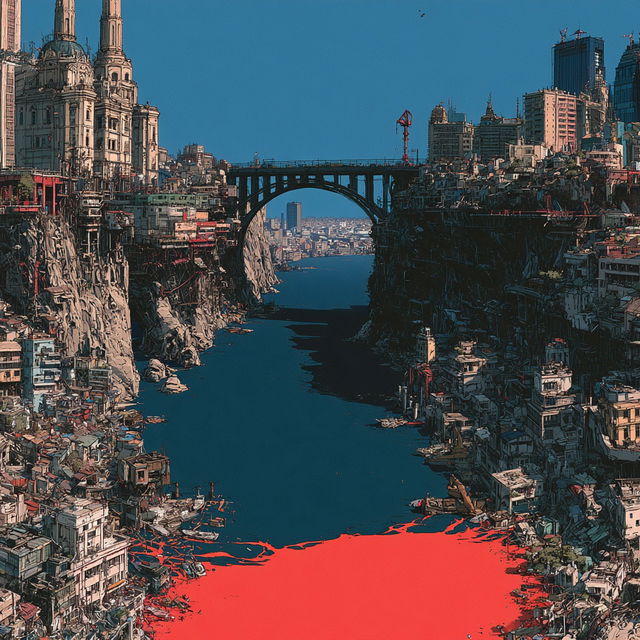
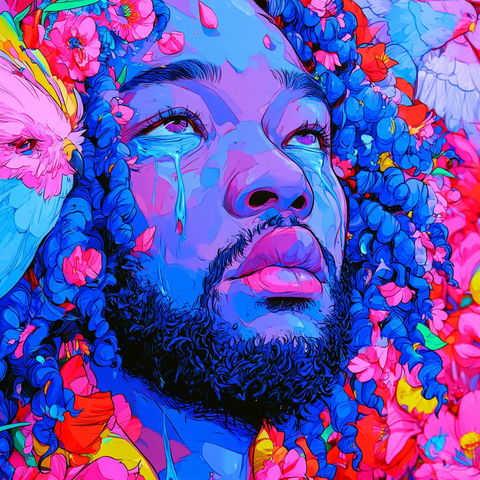
Tealgrim style, Midjourney V8.2, render 2 of 4
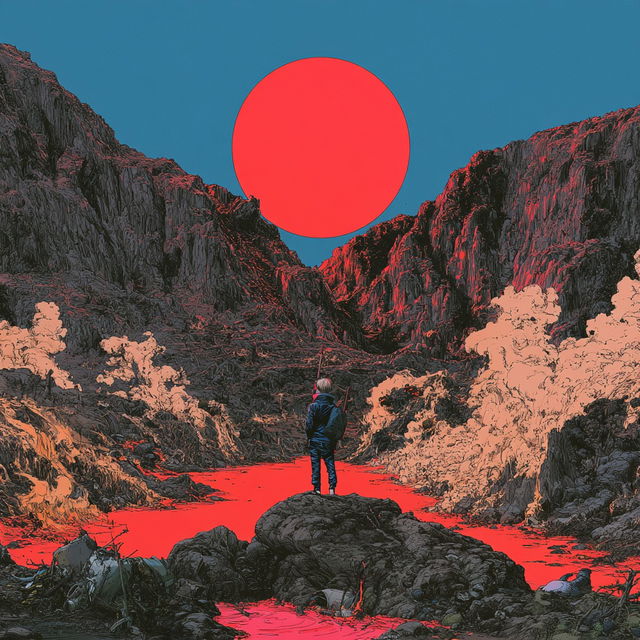
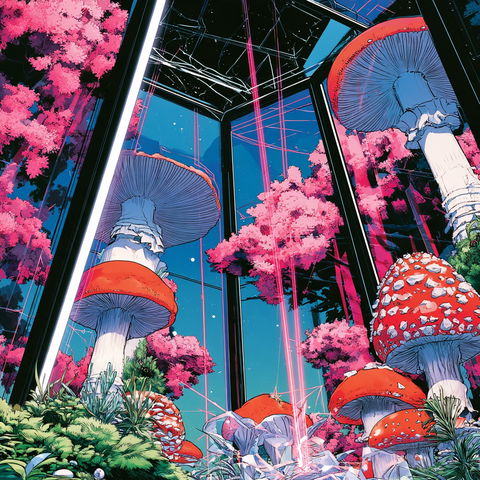
Tealgrim style, Midjourney V8.2, render 3 of 4
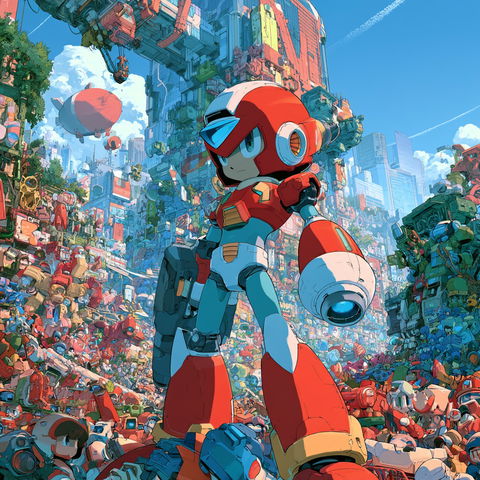
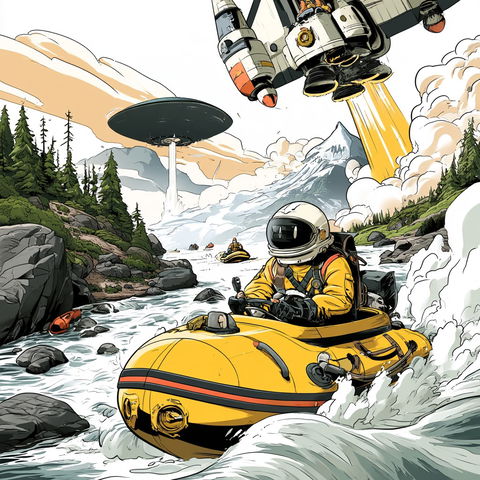
Tealgrim style, Midjourney V8.2, render 4 of 4
Copy the prompt or code, then paste it after your own words in Midjourney. How it works →

Observations

Across all four renders, the style uses highly detailed graphic illustration with dense black contour lines, textured hatching, and sharply separated flat colour areas. A vivid teal, red, black, and pale peach palette creates strong contrast, while oversized figures, ruined environments, dramatic mountains, and impossible red landscapes give the scenes a surreal post-apocalyptic science-fiction character.

Look terms

Colours

Earlier versions

Same code, different picture. Midjourney changed how it reads SREF codes after V6.1, so V8.2 turns this code into a new style. The old one still works: add  or .
Applications

Similar styles

Keiji Inafune style (Illustrators), Midjourney V8.2
Illustrators
Chromolith Strata style (SREF codes), Midjourney V8.2
Chromamosaic style (SREF codes), Midjourney V8.2
SREF codes
Inkbeam Tapestry style (SREF codes), Midjourney V8.2
Etchrover style (SREF codes), Midjourney V8.2
SREF codes
Moebius style (Illustrators), Midjourney V8.2
Illustrators