From idea to picture:how Midjourney styles work
Midlibrary doesn’t make pictures — Midjourney does. Midlibrary is where you choose how they look: find a style you like, copy one short line, and add it to your own prompt.
What a style does
The same idea: portrait of shaman-huntress in morning marshes. Plain words about what to show — who, where, what time of day — and not a word about how it should look.
First with no style… Midjourney has to choose the look itself, so it falls back on its default: polished, cinematic, believable. Not wrong, just the picture anyone typing these words would get.

…then with 8 styles from the Library. The idea stays word for word. Each time, we added only a style: an artist’s name, a technique, or an SREF code.
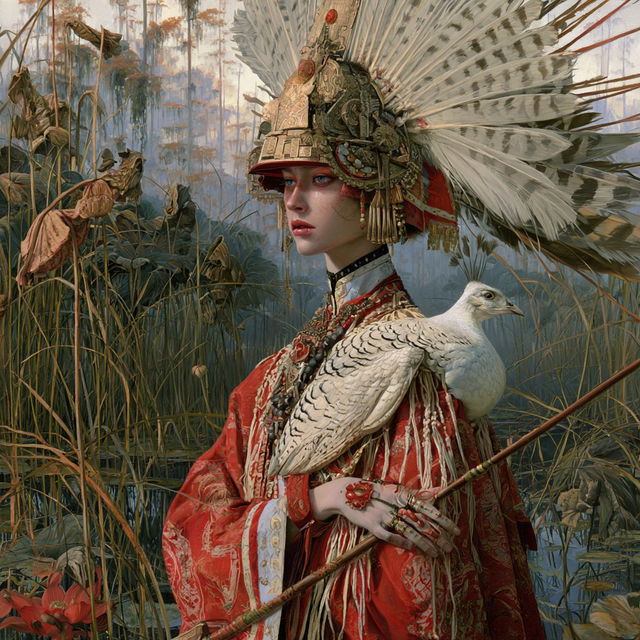
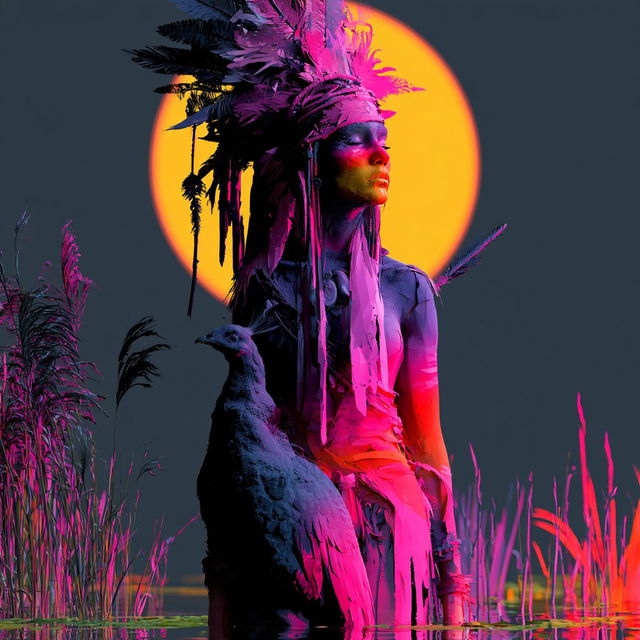
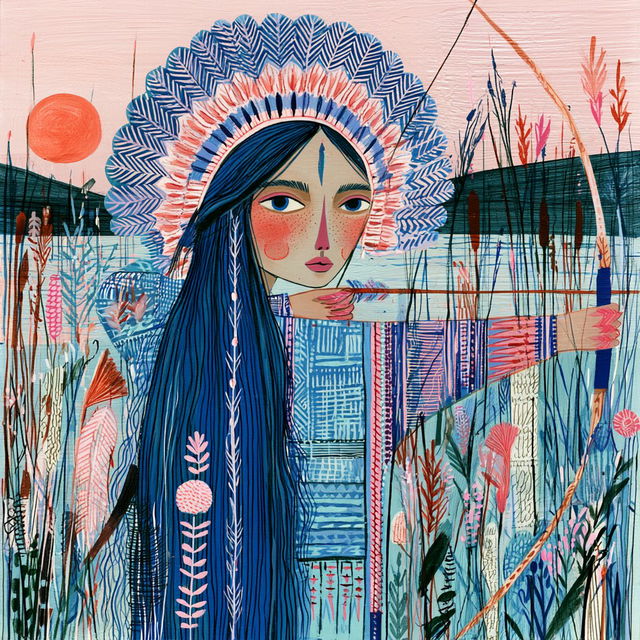
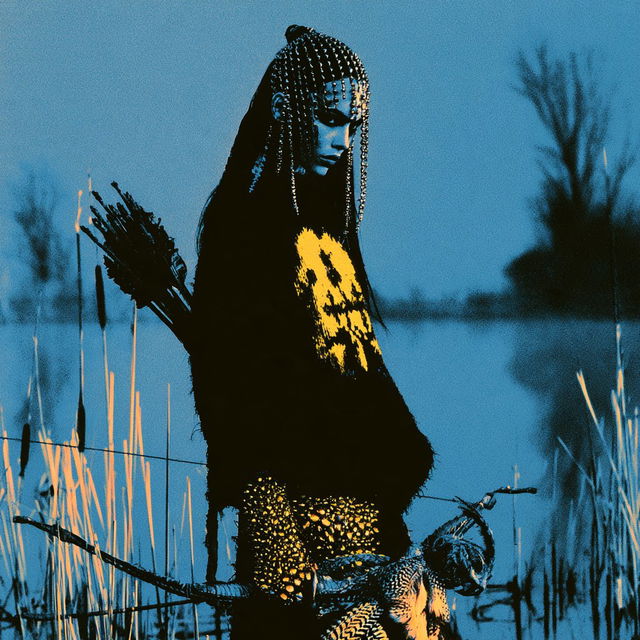
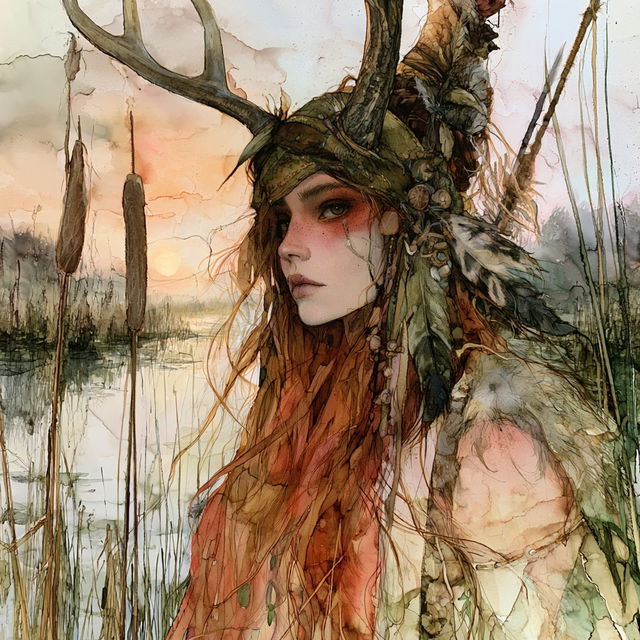
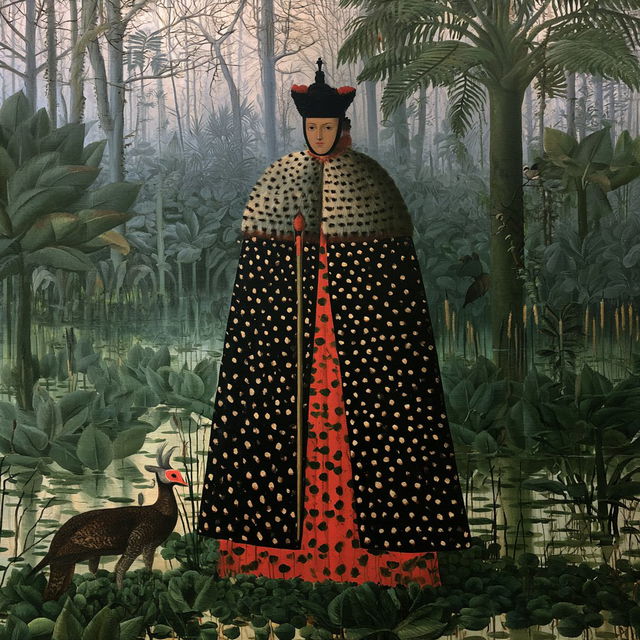

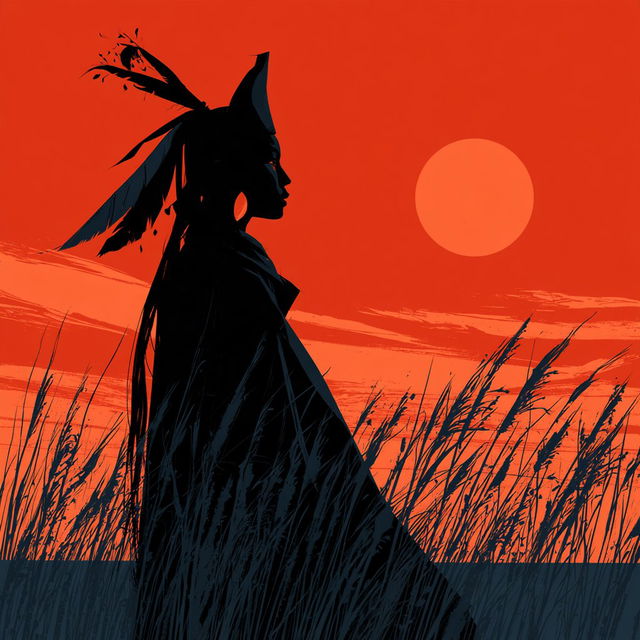
Each one added a few words or a code to the prompt; nothing else changed. Yet the light, the colours, the brushwork, even what she wears moved with it. That’s what a style is: the part of the prompt that decides how a picture looks, kept apart from what it shows.
Try it
Pick an idea, then a style from the Library, and see what the style does to it.
1 · An idea
2 · A style from the Library
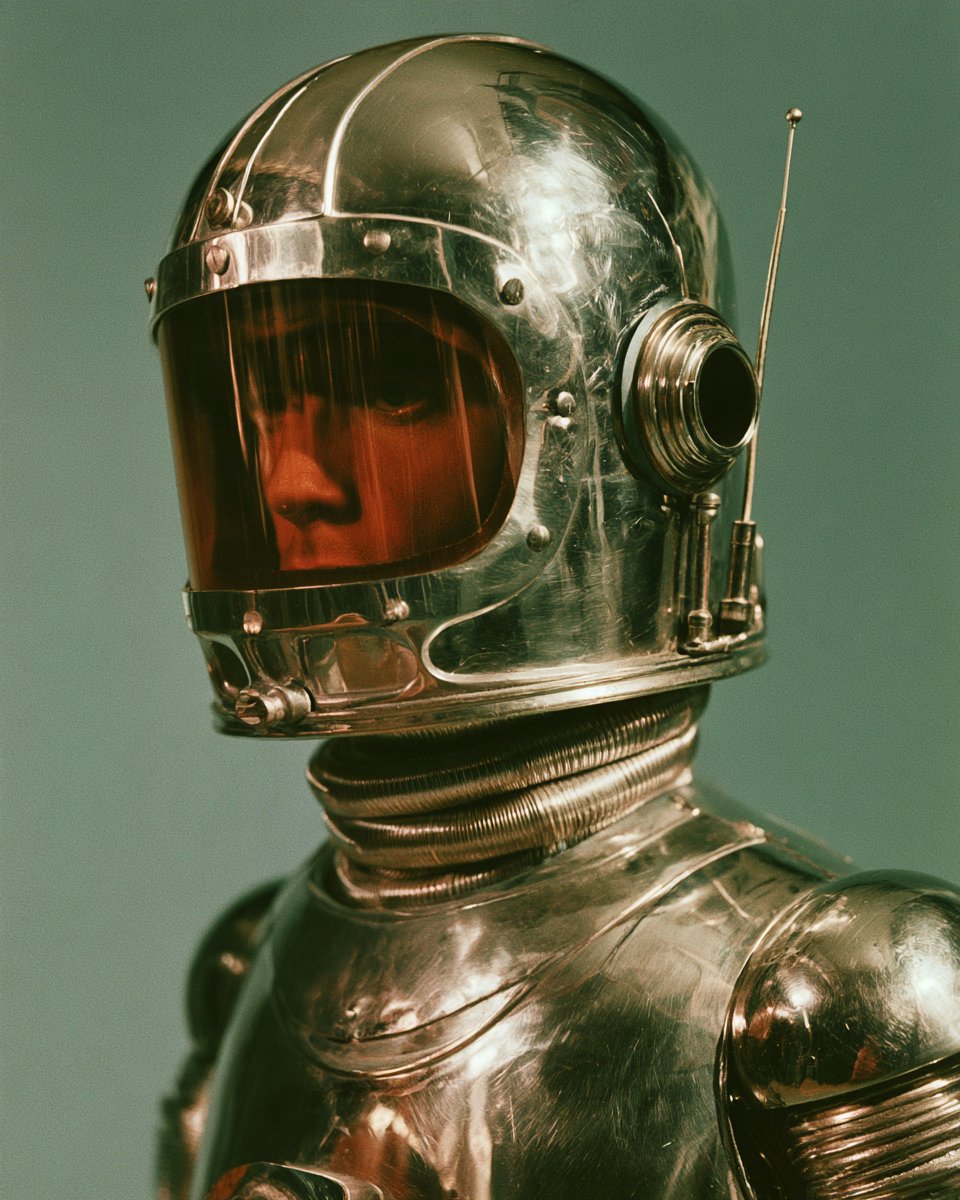
Now do it yourself
- 1
Find a look you like
Browse the Library. Every style shows four pictures Midjourney made with it — move over a tile to see them all. Open the ones you like.
- 2
Copy its line
Every style has one short line. A named style gives a prompt (by Henri Rousseau); an SREF code gives a code (--sref 573332008). One click copies it — or press C.
- 3
Paste it after your idea, in Midjourney
Write what you want to see in your own words, then paste the line after it. Midlibrary has no box to type in — the picture is made in Midjourney, on its website or in Discord.
In Midjourneymagical Japanese garden with royal koi carps flying through dark alleys --sref 573332008 --v 8.2 - 4
Your picture, in that look
Same idea, new look. Not quite it? Go back to step 1 and try another style — that is the whole game.

Next
Styles and SREF codes — what the line you copied means, and how to change it.
Finding styles — Filters, Colours and the keys, for when you know what you want.