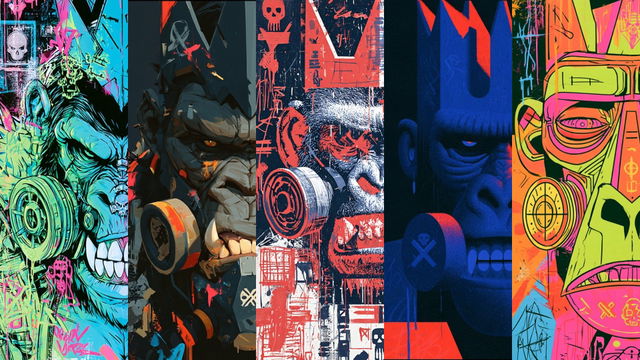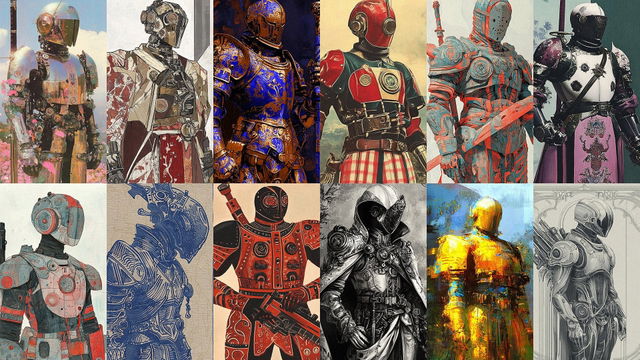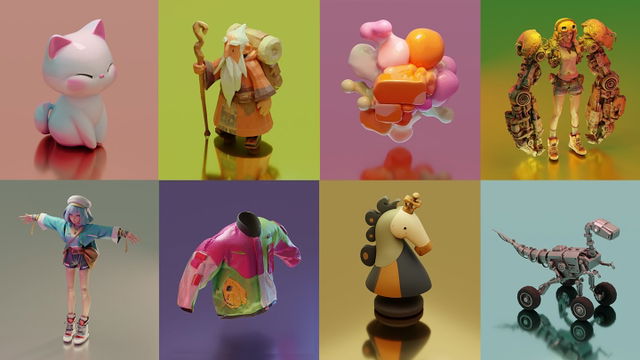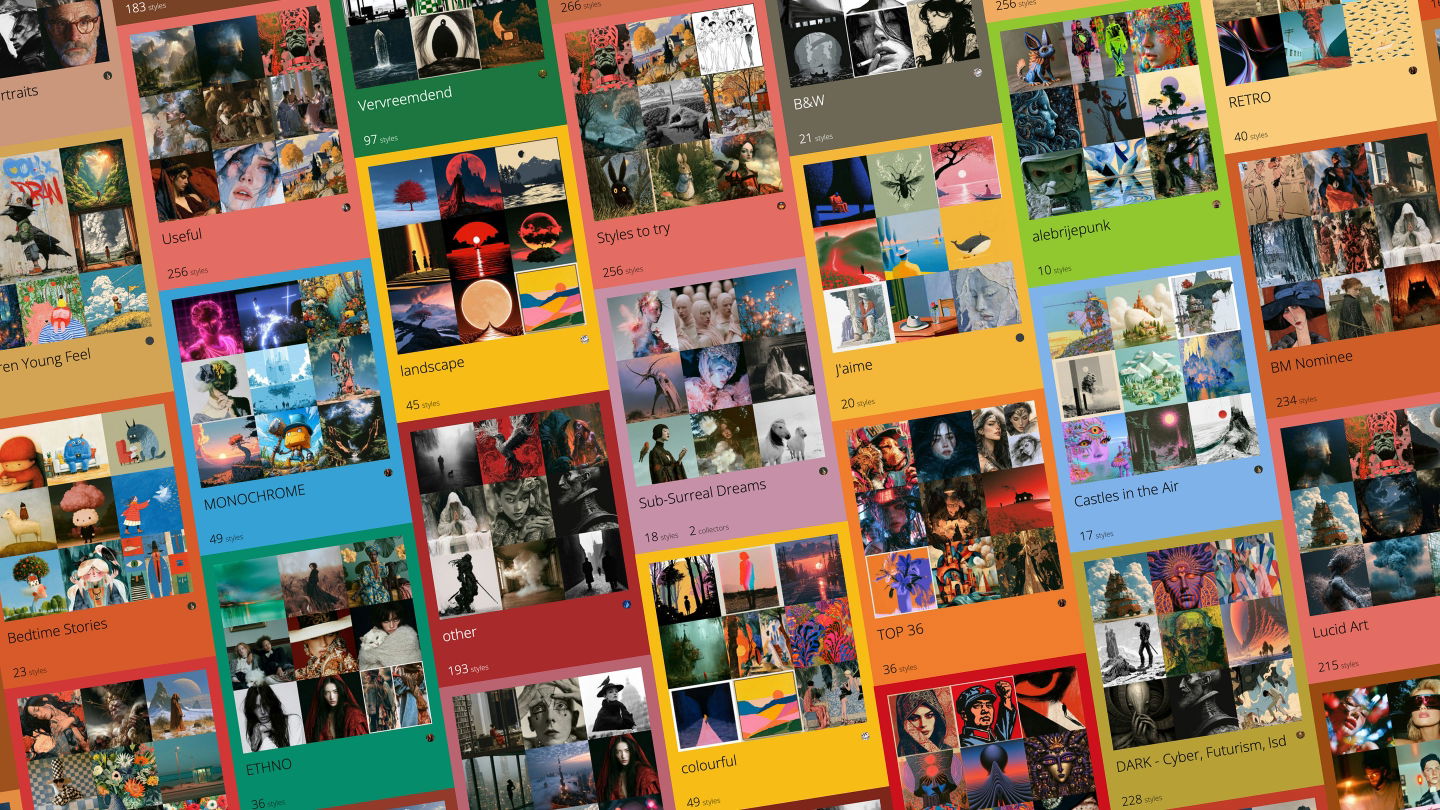
646 Midlibrary members have made 1,704 collections. Until now, you could only see them one by one and only if you knew their address. Now they all live on one page, and — you can collect the collections!
Collections
Every public collection is now a card on the new Collections page. The card takes its color from the pictures inside, so no two look the same. Filter them by what they hold (Painterly, Animals, Dark…) or by color, and sort by the newest or the biggest.
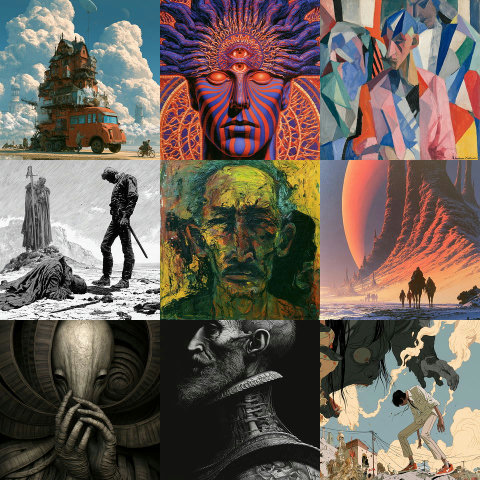
Here are four that caught my eye. They are live: turn a card to see its colors and looks, or save it right here.
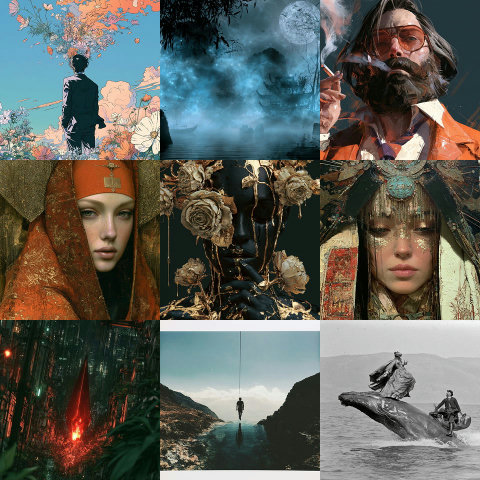 Dystopian Utopiaby Mistress of Disaster36styles

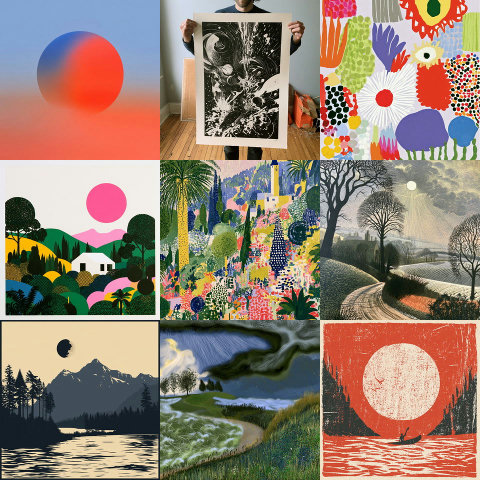 Printmaking and textureby Greg Lehmkuhl11styles
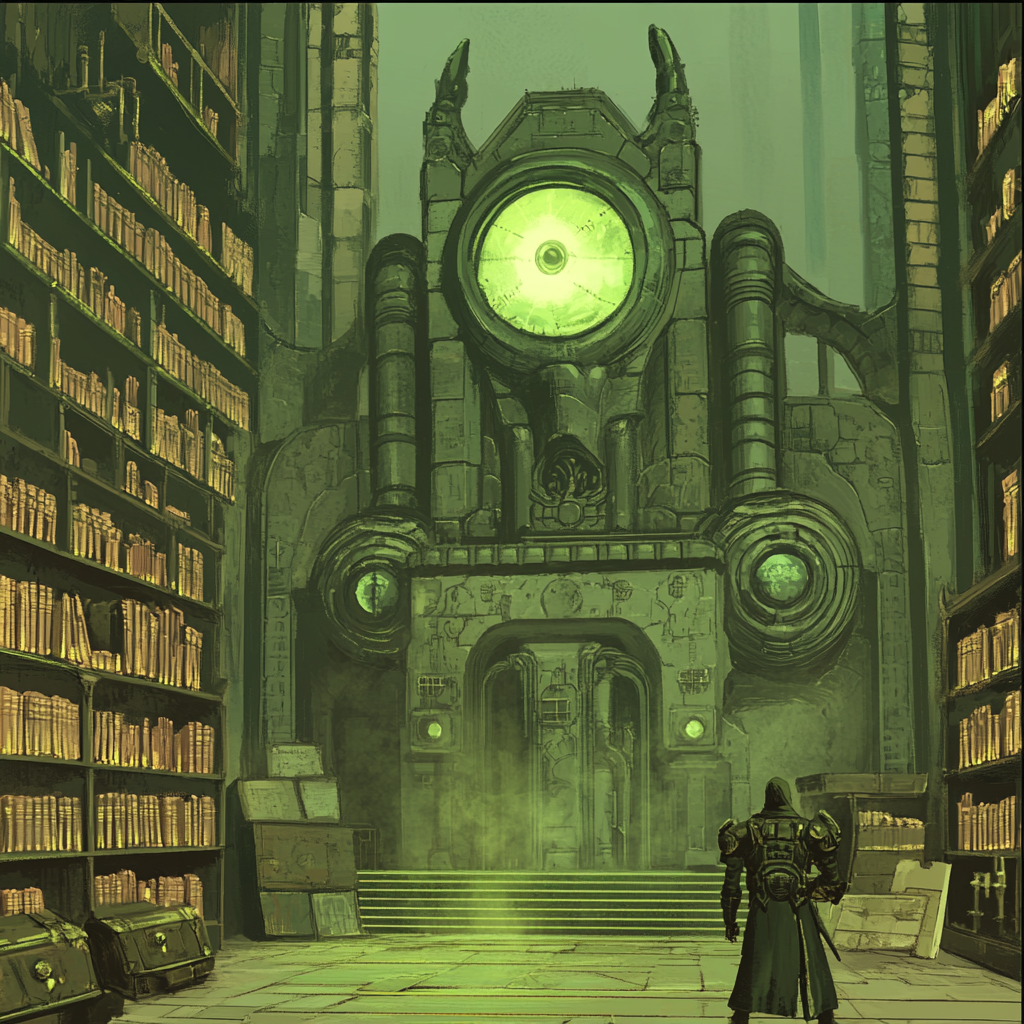
 DARK - Cyber, Futurism, lsdby Vladyslav Shyrobokov228styles
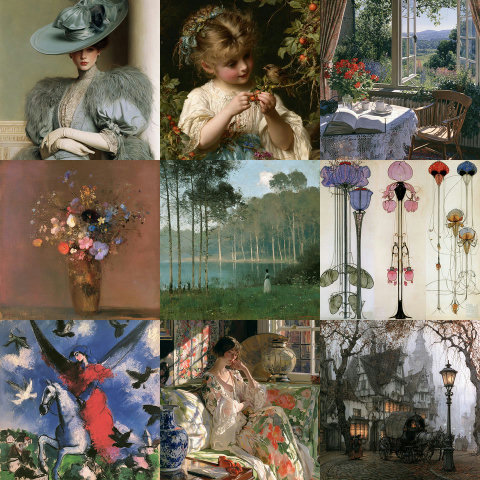 Classic impressionsby Dazed Wallpaper35styles
Make Yours Look Like You
Midlibrary draws a card for every collection by itself. But it’s your exhibition, so you choose what hangs at the entrance. Open a collection and press Edit cover card: pick the layout and the pictures. Picture 1 becomes the cover everywhere — on Collections, on your profile and in a link preview.
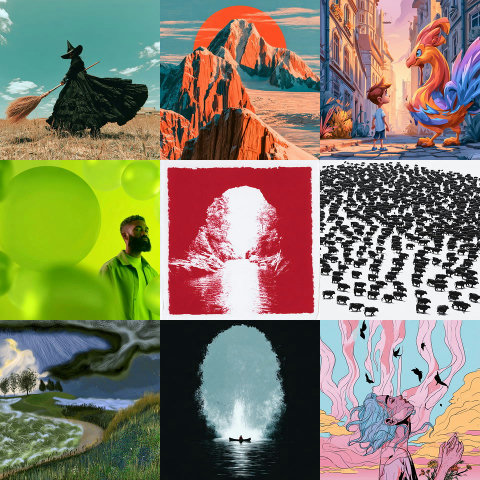
Here is my Sub-Surreal Dreams, as Midlibrary drew it, and after my edit. I made it more dreamlike, dialed down the cold blues, and added a black-and-white picture to show how different the styles inside are:
And Share now gives every collection a short link, like . Short enough for a bio. ;)
Saved and Collected
Like someone’s collection? Press Save collection on its card’s flip side, and it’s in your Saved collections, in My library.
It works the other way, too. When someone saves one of yours, you’ll see them in My collectors. I have two so far, and each saved two of my collections. A small personal hall of fame!
Seen From the Styles
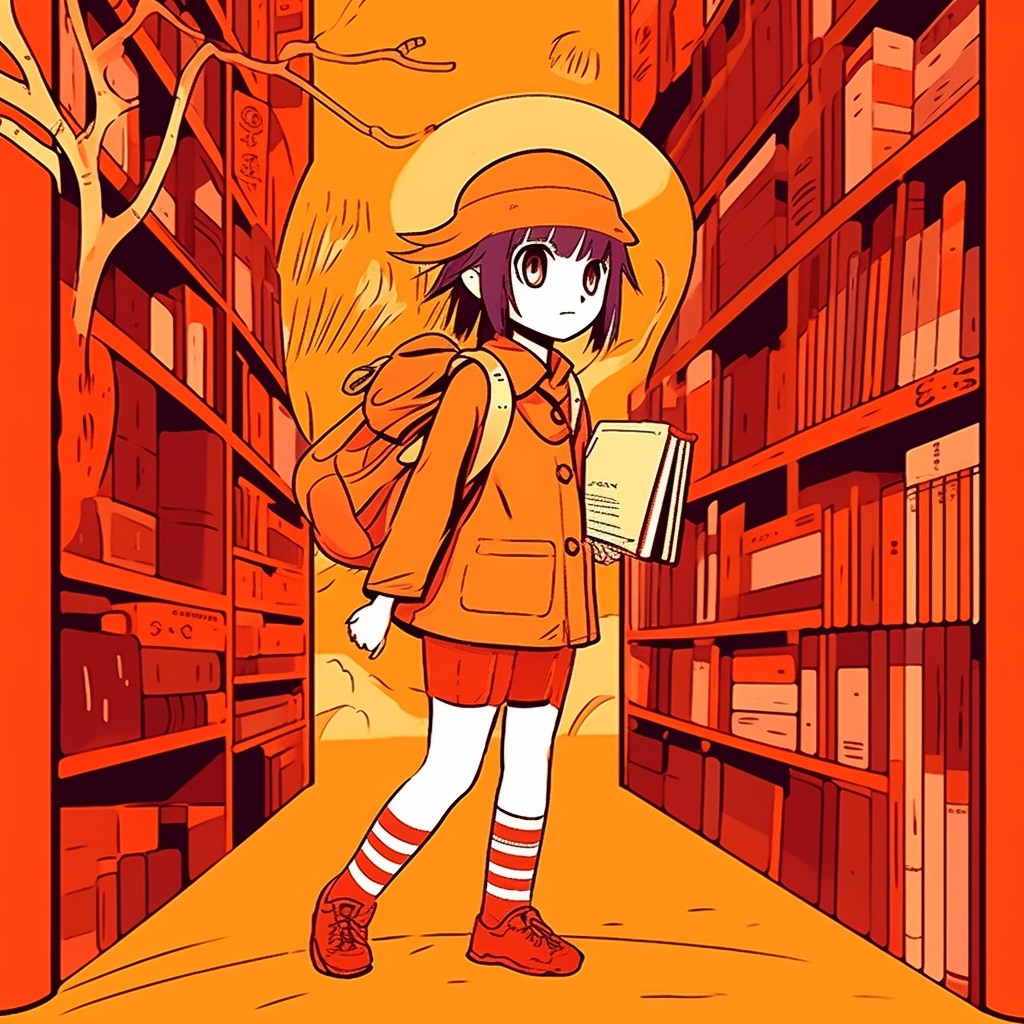
Every style page now shows the collections it lives in. Here are the four that hold Cinemadance:
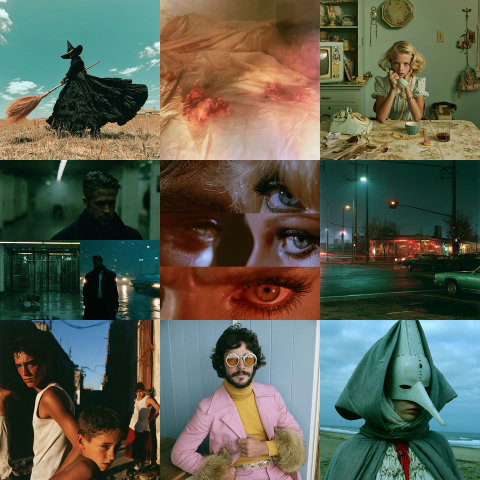 Obsidianaby bustervanray26styles
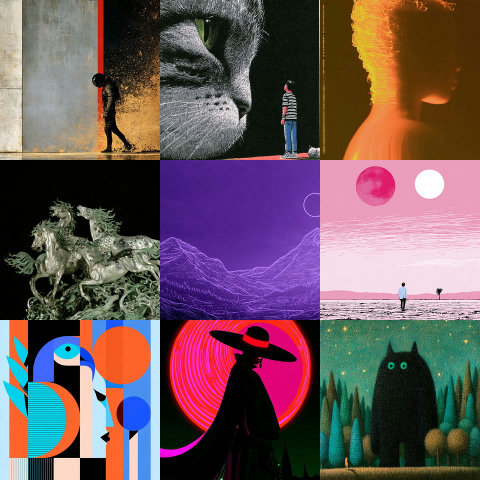 sref favesby TRose100styles

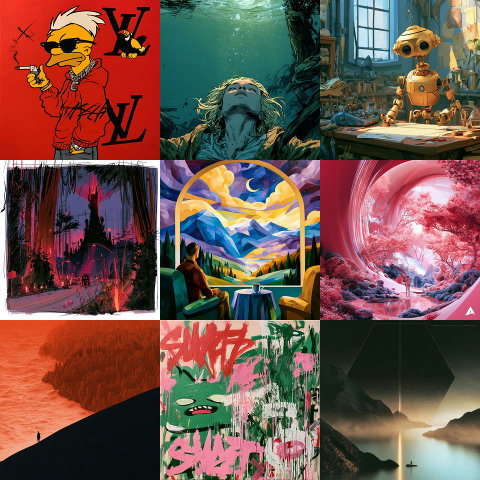 Idiots Animeby DopeMind36styles
 Метафораby Bookksee27styles
It’s a nice way to find people whose taste is close to yours: if they kept a style you love, chances are, the rest of their collection is worth a look.
The Library, as Cards
The same cards now work in the Library. Switch the view to Cards (the switcher lives with other settings in the My library dropdown), and every style turns into a color card. Click or tap to turn it and see the style’s palette and look words; copy the prompt, save it to your collections, or like it right there.
Here are the four most popular Midlibrary Picks among SREF codes, one color each. These are live, too:
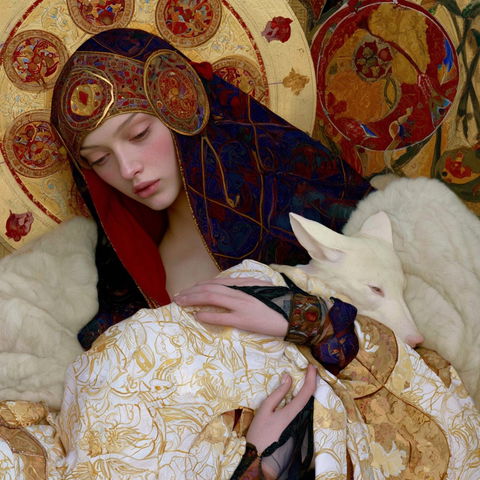
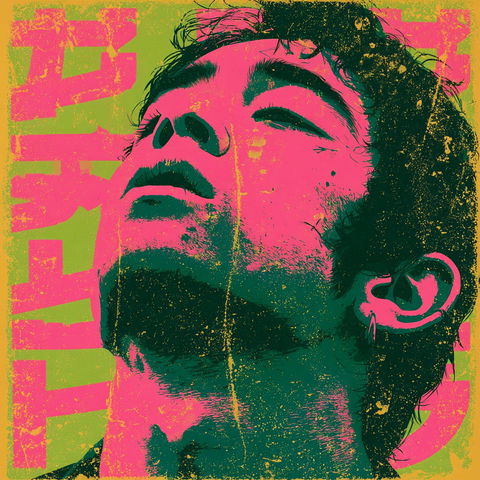
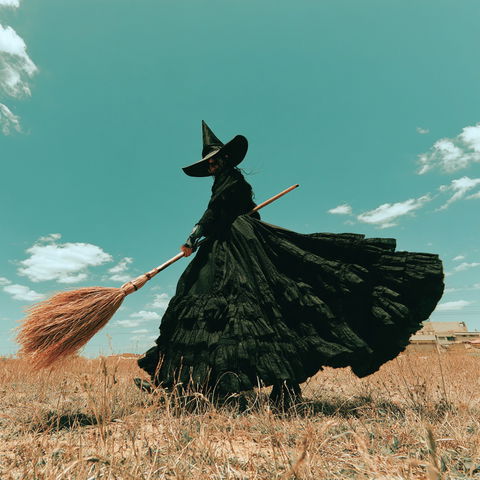
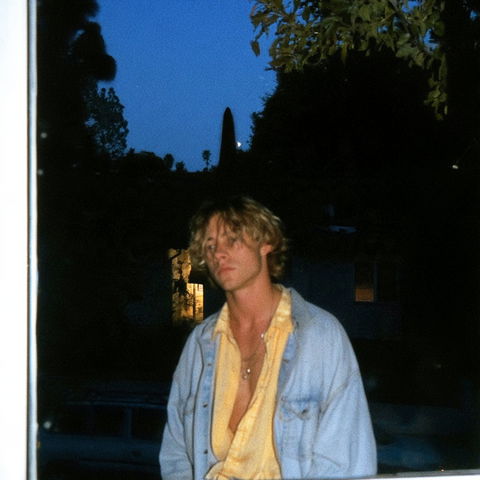
Too much color? Set Cards mode to Shadow, and the cards go dark, leaving the pictures to speak. And no account is needed for any of the view settings.
Your Turn
A public collection joins Collections when it has at least 6 styles. Give it a cover card, and it will stand out.
New collections are public. Members can change their collections’ visibility to Only me or Logged in instead, and then it stays off the page.
Made a collection since October? It may still be private. Switch it to Public, and it joins the page. (On a free account, it can’t go back to private.)
What you curate in your collections says as much about you as what you make. So go experiment!
Happy midjourneys,
— Andrei
About the author

I am a visual artist with 17 years of experience in portrait photography, film, mask design, and education. As Midjourney AI and its analogs are revolutionizing the world of art and our creativity itself, I am overwhelmingly excited to explore the limits of these fantastic new tools and share my findings with the community.