Four quick questions — which AI tools you use, and what we should build next.help us choose.

Take the poll →
SREF codes

Navy TessellashTested!

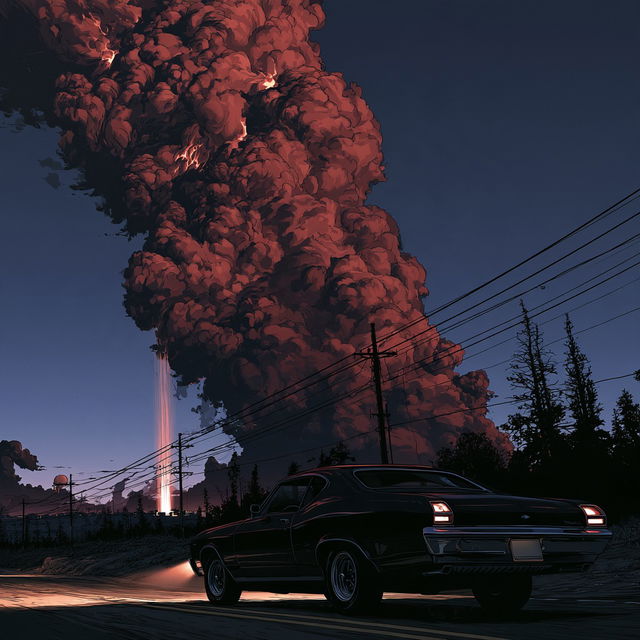
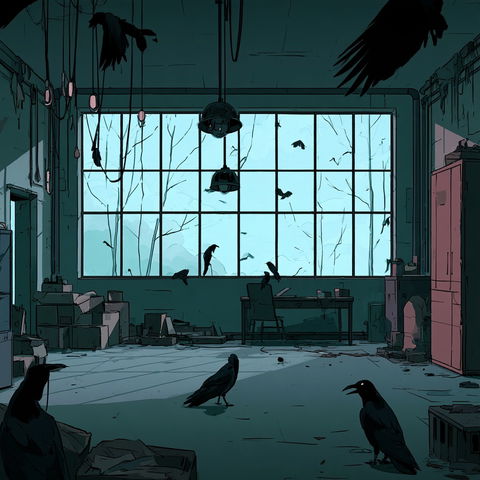
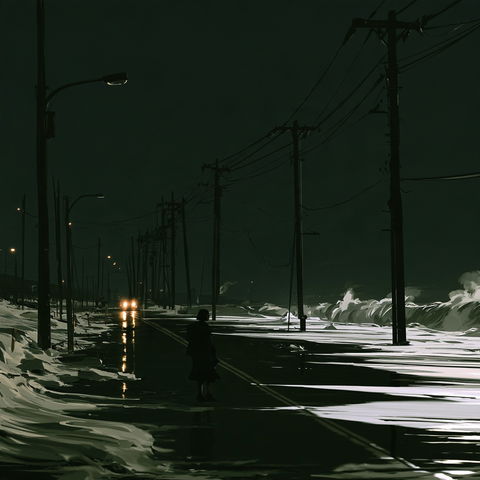
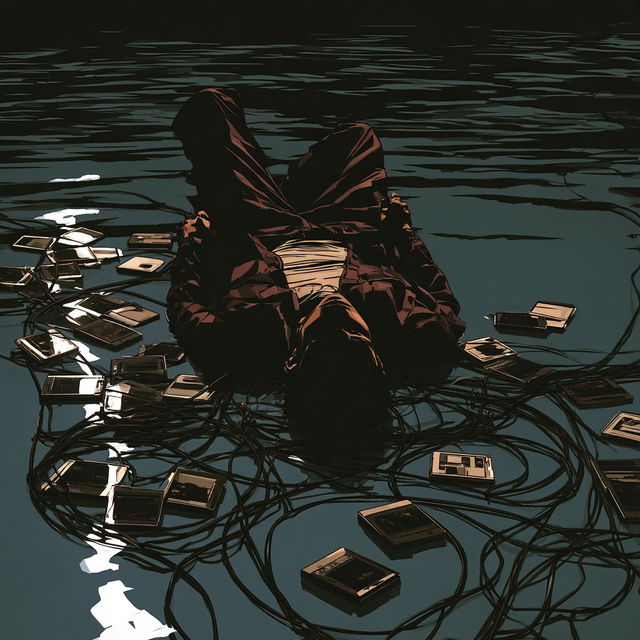
Navy Tessellash style, Midjourney V8.2, render 1 of 4
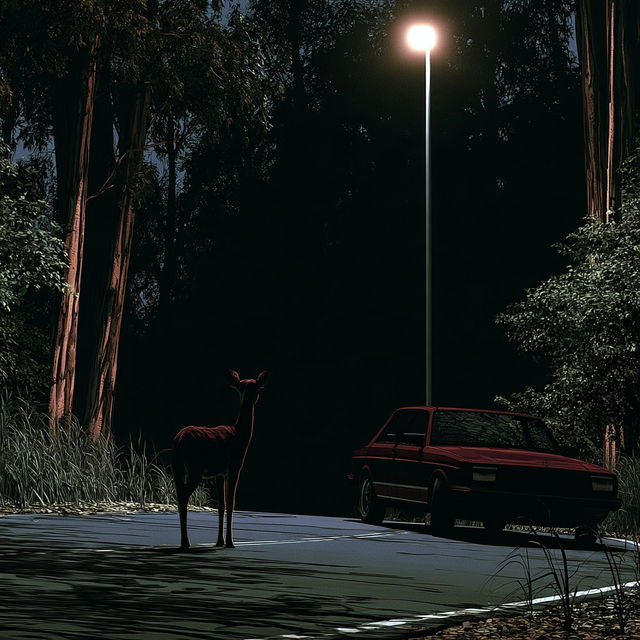
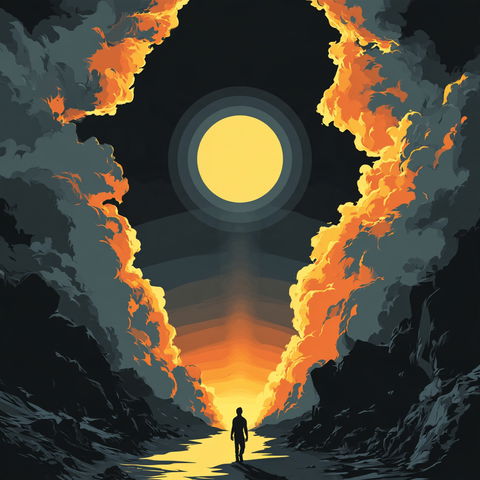
Navy Tessellash style, Midjourney V8.2, render 2 of 4
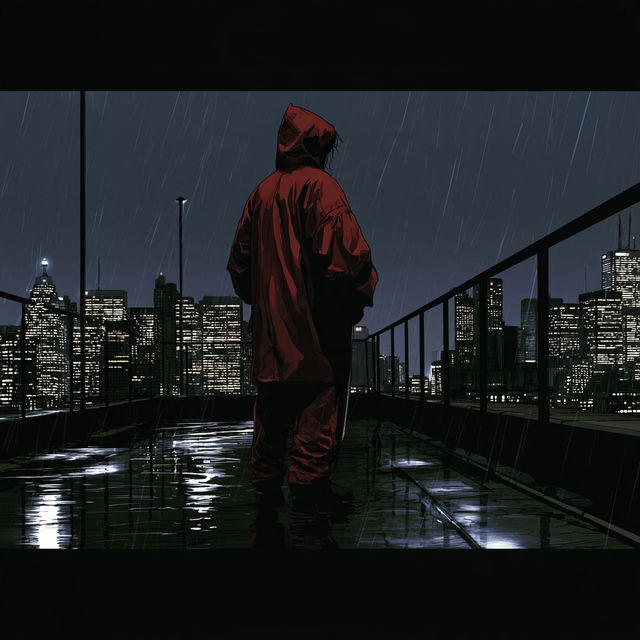
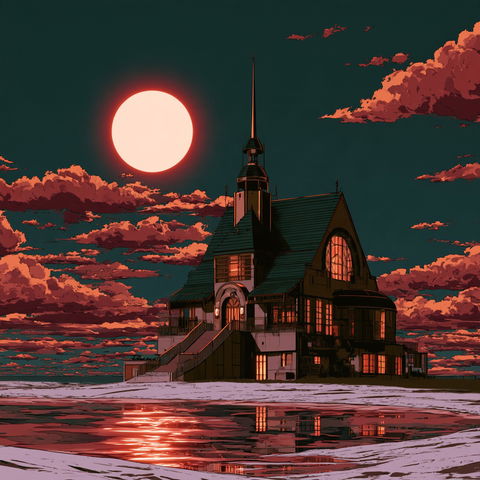
Navy Tessellash style, Midjourney V8.2, render 3 of 4
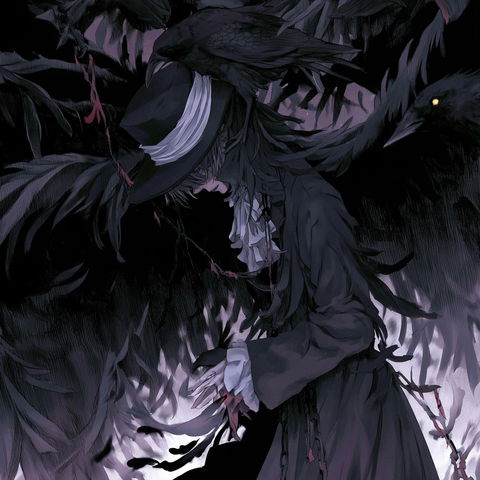
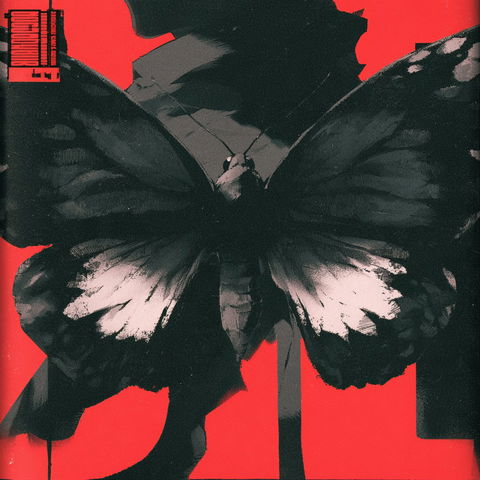
Navy Tessellash style, Midjourney V8.2, render 4 of 4

Save and like styles with a free account. A membership adds notes and more room. See membership →

Copy the prompt or code, then paste it after your own words in Midjourney. How it works →

Observations

Across all four renders, the style uses graphic, illustration-like shapes with heavy contour lines, simplified flat color regions, and dense selectively rendered detail. Deep navy-black shadows, restrained red accents, bright lamps, headlights, and reflected city light create a high-contrast nocturnal atmosphere with cinematic story-like scenes.

Look terms

Colours

Earlier versions

Same code, different picture. Midjourney changed how it reads SREF codes after V6.1, so V8.2 turns this code into a new style. The old one still works: add  or .
Applications

Similar styles

Ravenlit Signboard Gothic style (SREF codes), Midjourney V8.2
Noctuid Signal style (SREF codes), Midjourney V8.2
SREF codes
Basalt Retina style (SREF codes), Midjourney V8.2
SREF codes
Pagodacrimson style (SREF codes), Midjourney V8.2
SREF codes
Smokechromia style (SREF codes), Midjourney V8.2
SREF codes
Lampblack Quays style (SREF codes), Midjourney V8.2
SREF codes