Four quick questions — which AI tools you use, and what we should build next.help us choose.

Take the poll →
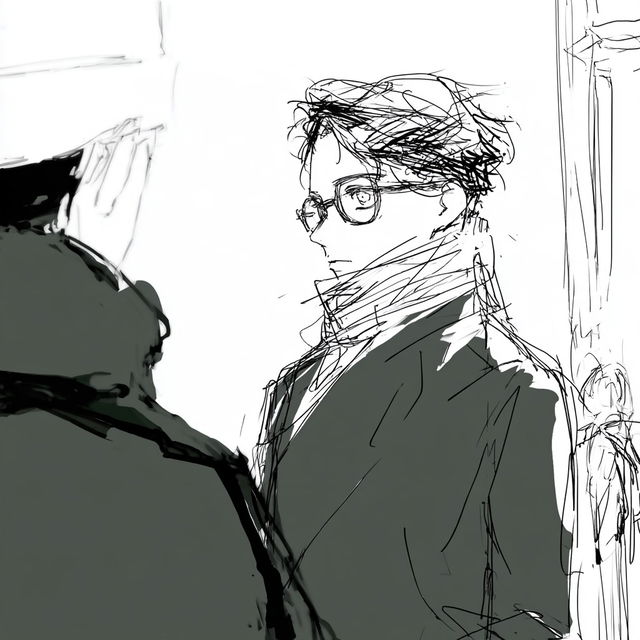
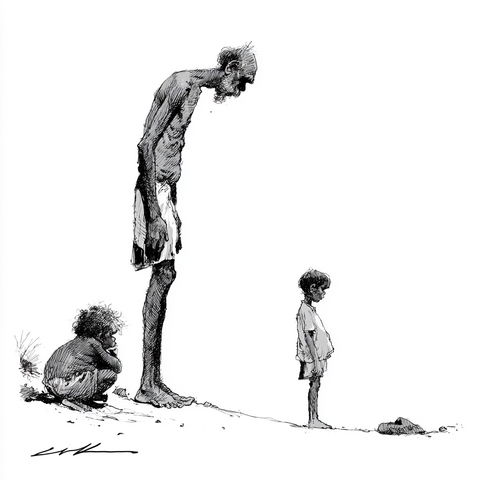
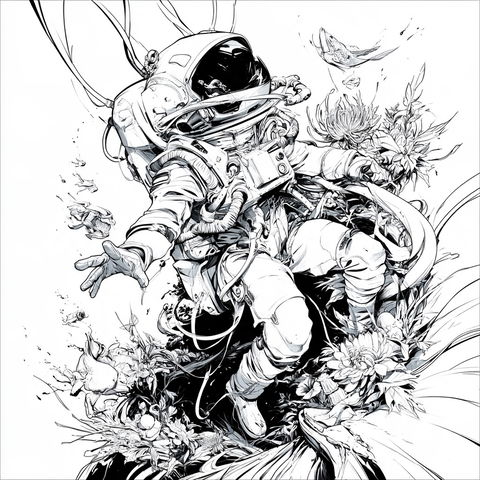
Optisketch style, Midjourney V8.2, render 1 of 4
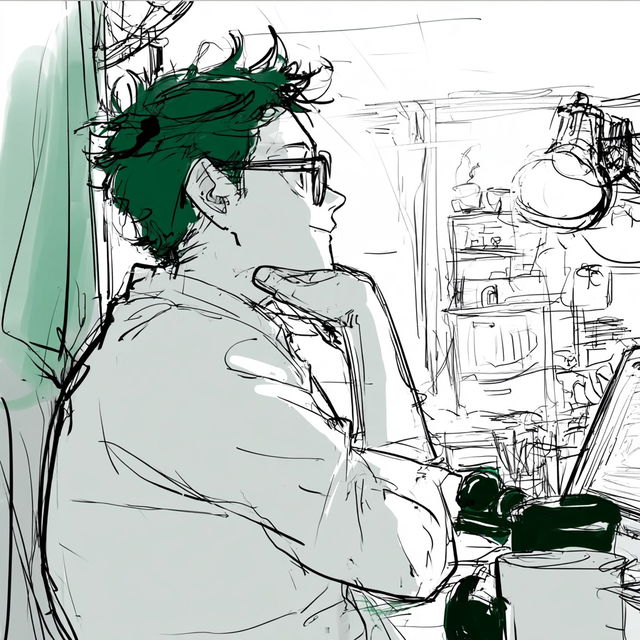
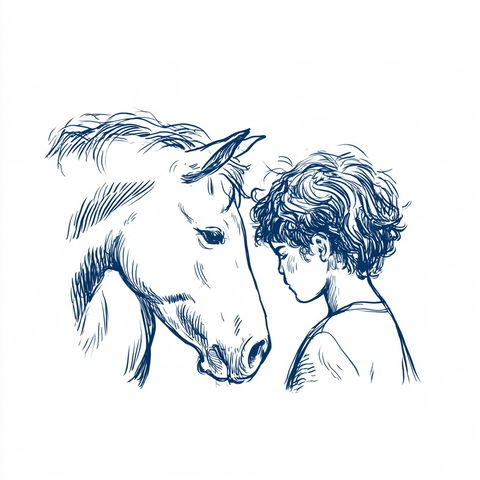
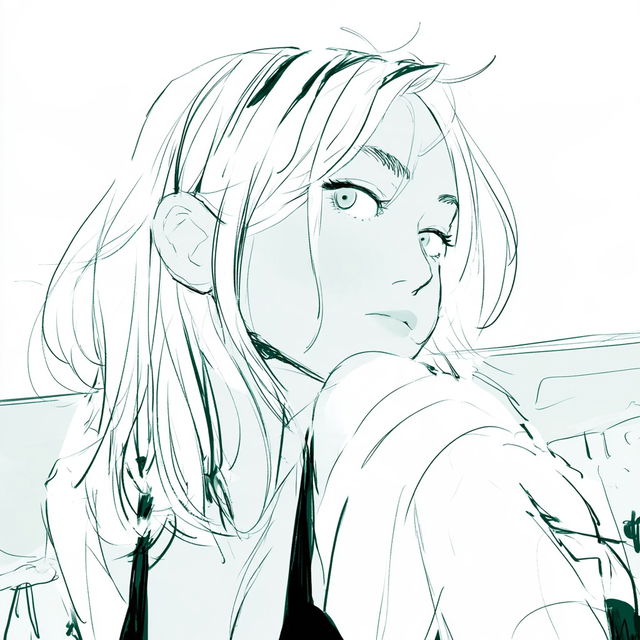
Optisketch style, Midjourney V8.2, render 2 of 4
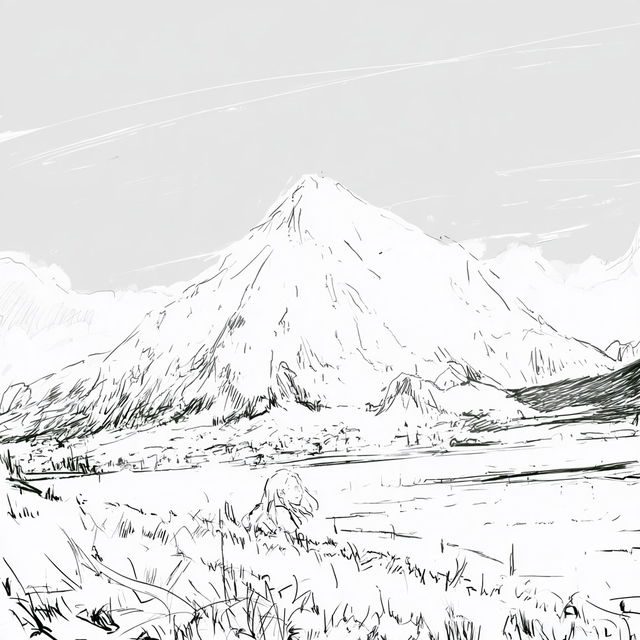
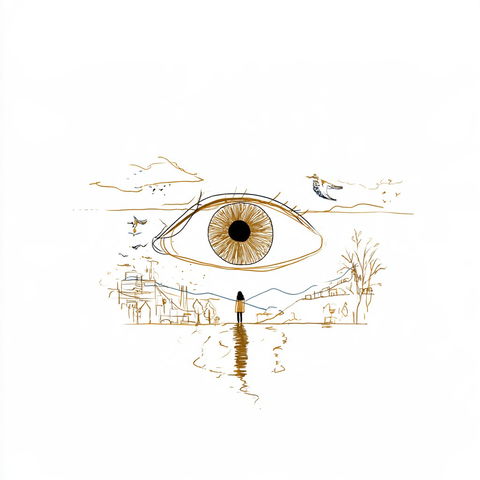
Optisketch style, Midjourney V8.2, render 3 of 4
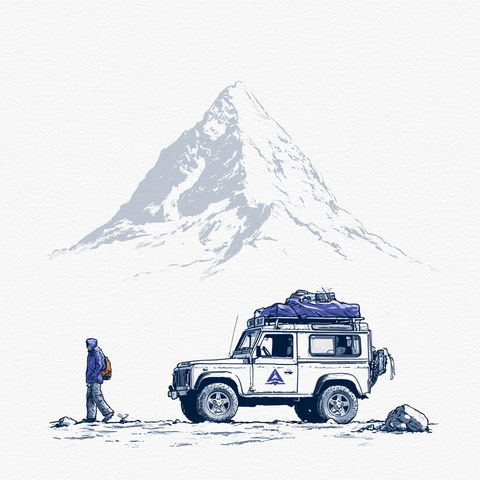
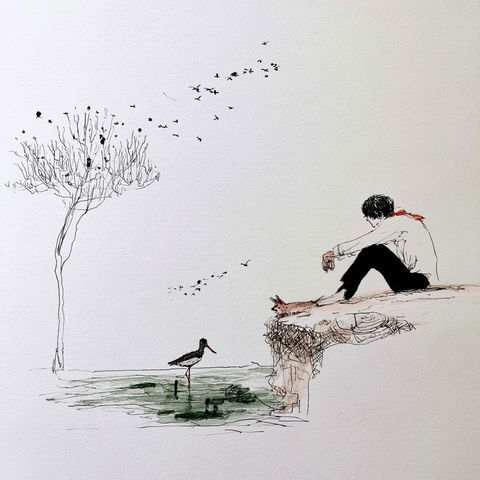
Optisketch style, Midjourney V8.2, render 4 of 4
Copy the prompt or code, then paste it after your own words in Midjourney. How it works →

Observations

Across all four renders, the style uses clean illustrative forms with delicate, energetic ink linework, sparse pale-green and gray flat washes, and mostly white negative ground. It combines close character portraits and everyday scenes with densely sketched architectural or landscape details, giving the images a loose storyboard or manga-concept feel.

Look terms

Colours

Earlier versions

Same code, different picture. Midjourney changed how it reads SREF codes after V6.1, so V8.2 turns this code into a new style. The old one still works: add  or .
Applications

Similar styles

Sparse Mechanist Fieldwork style (SREF codes), Midjourney V8.2
Bill Leak style (Illustrators), Midjourney V8.2
Illustrators
Tessera Mare style (SREF codes), Midjourney V8.2
SREF codes
Silverleaf Darkroom style (SREF codes), Midjourney V8.2
Ghostpull Silkscreen style (SREF codes), Midjourney V8.2
Kinetocut style (SREF codes), Midjourney V8.2
SREF codes