Four quick questions — which AI tools you use, and what we should build next.help us choose.

Take the poll →
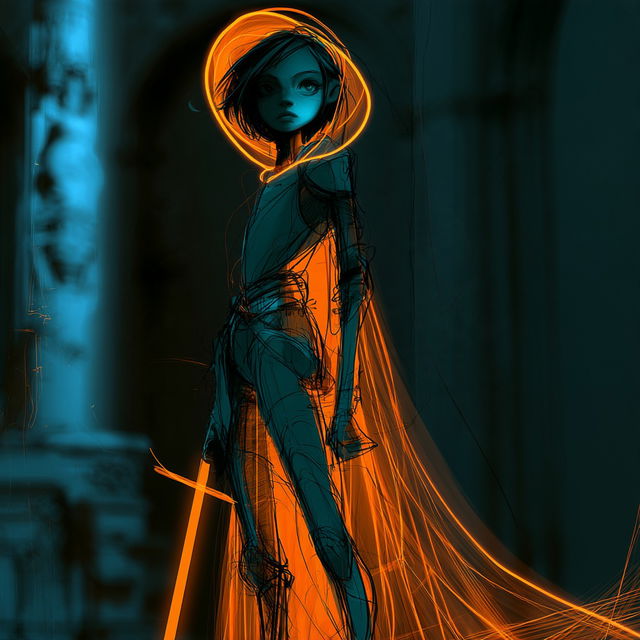
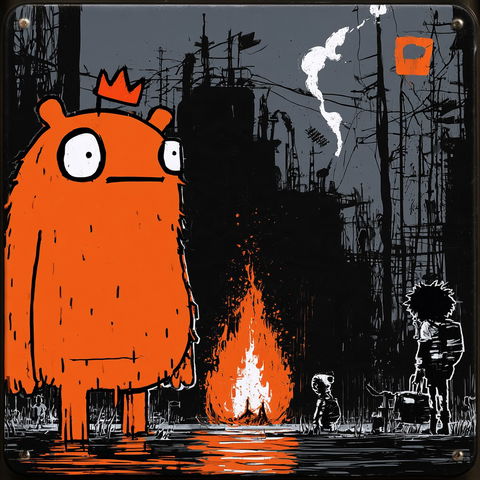
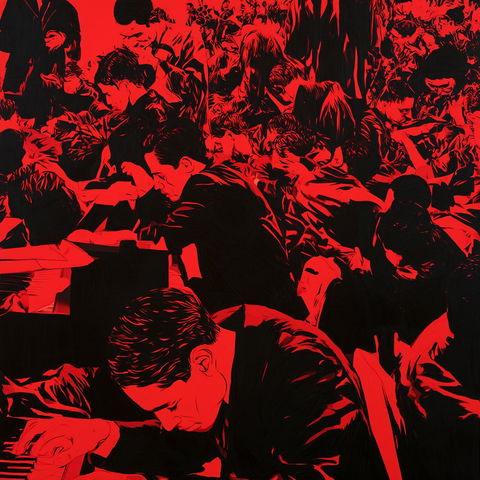
Tealstrike style, Midjourney V8.2, render 1 of 4
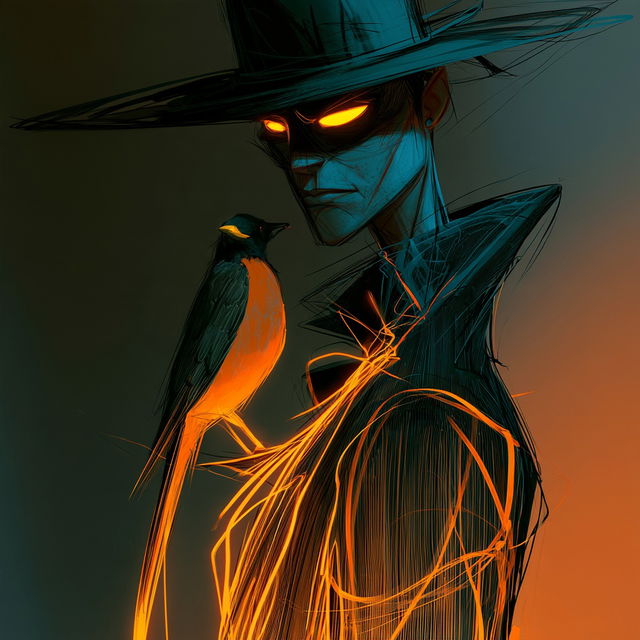
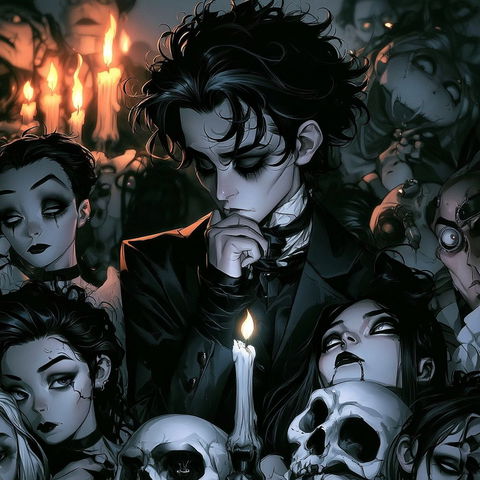
Tealstrike style, Midjourney V8.2, render 2 of 4
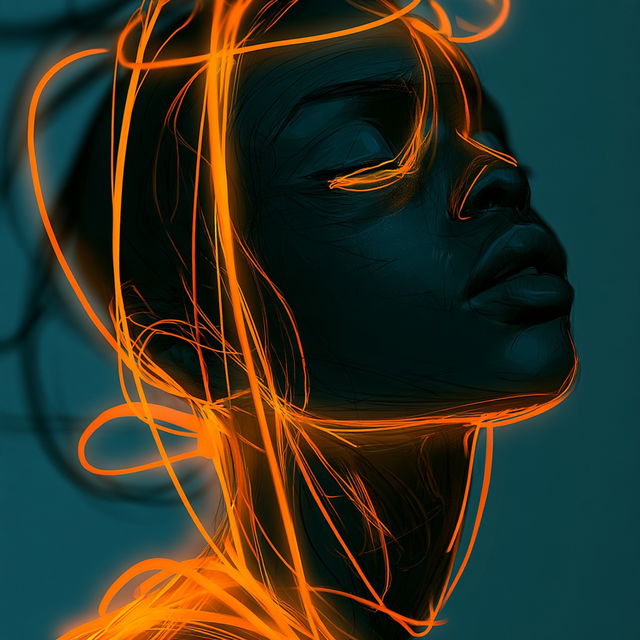
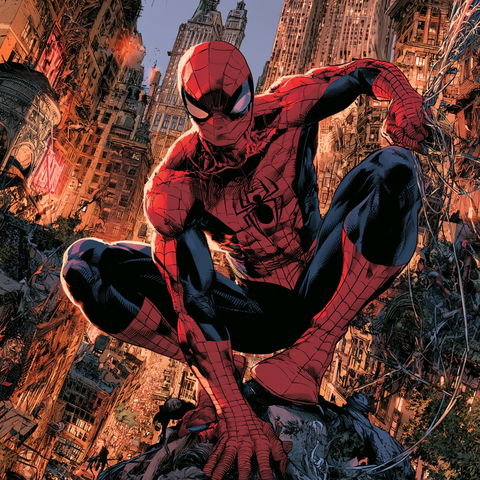
Tealstrike style, Midjourney V8.2, render 3 of 4
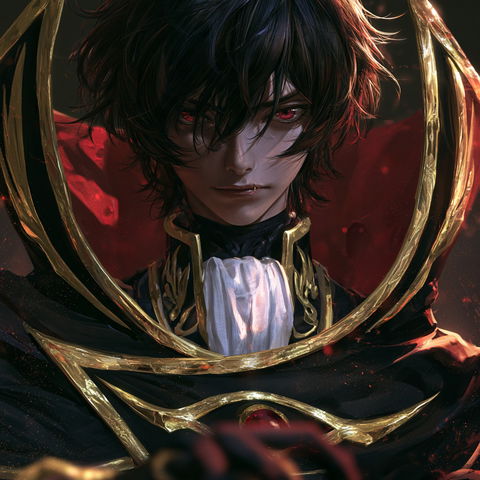
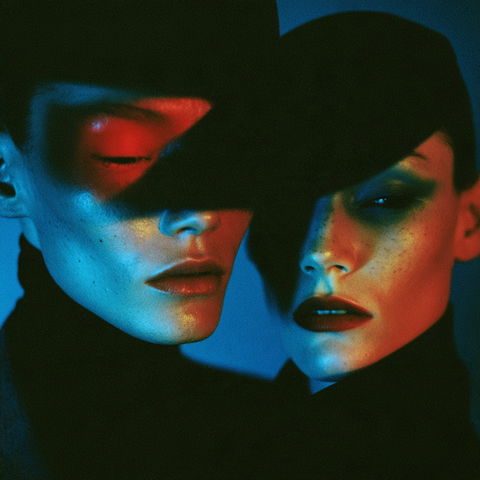
Tealstrike style, Midjourney V8.2, render 4 of 4

Save and like styles with a free account. A membership adds notes and more room. See membership →

Copy the prompt or code, then paste it after your own words in Midjourney. How it works →

Observations

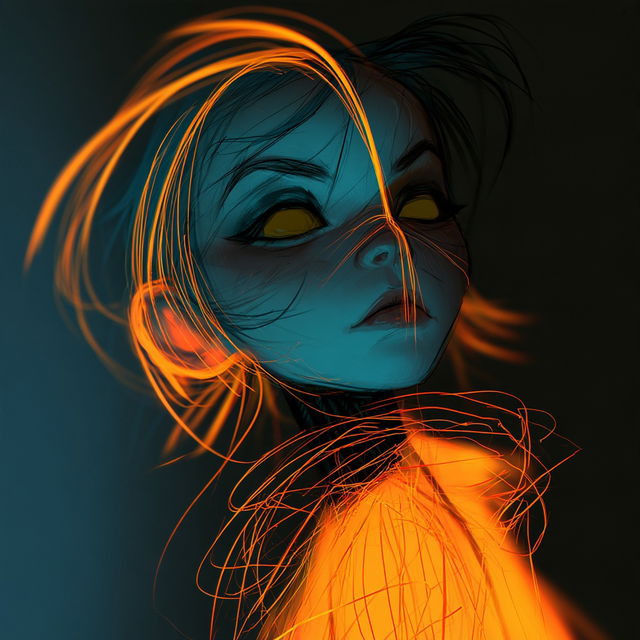
The style combines graphic-novel character drawing with dense, loose fine-line work and strongly simplified teal-and-orange color blocking. Repeated luminous orange trails, glowing eyes, deep shadows, and selective atmospheric blur create a dark, kinetic, high-contrast neon mood across both portraits and full figures.

Look terms

Colours

Earlier versions

Same code, different picture. Midjourney changed how it reads SREF codes after V6.1, so V8.2 turns this code into a new style. The old one still works: add  or .
Applications

Similar styles

Code Geass style (Titles), Midjourney V8.2
Cinderpanelism style (SREF codes), Midjourney V8.2
SREF codes
Caustic Gothic style (SREF codes), Midjourney V8.2
SREF codes
Joe Quesada style (Illustrators), Midjourney V8.2
Illustrators
Mert and Marcus style (Photographers), Midjourney V8.2
Photographers
Cleon Peterson style (Painters), Midjourney V8.2