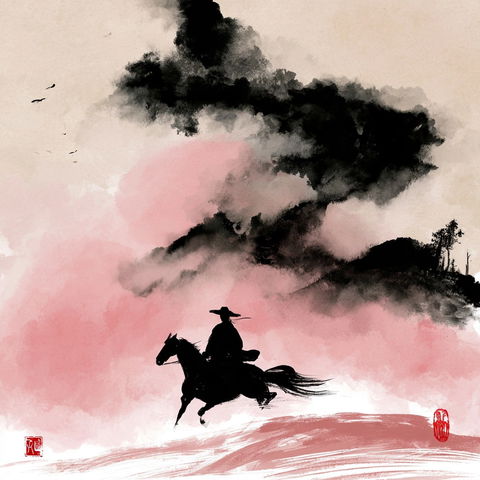
Four quick questions — which AI tools you use, and what we should build next.help us choose.

Take the poll →
SREF codes

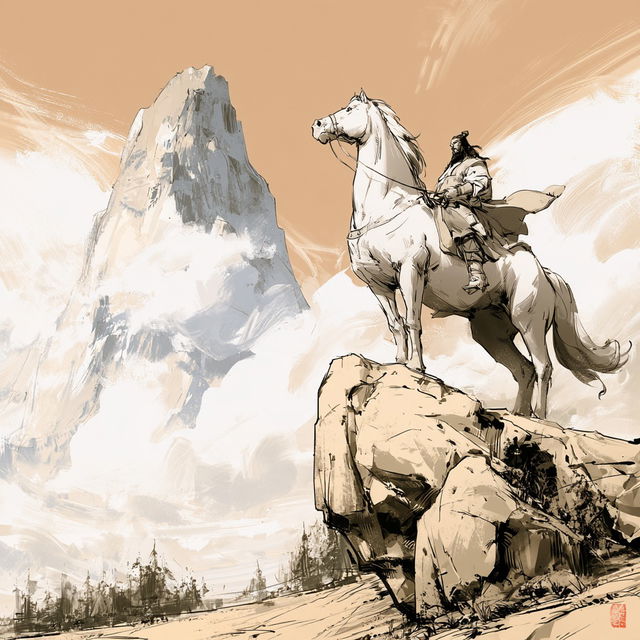
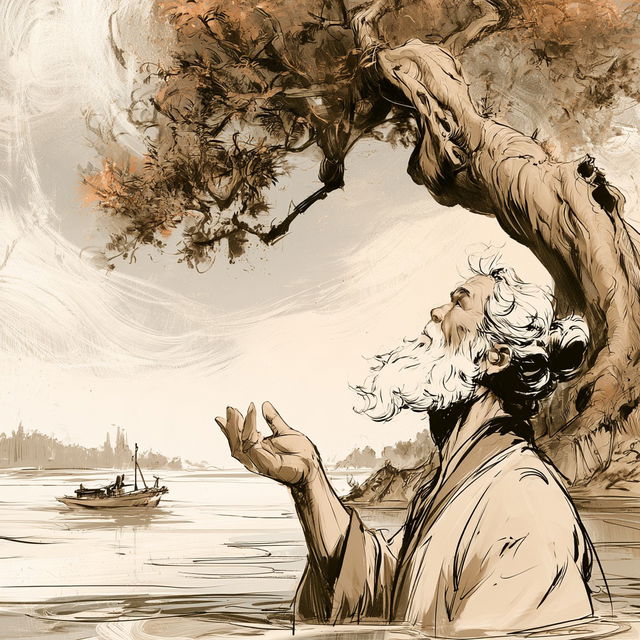
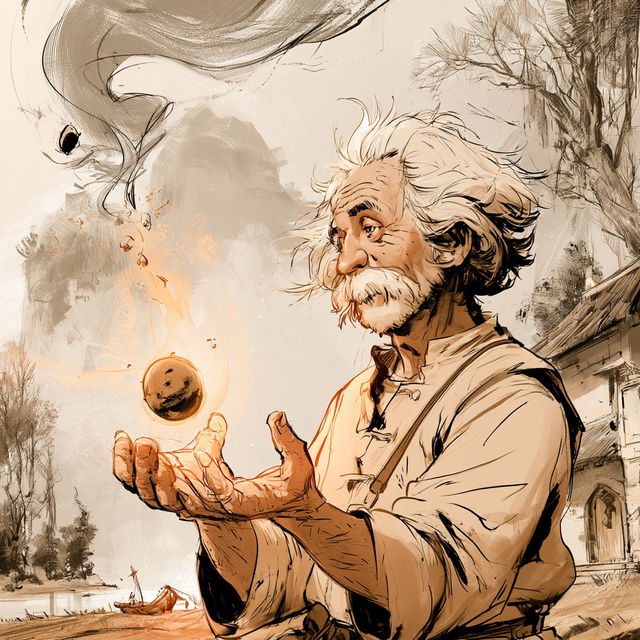
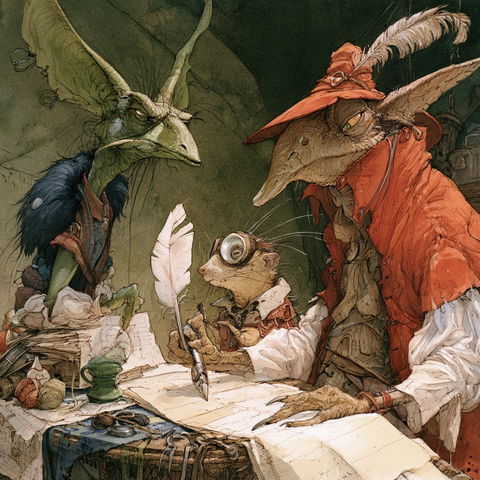
Sepia Etching RambleTested!

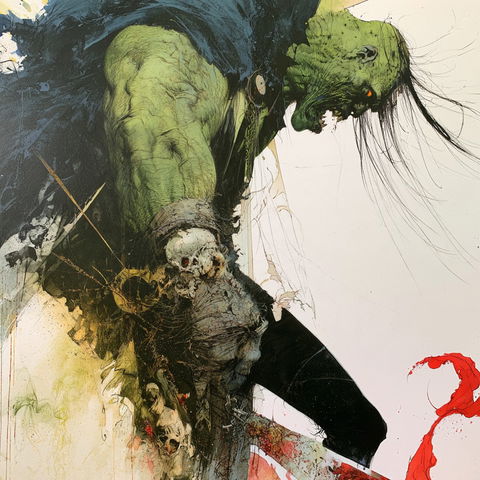
Sepia Etching Ramble style, Midjourney V8.2, render 1 of 4
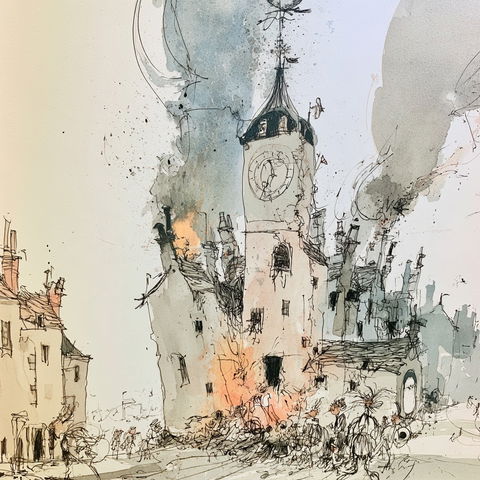
Sepia Etching Ramble style, Midjourney V8.2, render 2 of 4
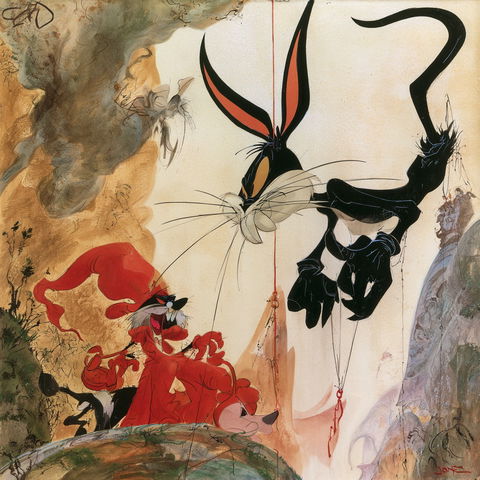
Sepia Etching Ramble style, Midjourney V8.2, render 3 of 4
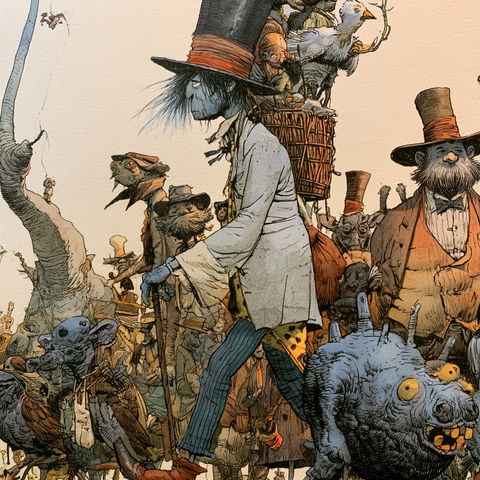
Sepia Etching Ramble style, Midjourney V8.2, render 4 of 4
Copy the prompt or code, then paste it after your own words in Midjourney. How it works →

Observations

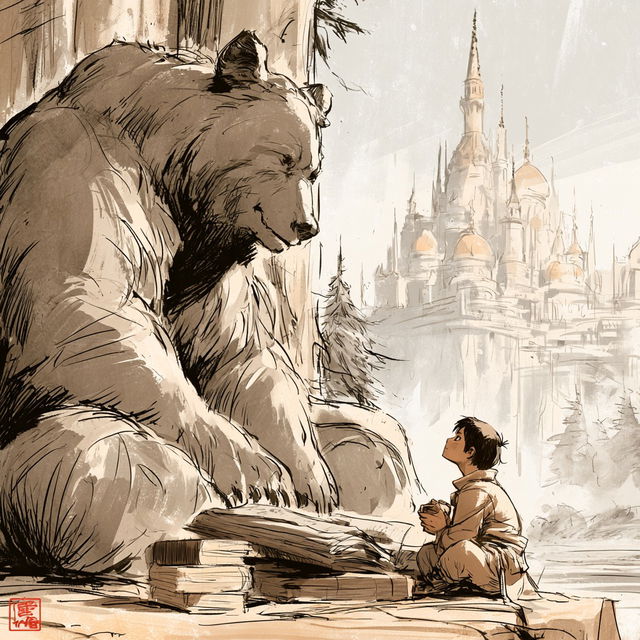
Across all four renders, the style combines loose, visible brushwork with fine dark ink contours, creating richly textured storybook scenes. A restrained sepia, cream, and gray palette supports expressive characters, animals, expansive landscapes, and fantastical settings with an adventurous, illustrated feel.

Look terms

Colours

Earlier versions

Same code, different picture. Midjourney changed how it reads SREF codes after V6.1, so V8.2 turns this code into a new style. The old one still works: add  or .
Applications

Similar styles

Tony DiTerlizzi style (Illustrators), Midjourney V8.2
Illustrators
Sam Kieth style (Illustrators), Midjourney V8.2
Illustrators
Ronald Searle style (Illustrators), Midjourney V8.2
Illustrators
Chuck Jones style (Illustrators), Midjourney V8.2
Illustrators
Farel Dalrymple style (Illustrators), Midjourney V8.2
Illustrators
Paperwind Chainwork style (SREF codes), Midjourney V8.2