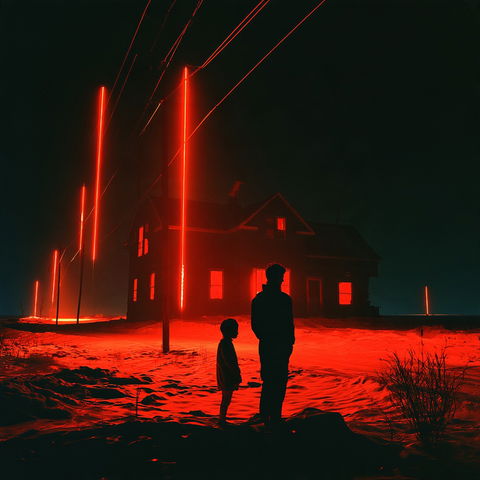
Four quick questions — which AI tools you use, and what we should build next.help us choose.

Take the poll →
SREF codes

Rimshock Anime NoirTested!

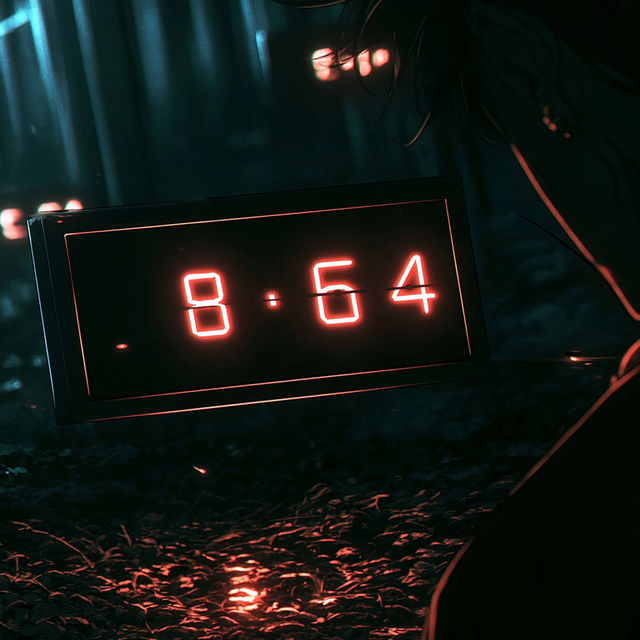
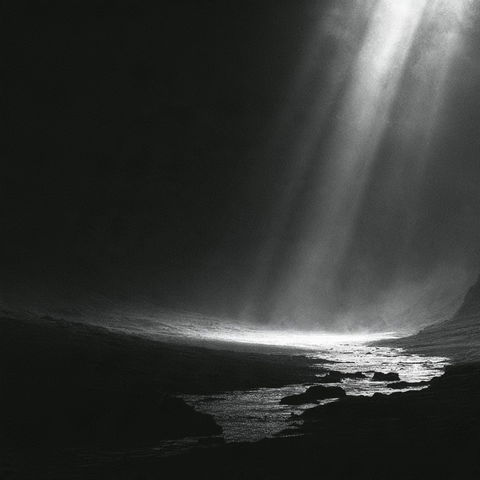
Rimshock Anime Noir style, Midjourney V8.2, render 1 of 4
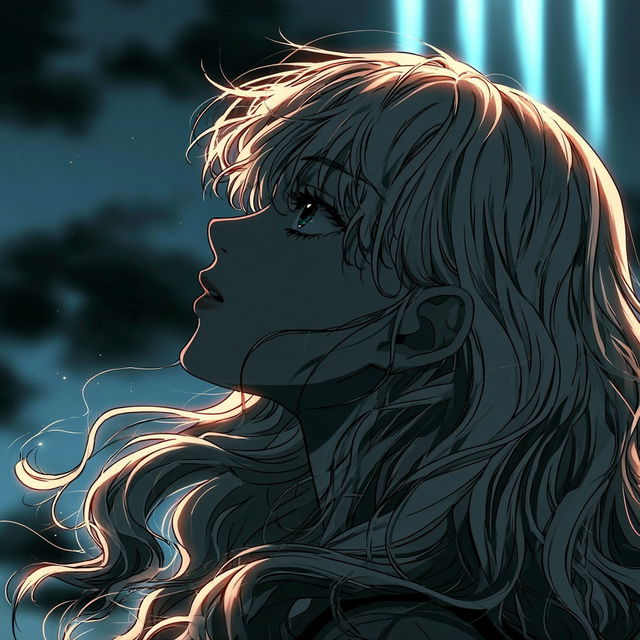
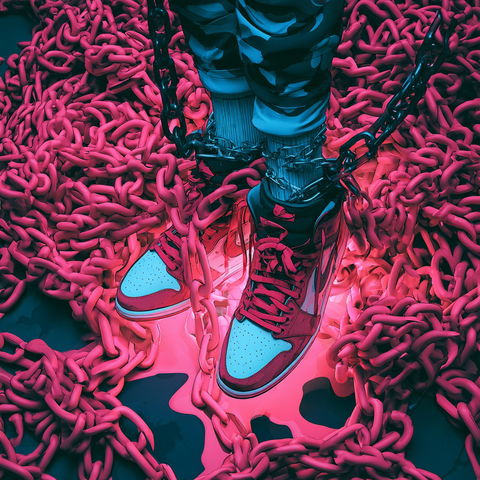
Rimshock Anime Noir style, Midjourney V8.2, render 2 of 4
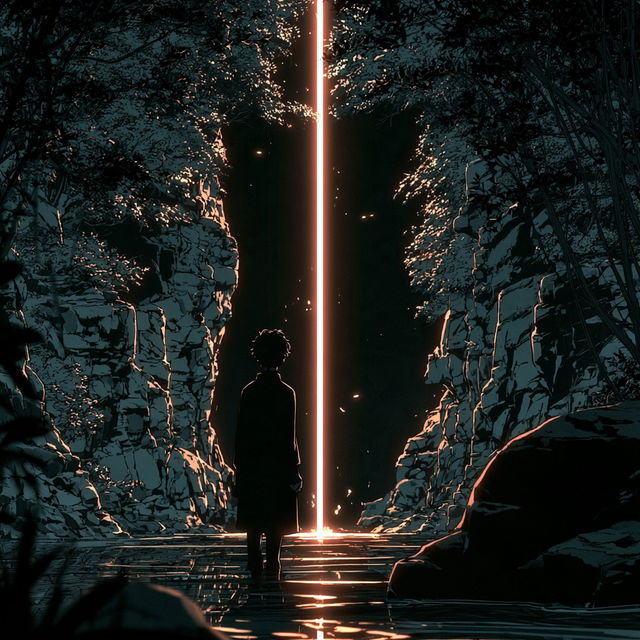
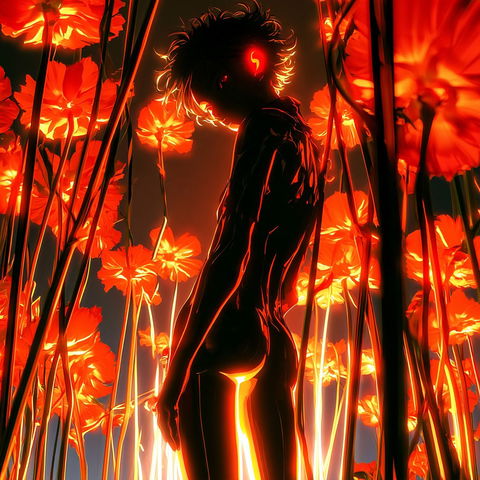
Rimshock Anime Noir style, Midjourney V8.2, render 3 of 4
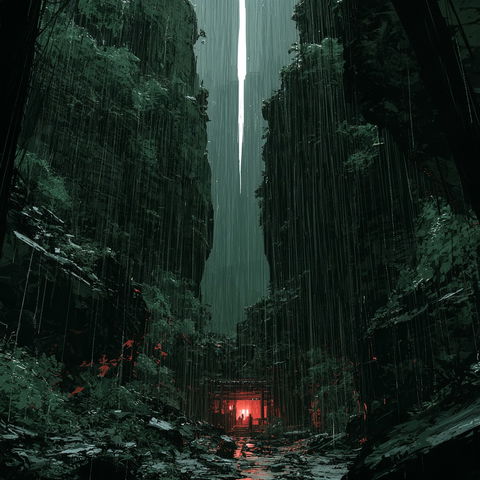
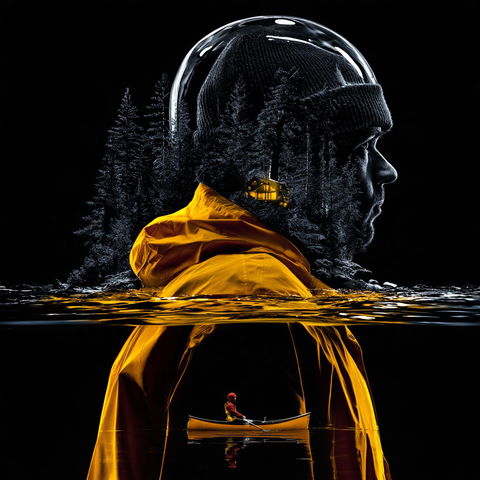
Rimshock Anime Noir style, Midjourney V8.2, render 4 of 4
Copy the prompt or code, then paste it after your own words in Midjourney. How it works →

Observations

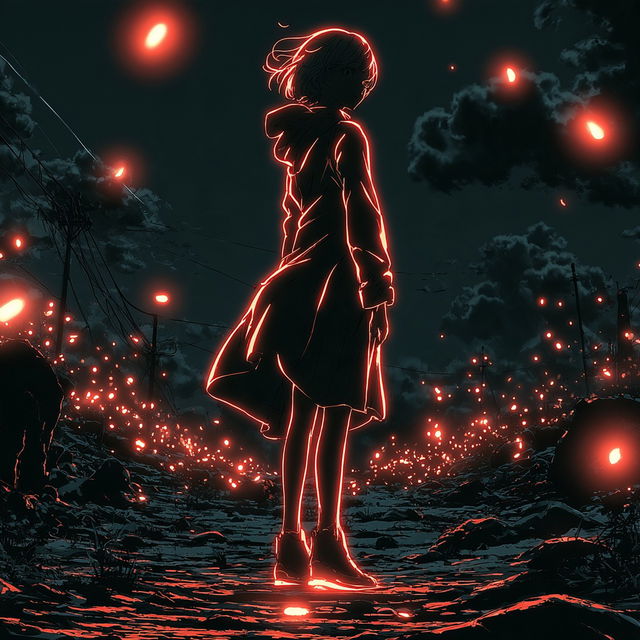
The style uses graphic anime-like linework, clean illustrative shapes, and strongly controlled dark shadows rather than visible paint texture. Deep teal-black surroundings are punctuated by saturated red-orange and cyan light, with glowing objects and rim-lit figures creating a high-contrast, cinematic sci-fi atmosphere across both character-focused and environmental scenes.

Look terms

Colours

Earlier versions

Same code, different picture. Midjourney changed how it reads SREF codes after V6.1, so V8.2 turns this code into a new style. The old one still works: add  or .
Applications

Similar styles

Kintsurveillance style (SREF codes), Midjourney V8.2
Light atmosphere style (Modifiers), Midjourney V8.2
Cyan Magentacore style (SREF codes), Midjourney V8.2
Cryorim Noir style (SREF codes), Midjourney V8.2
SREF codes
Pyrite Cataract style (SREF codes), Midjourney V8.2
SREF codes
Lacquerpunk style (SREF codes), Midjourney V8.2
SREF codes