Four quick questions — which AI tools you use, and what we should build next.help us choose.

Take the poll →
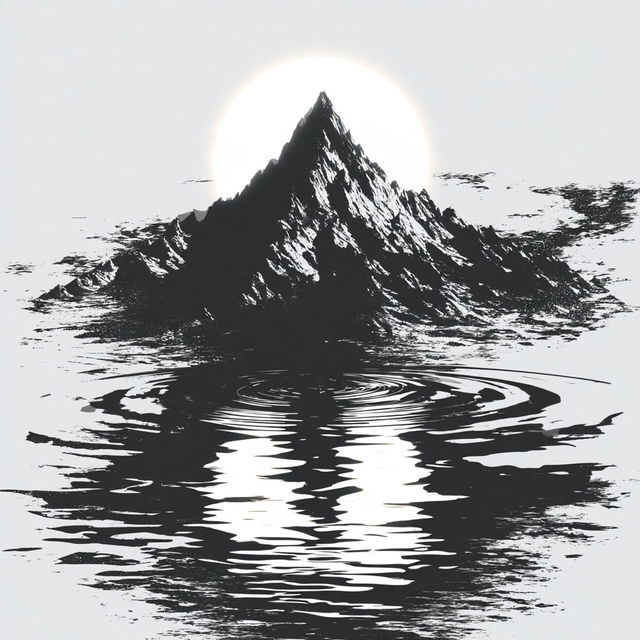
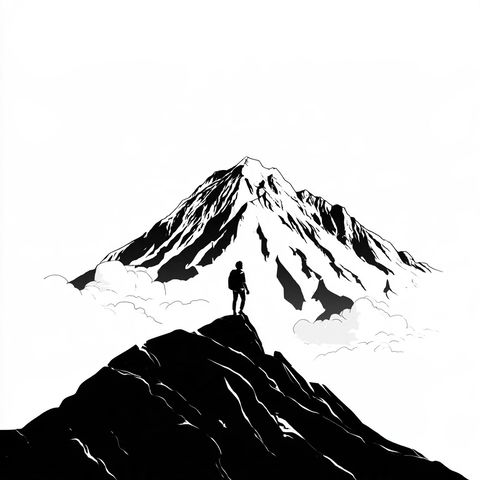
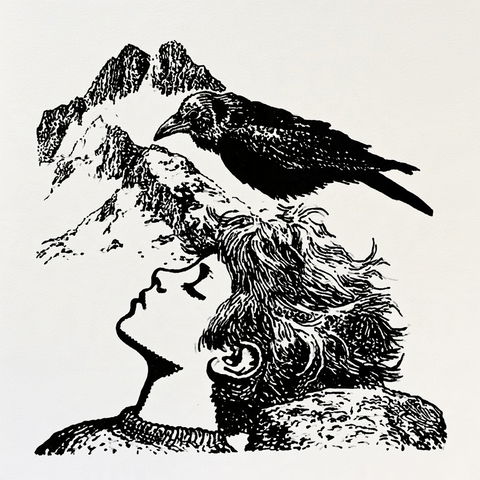
Inkakari style, Midjourney V8.2, render 1 of 4
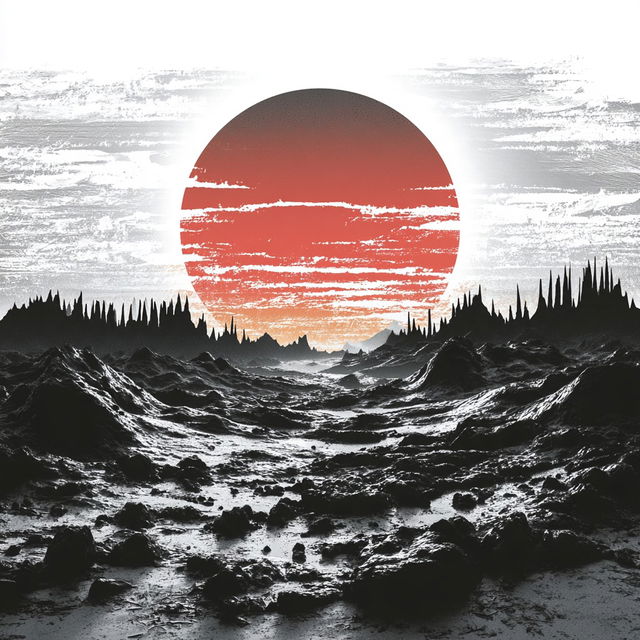
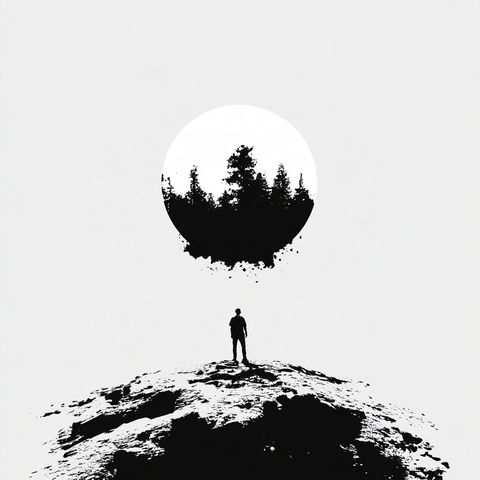
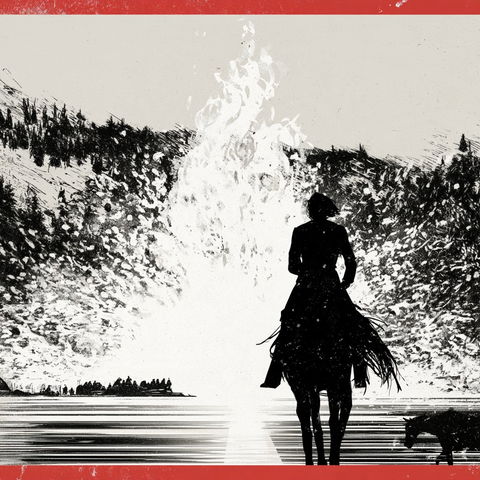
Inkakari style, Midjourney V8.2, render 2 of 4
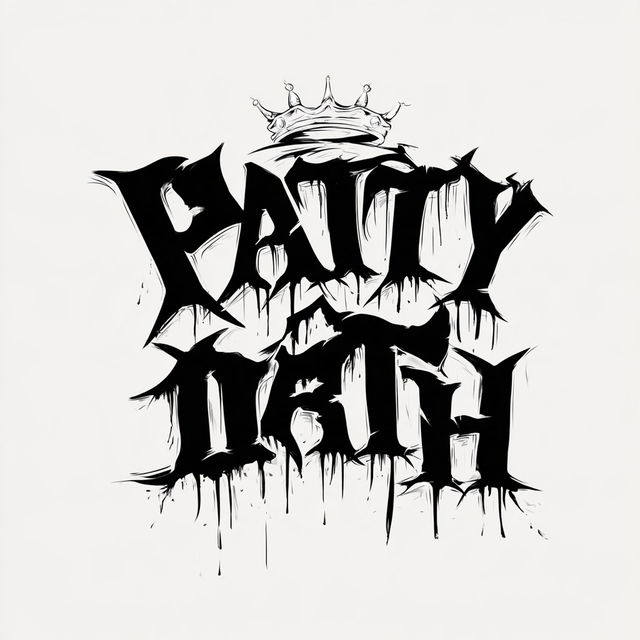
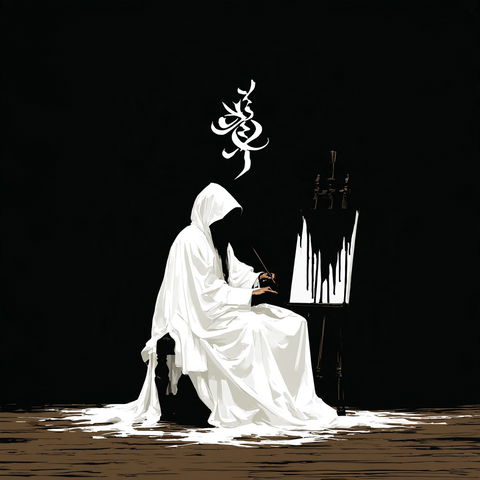
Inkakari style, Midjourney V8.2, render 3 of 4
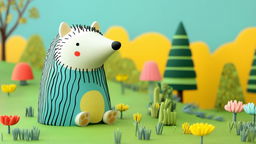
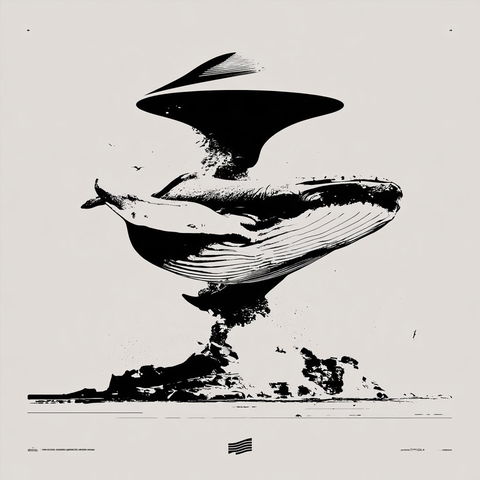
Inkakari style, Midjourney V8.2, render 4 of 4
Copy the prompt or code, then paste it after your own words in Midjourney. How it works →

Observations

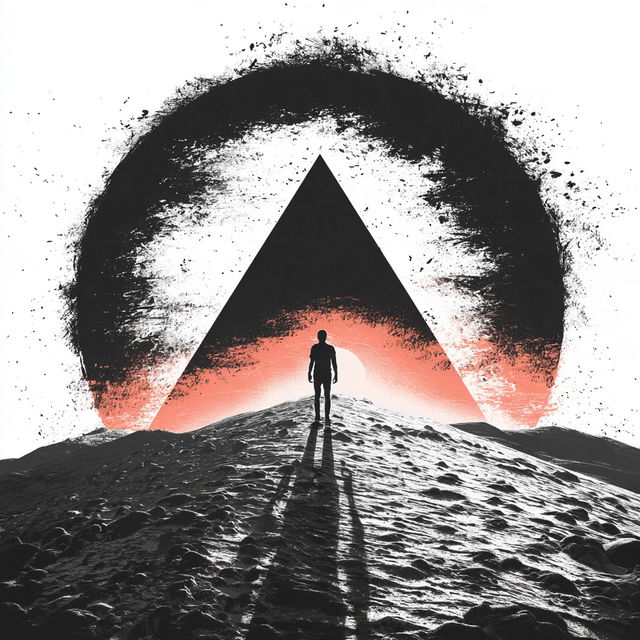
Across all four renders, stark black-and-white imagery combines bold graphic shapes, silhouettes, angular landscapes, and large areas of white negative space. Ink-like splatters, rough brush textures, and selective red accents create a high-contrast screen-printed feel, while surreal scale and symbolic compositions give the scenes an ominous, poster-like intensity.

Look terms

Colours

Earlier versions

Same code, different picture. Midjourney changed how it reads SREF codes after V6.1, so V8.2 turns this code into a new style. The old one still works: add  or .
Applications

Similar styles

Aperturepeak style (SREF codes), Midjourney V8.2
SREF codes
The Veyr Inkworks style (SREF codes), Midjourney V8.2
Photoclastica style (SREF codes), Midjourney V8.2
SREF codes
Sgraffito Voidwork style (SREF codes), Midjourney V8.2
Ragwhite Mythicism style (SREF codes), Midjourney V8.2
Scapula Vastness style (SREF codes), Midjourney V8.2