Save and like styles with a free account. A membership adds notes and more room. See membership →
Copy the prompt or code, then paste it after your own words in Midjourney. How it works →
Observations
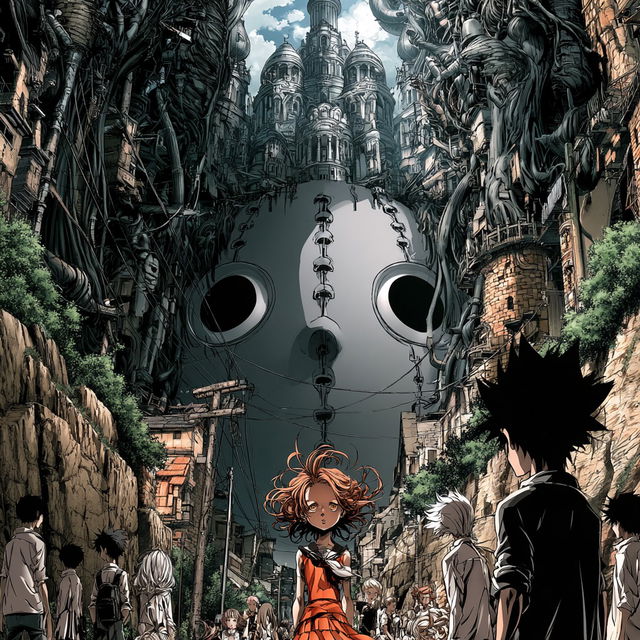
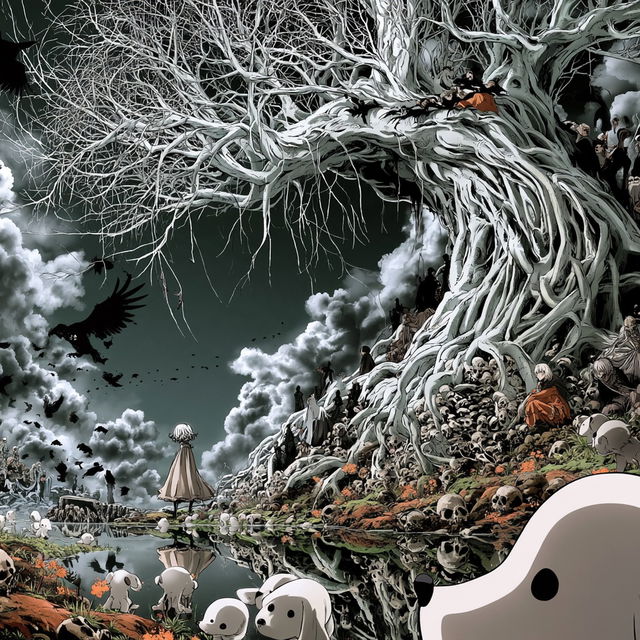
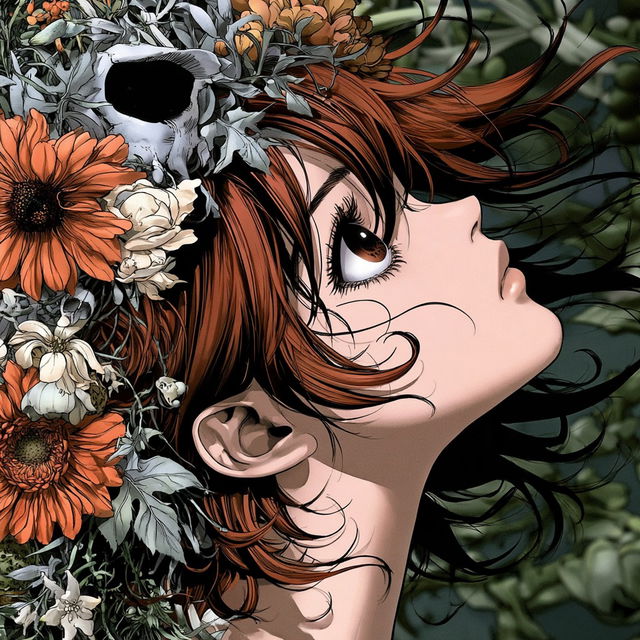
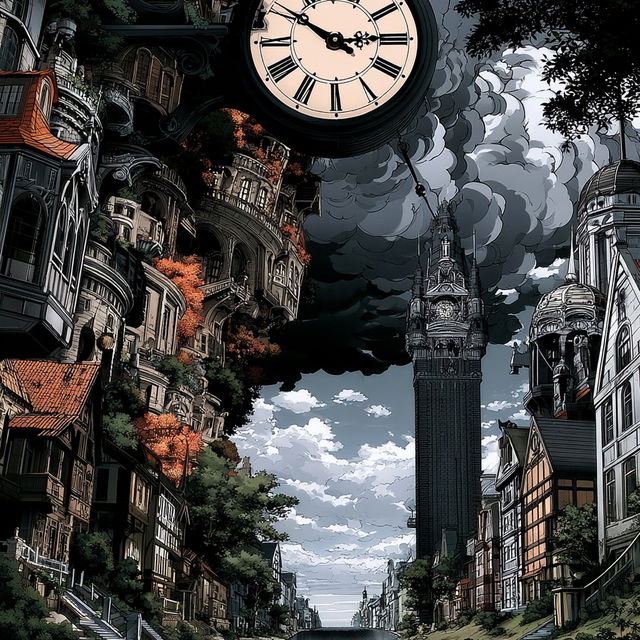
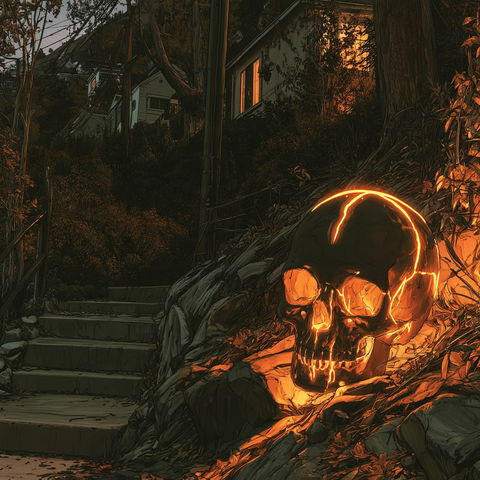
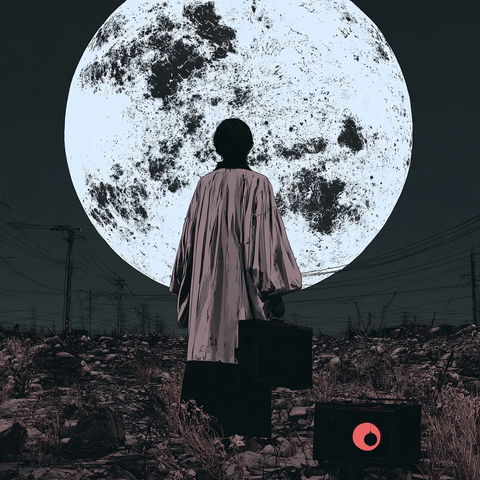
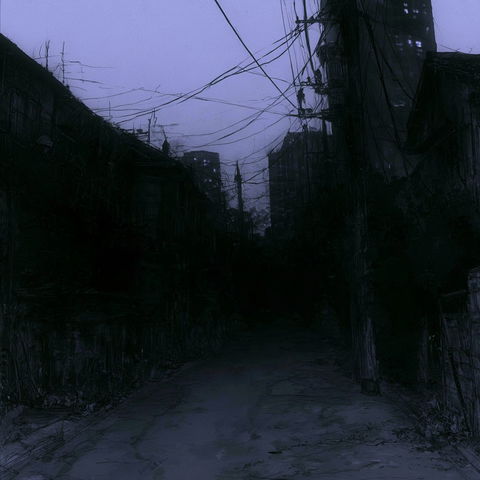
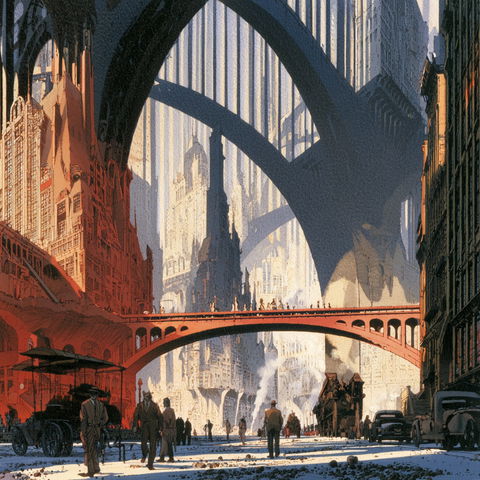
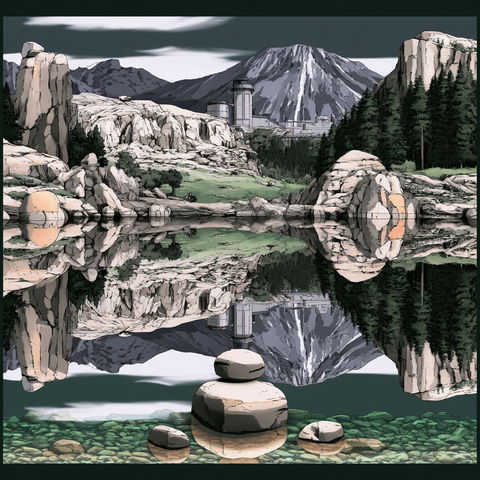
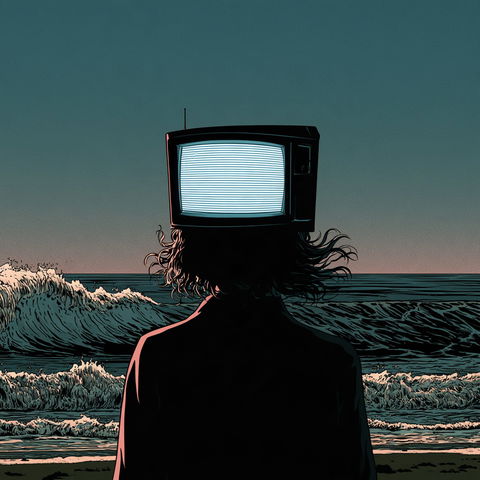
Across all four renders, the style uses highly detailed illustrative linework with clean, sharply defined contours, dense architectural and botanical forms, and recurring character imagery. Dark teal, black, white, and orange accents create strong contrast, while distorted cityscapes, oversized organic forms, ravens, skulls, and fantastical creatures give the compositions a surreal, ominous atmosphere.
Same code, different picture. Midjourney changed how it reads SREF codes after V6.1, so V8.2 turns this code into a new style. The old one still works: add or .