Save and like styles with a free account. A membership adds notes and more room. See membership →
Copy the prompt or code, then paste it after your own words in Midjourney. How it works →
Observations
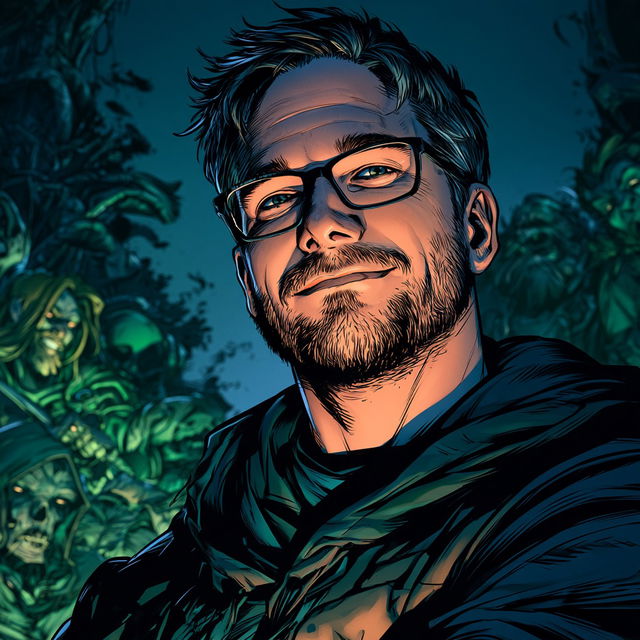
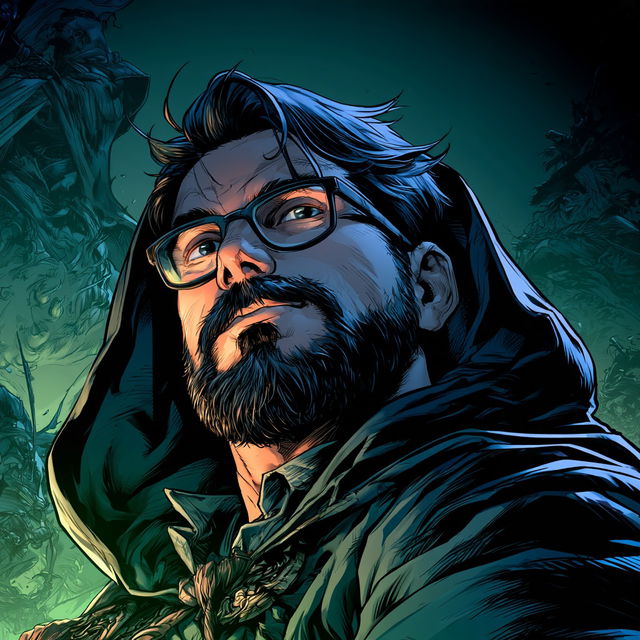
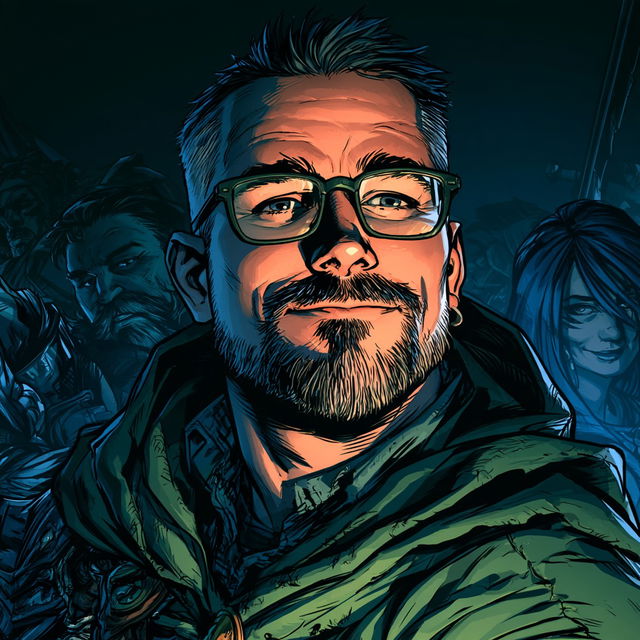
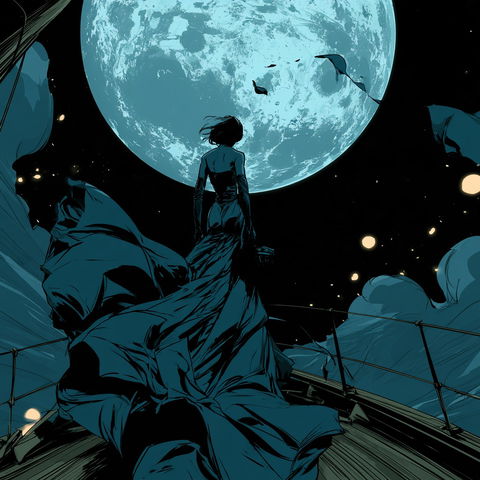
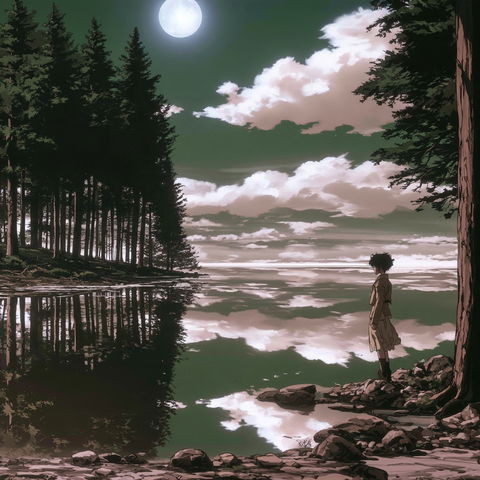
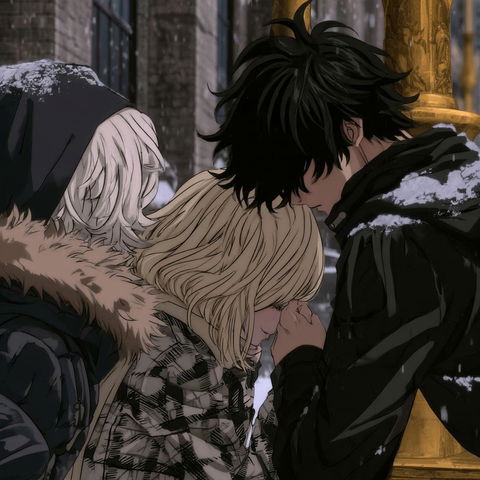
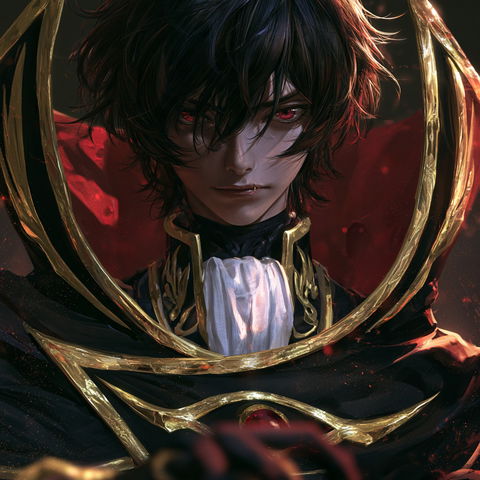
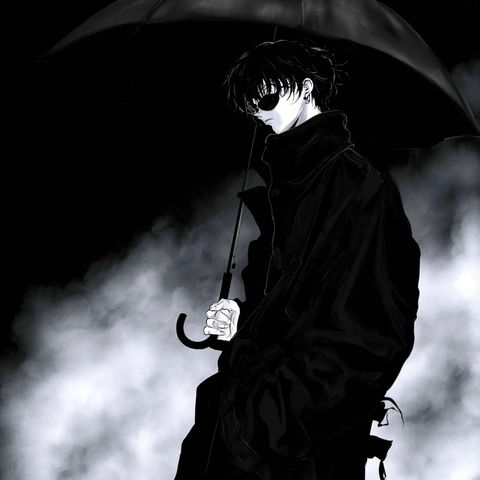
The style uses highly graphic comic-book rendering, with crisp fine contour lines, dense hatch-like interior marks, and strongly simplified yet expressive facial forms. Deep teal shadows, near-black outlines, and warm orange highlights create a moody, high-contrast palette, while the repeated close-up character portraits and richly leafy backgrounds add a detailed fantasy-adventure feel.
Same code, different picture. Midjourney changed how it reads SREF codes after V6.1, so V8.2 turns this code into a new style. The old one still works: add or .