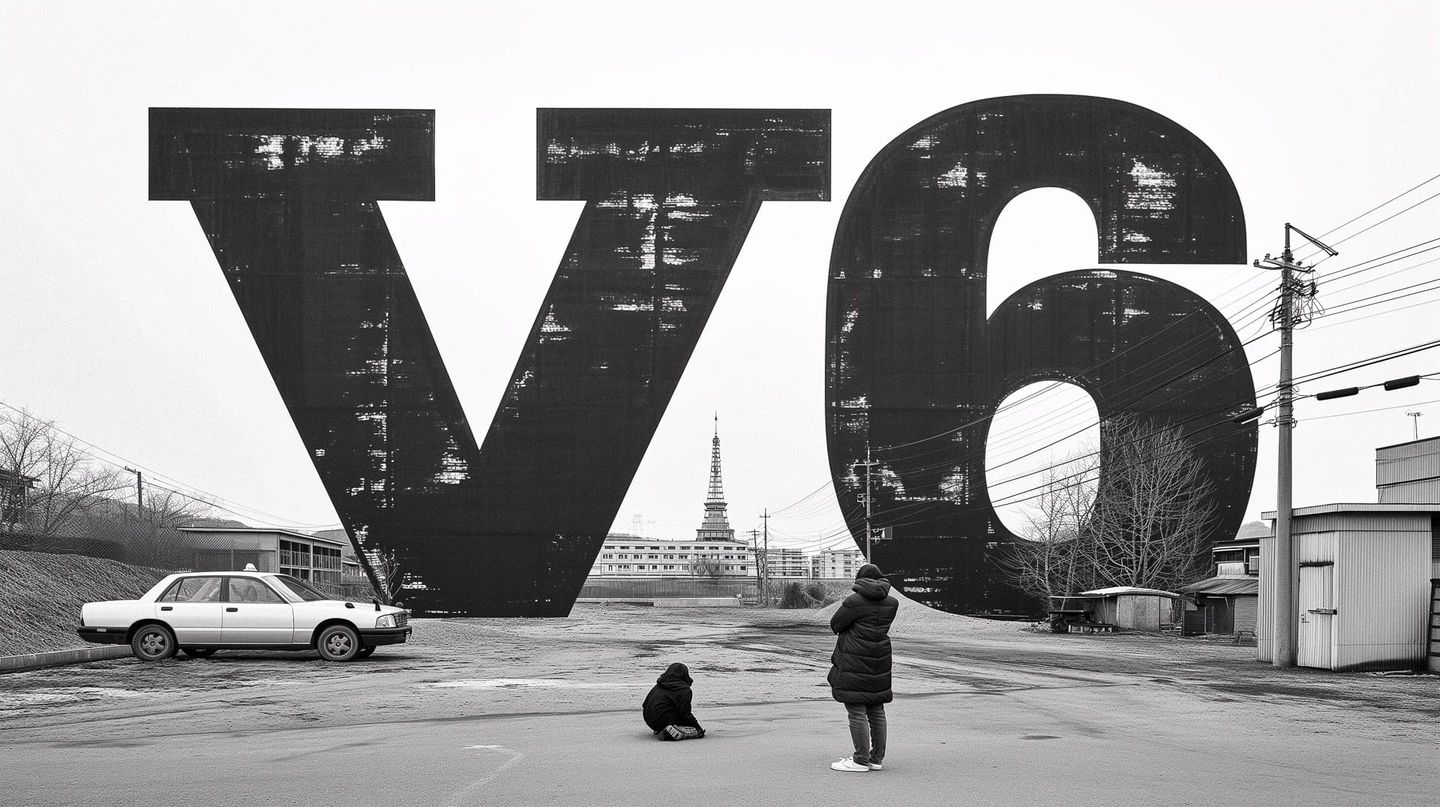
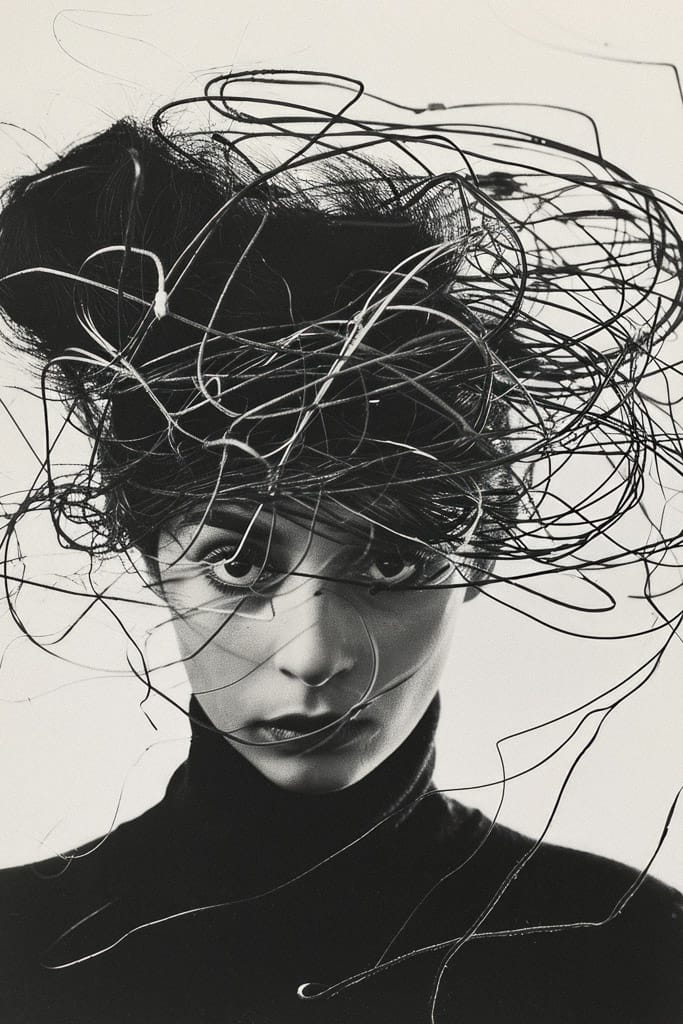
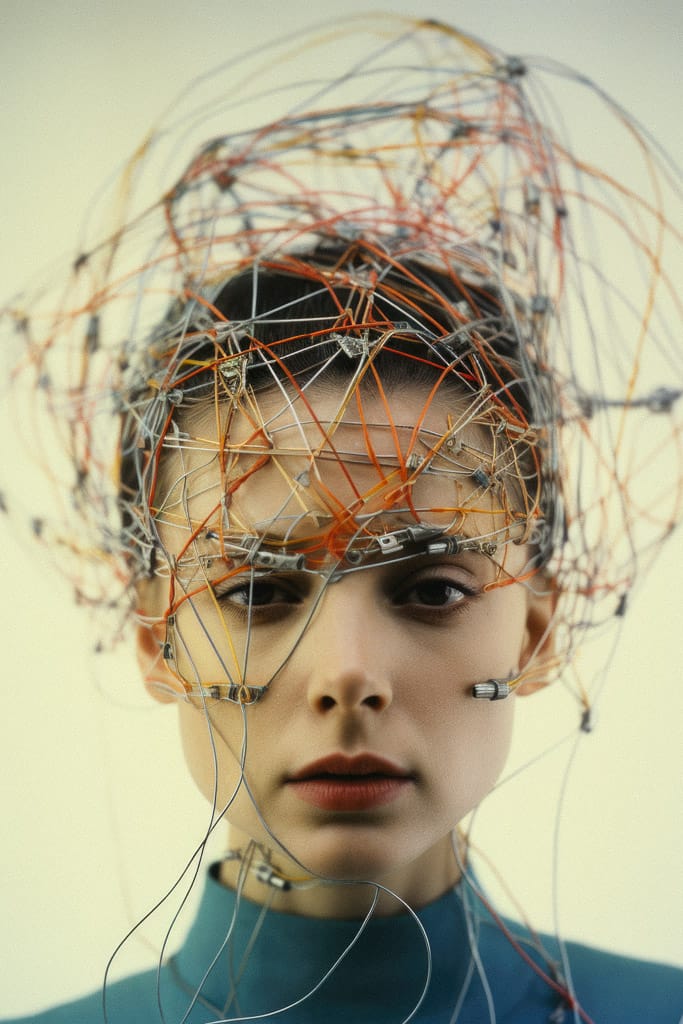
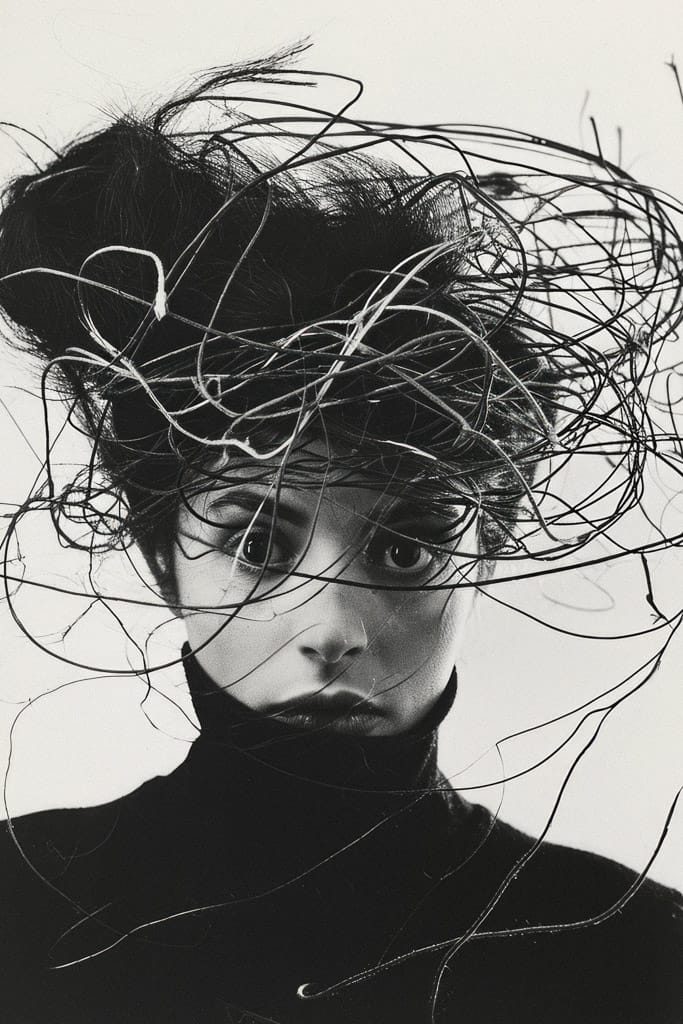
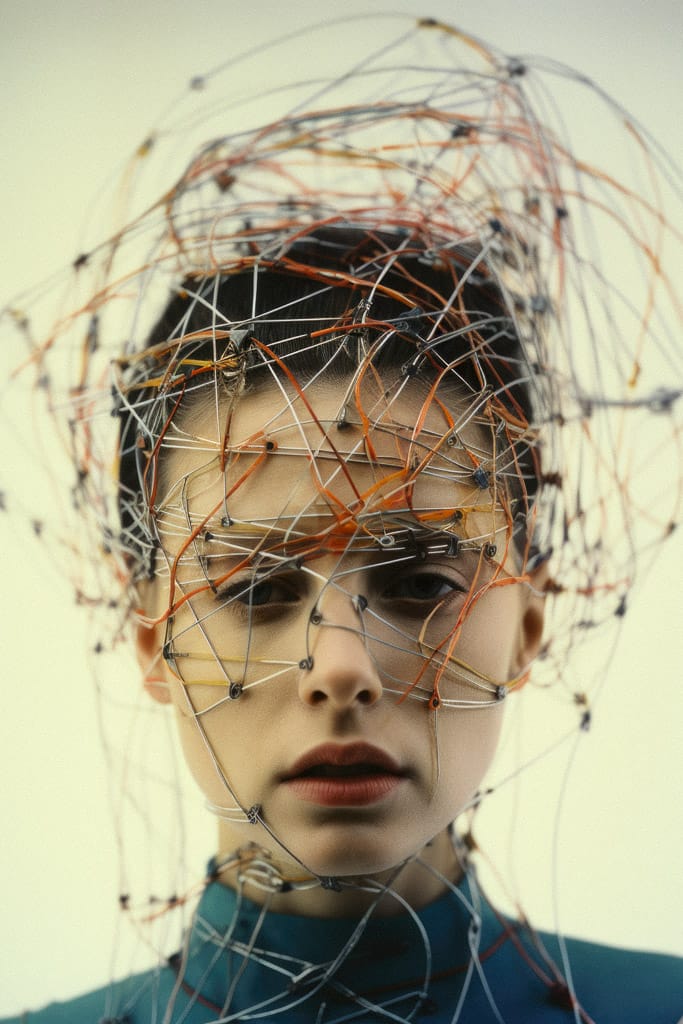
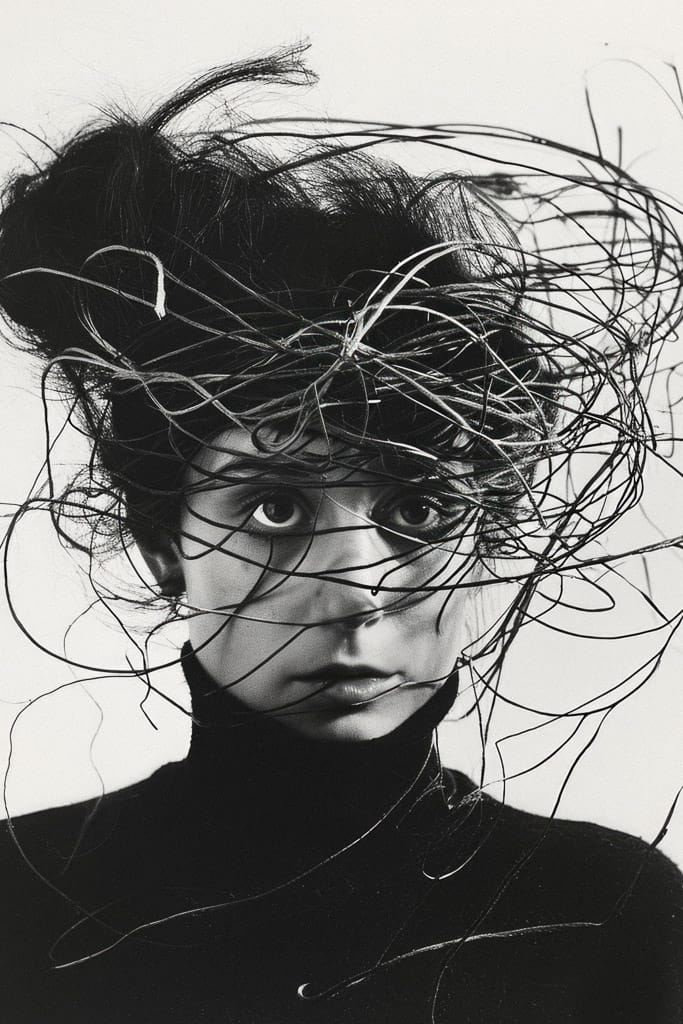
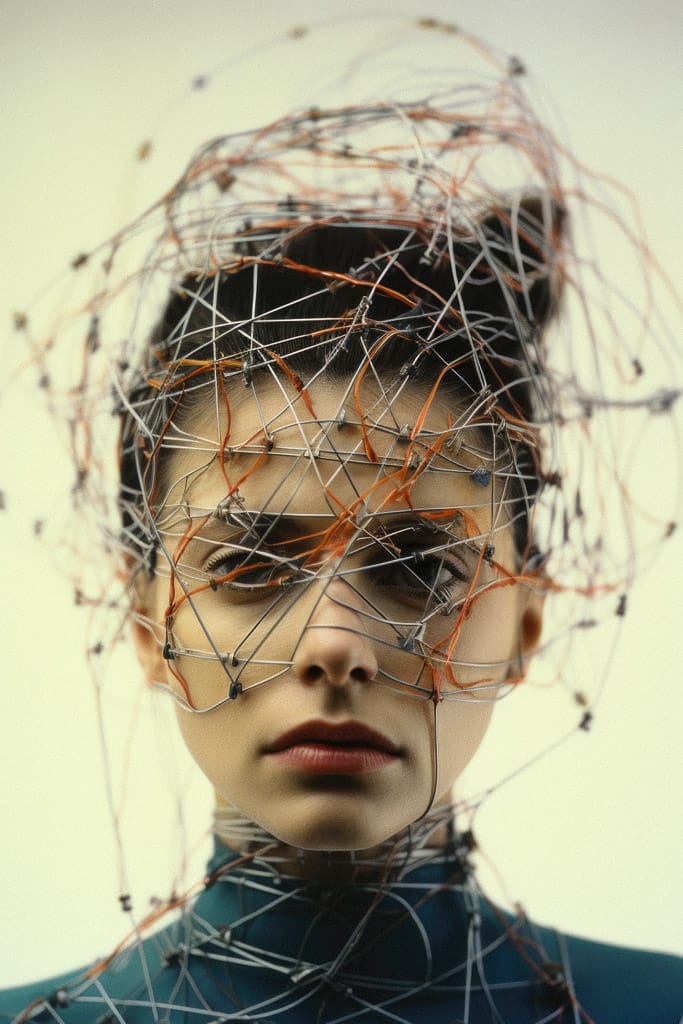
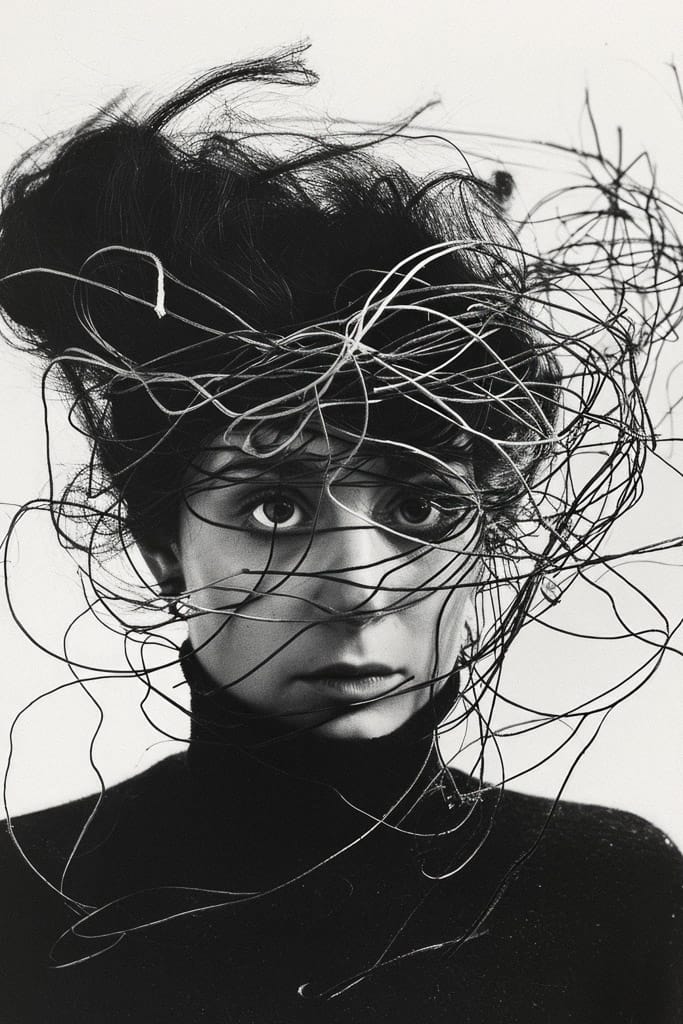
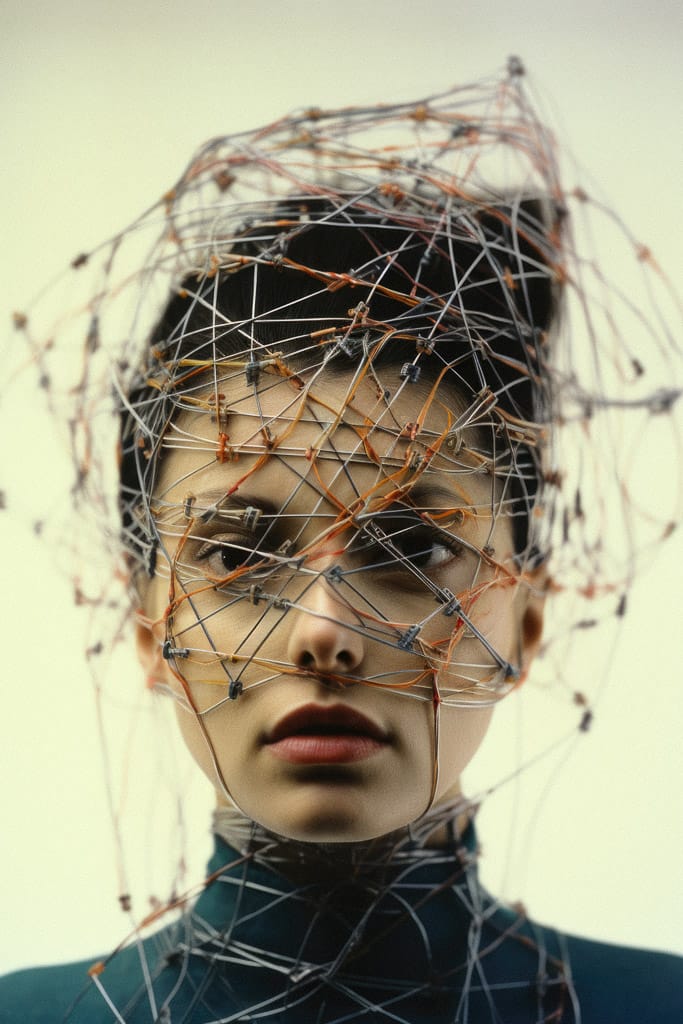
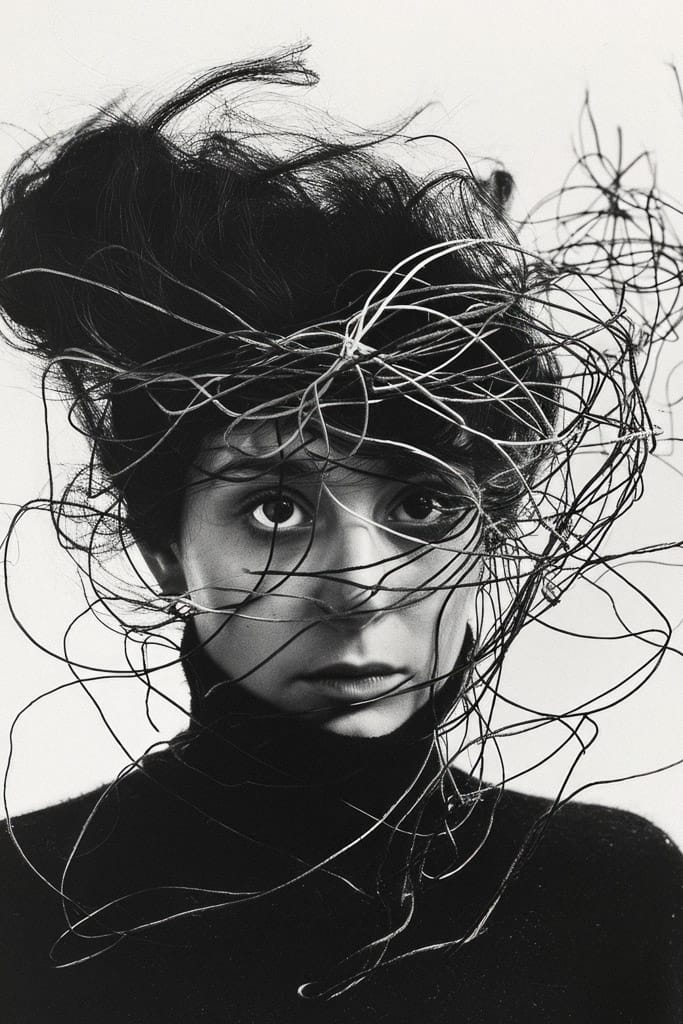
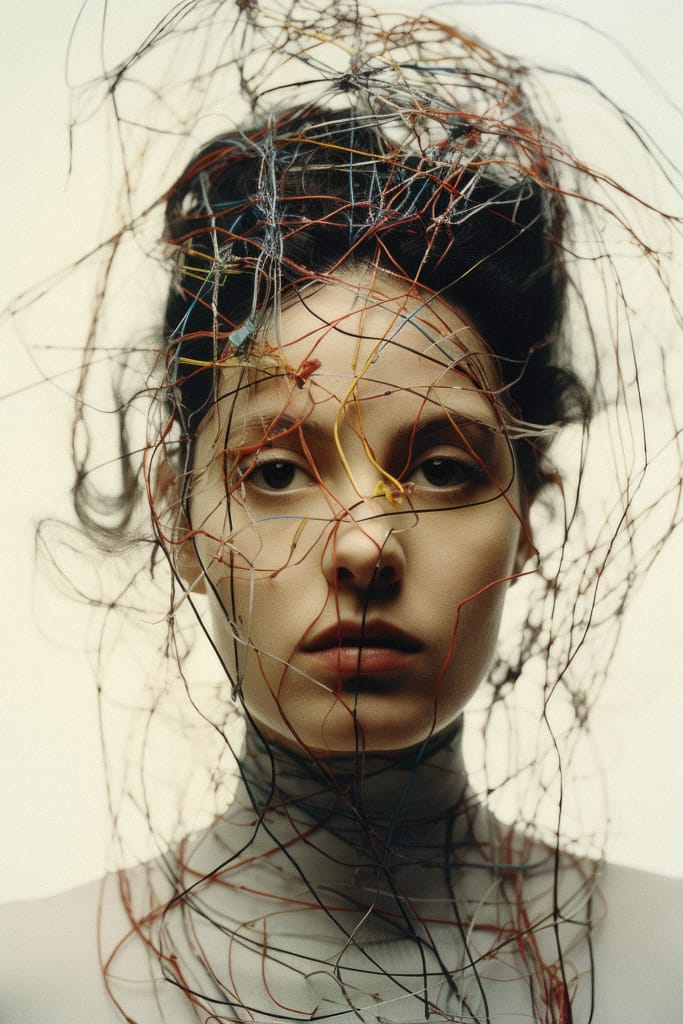
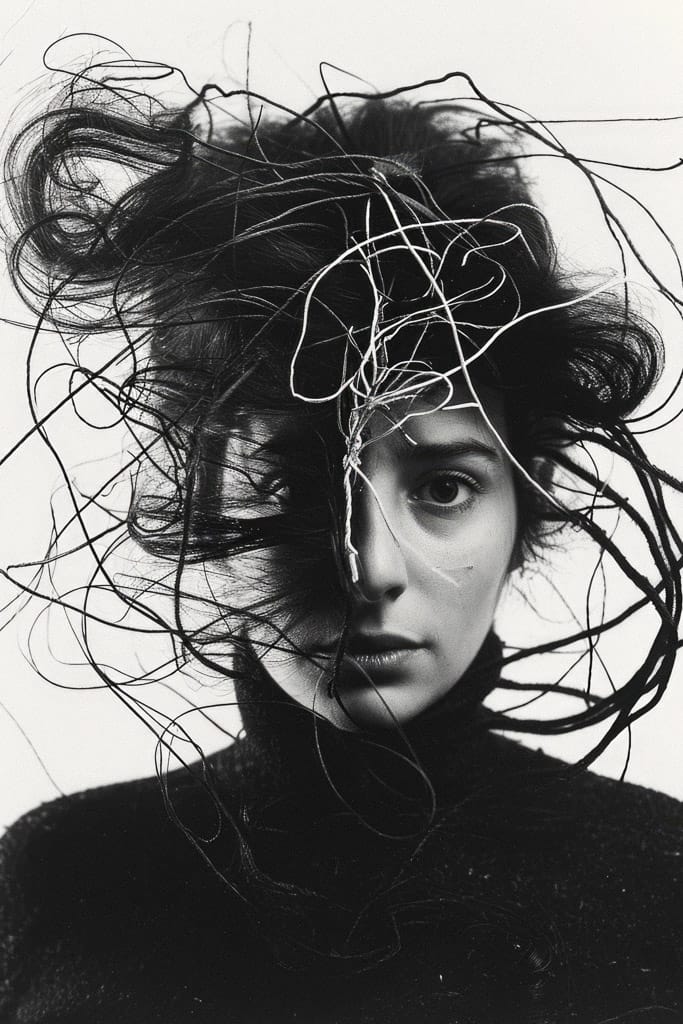
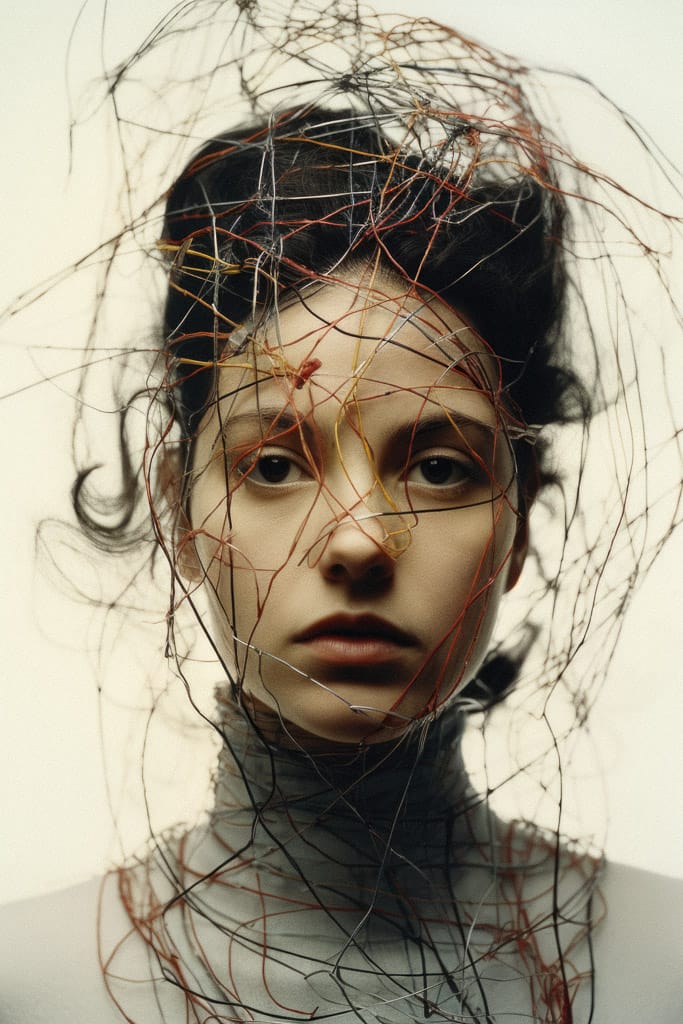
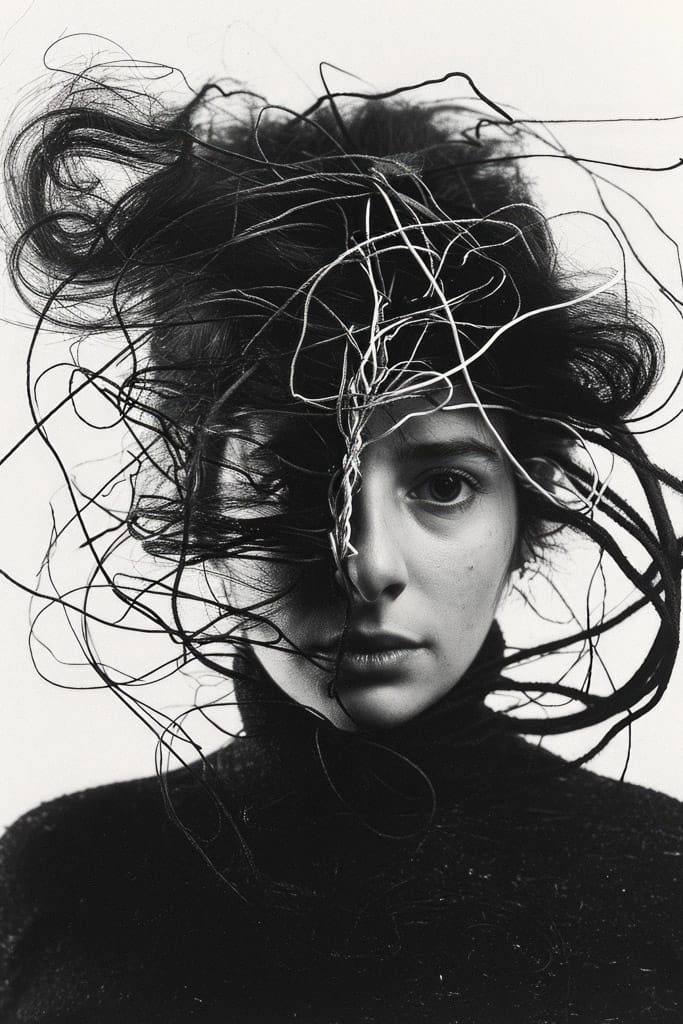
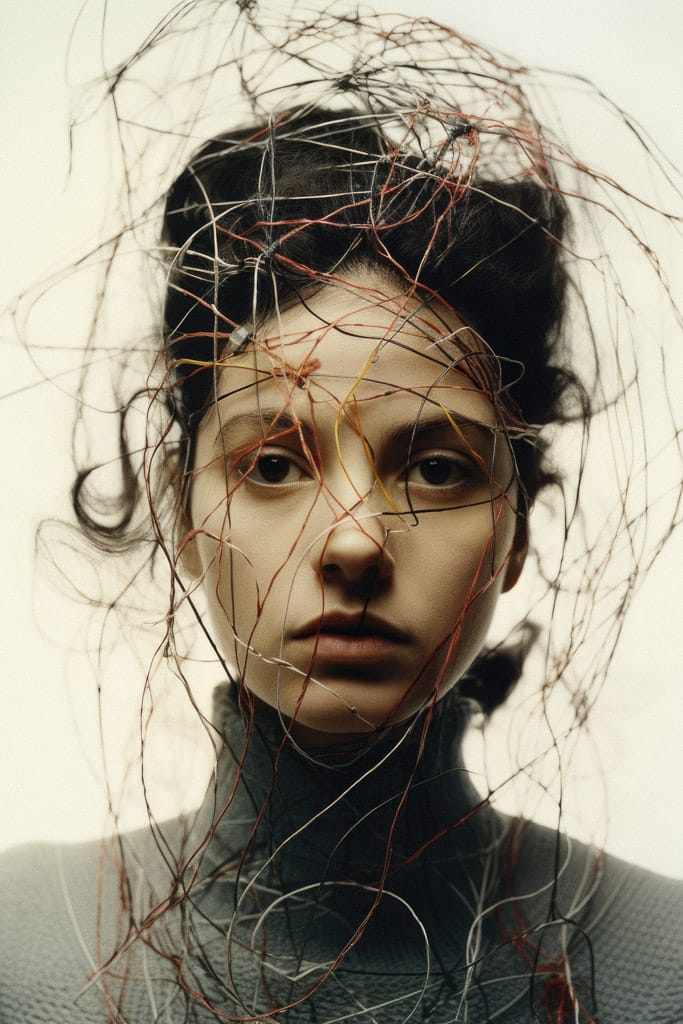
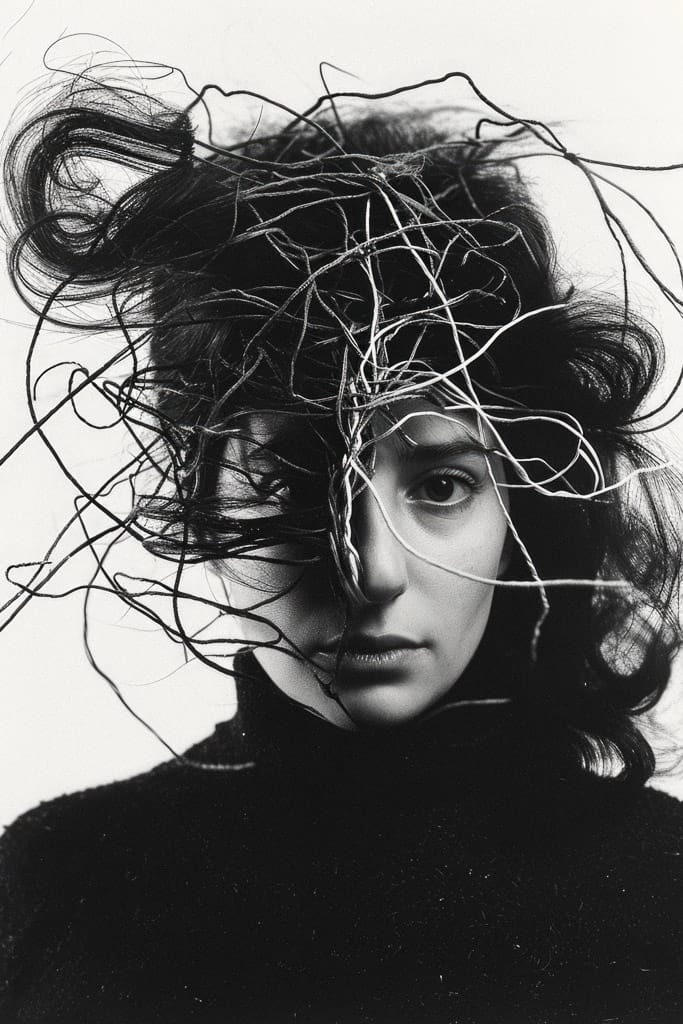
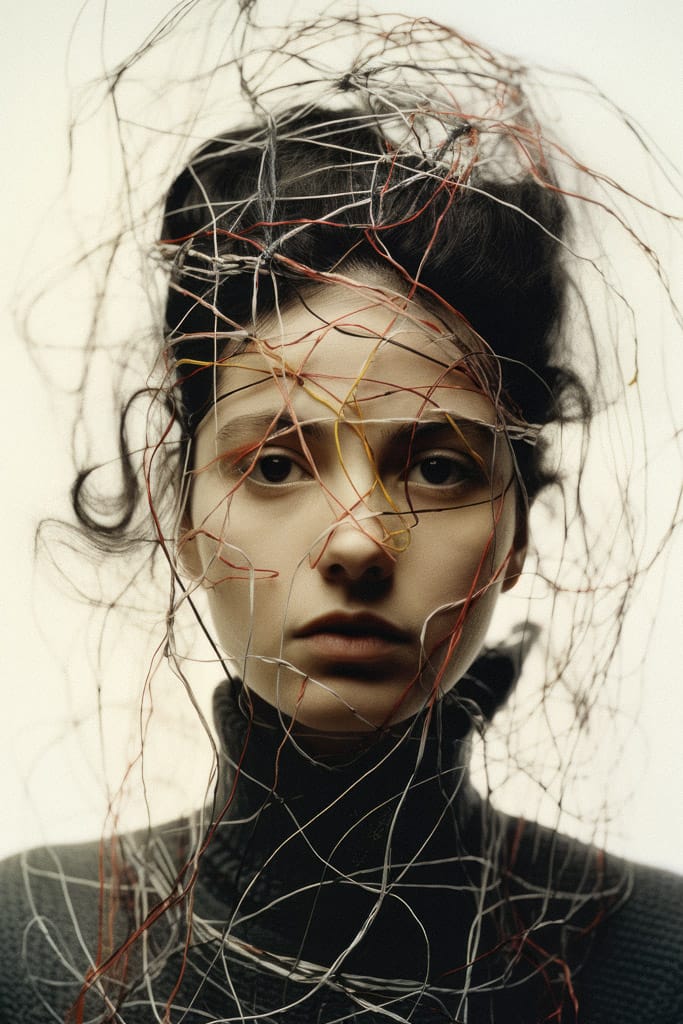
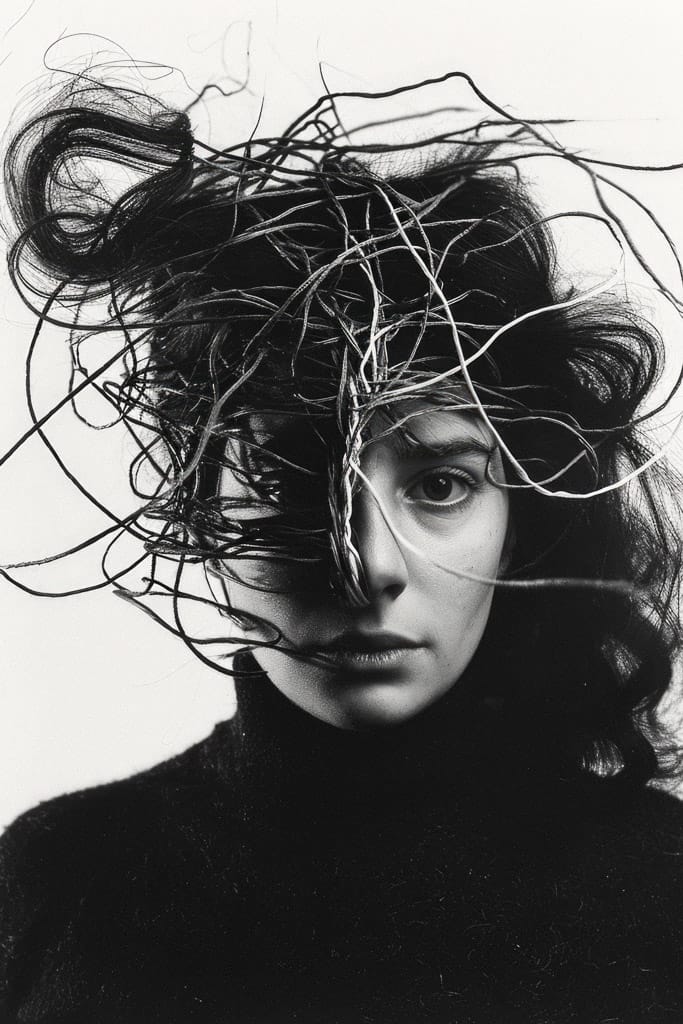
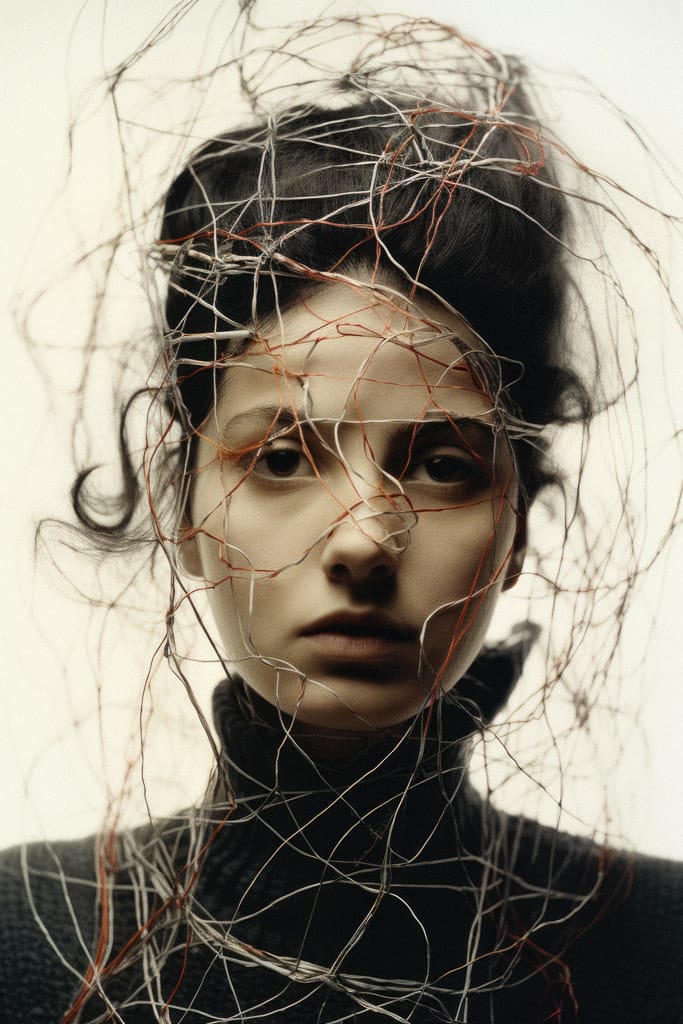
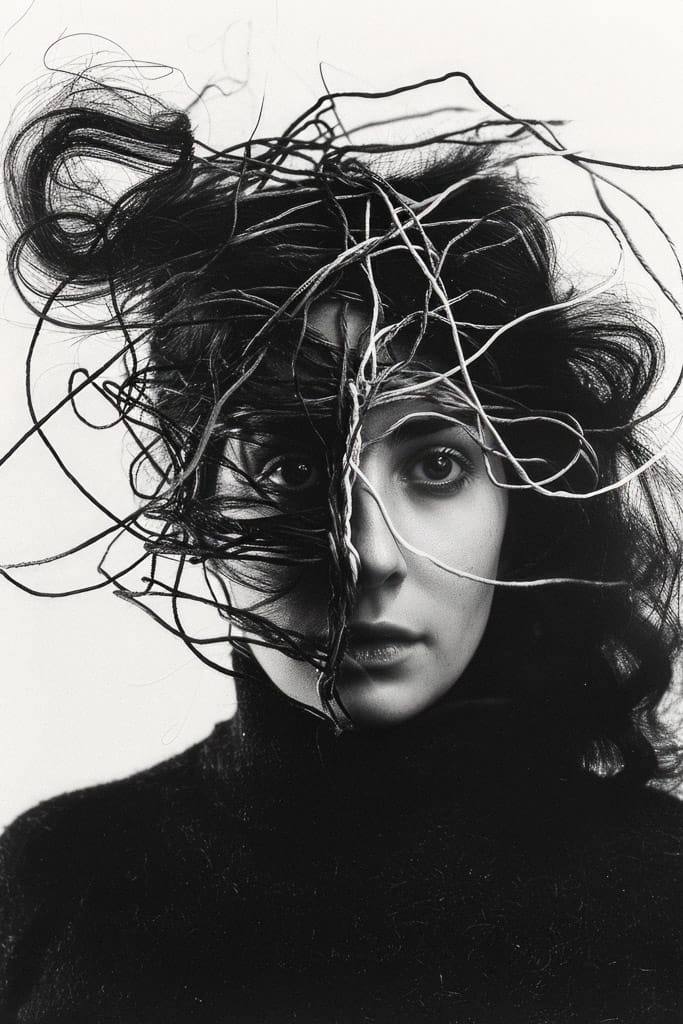
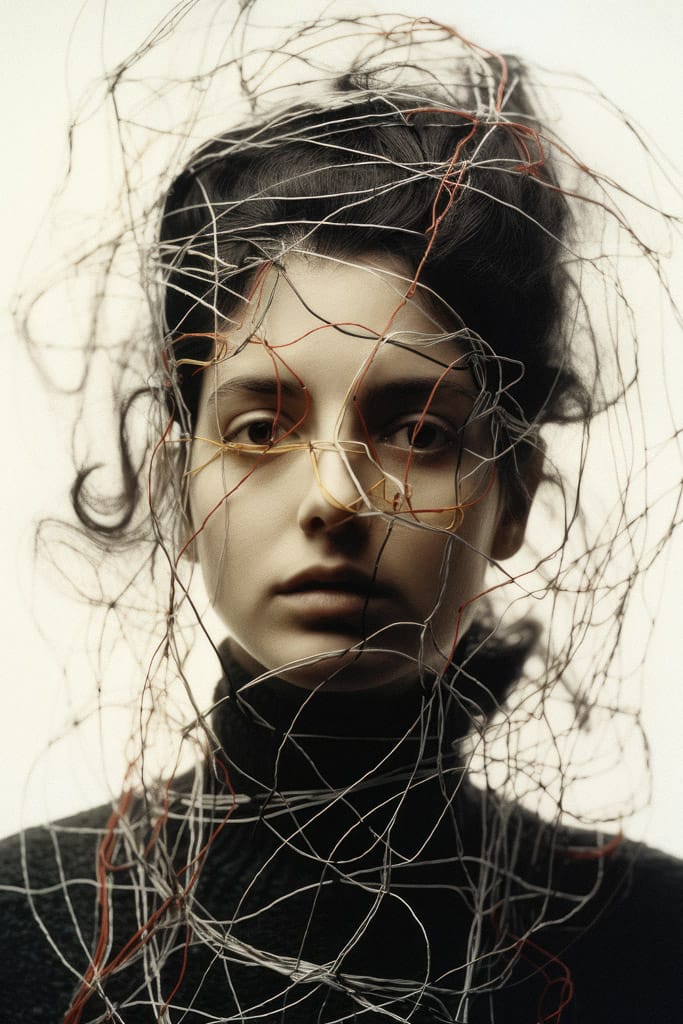
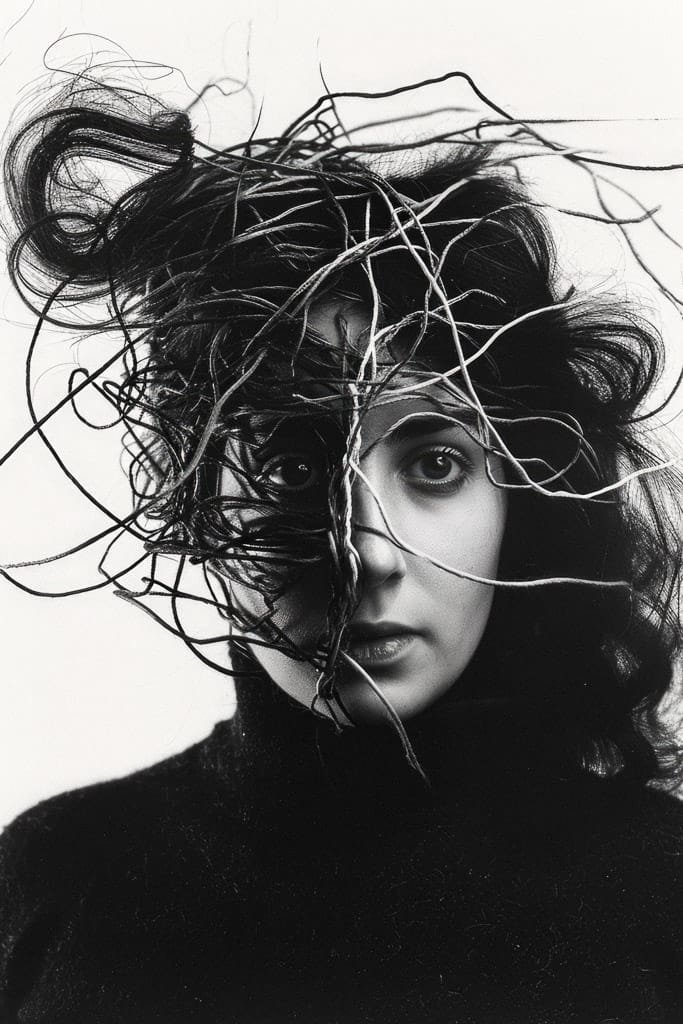
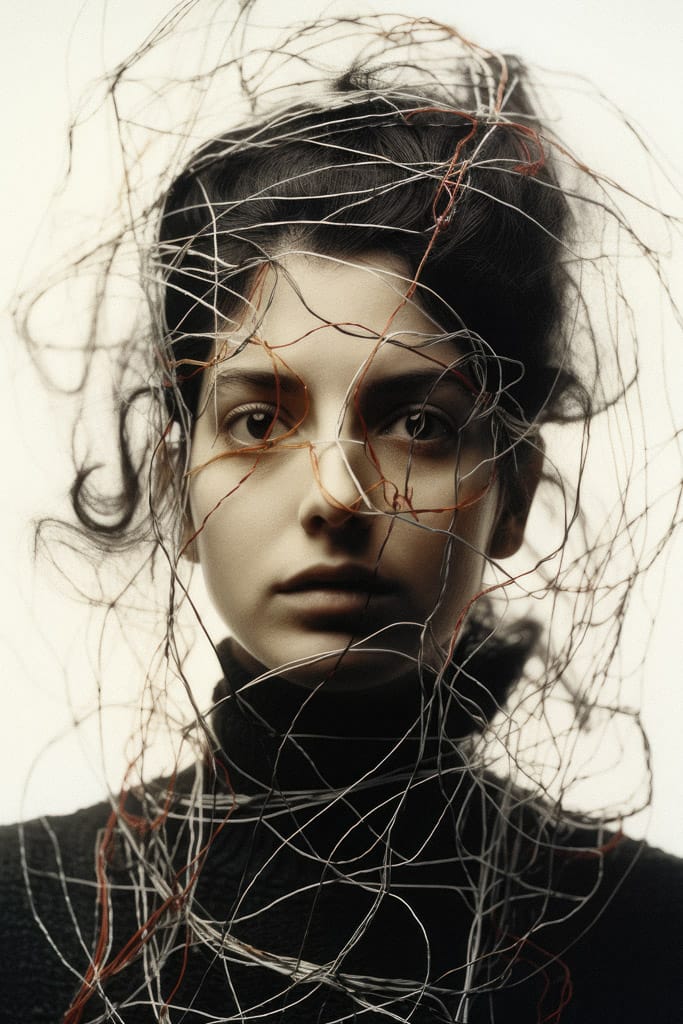
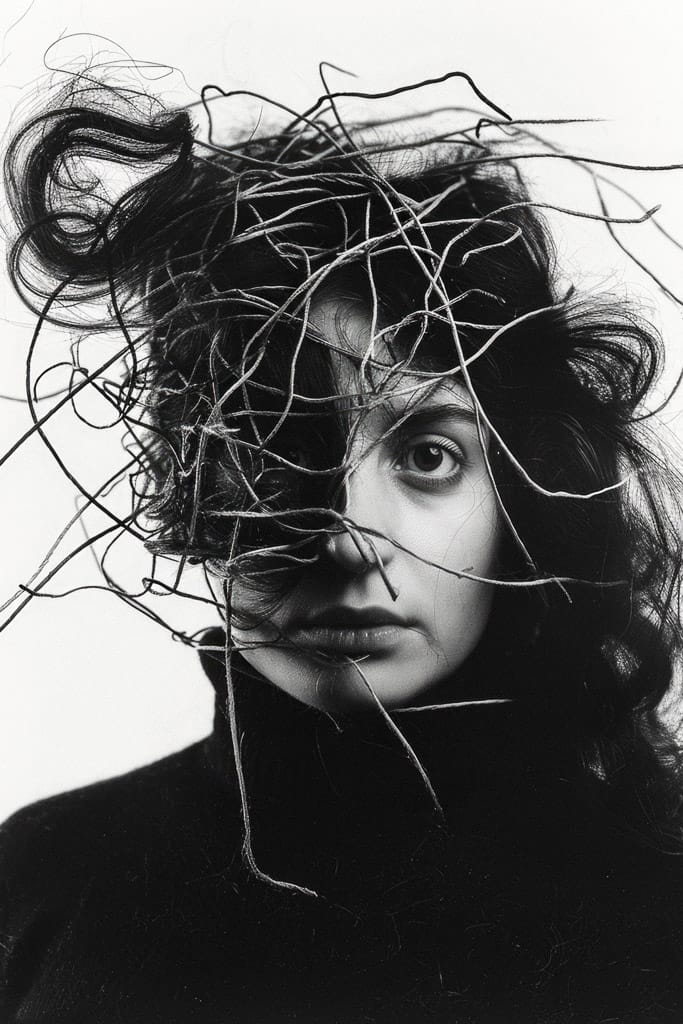
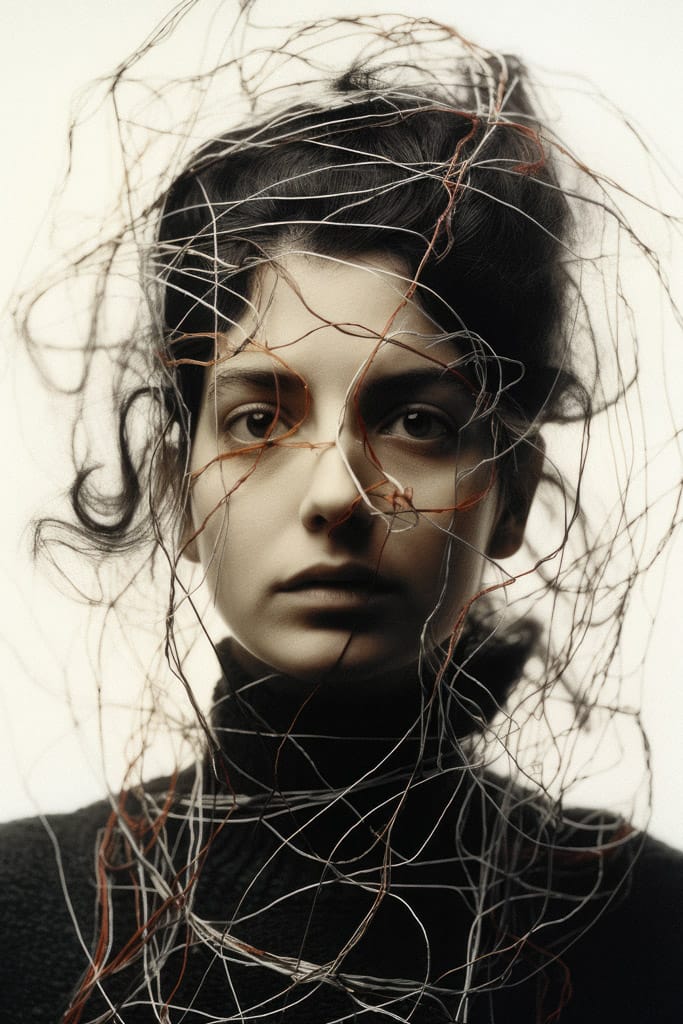
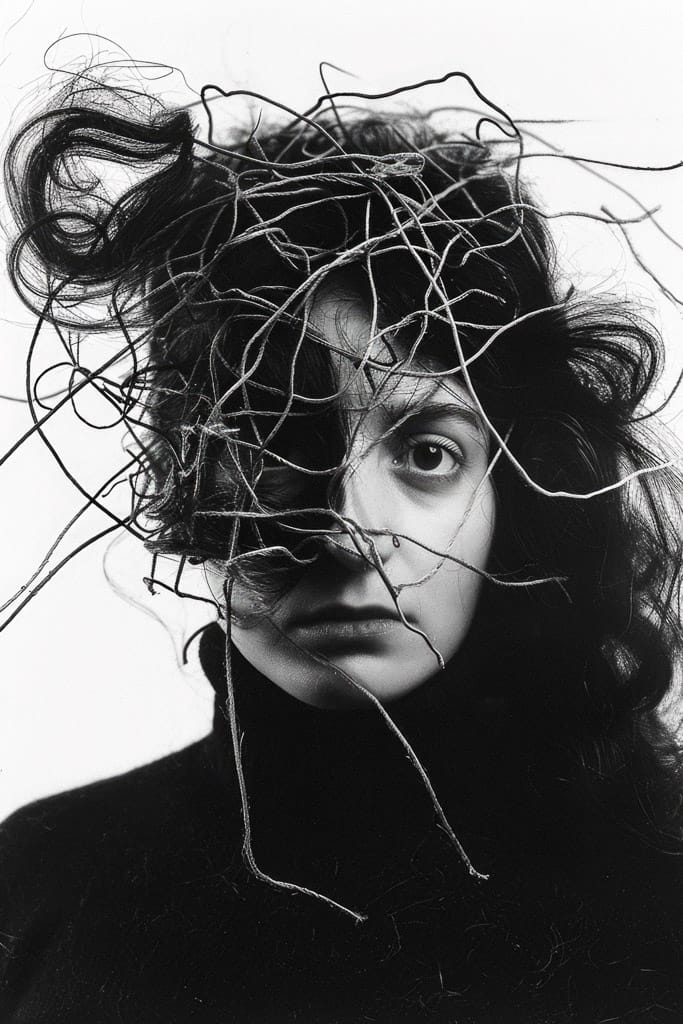
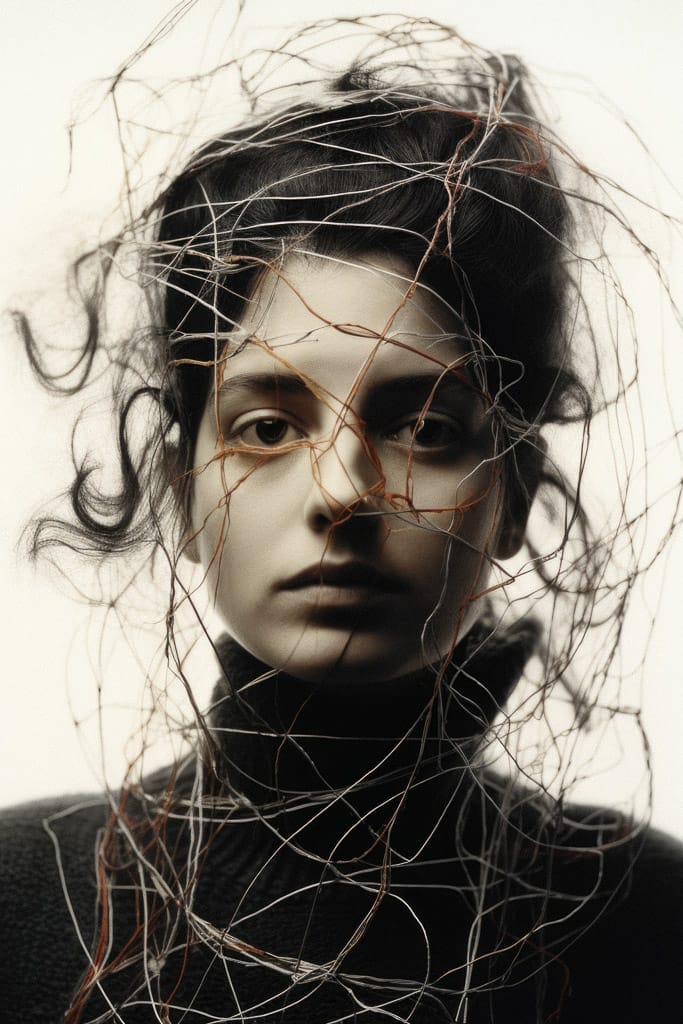
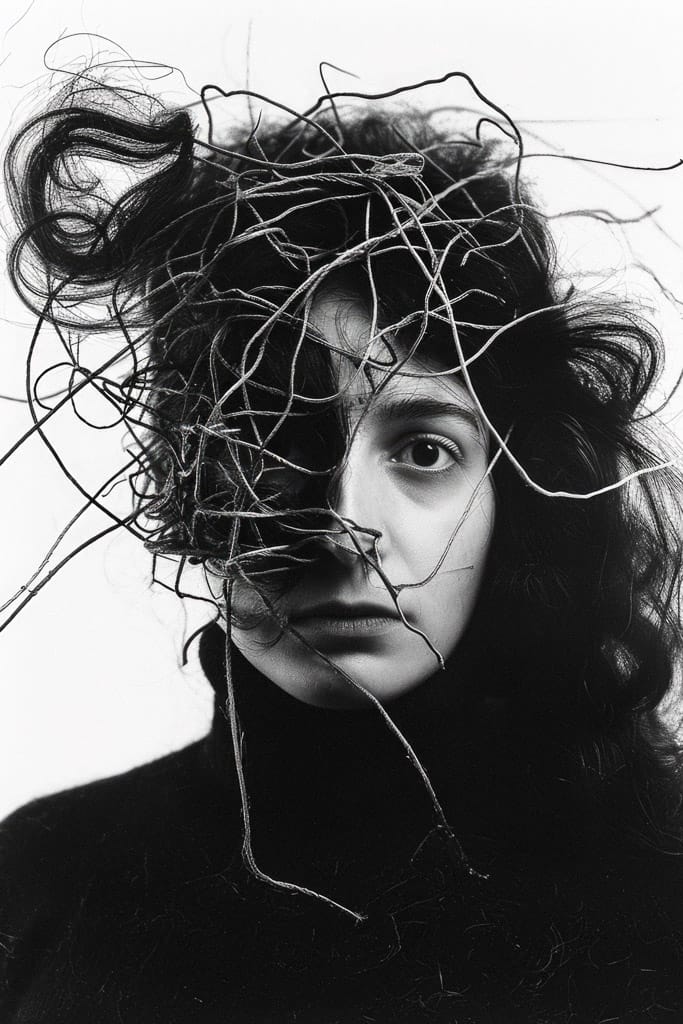
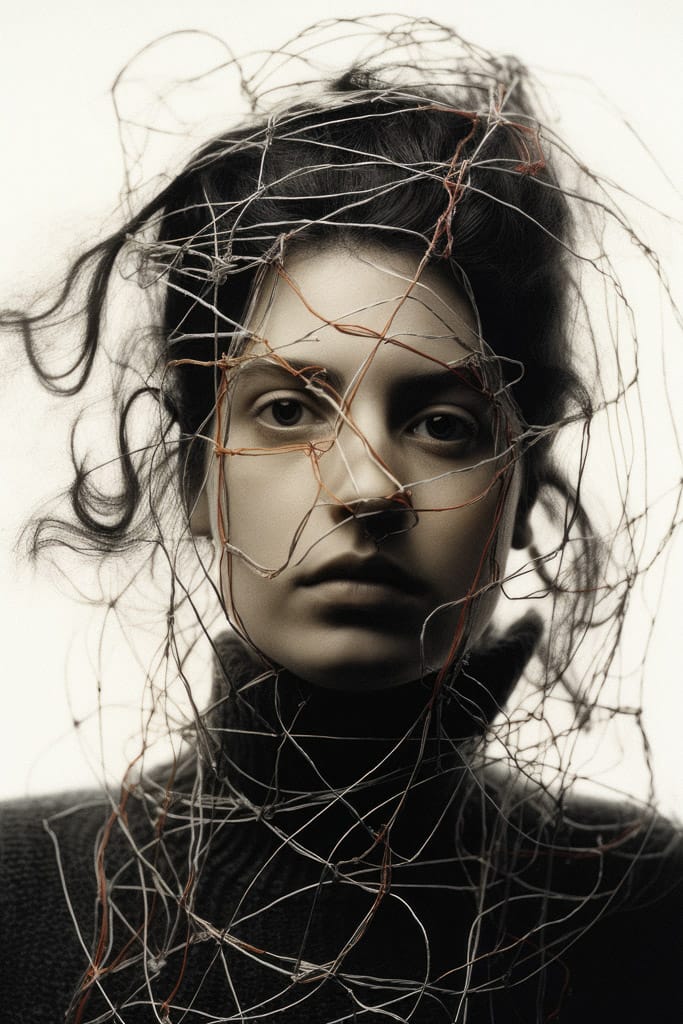
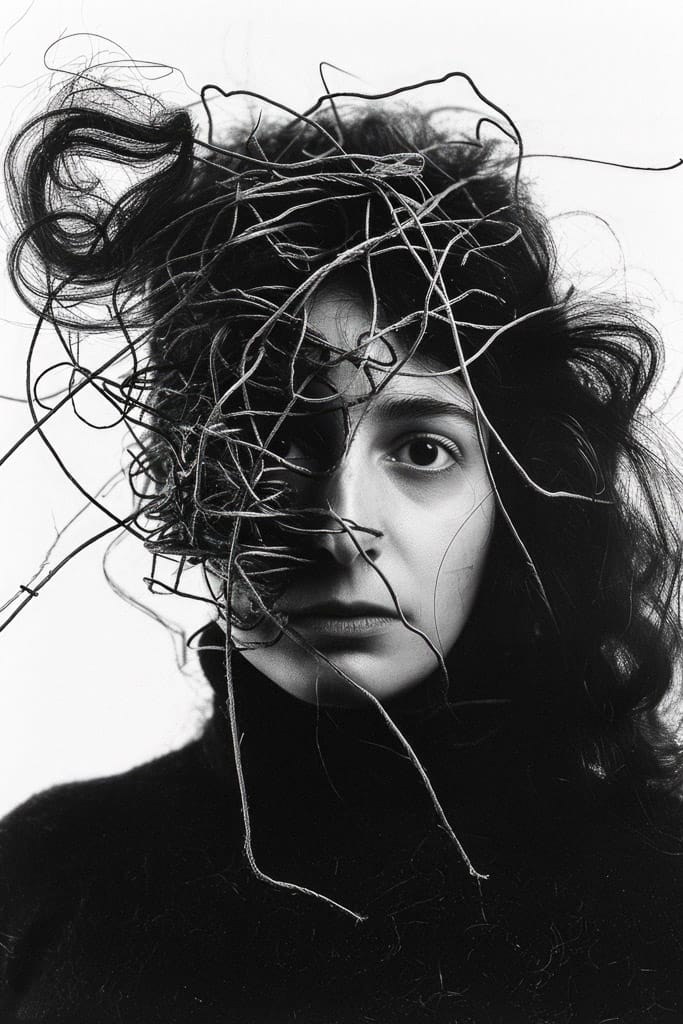
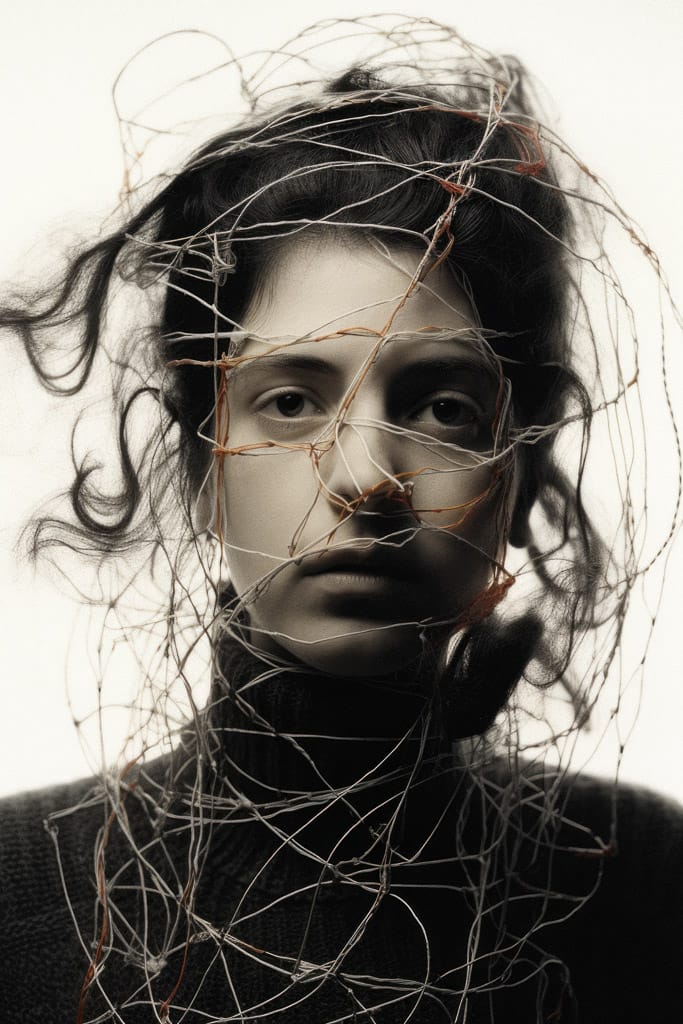
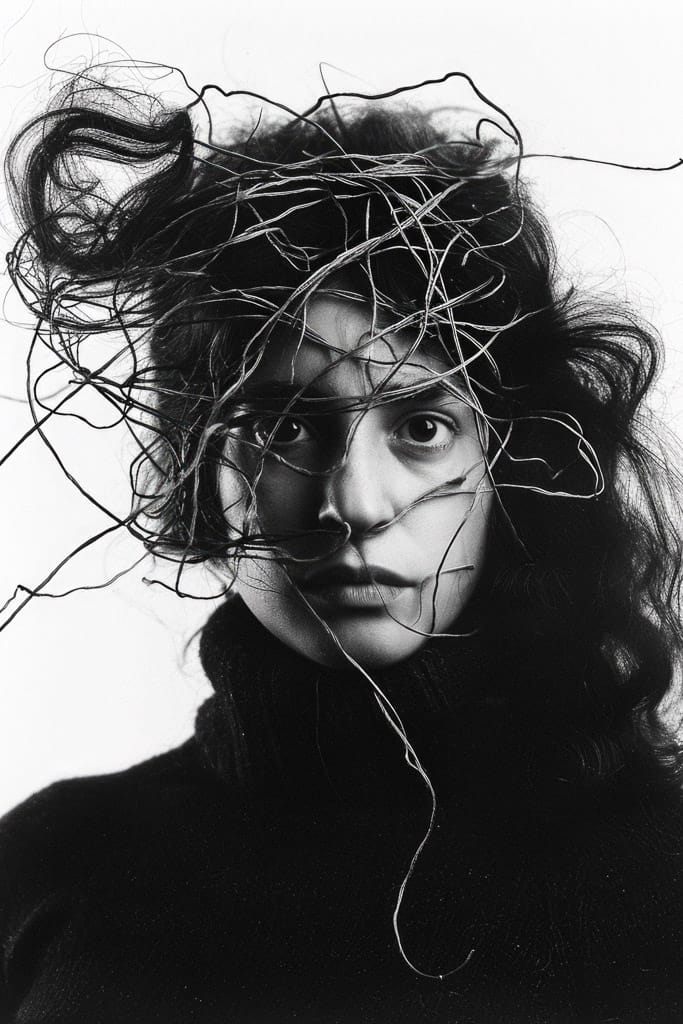
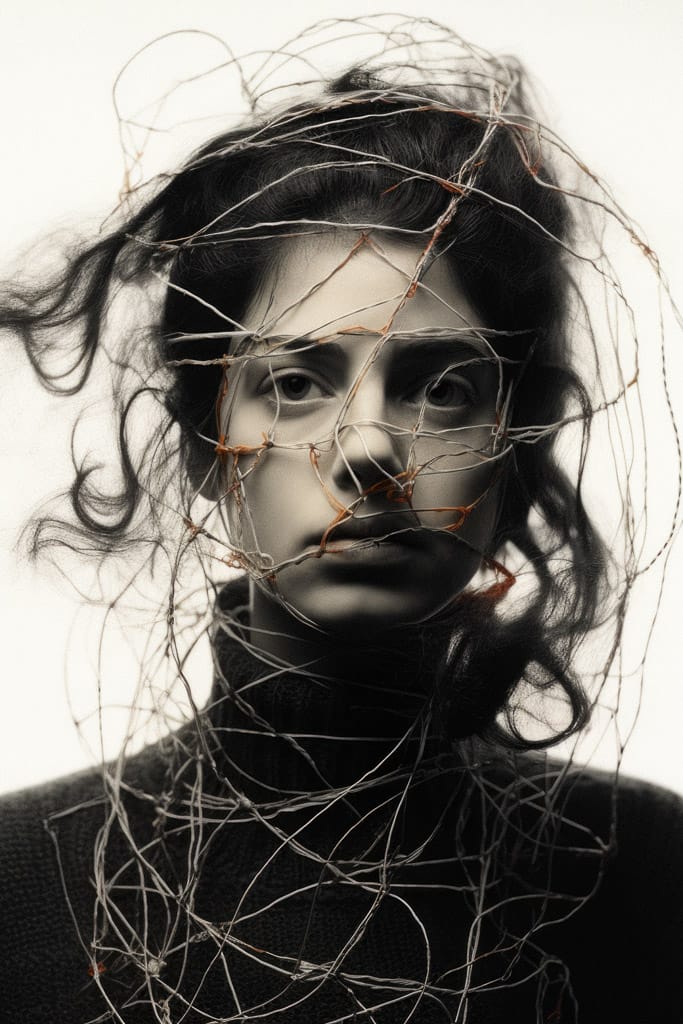
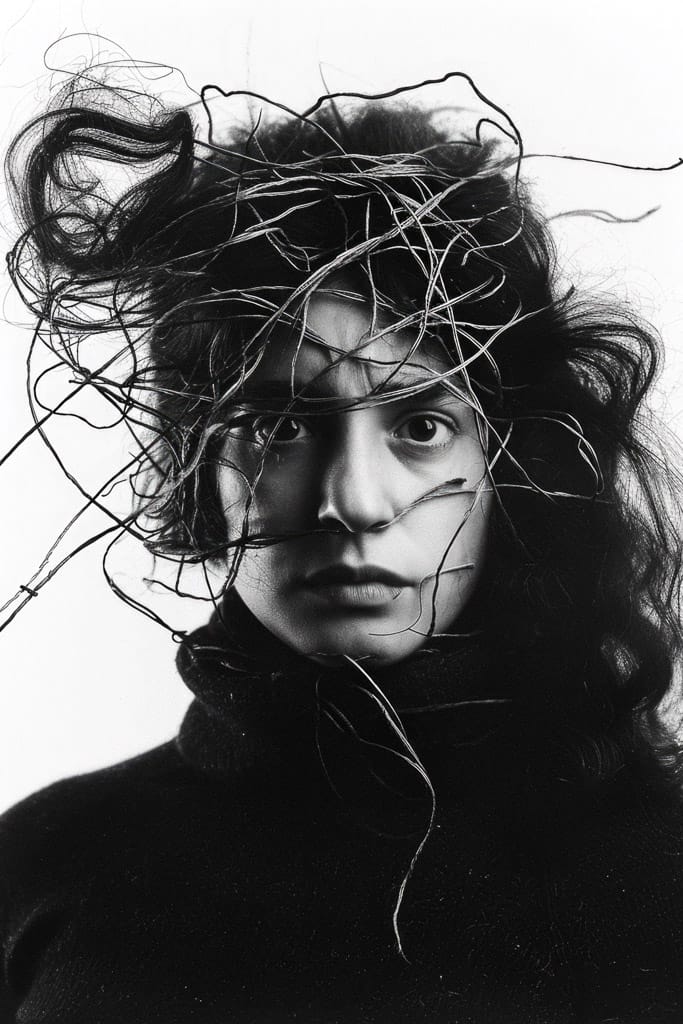
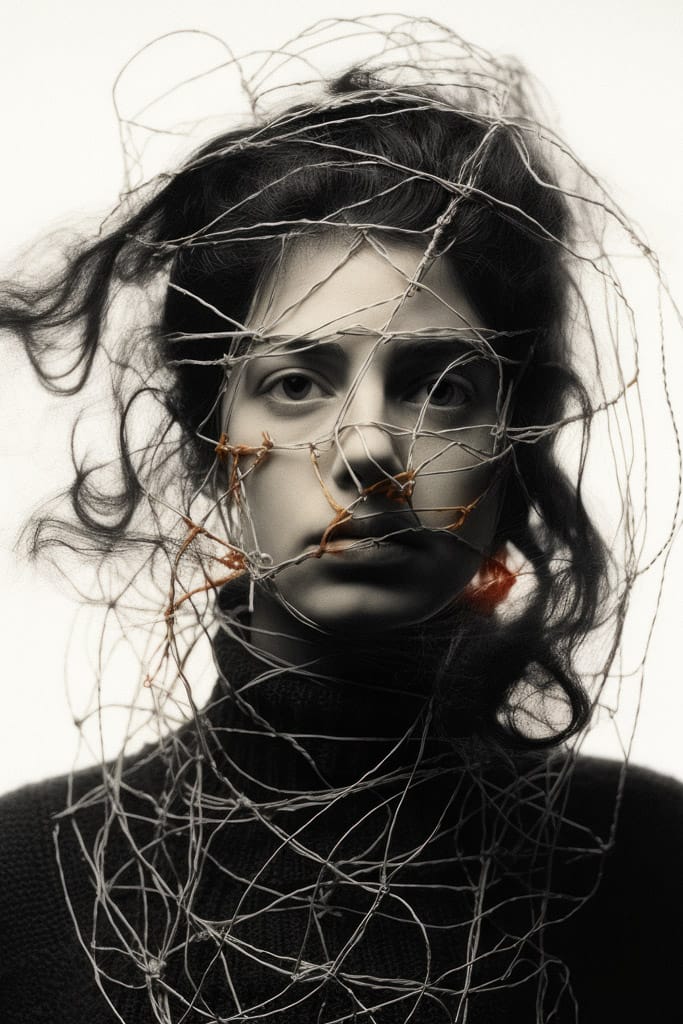
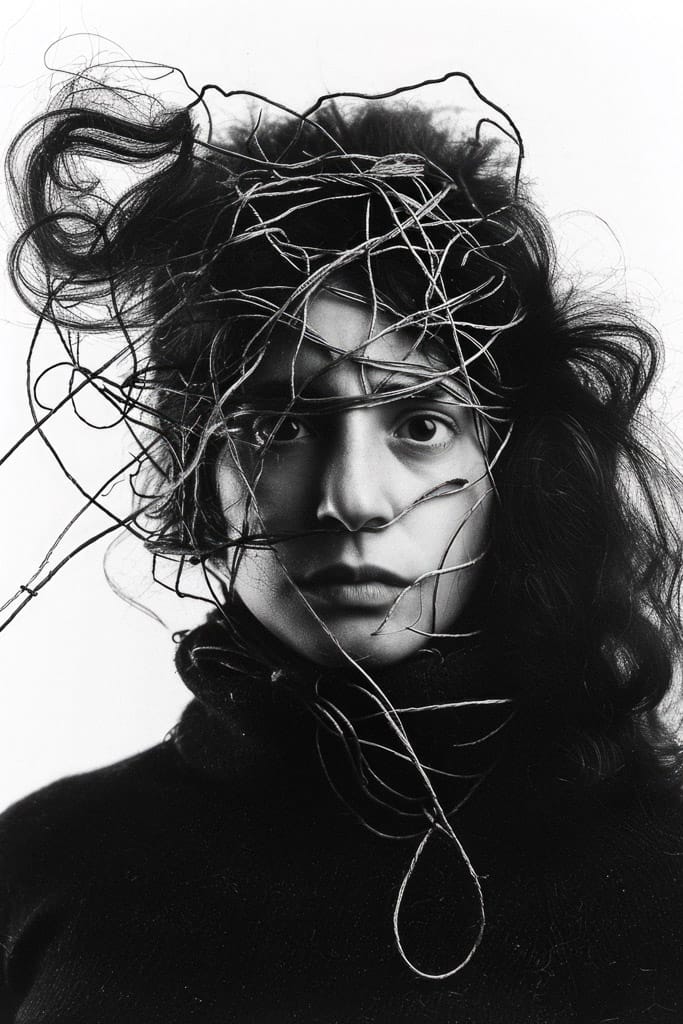
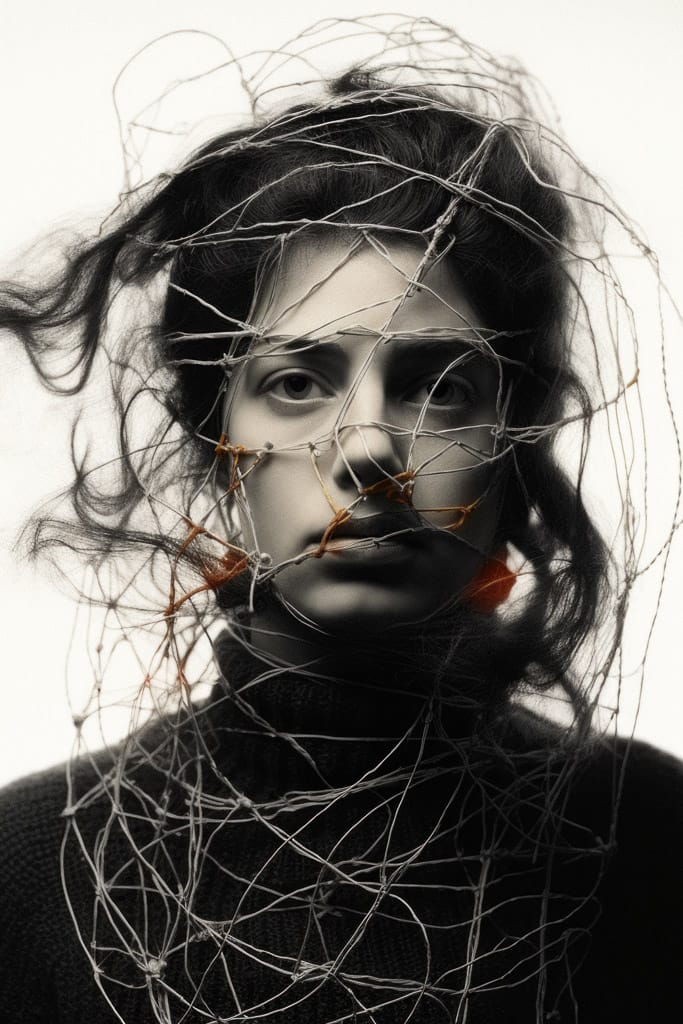
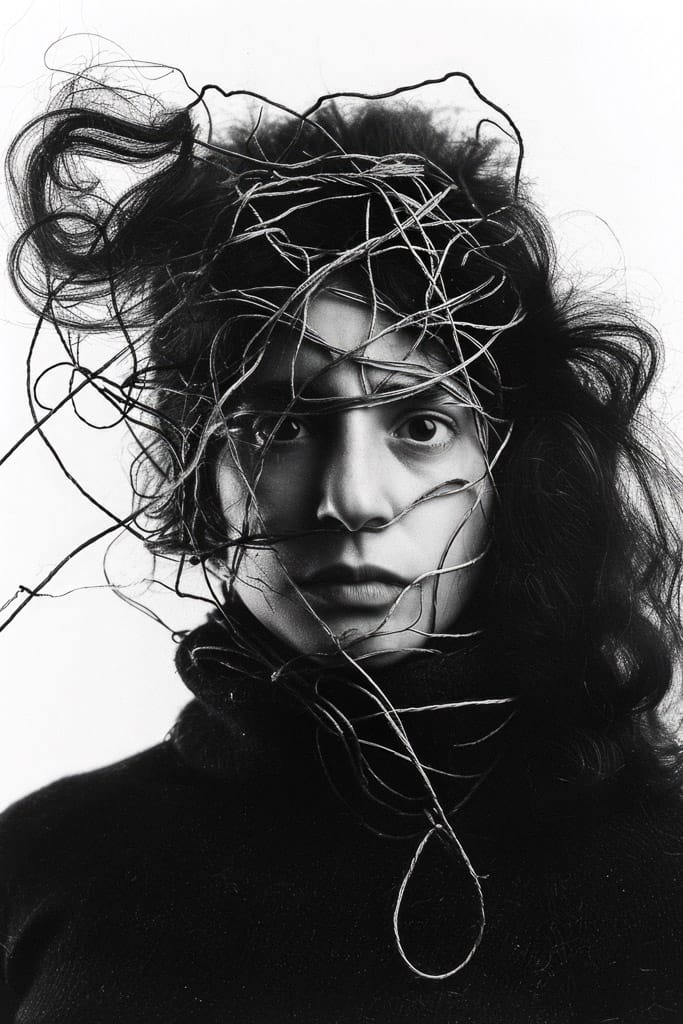
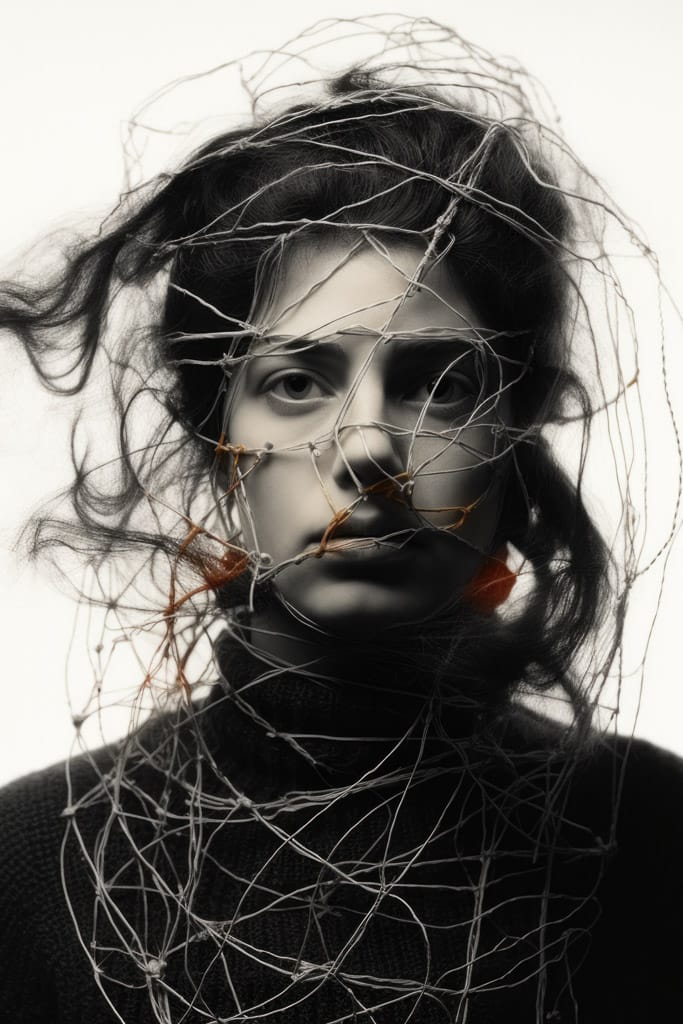
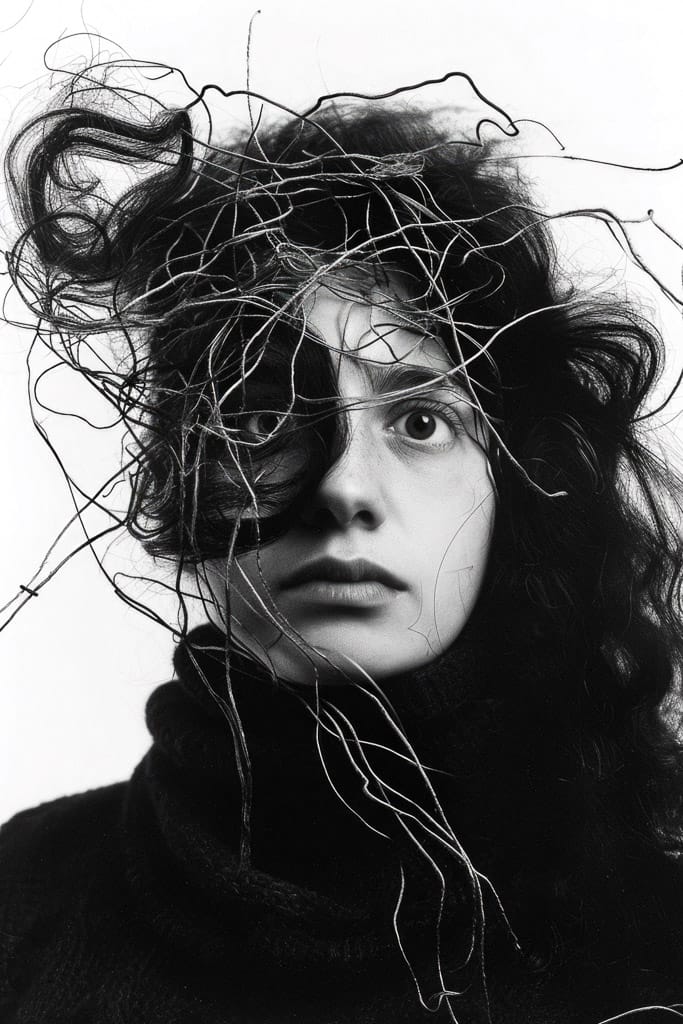
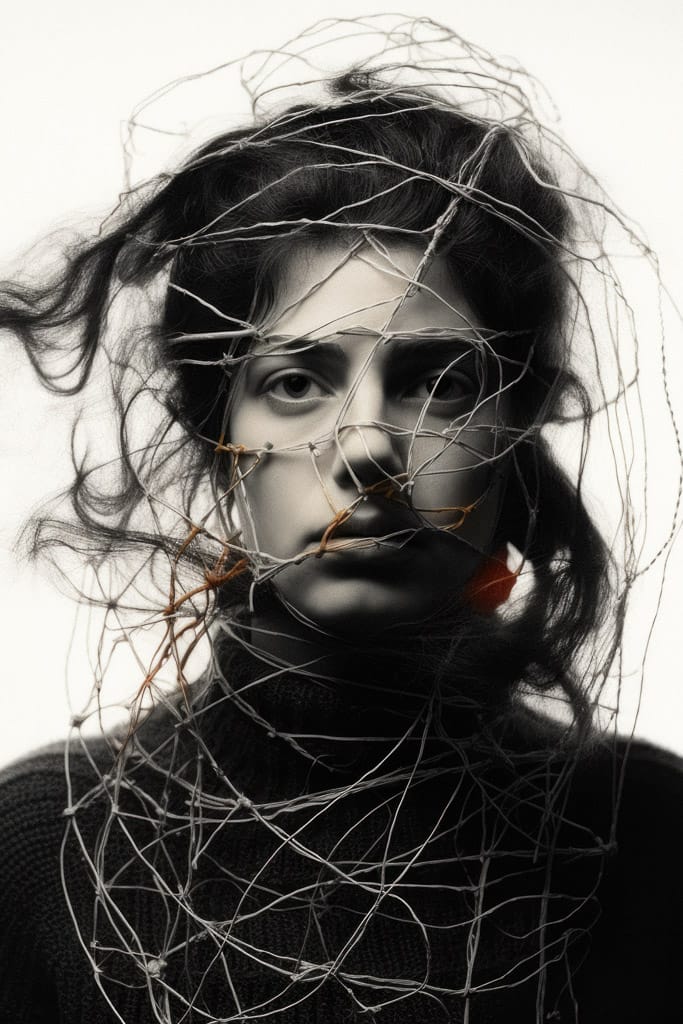
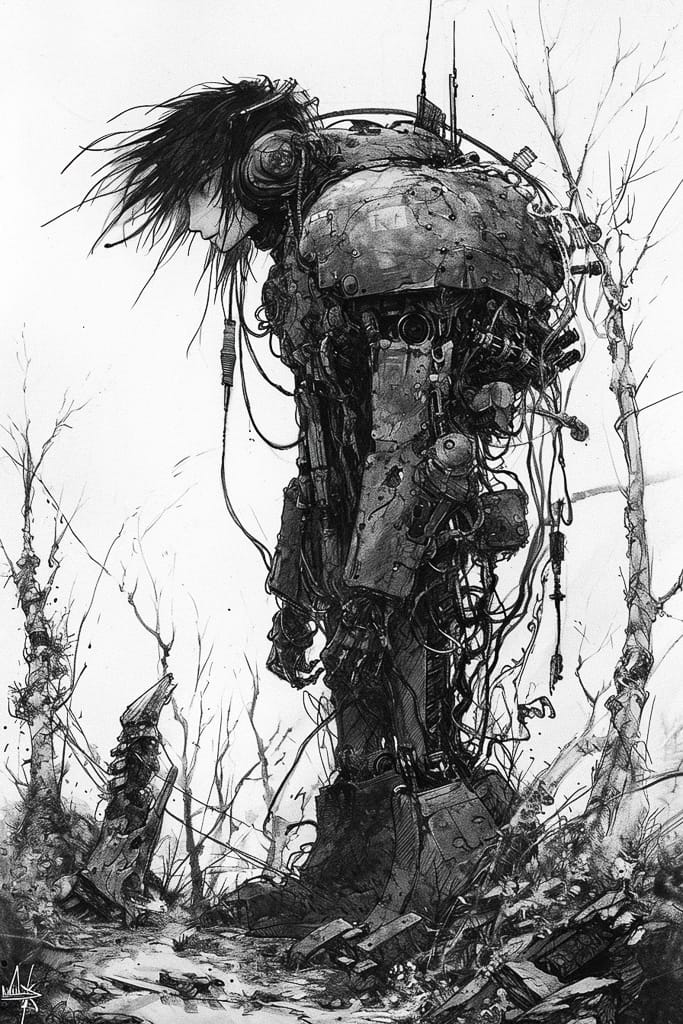
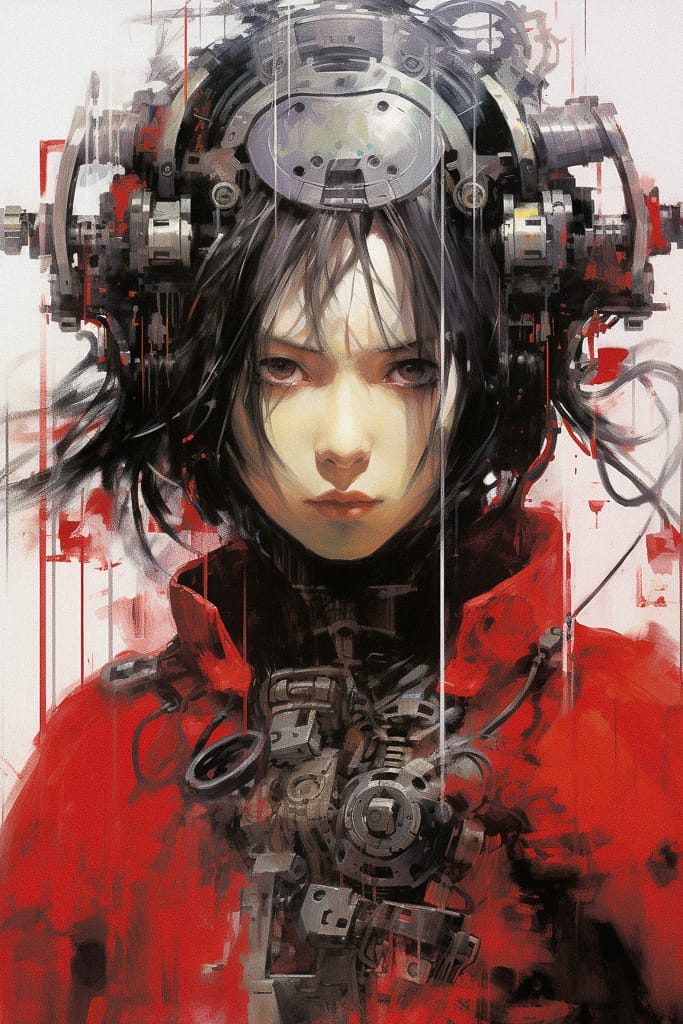
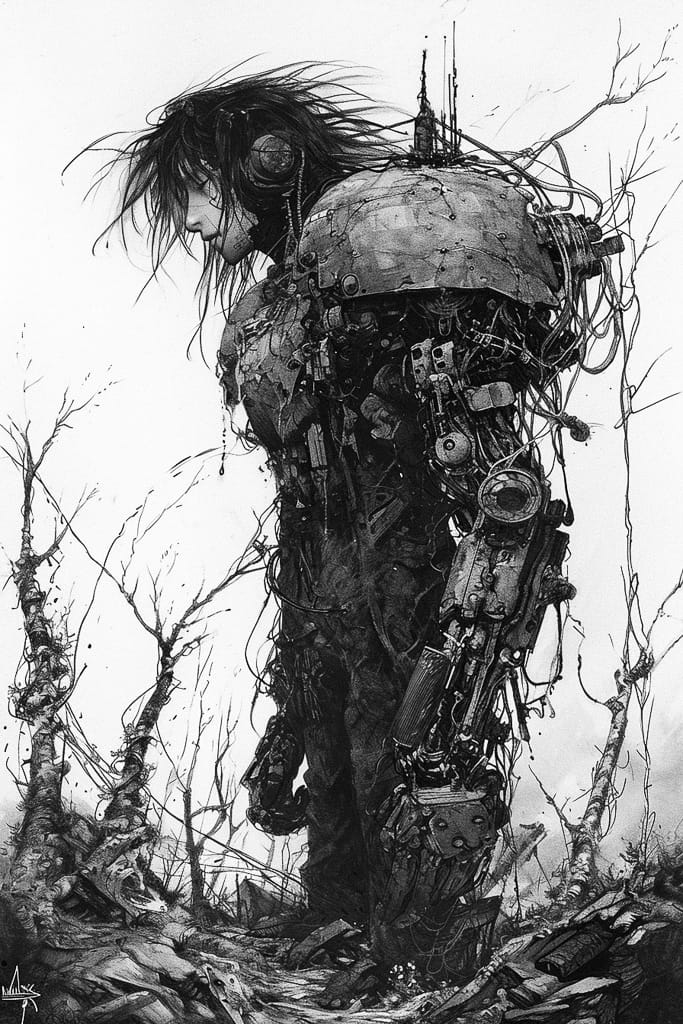
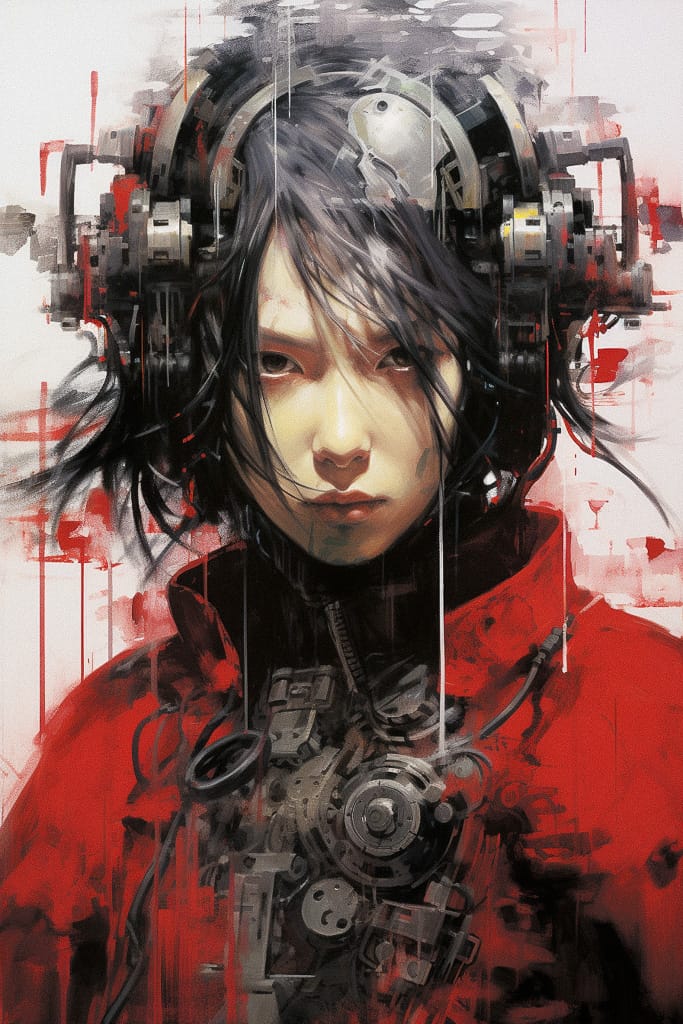
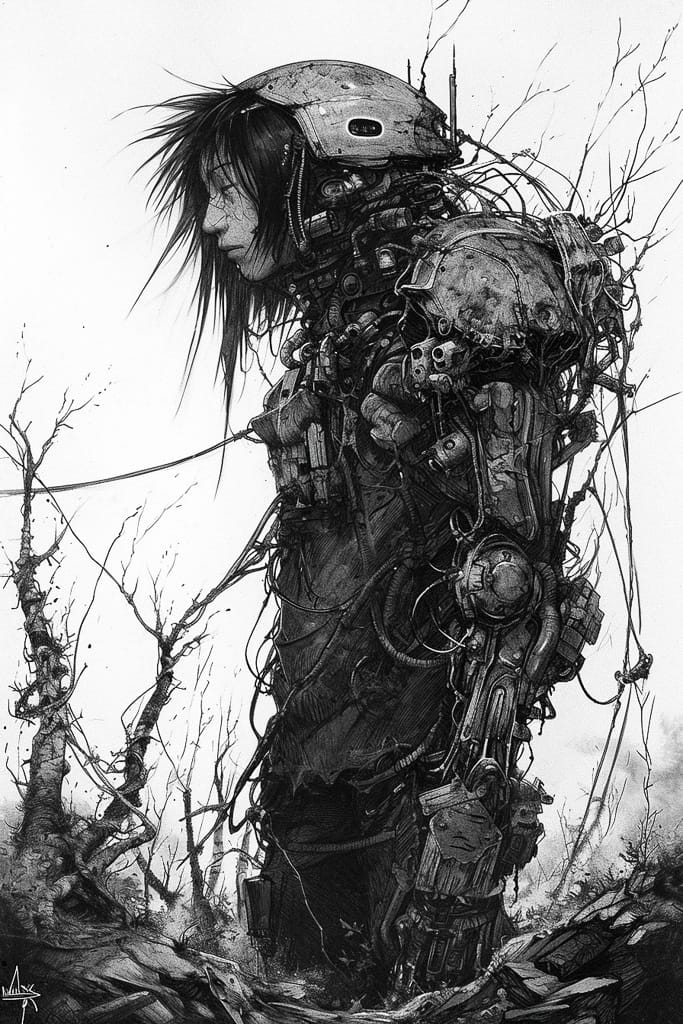
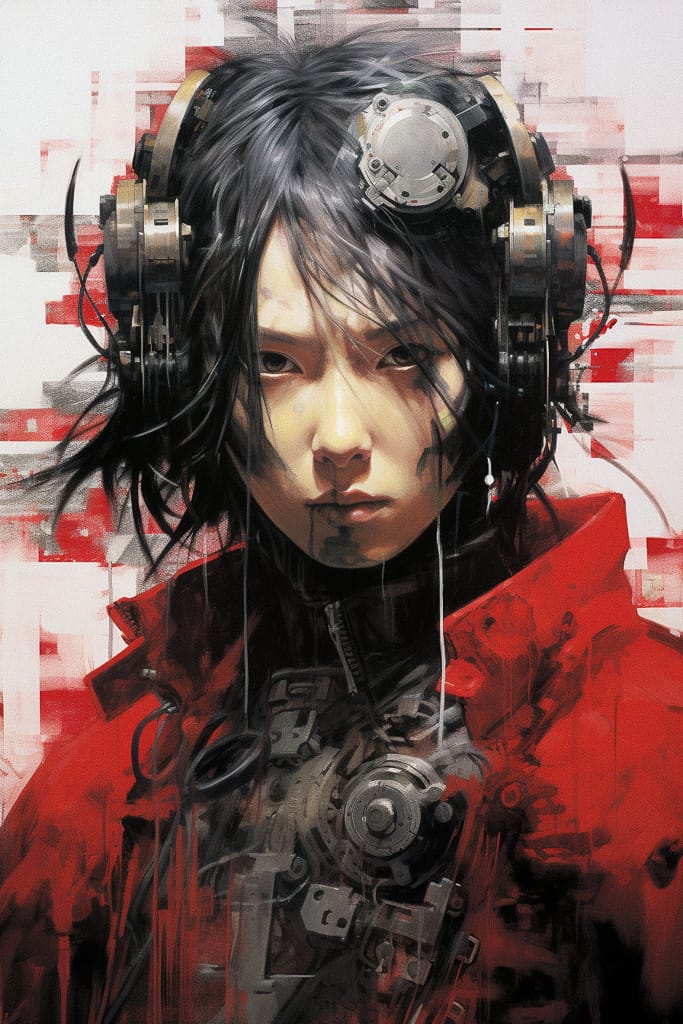
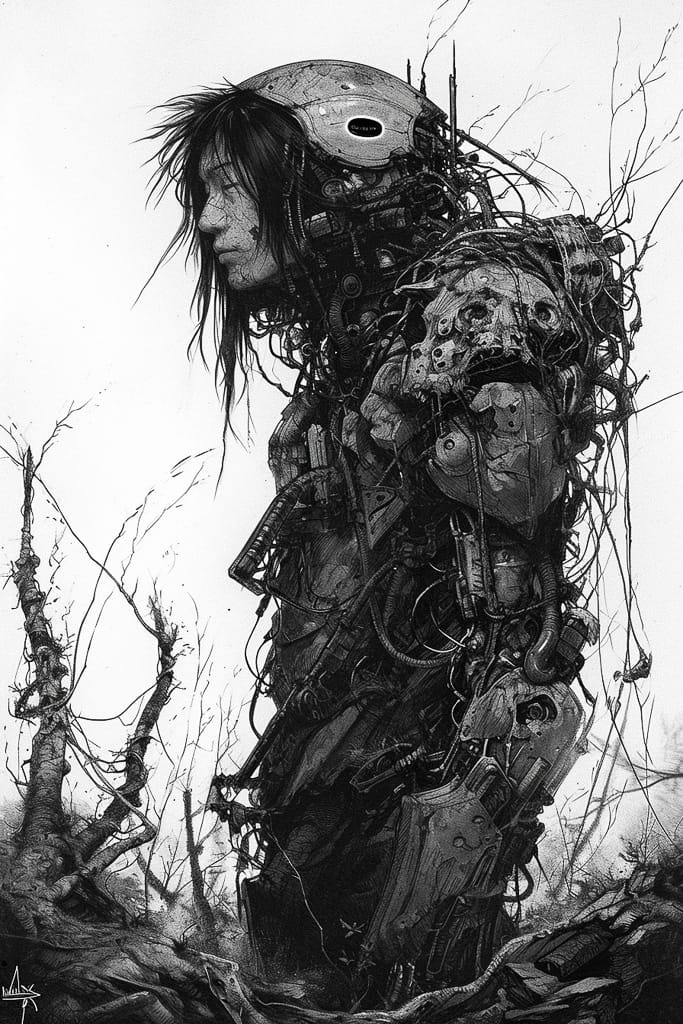
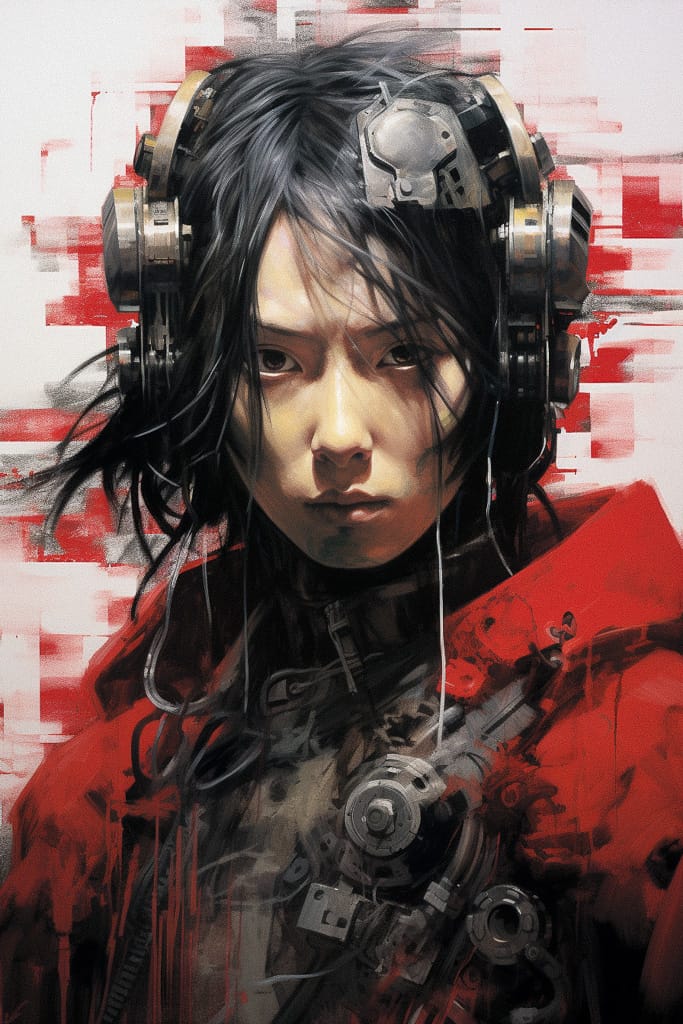
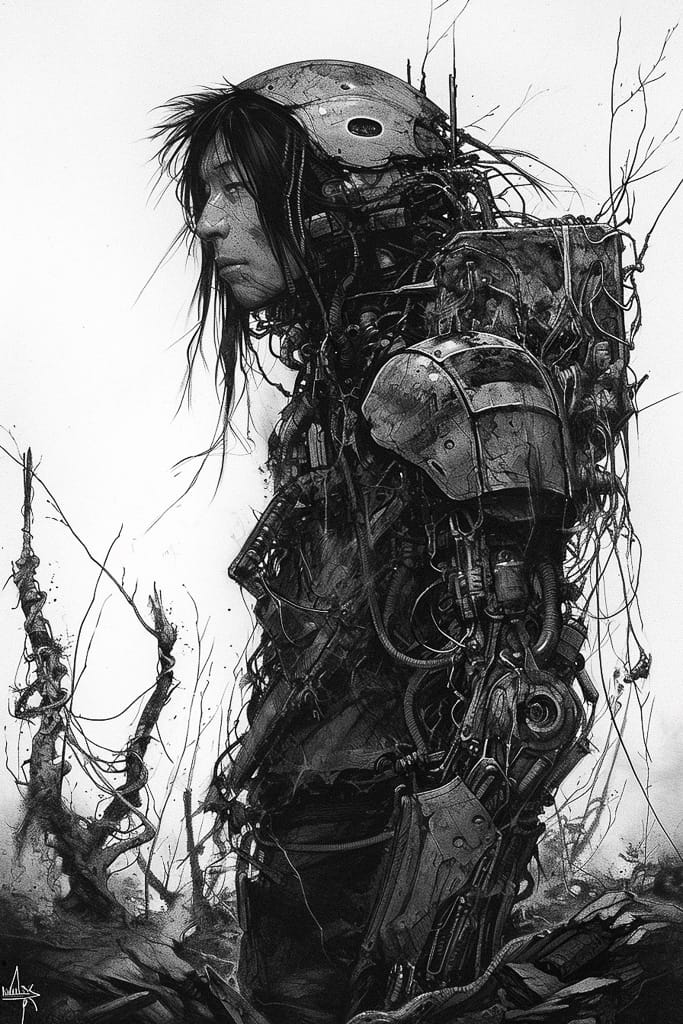
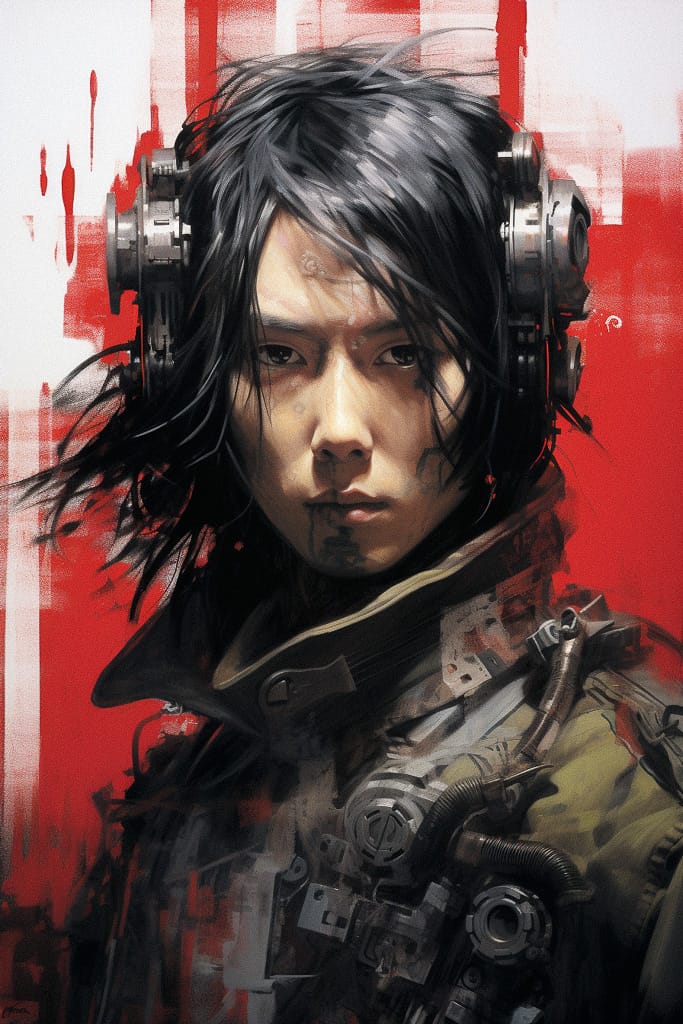
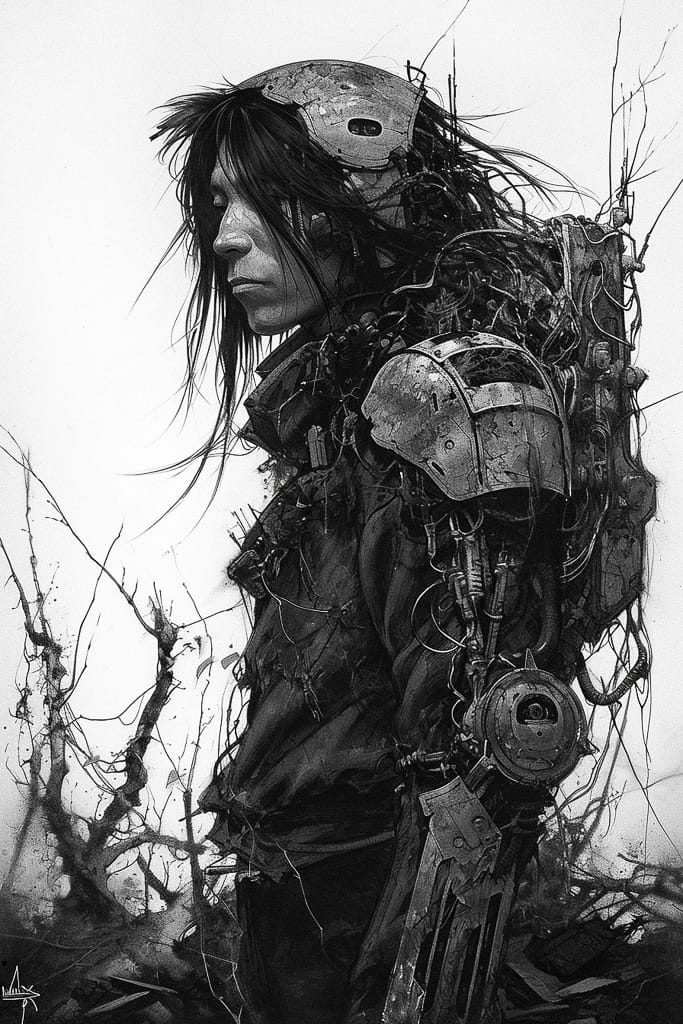
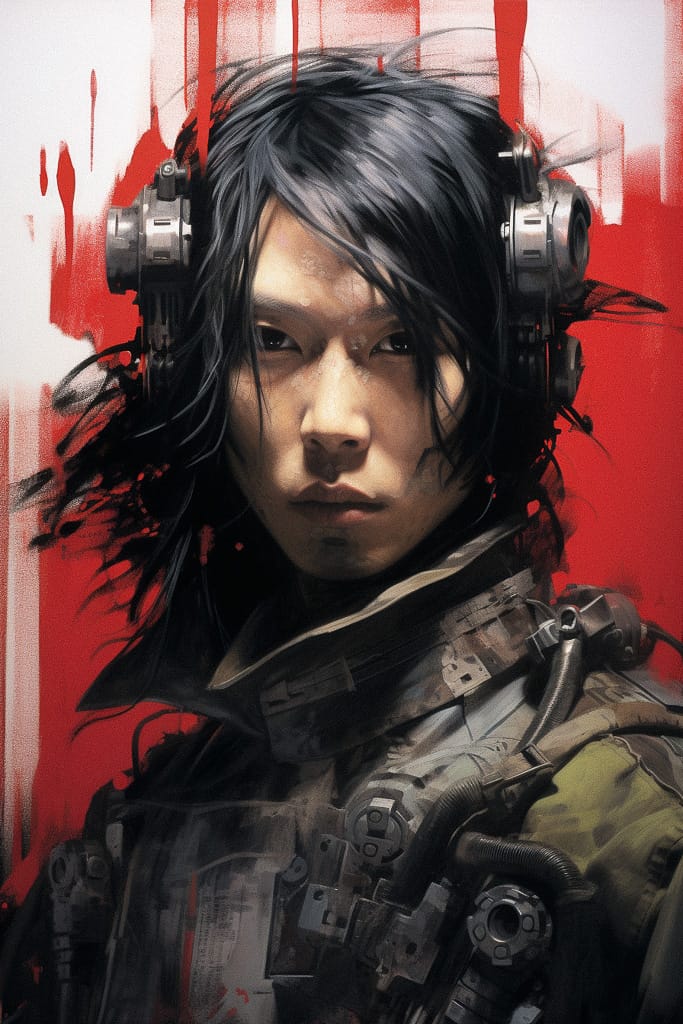
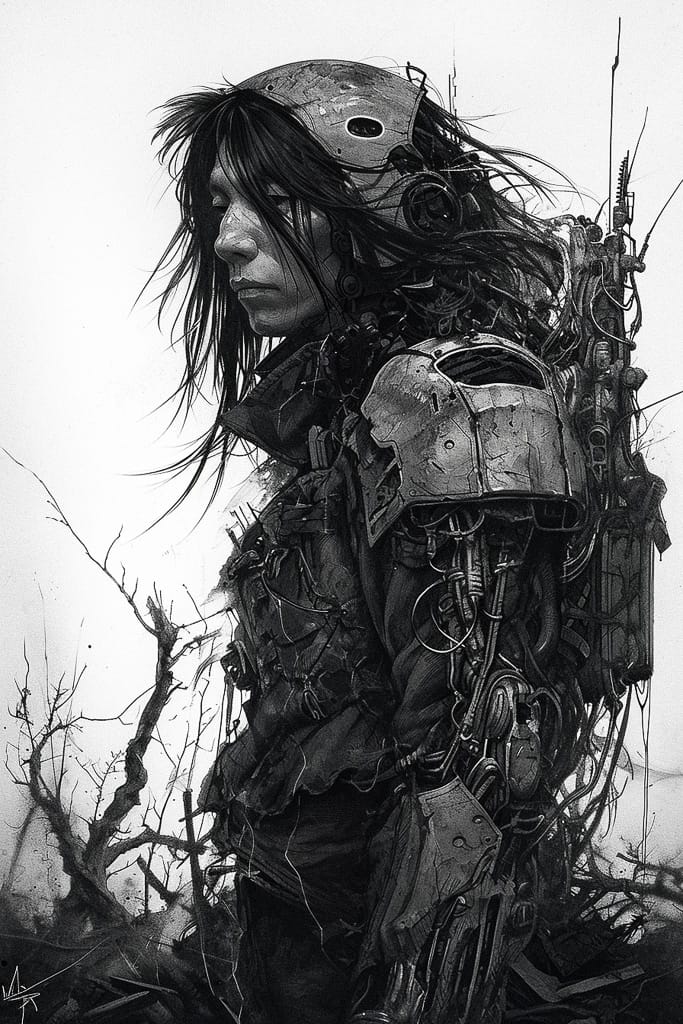
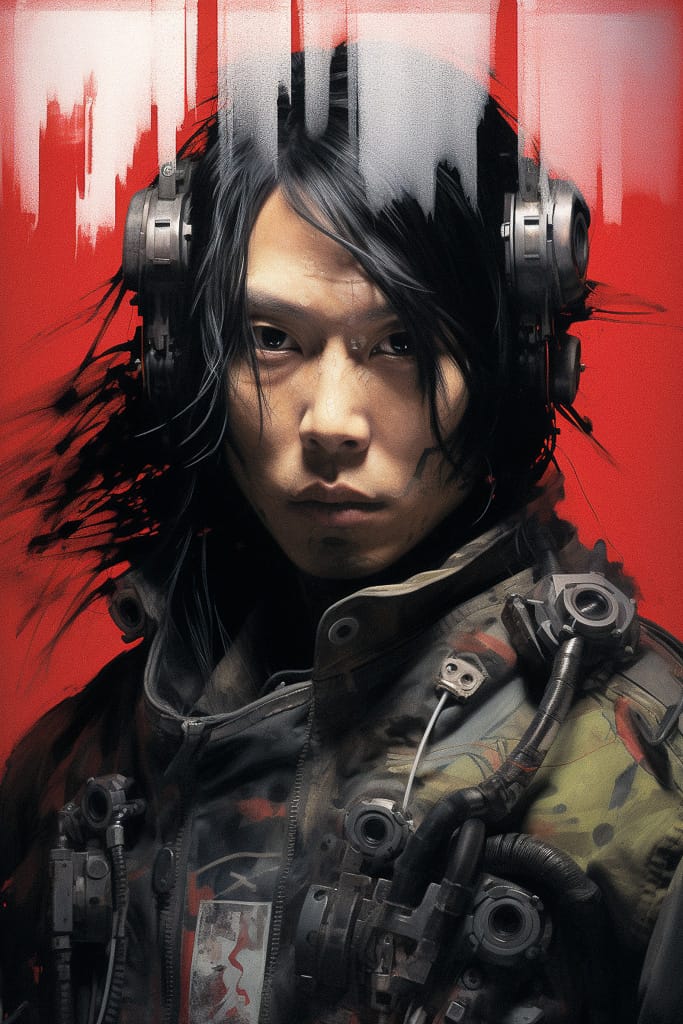
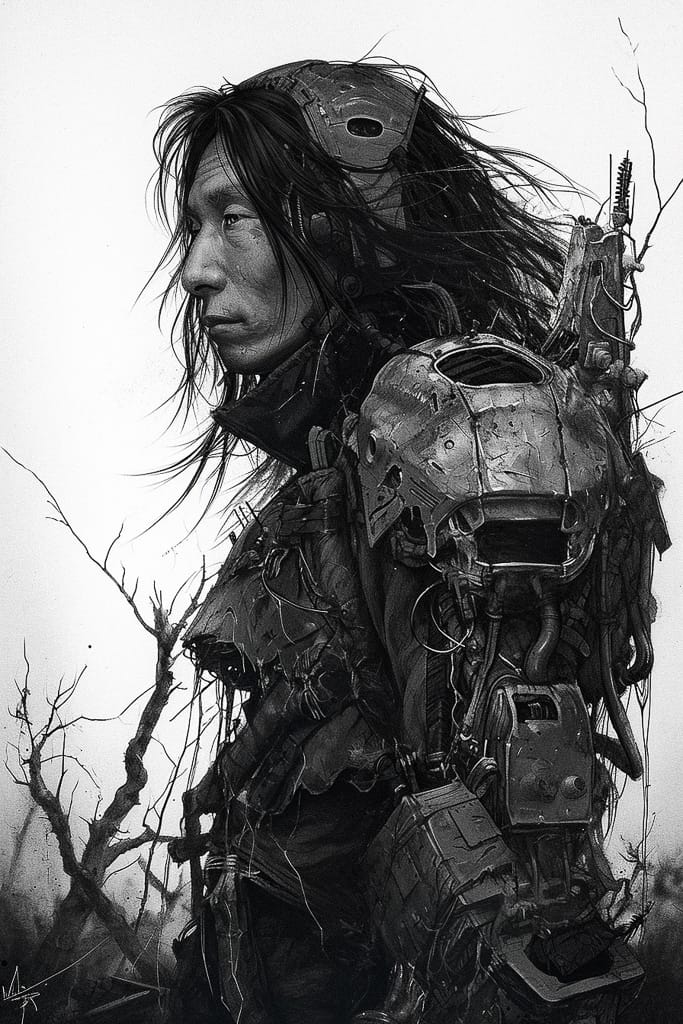
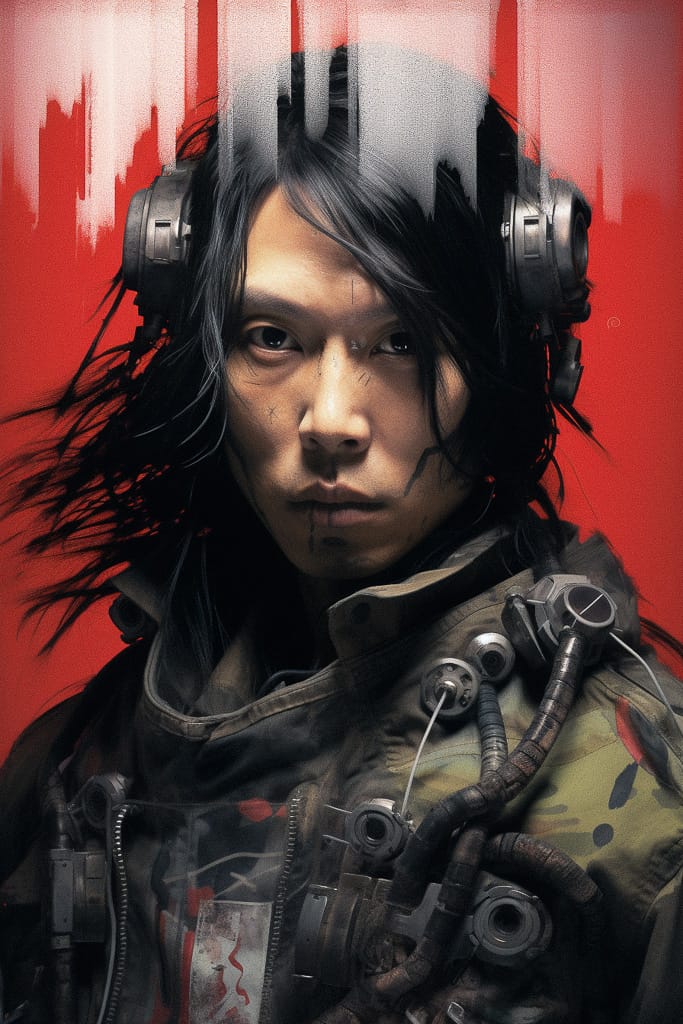
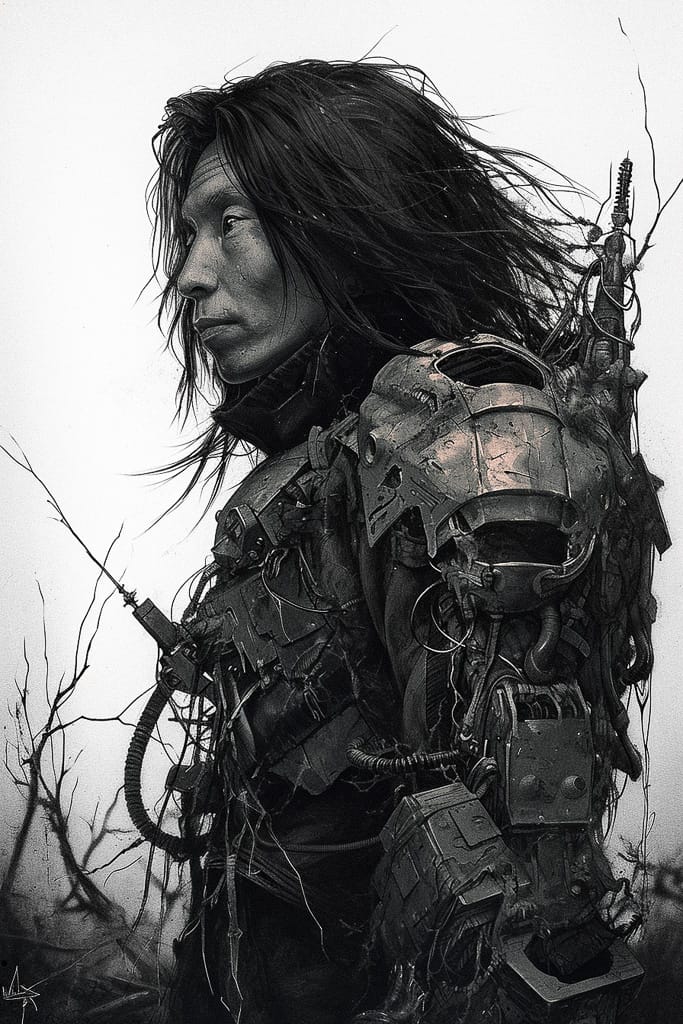
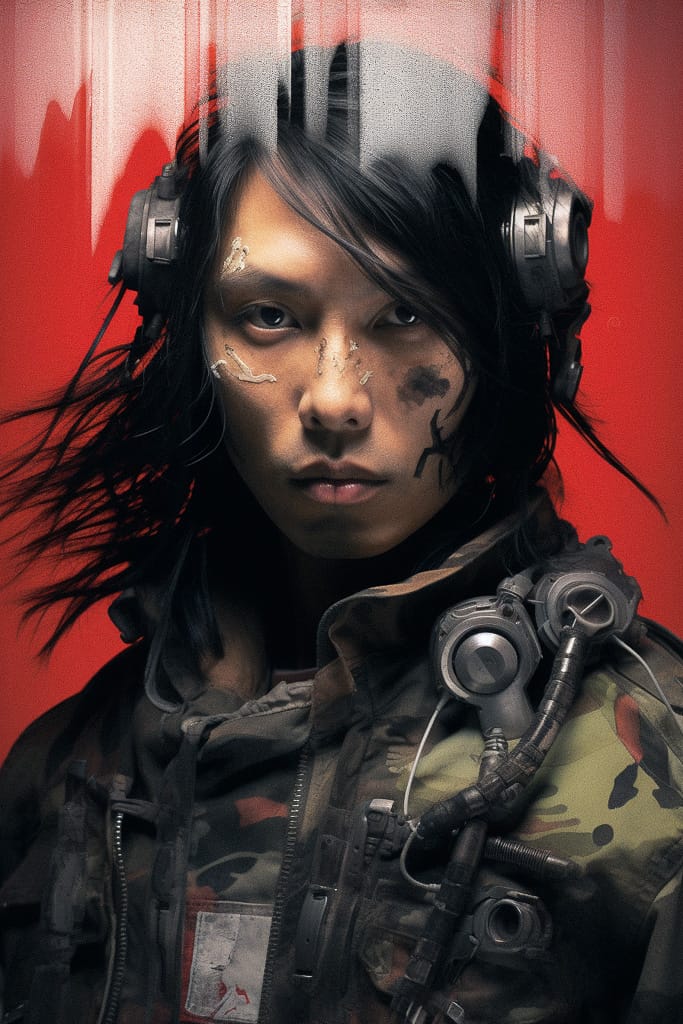
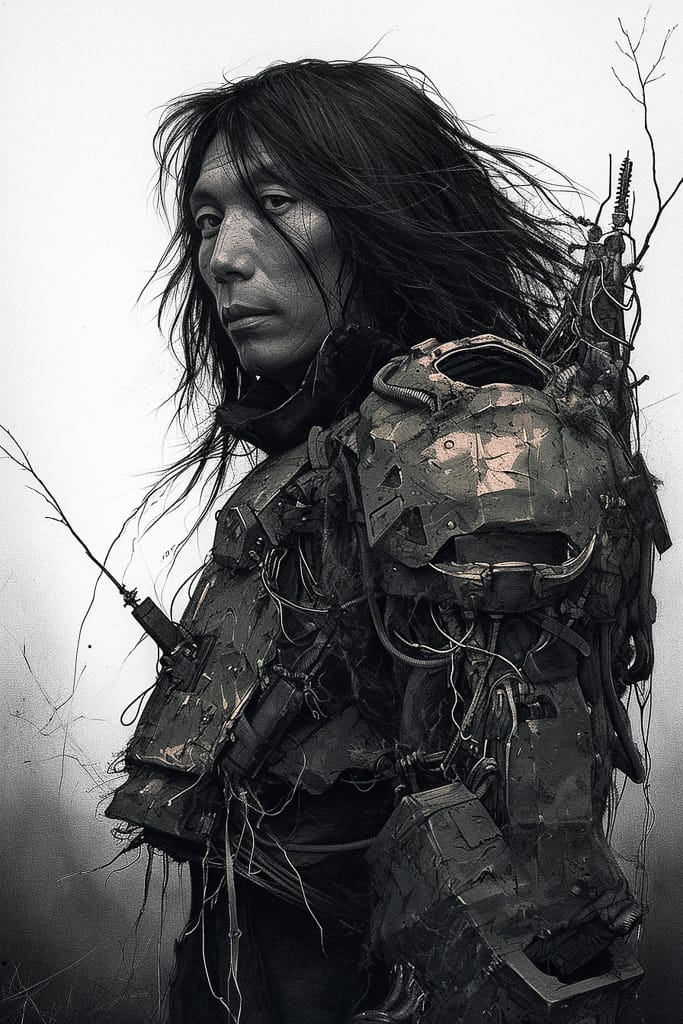
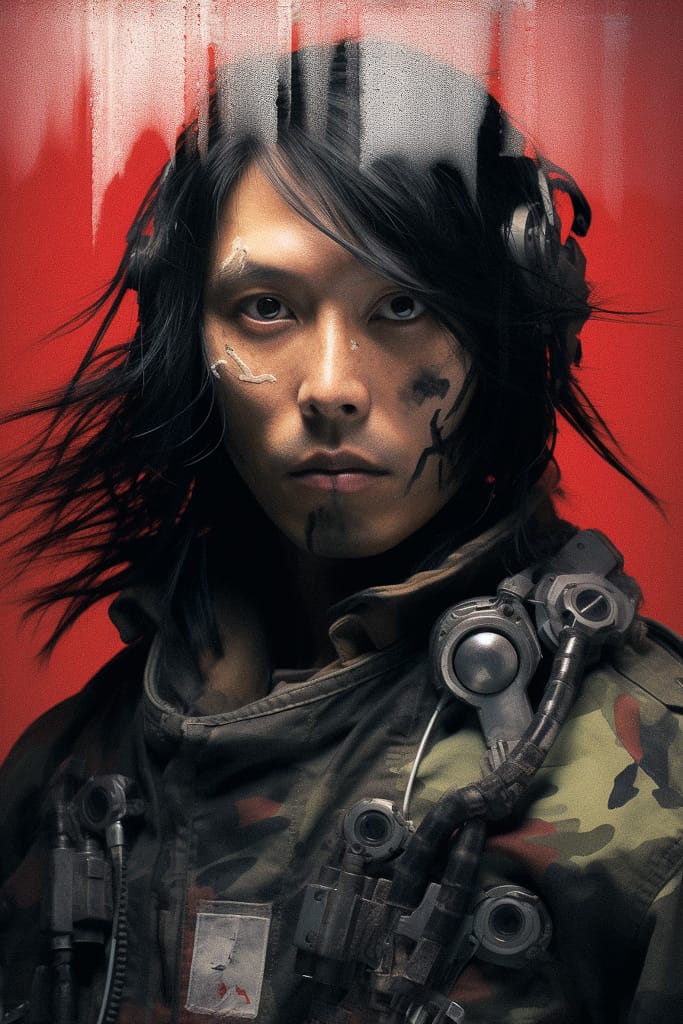
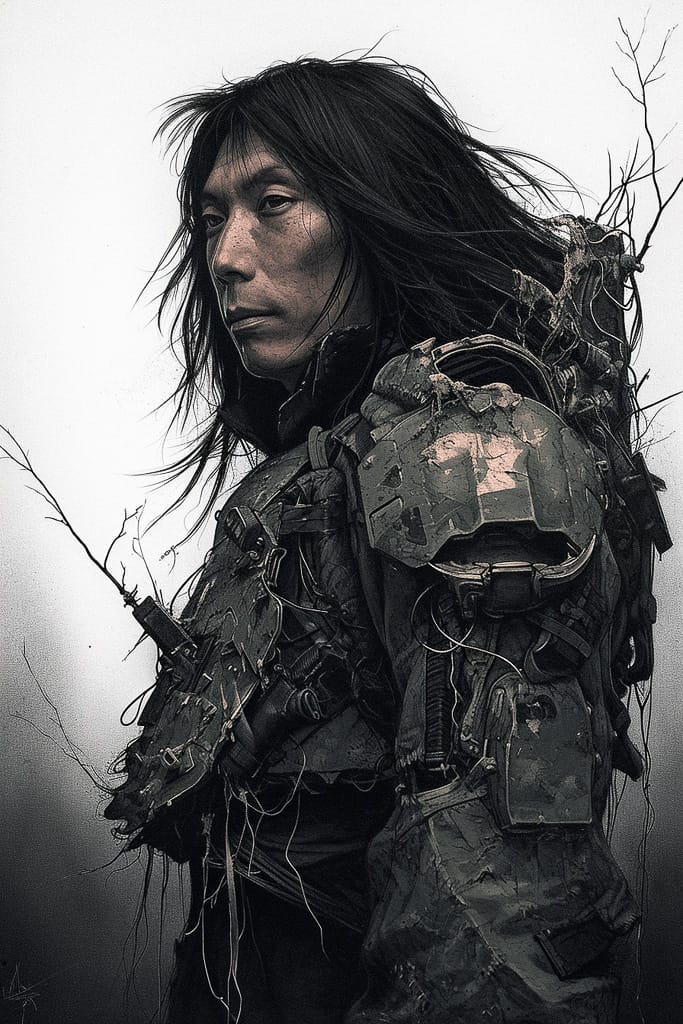
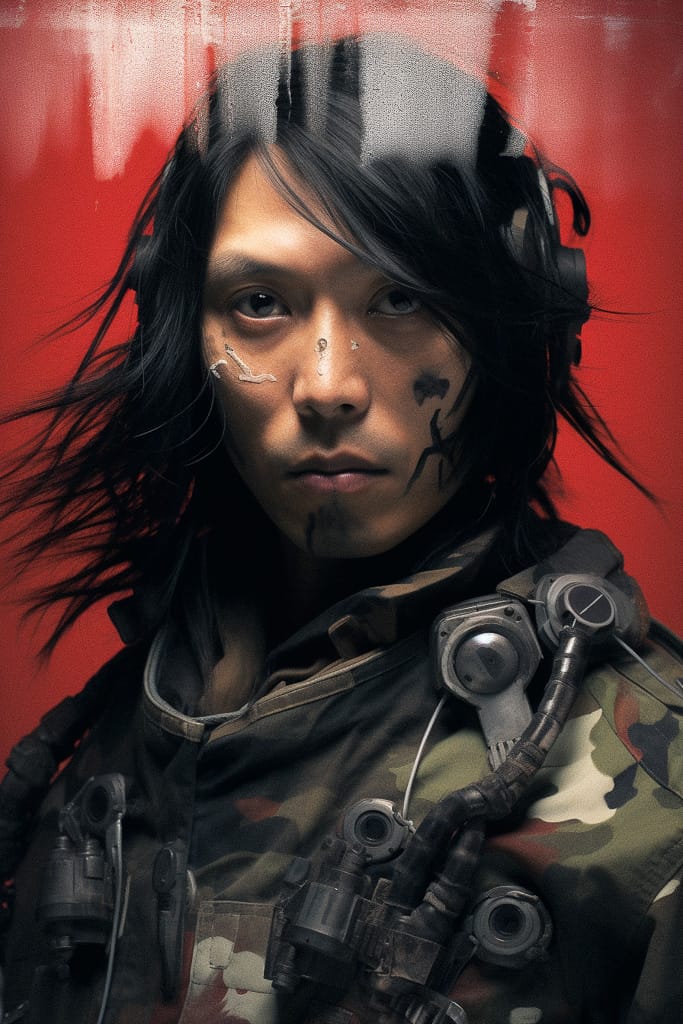
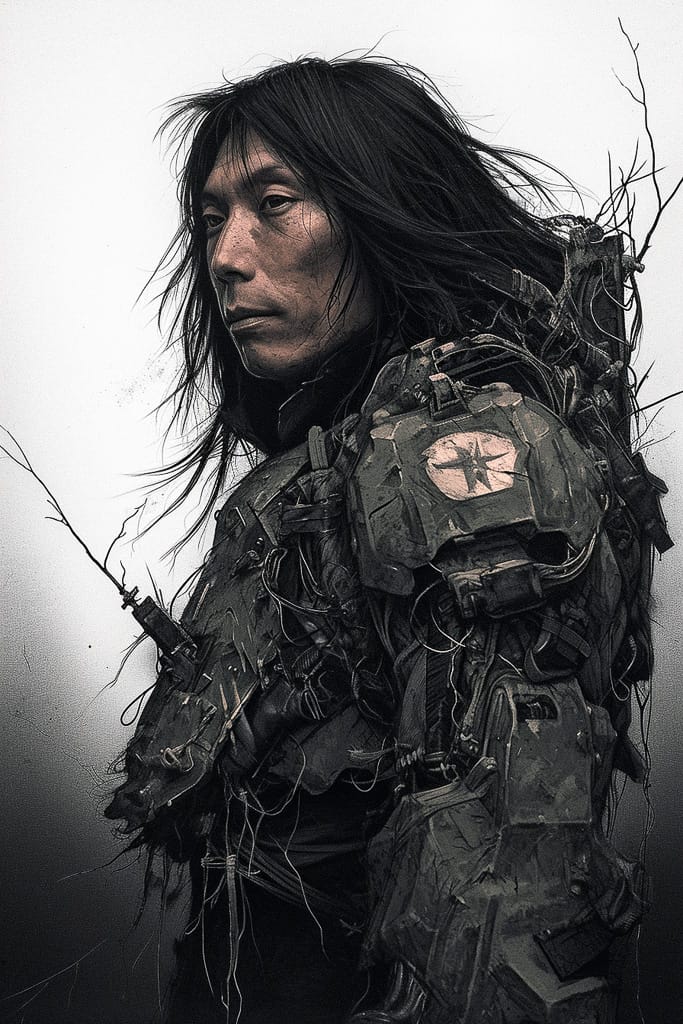
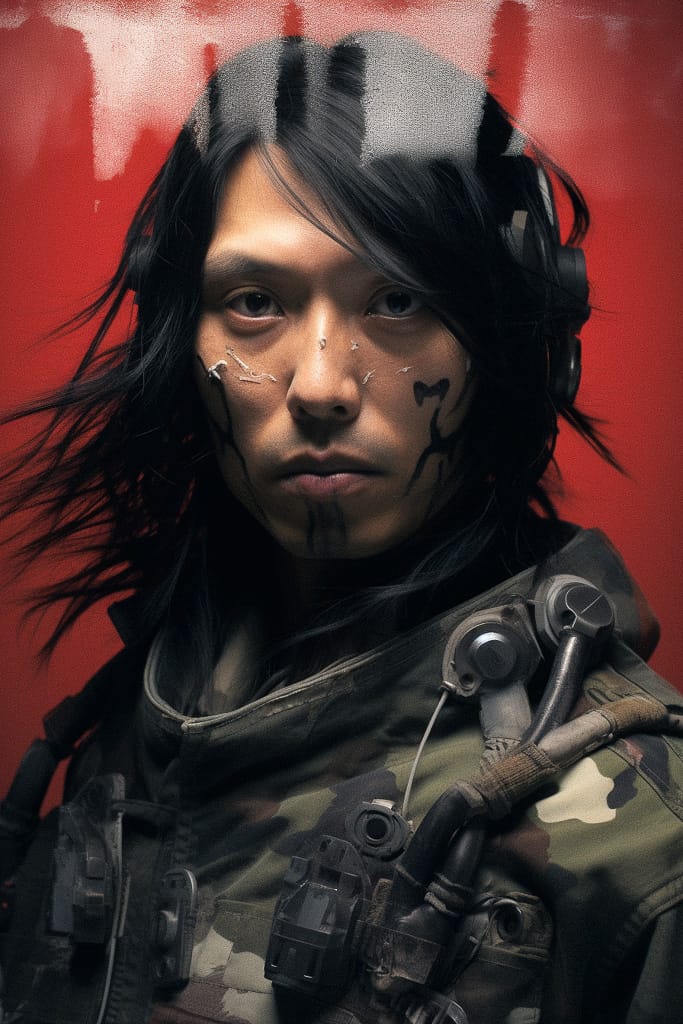
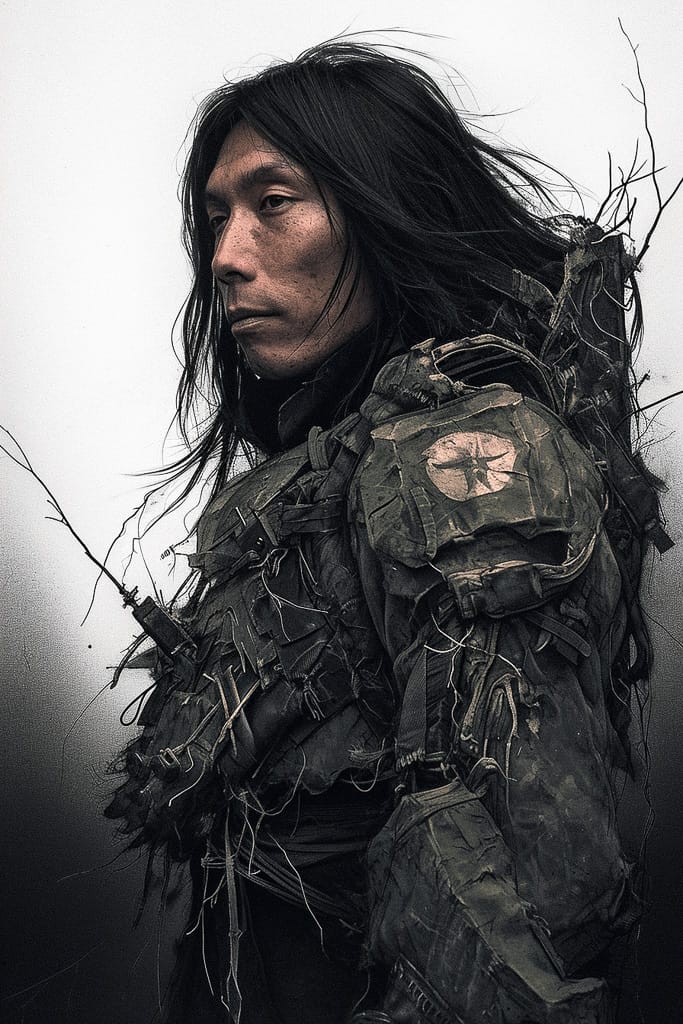
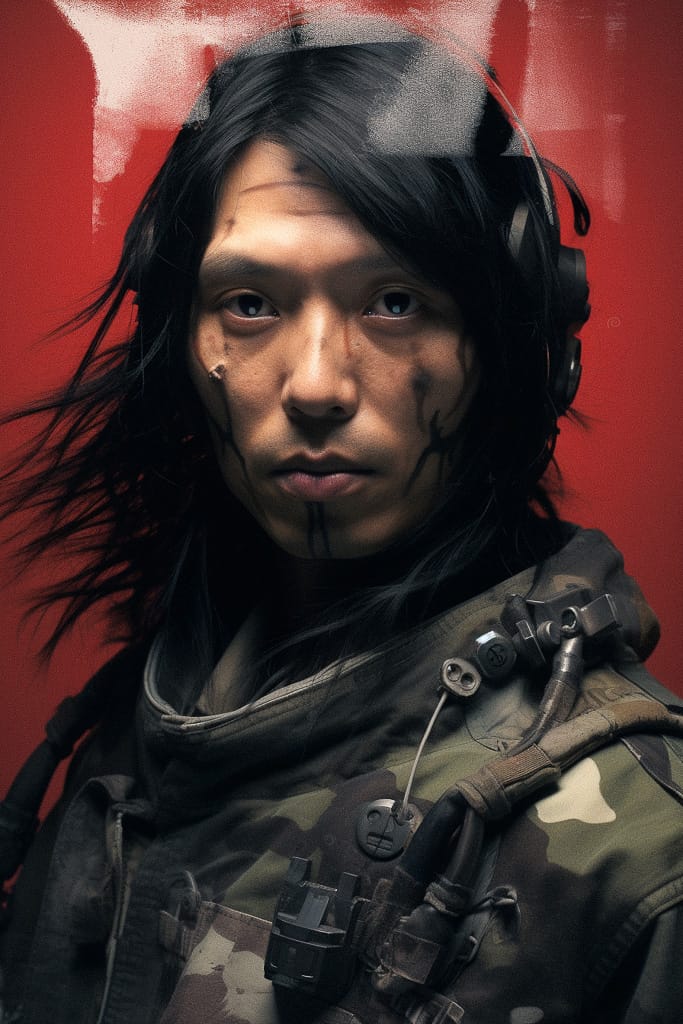
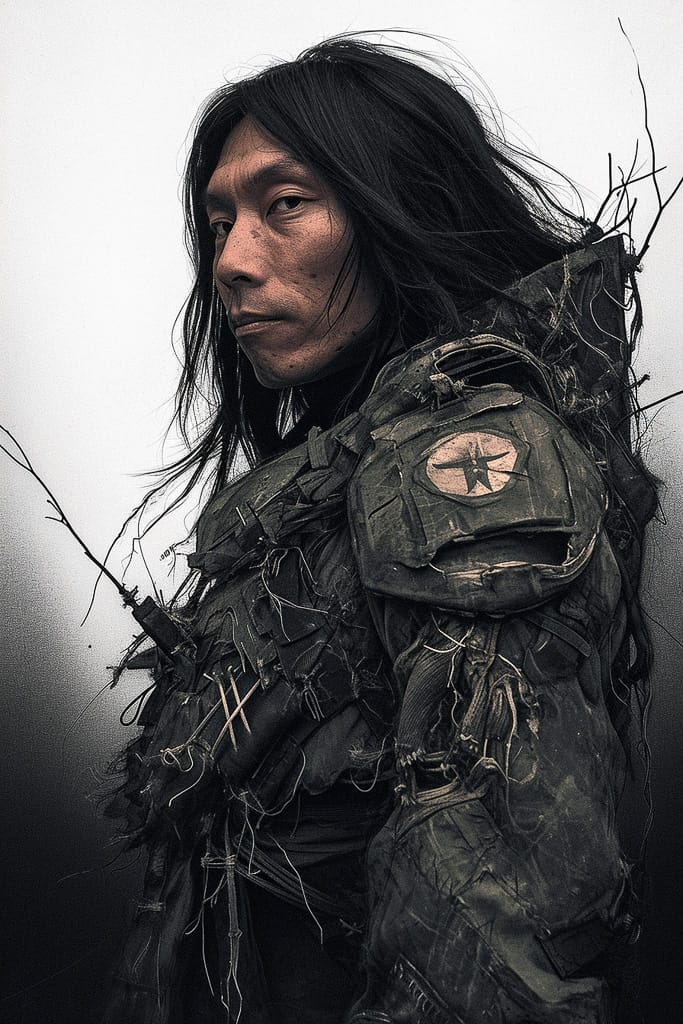
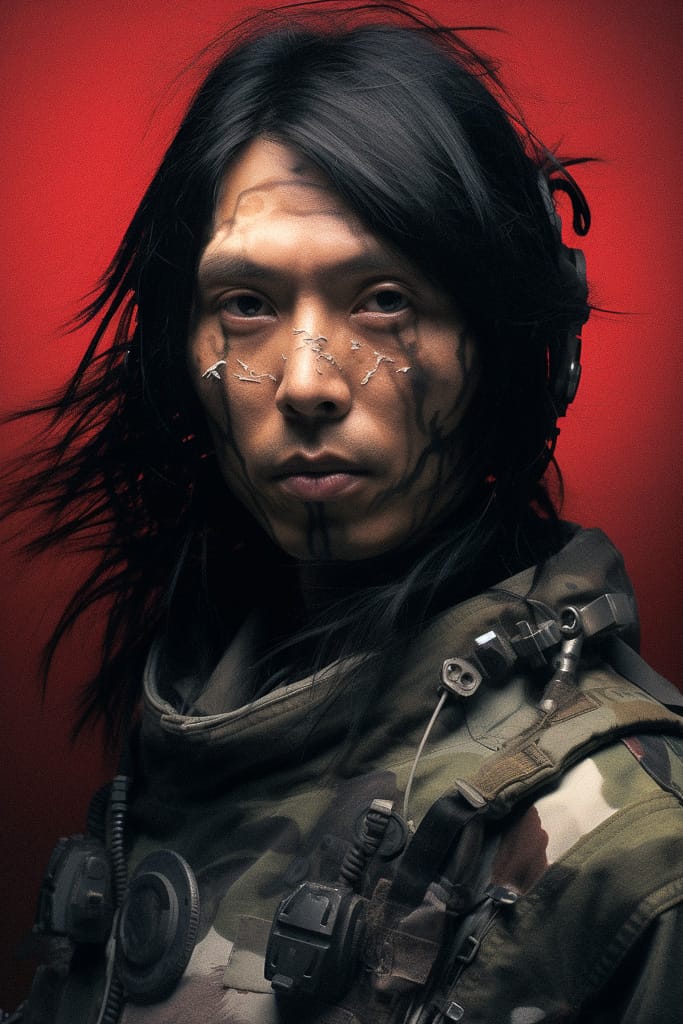
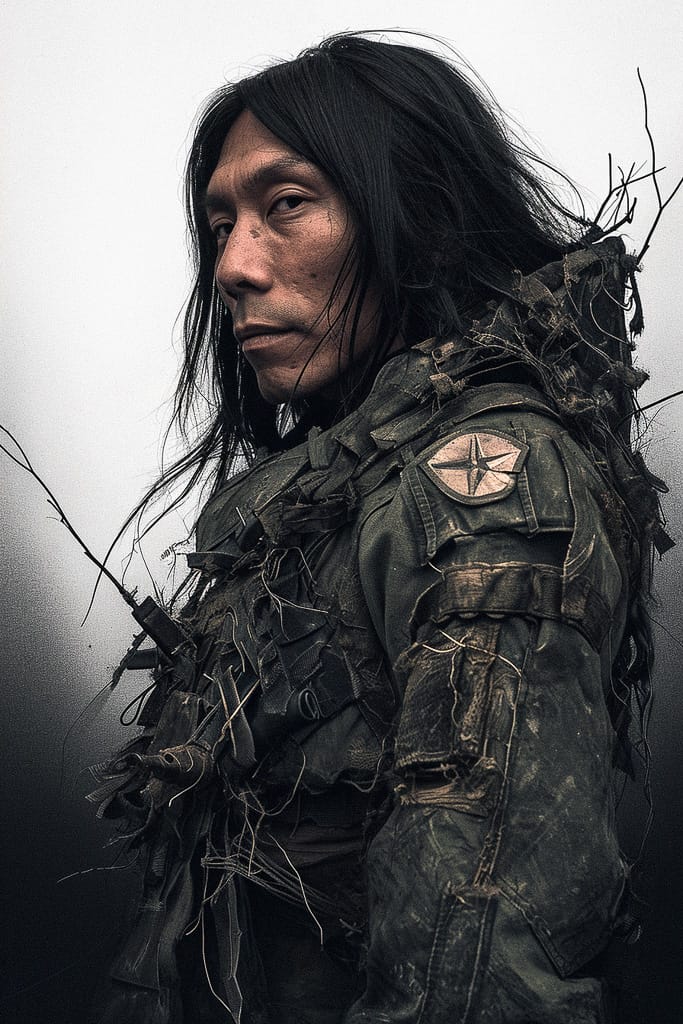
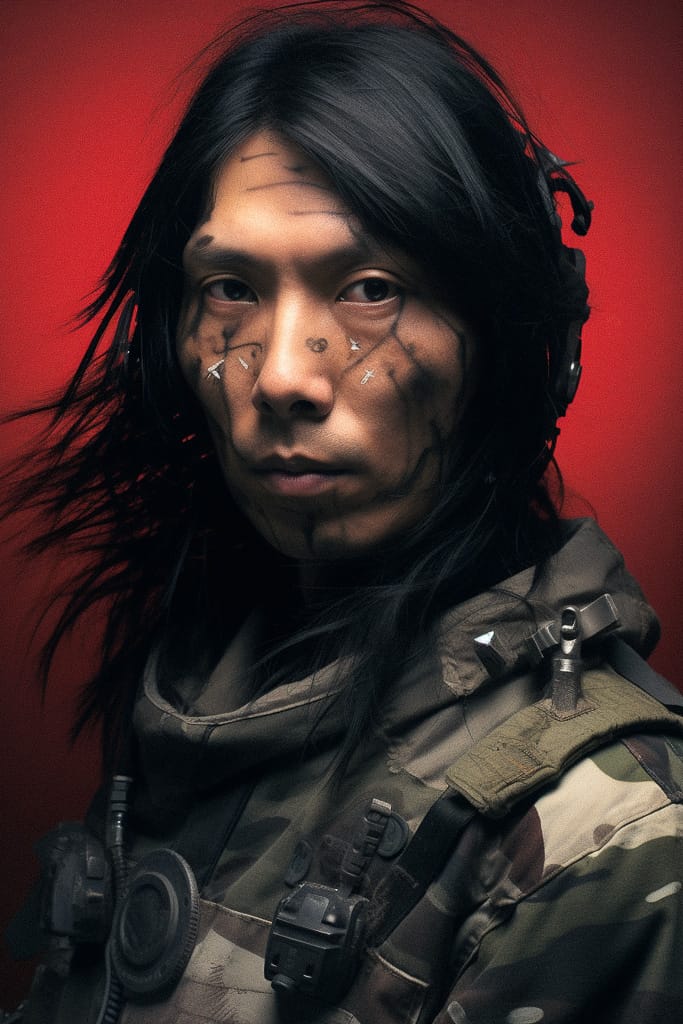
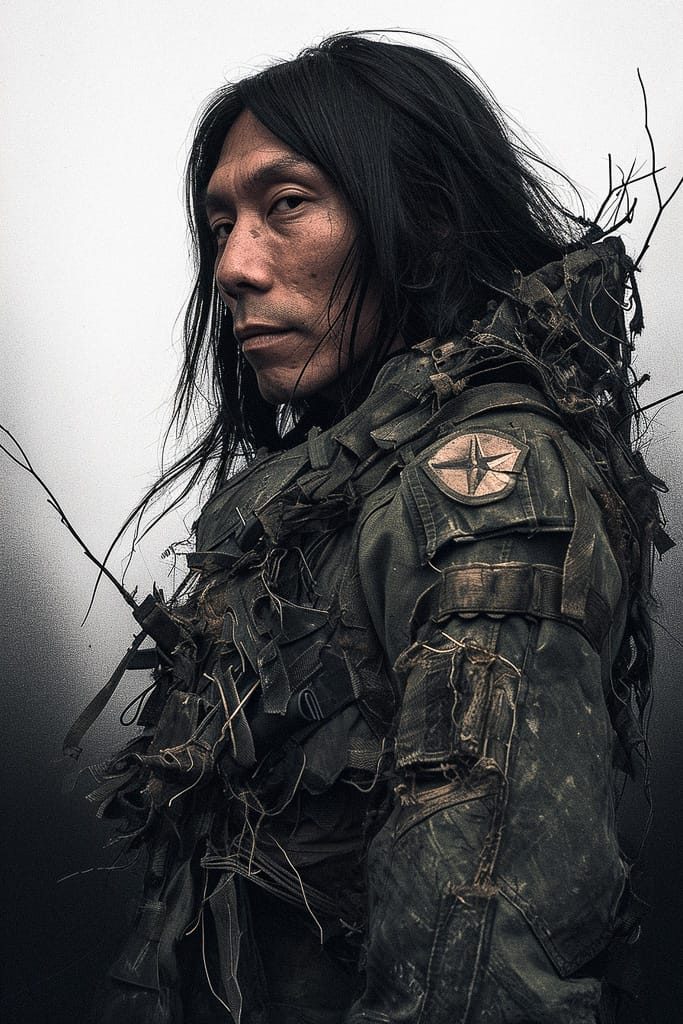
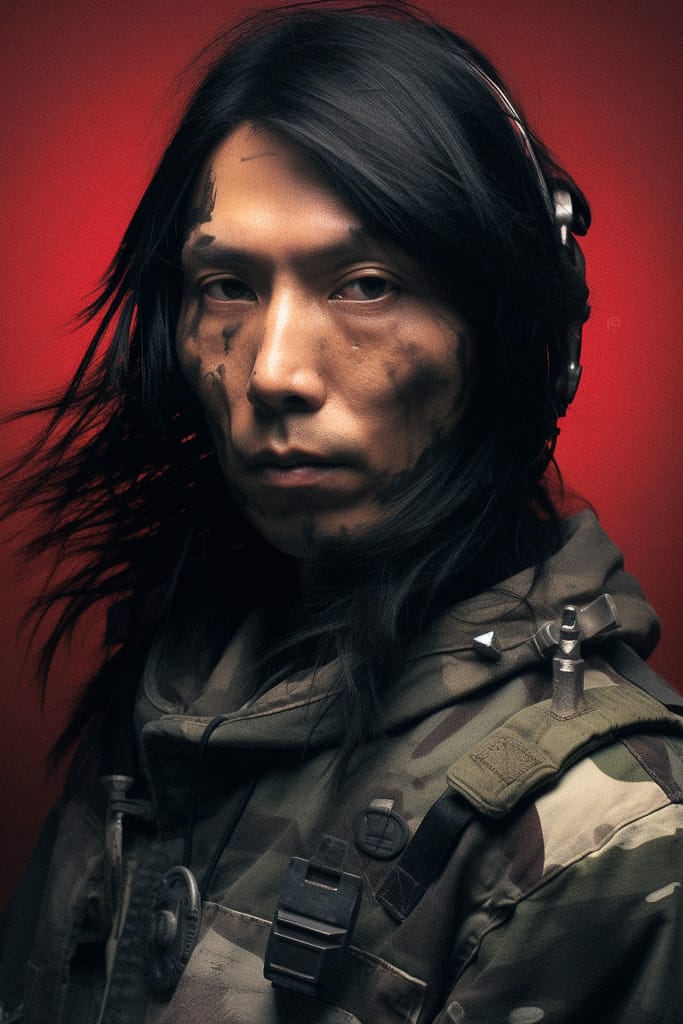
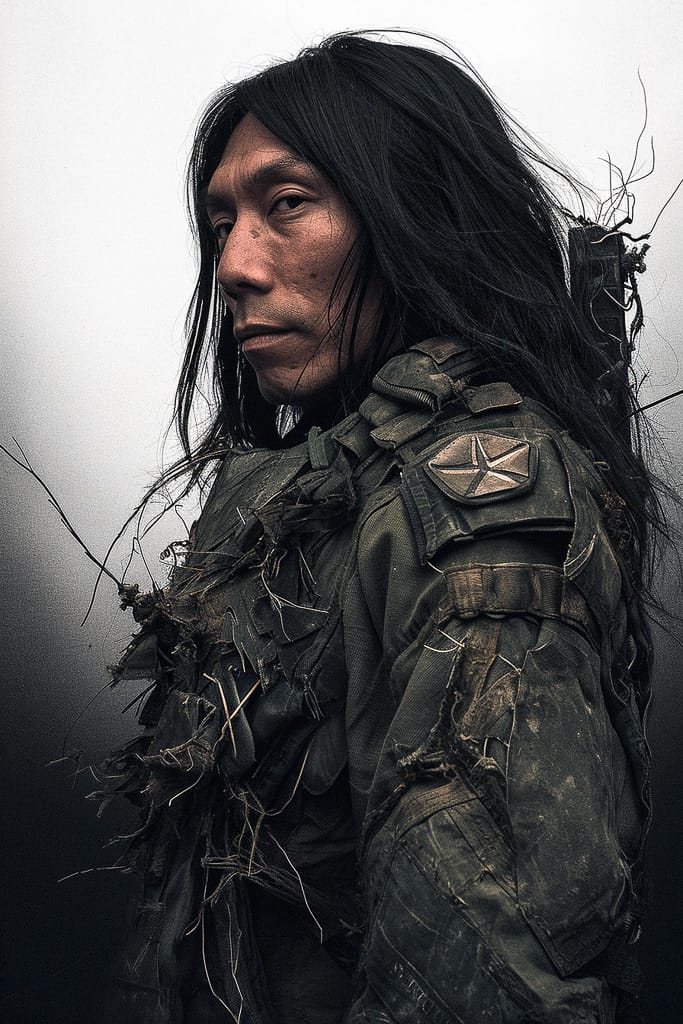
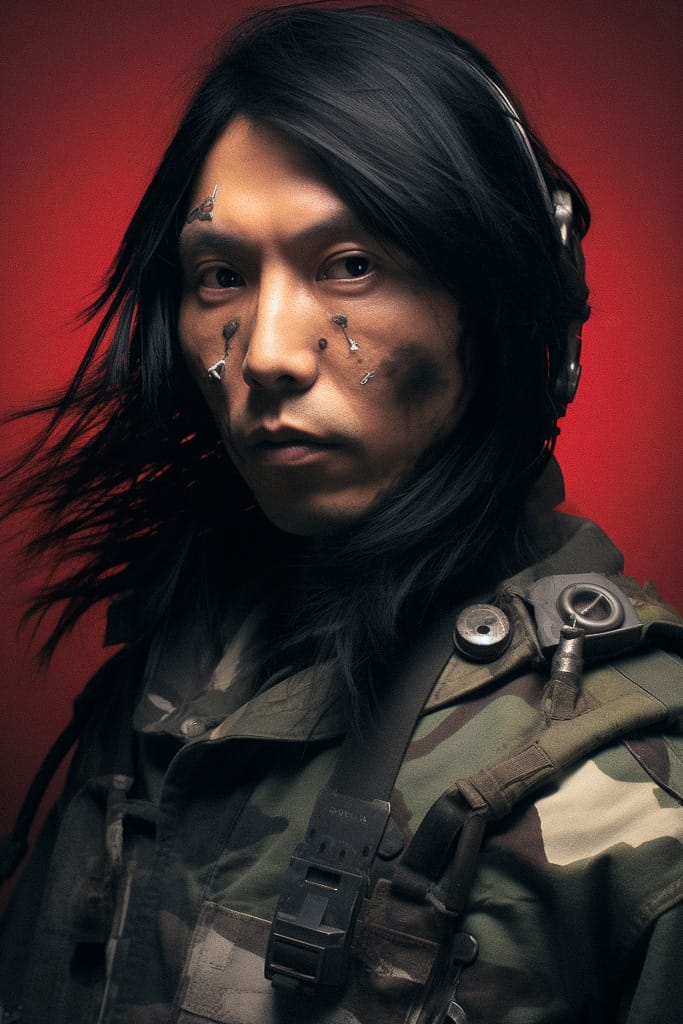
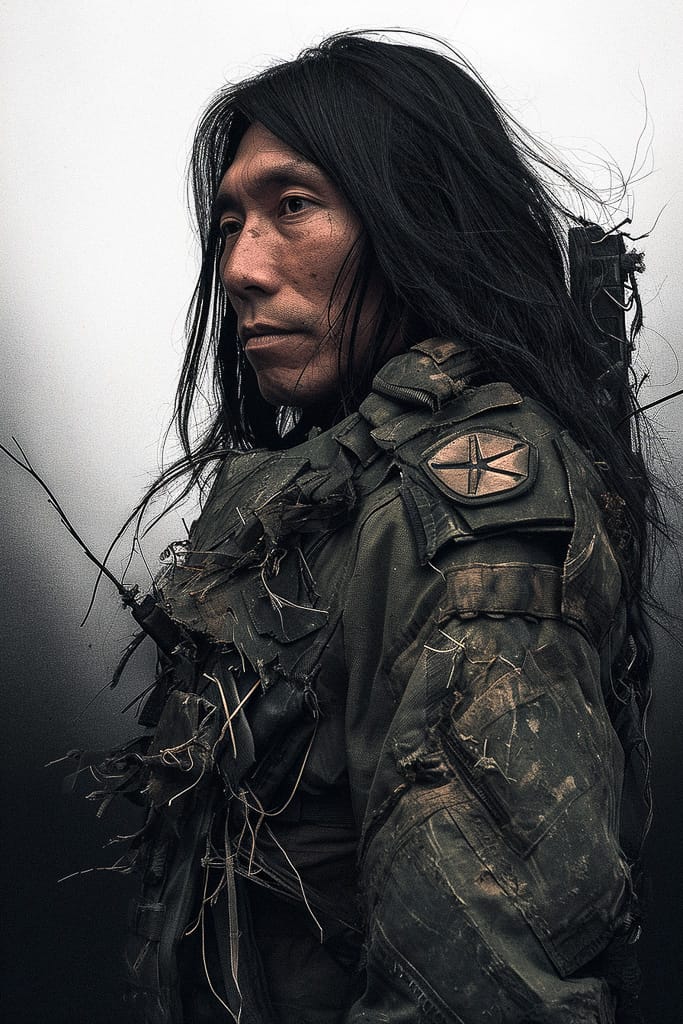
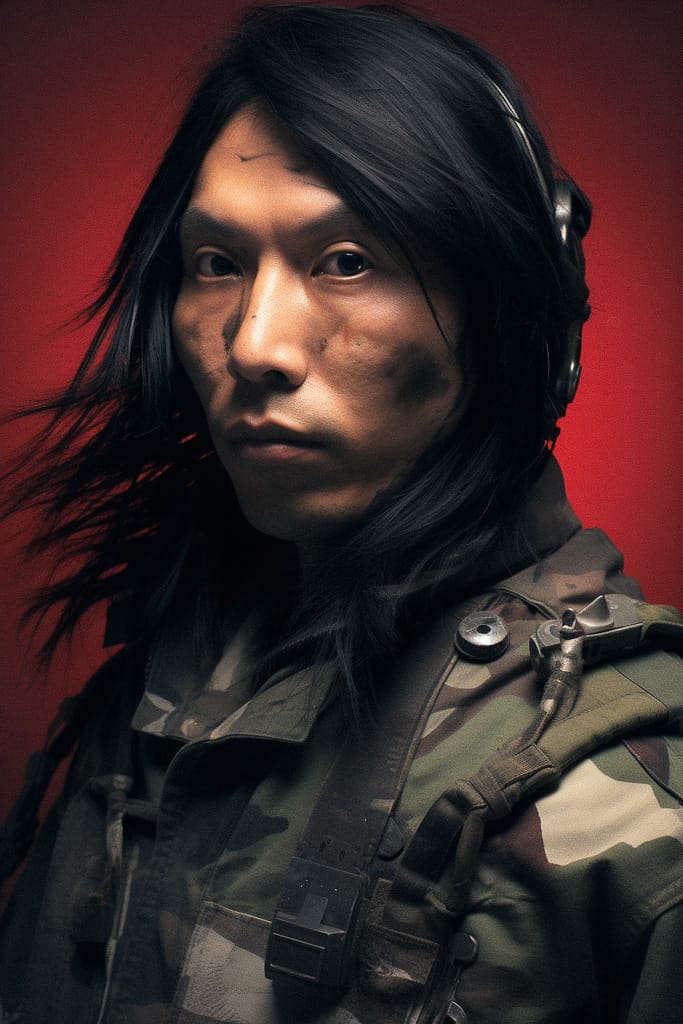
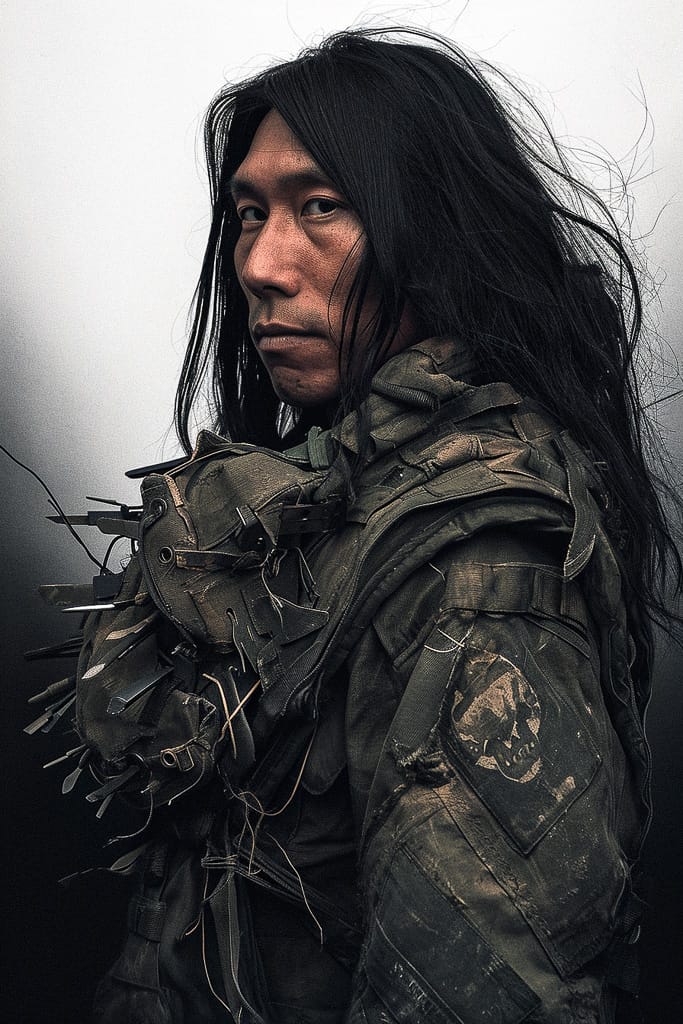
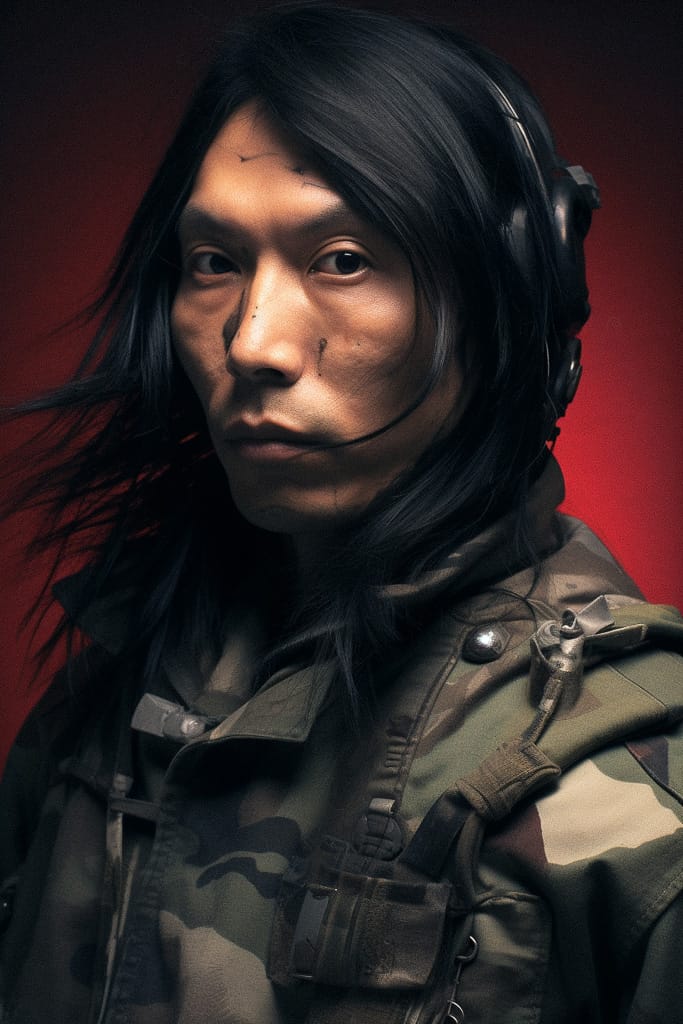
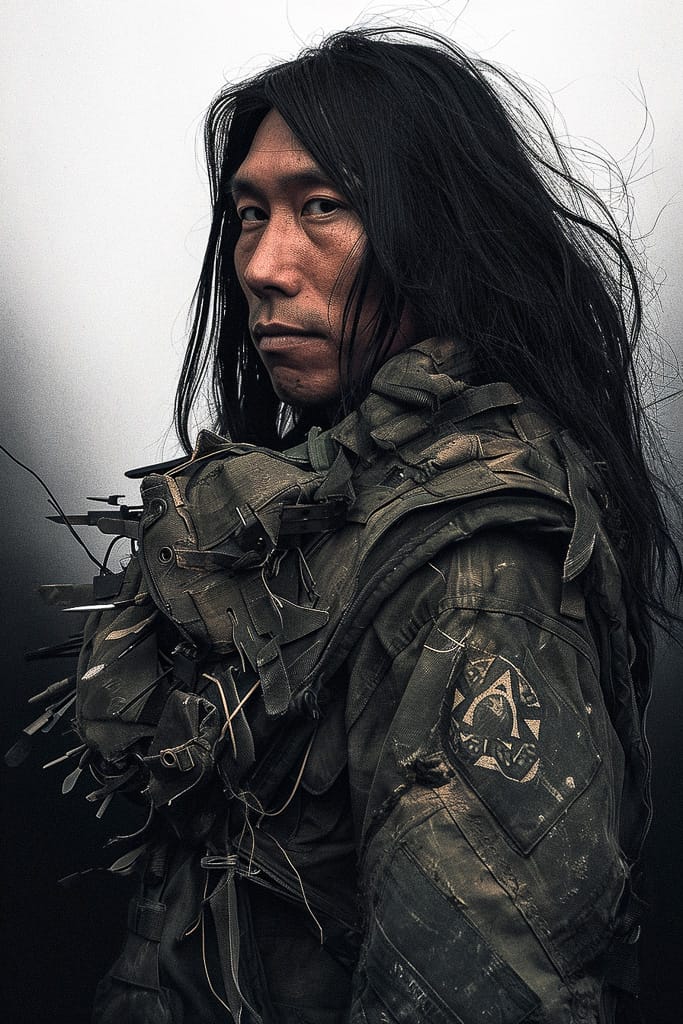
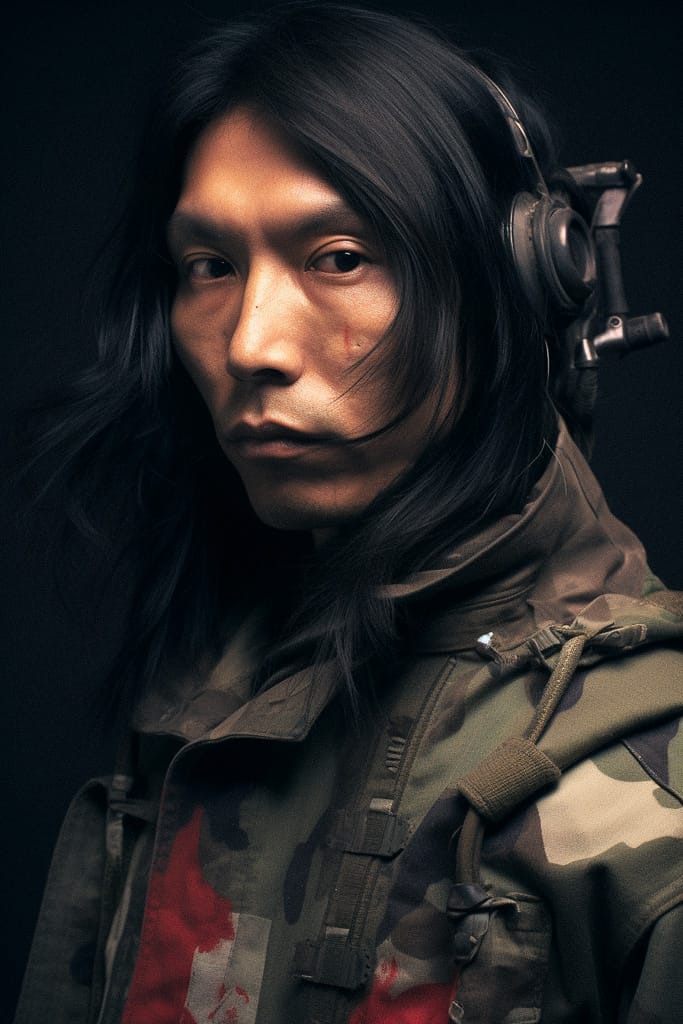
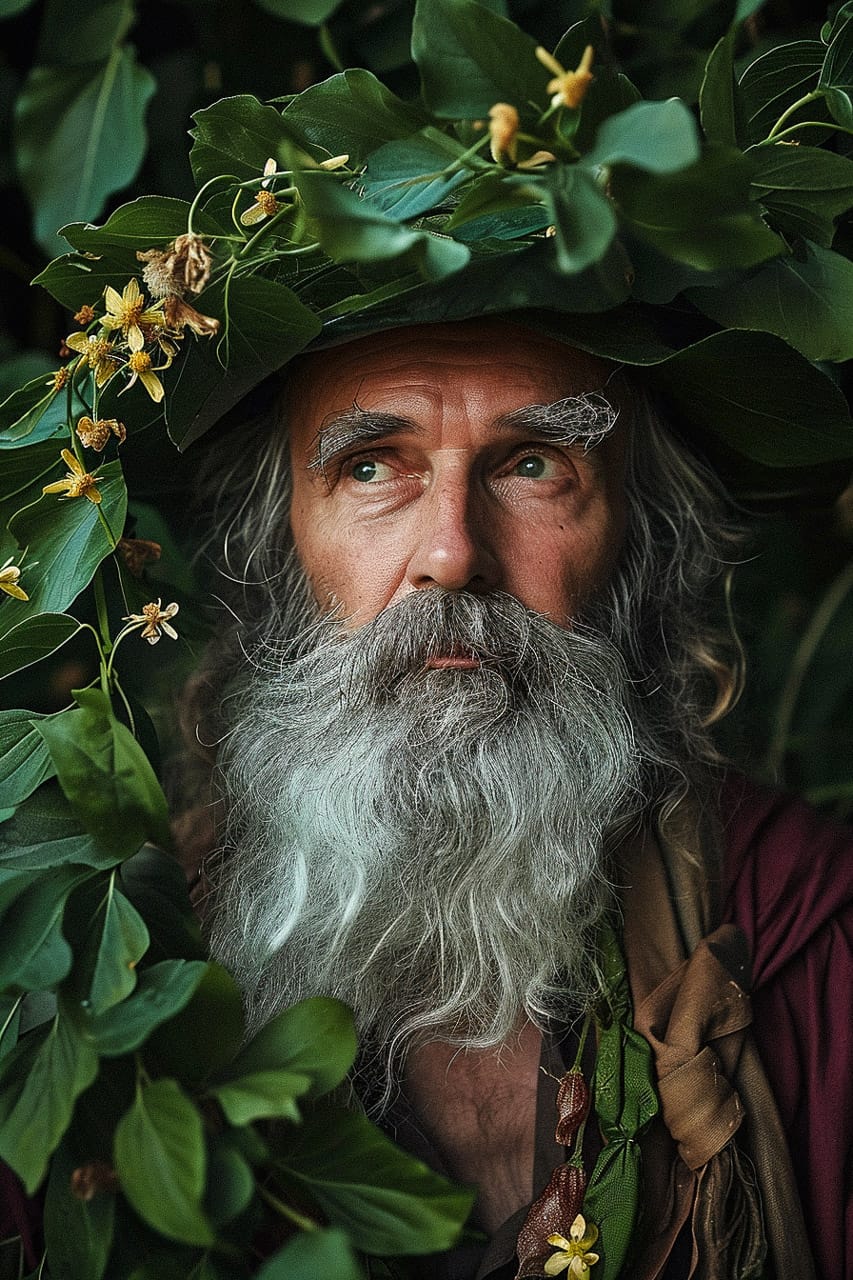
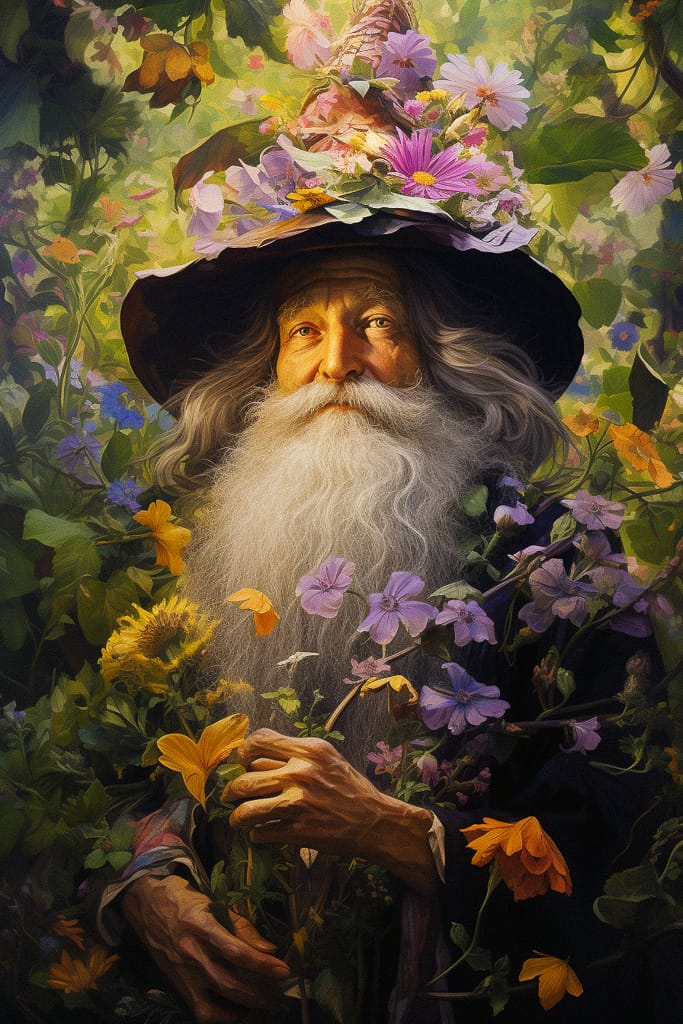
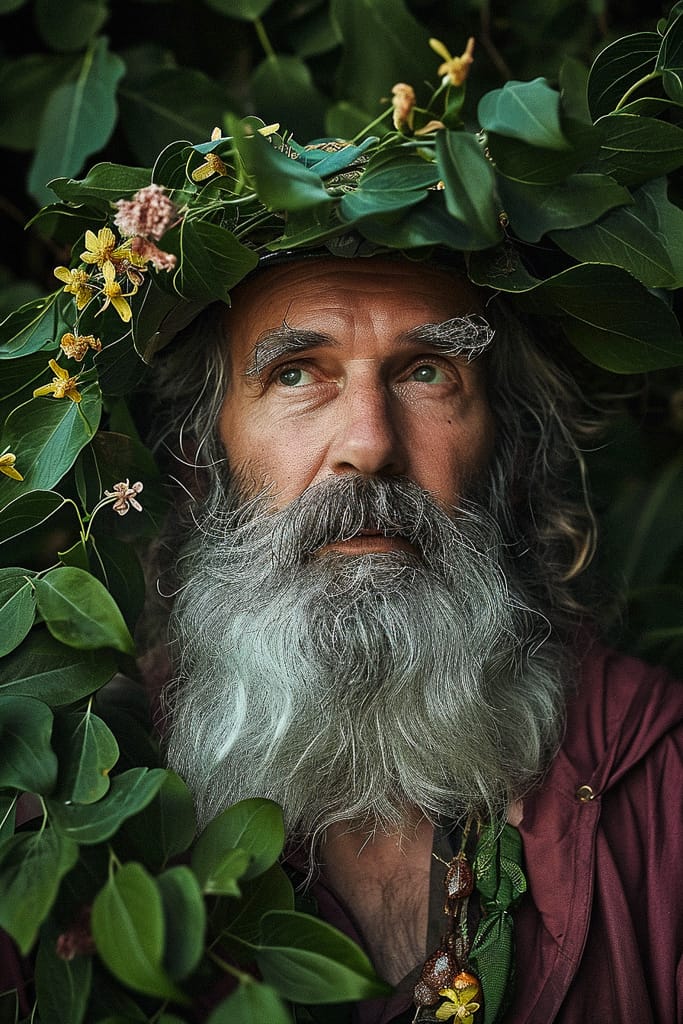
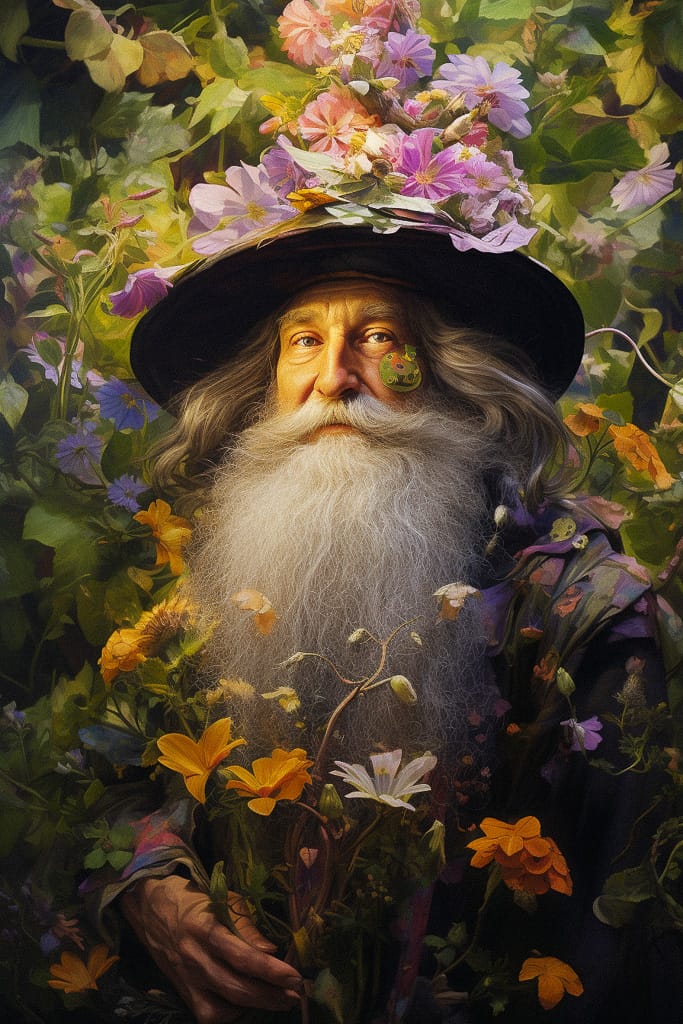
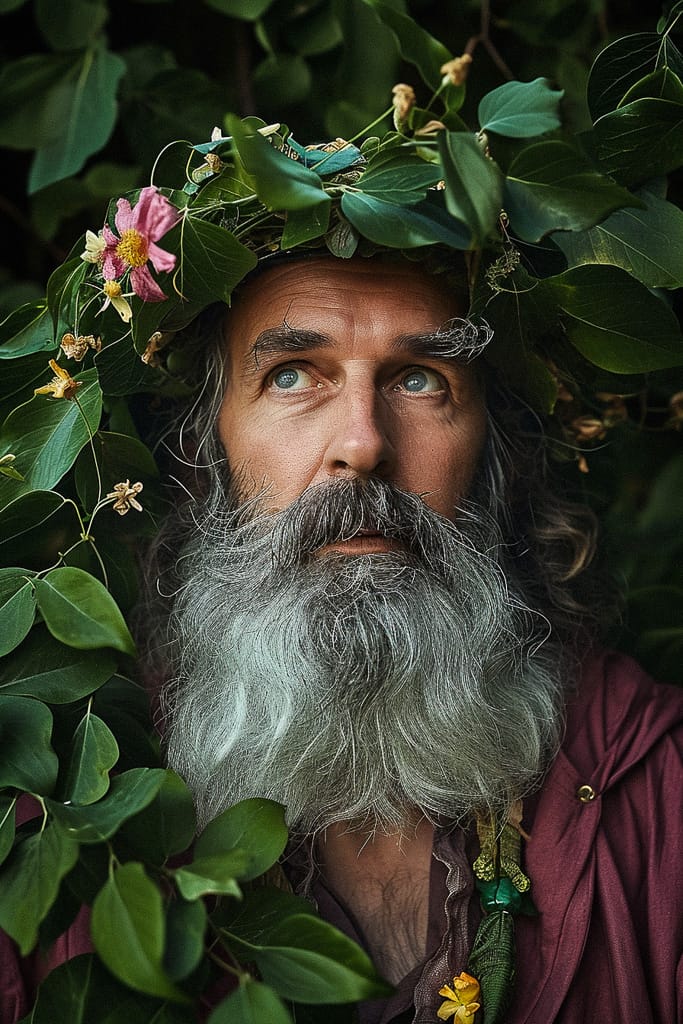
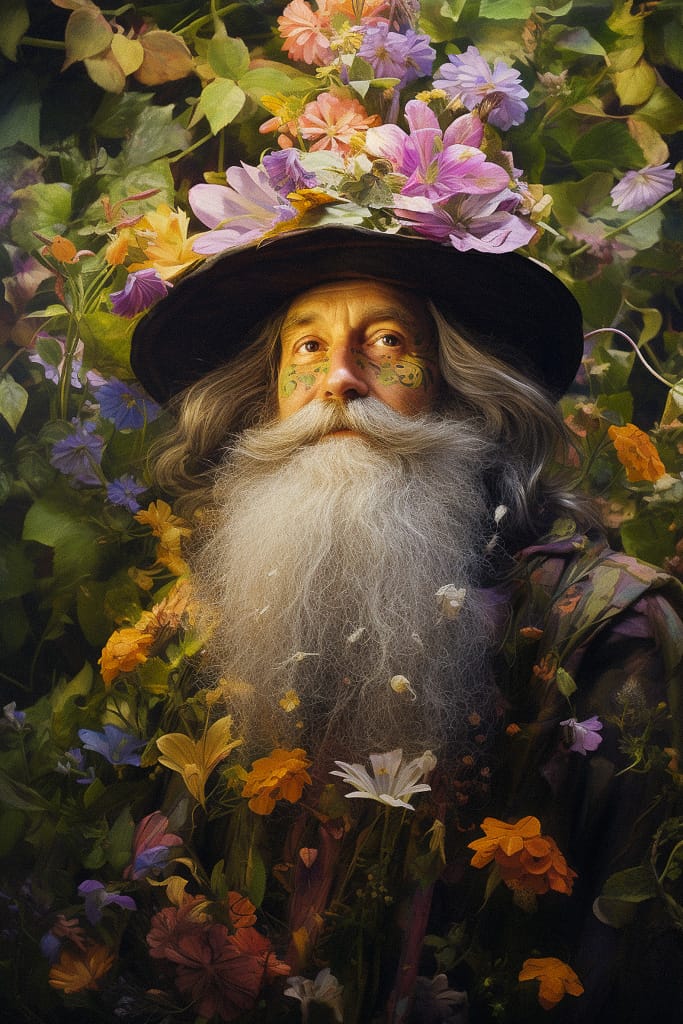
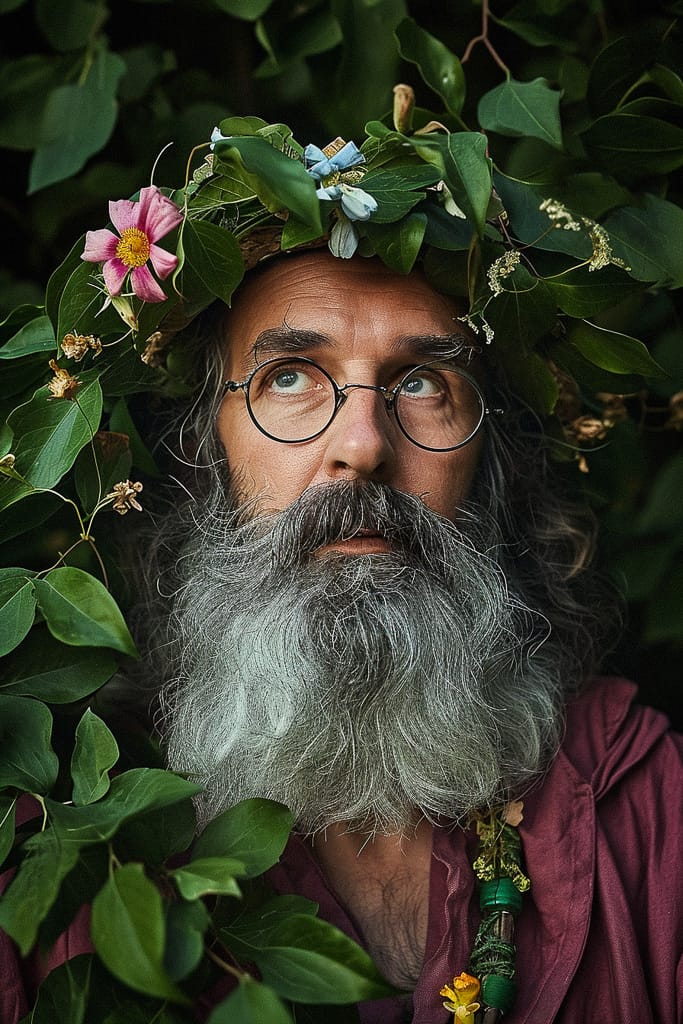
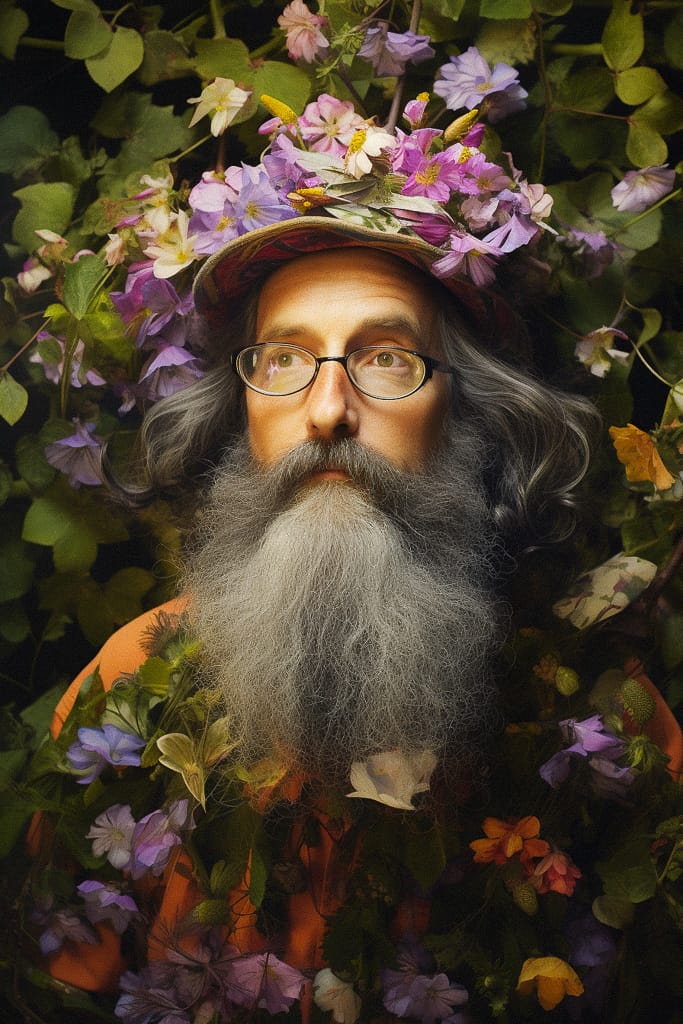
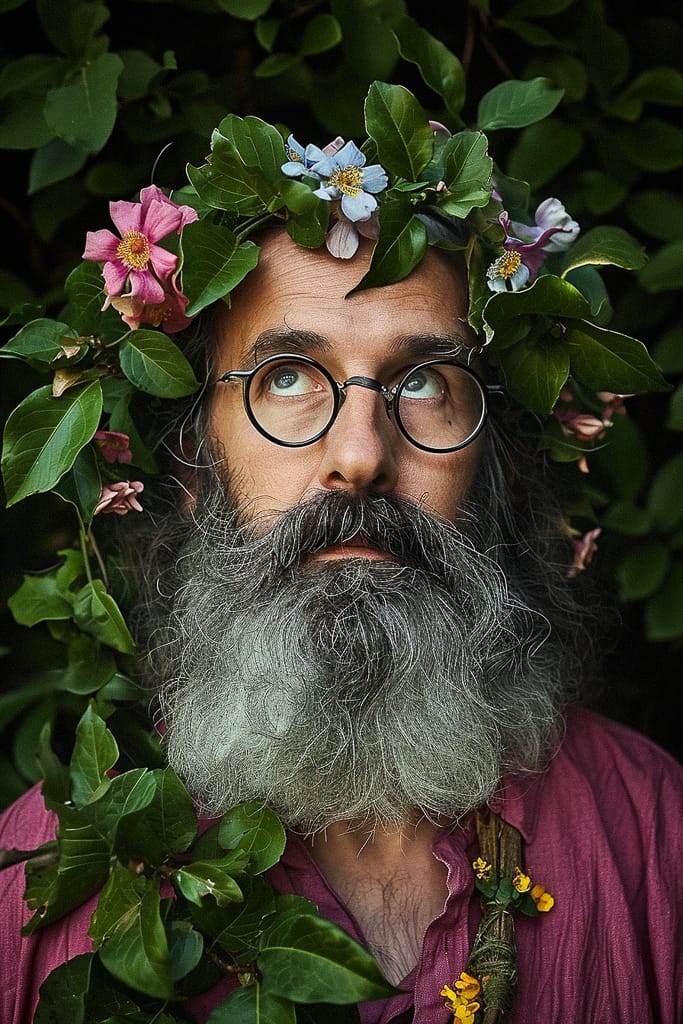
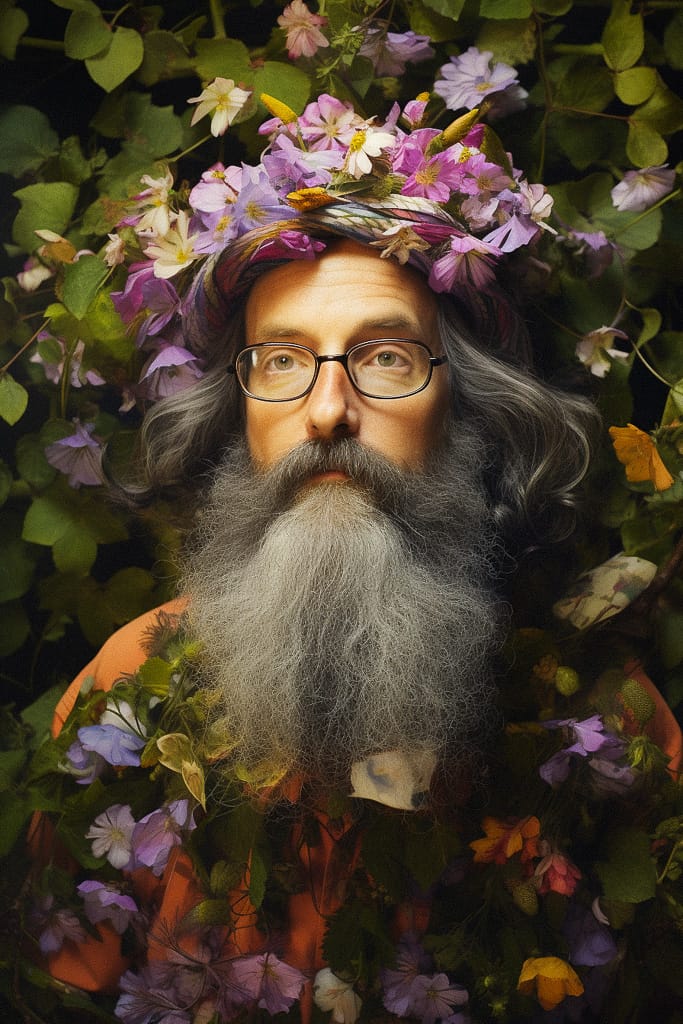
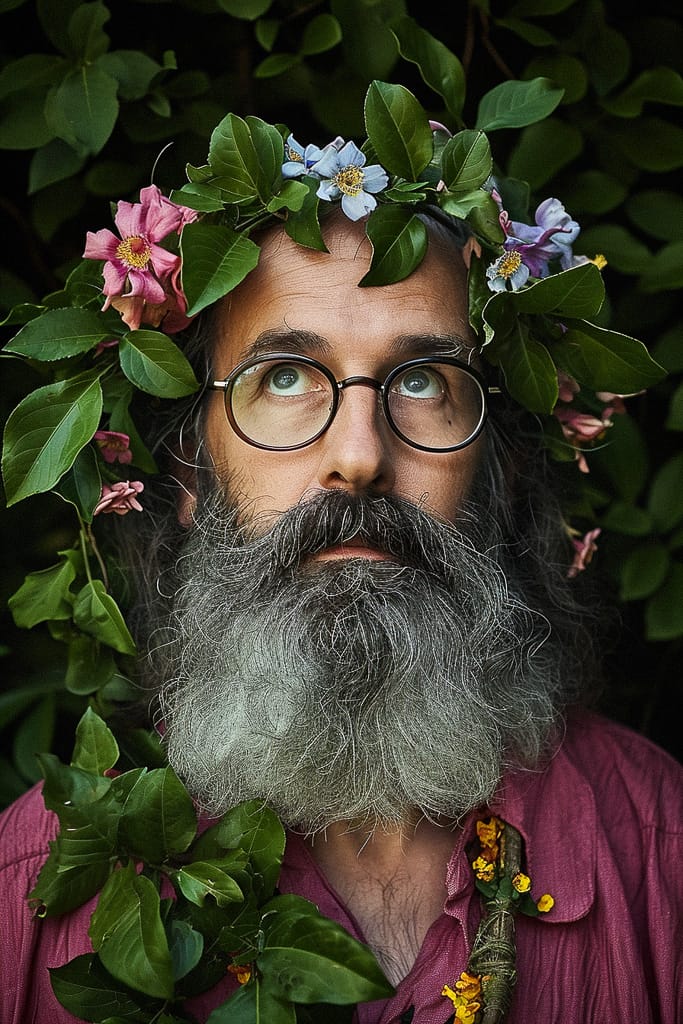
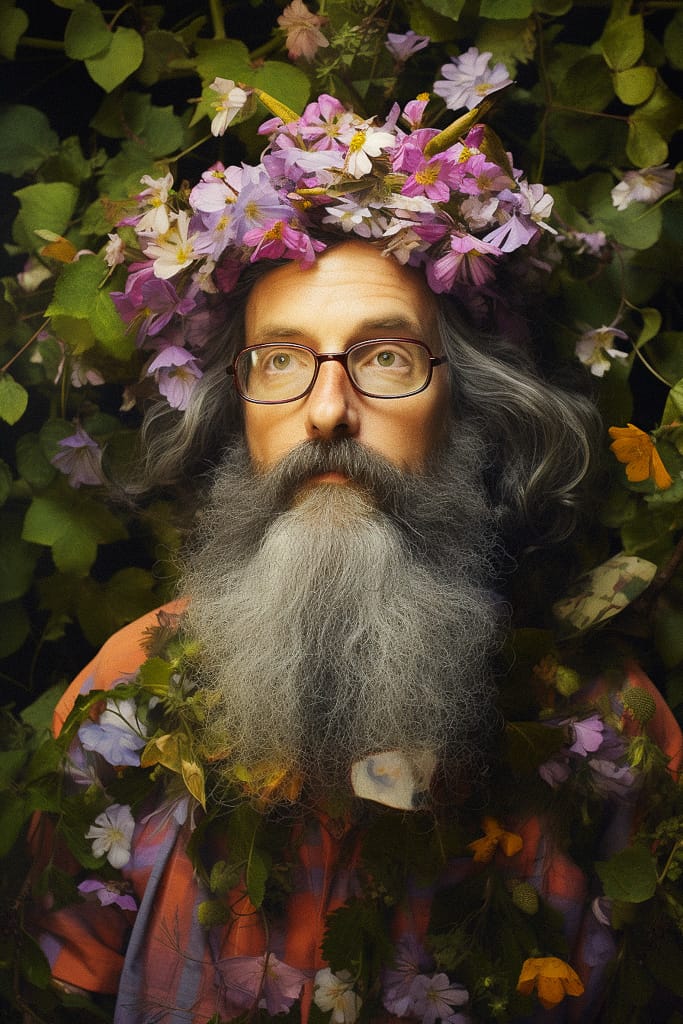
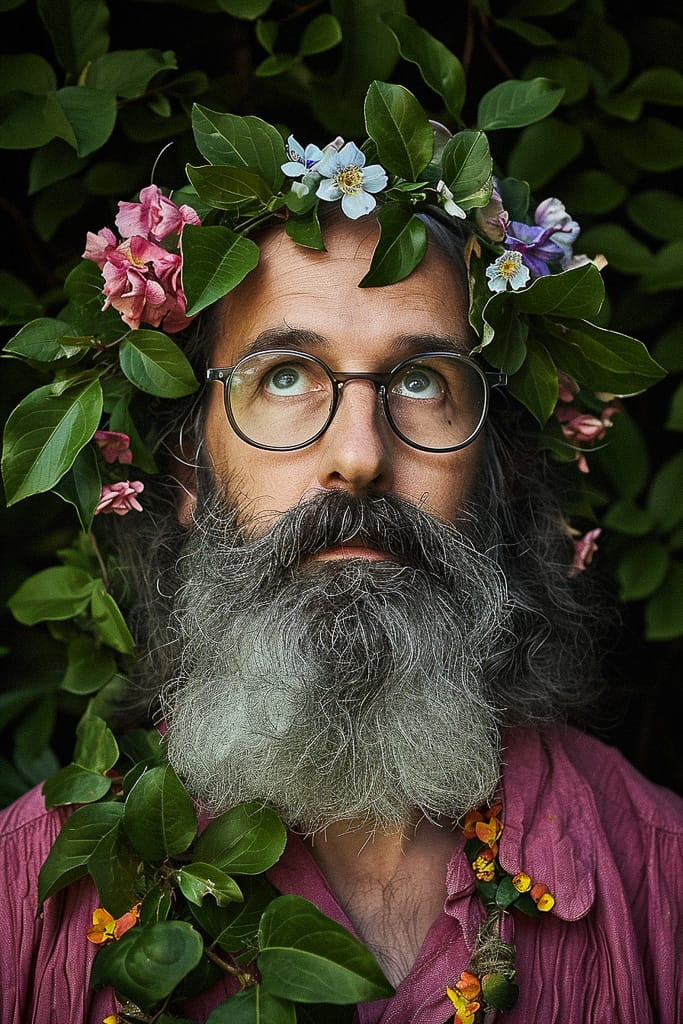
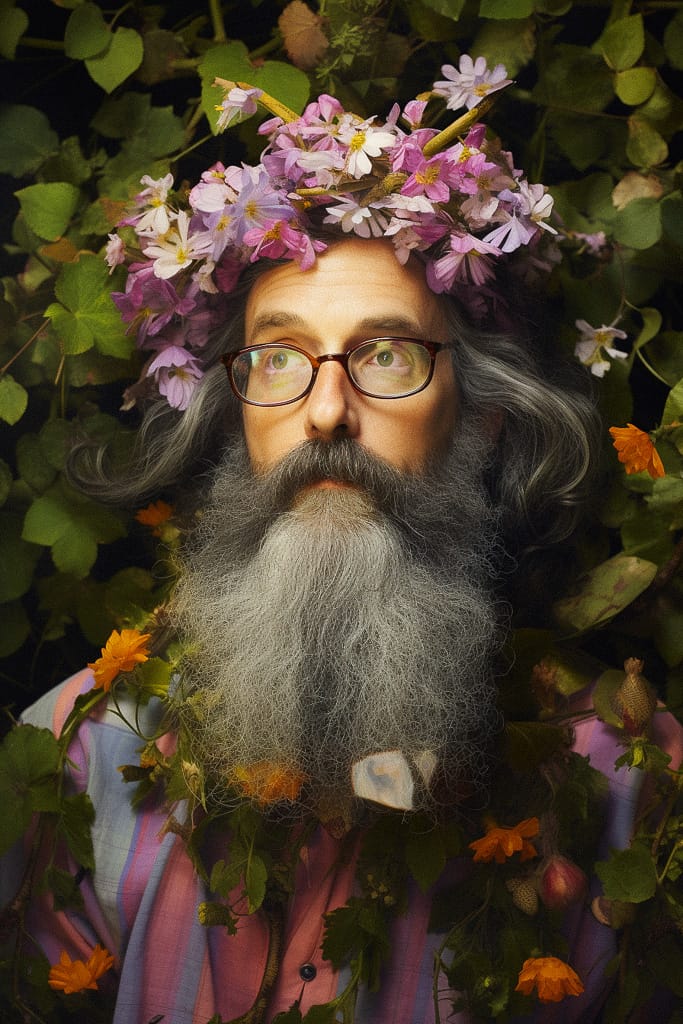
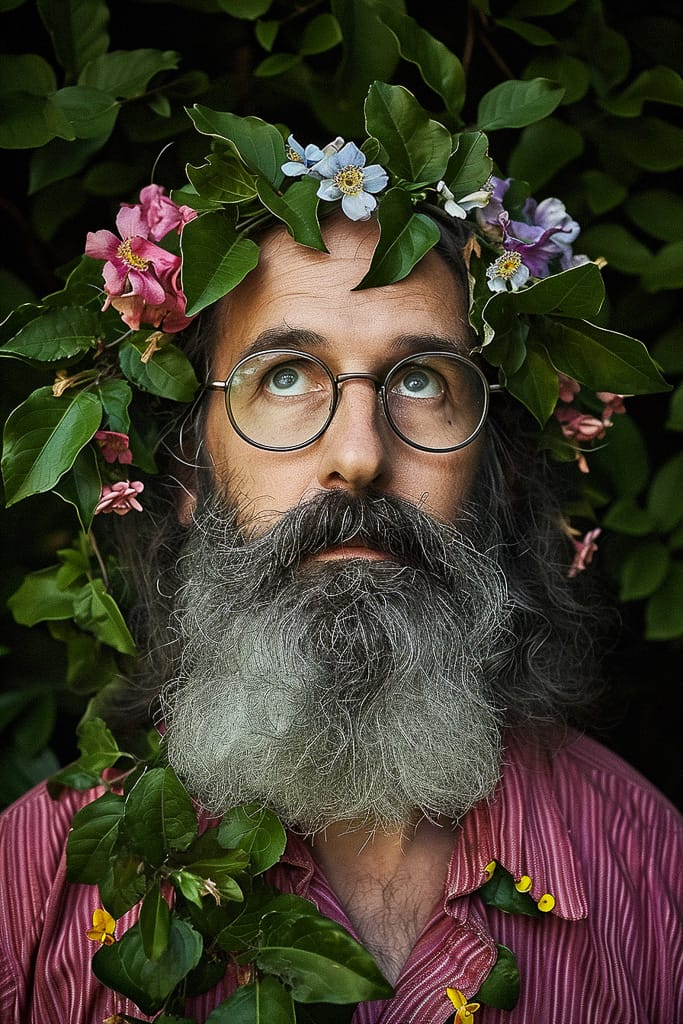
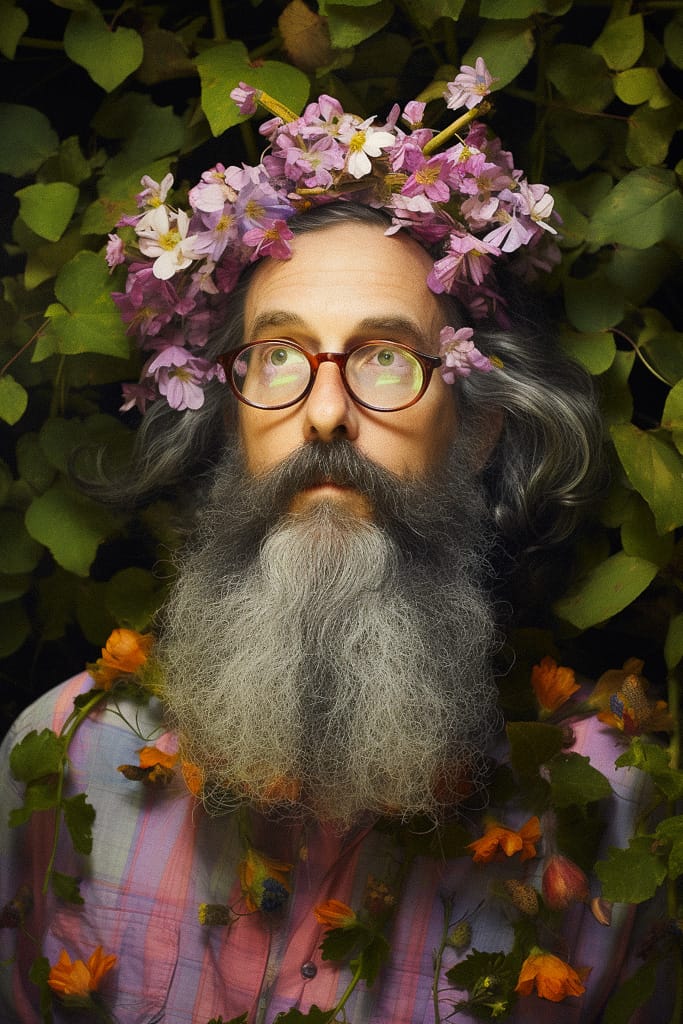
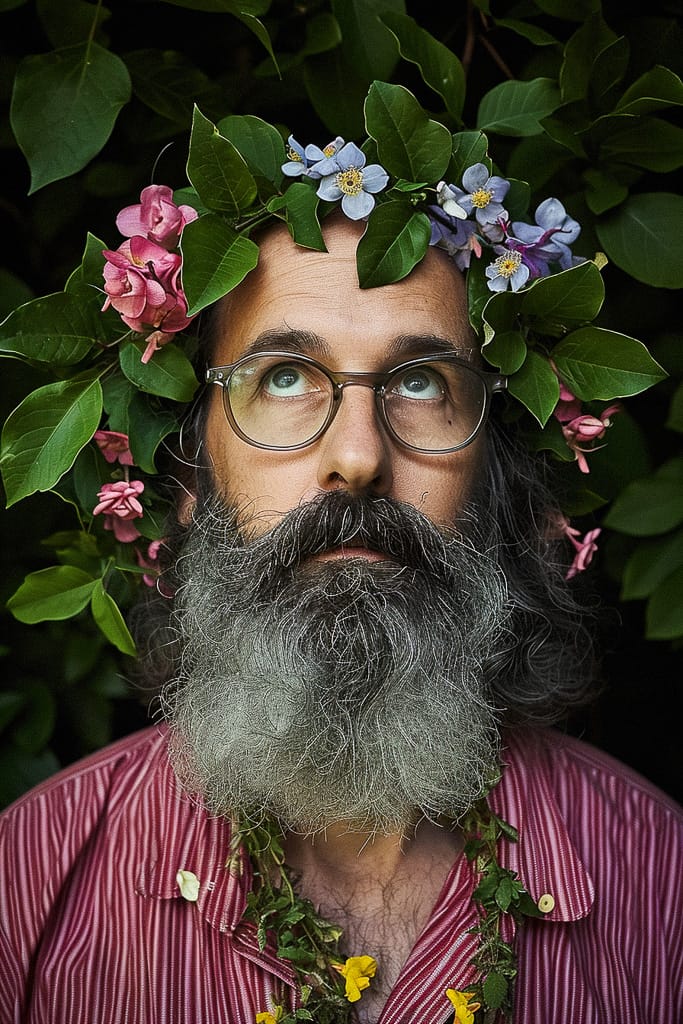
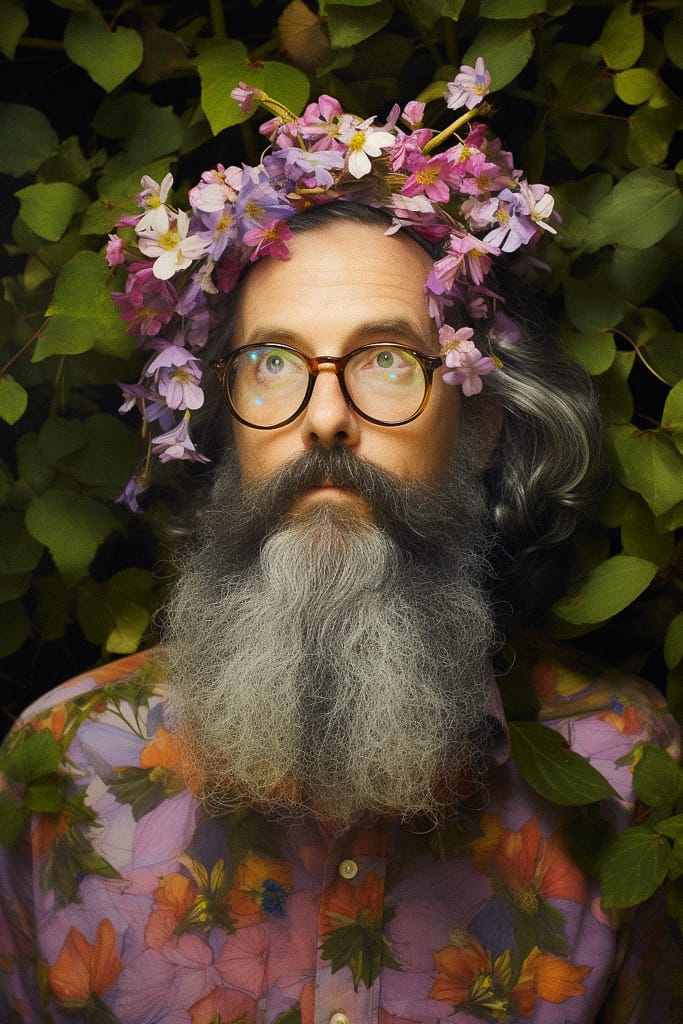
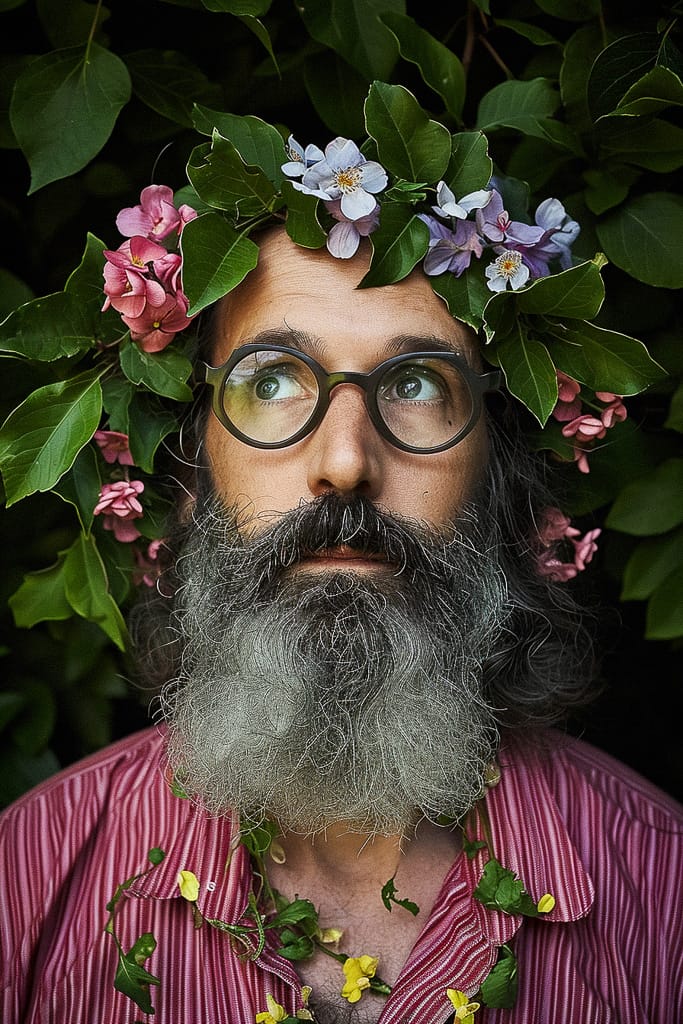
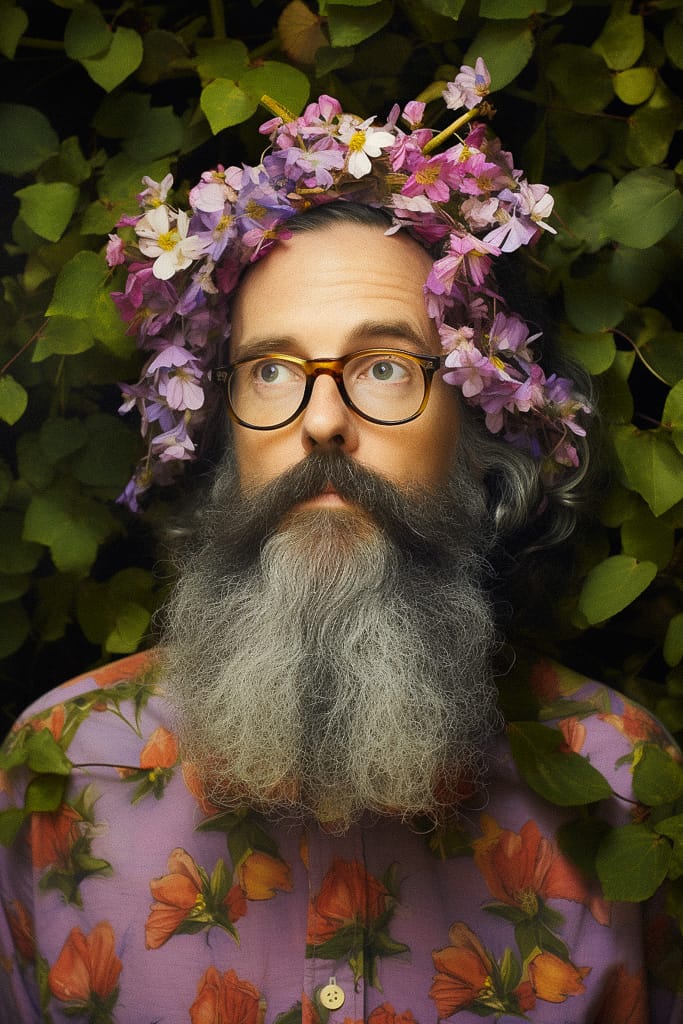
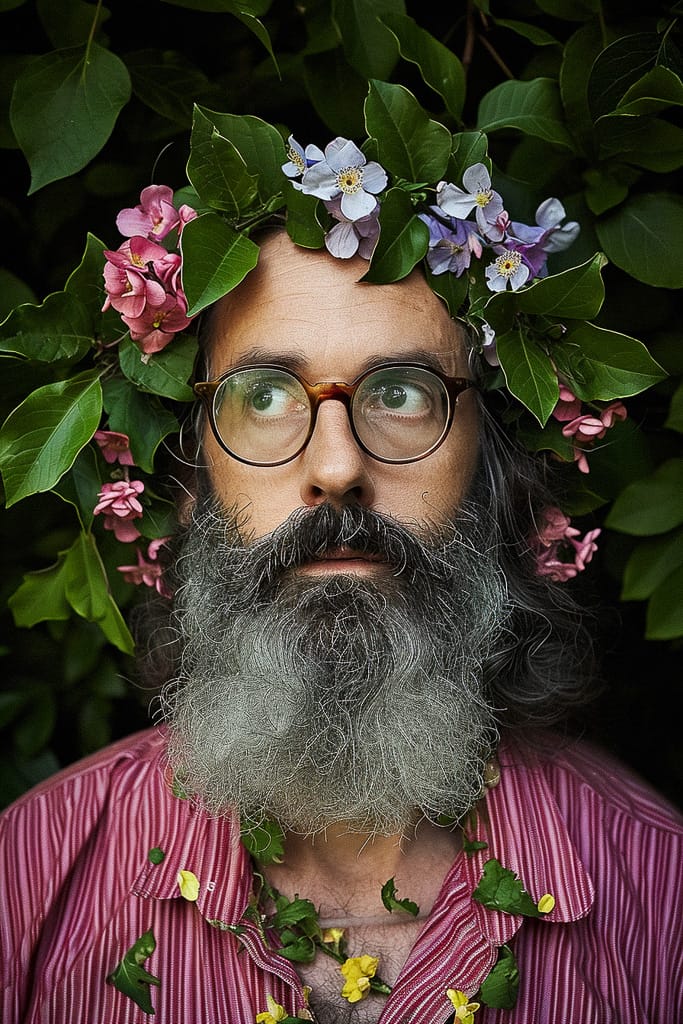
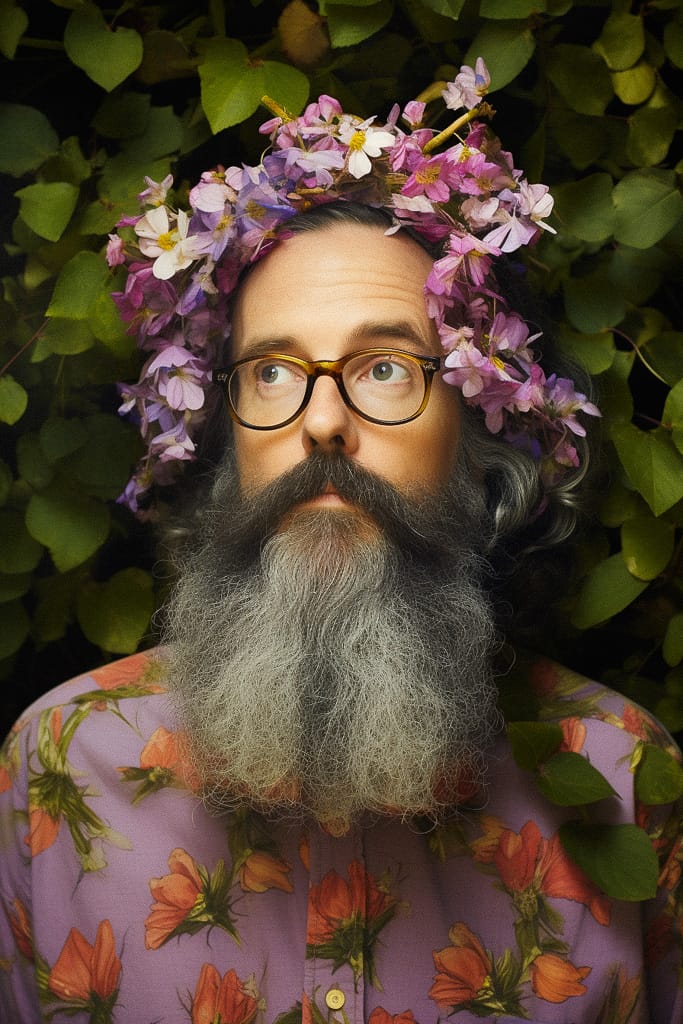
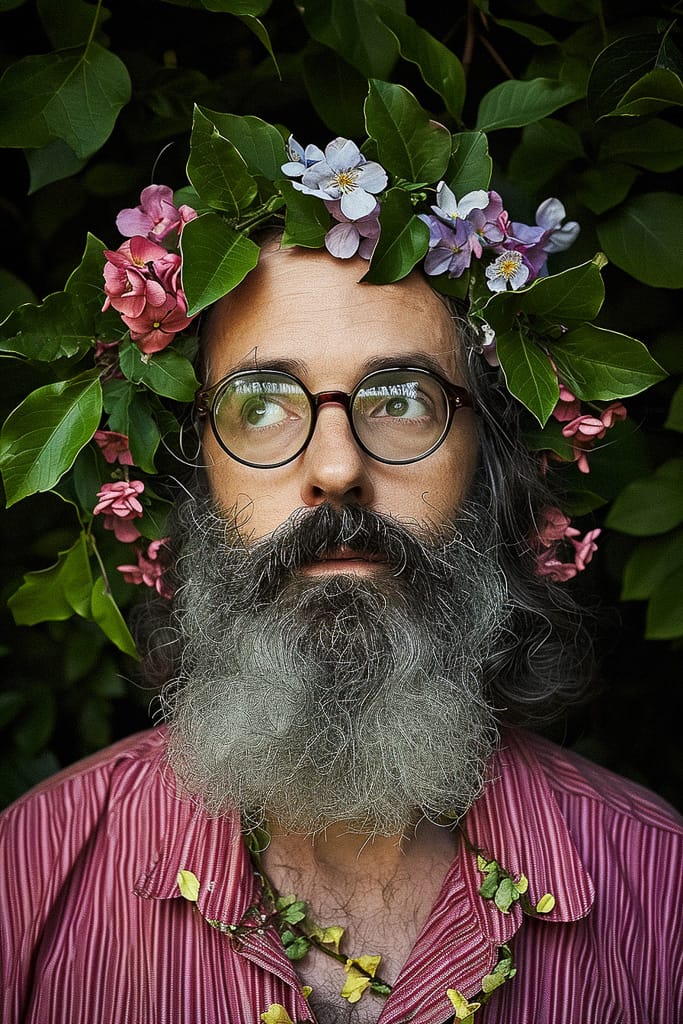
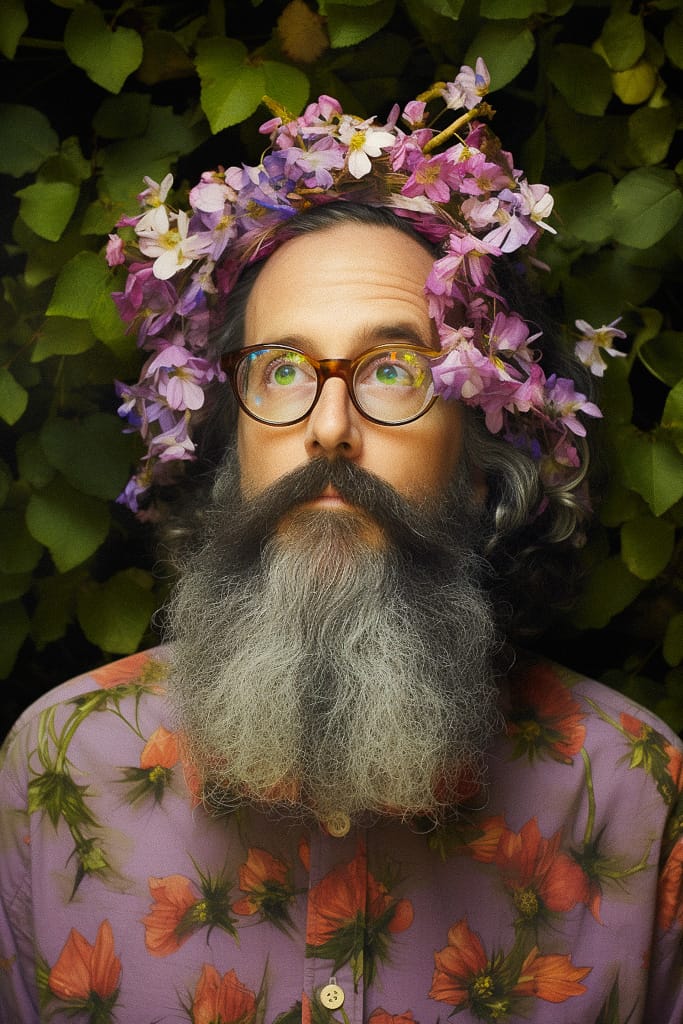
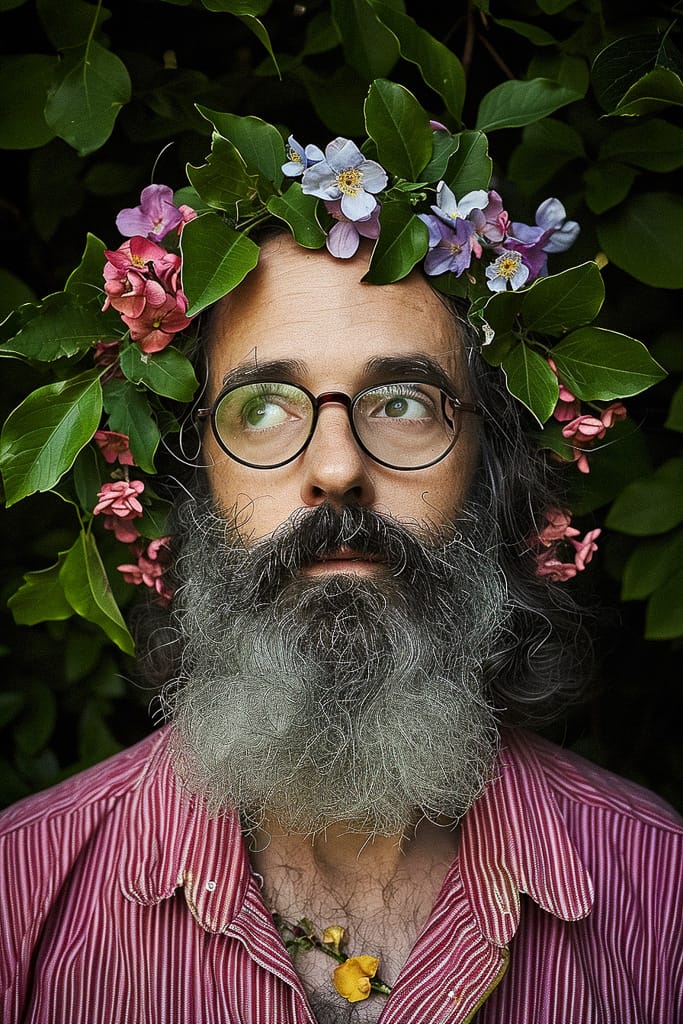
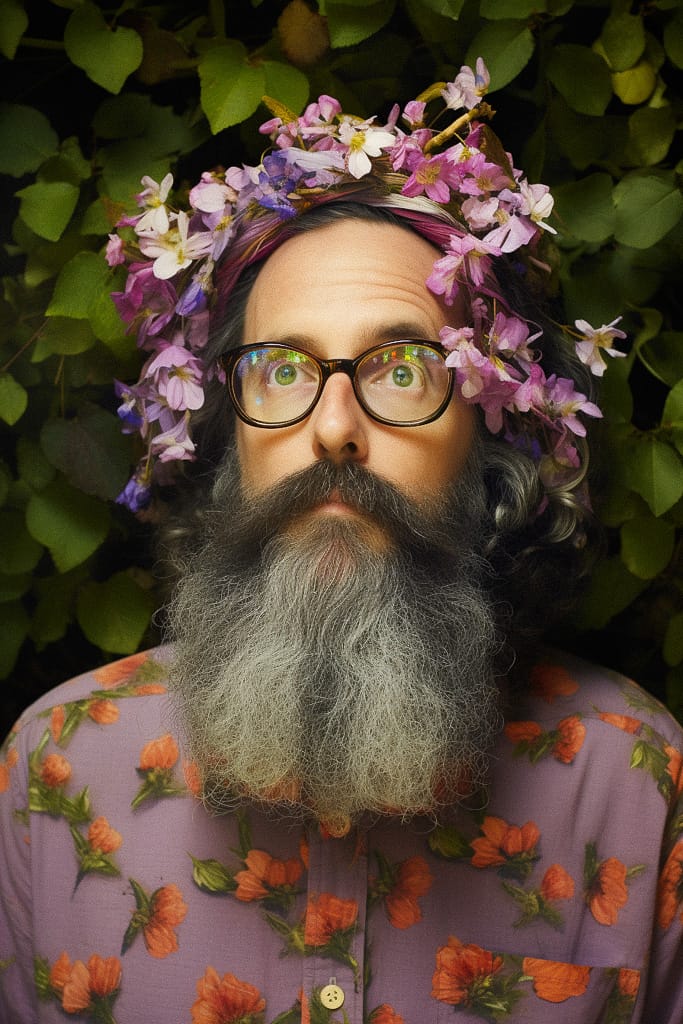
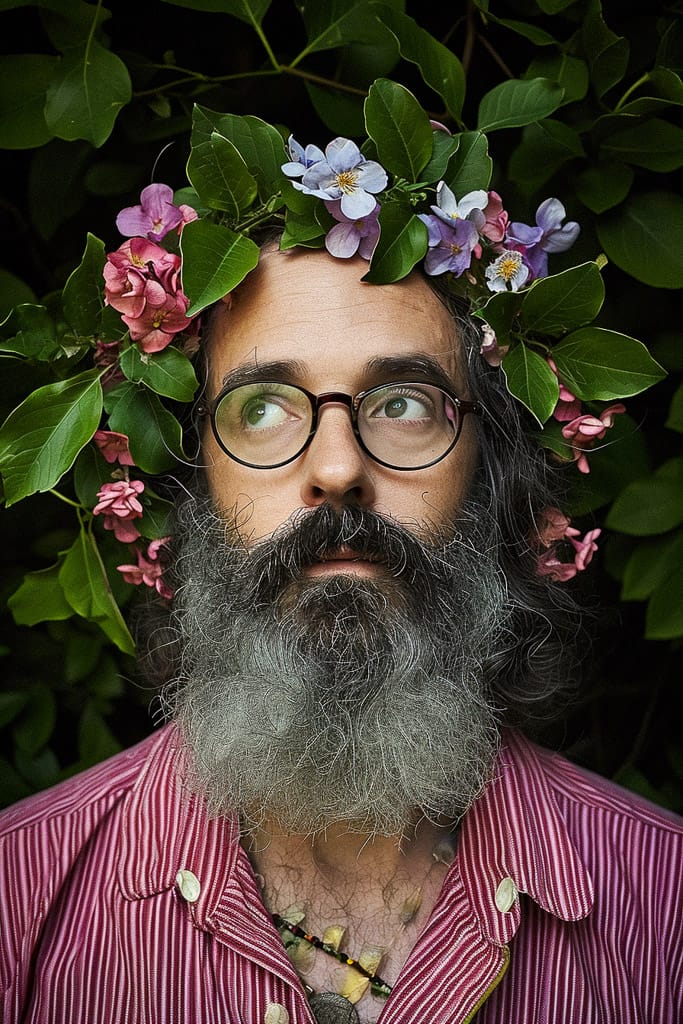
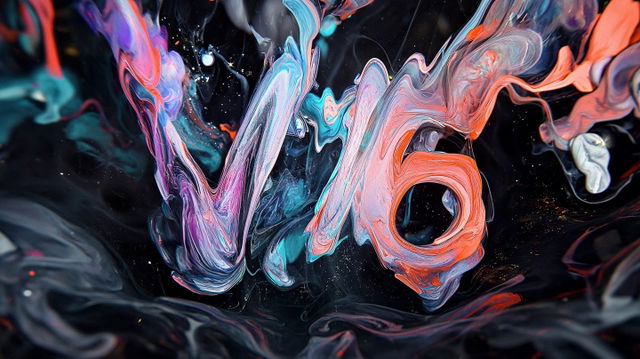
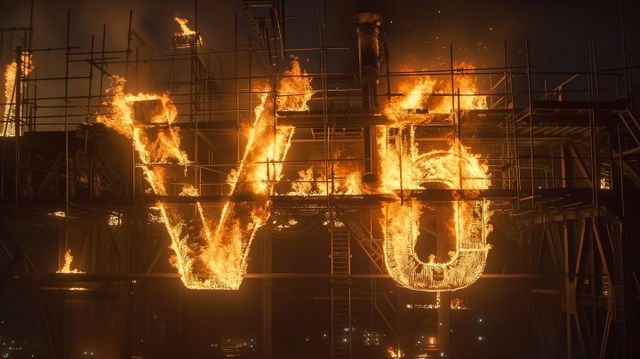
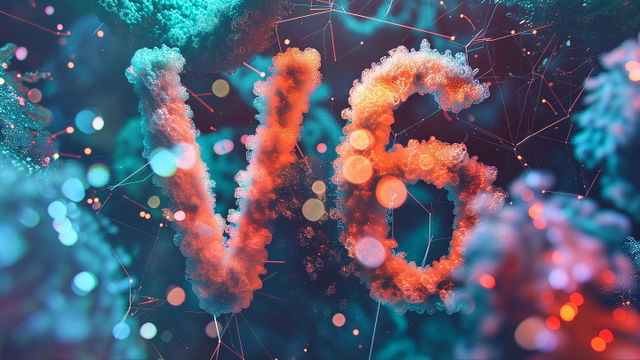
In the second part of our 4-chapters exploration of V6, we will look at the very core of Midjourney—its understanding of language—i.e., prompts.
First, we will experiment with simple and complex Text Prompts, and then dive into Image Prompting, and see how the new model recognizes and reimagines (and blends!) existing pictures, and how to control the outcome with the Image Weight parameter.
Prompting in V6
The official announcement says that prompting in V6 differs significantly from how we learned to communicate with previous Midjourney models. Up to a point where you will ”need to 'relearn' how to prompt.”
V6 V5.2
6
5.2
Word Order & Optimal Prompts
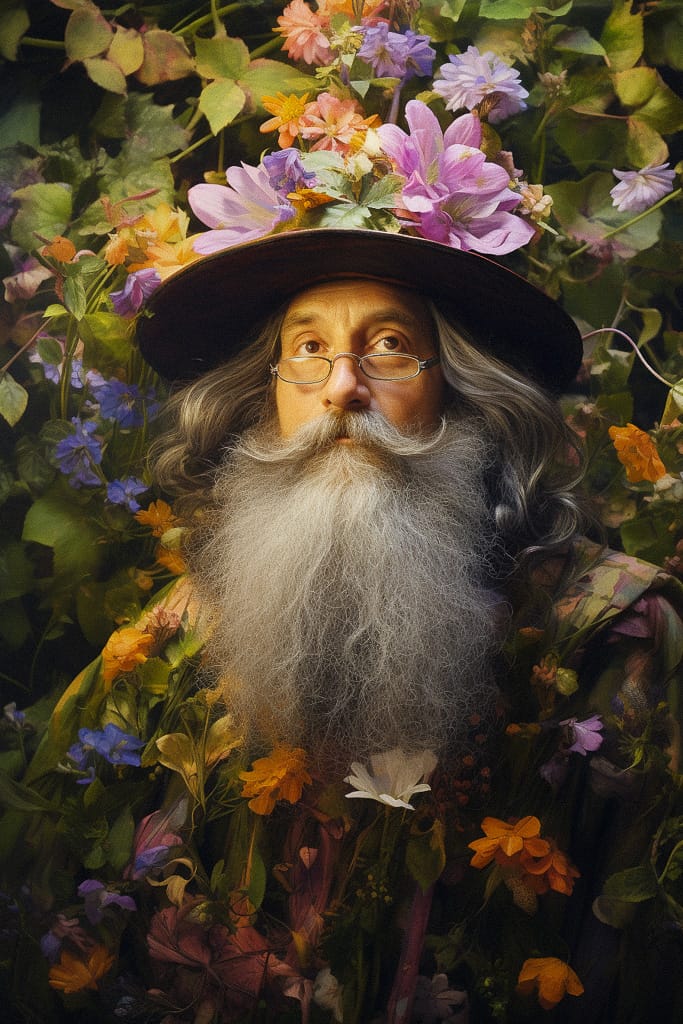
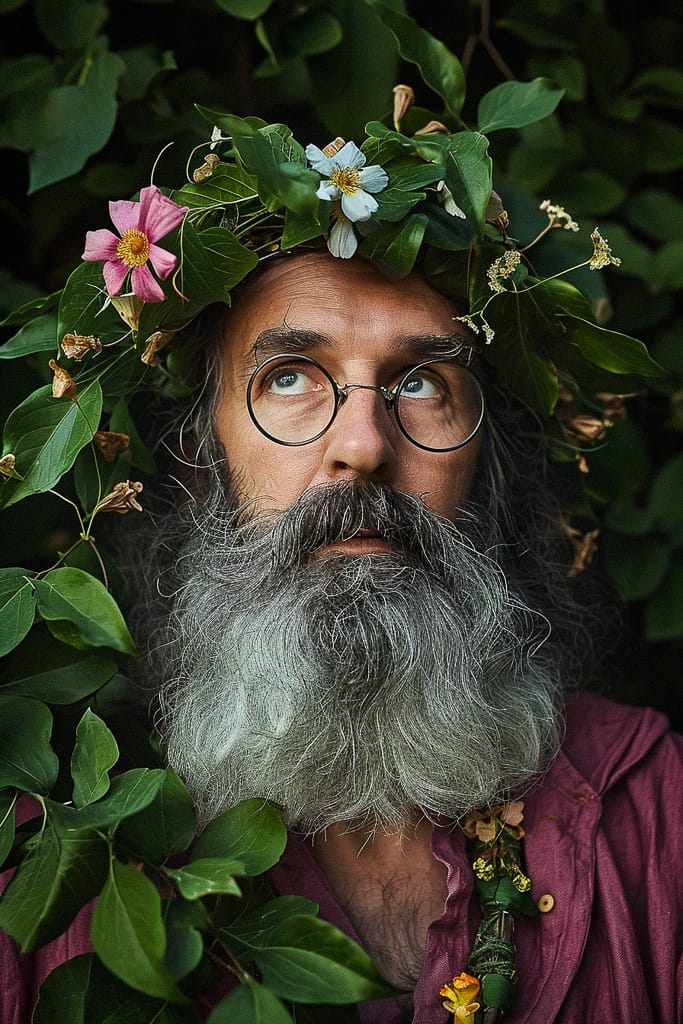
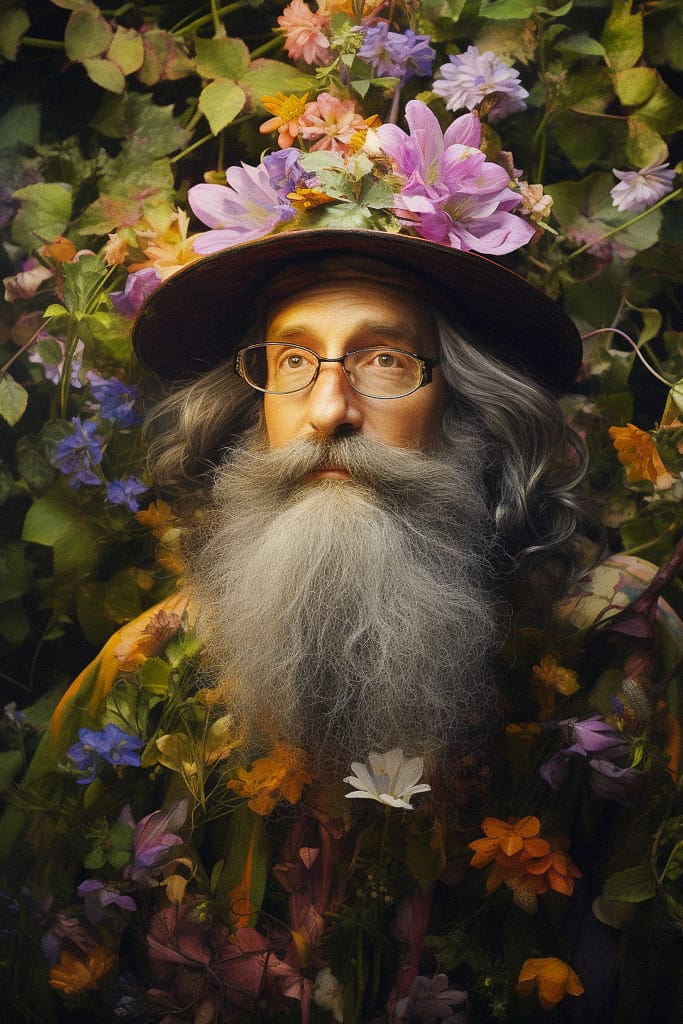
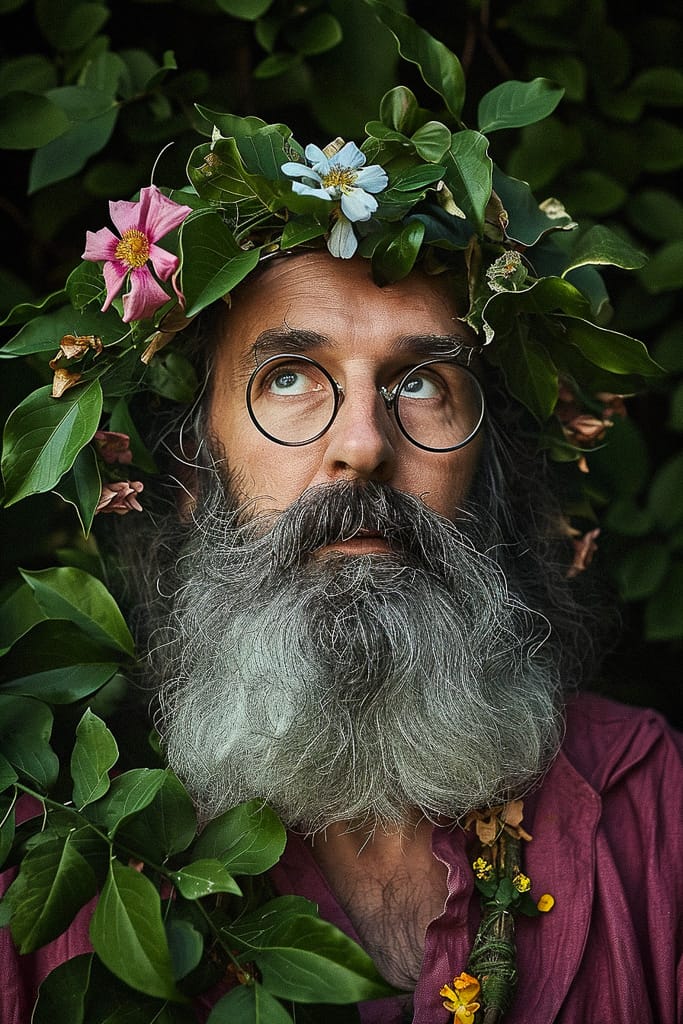
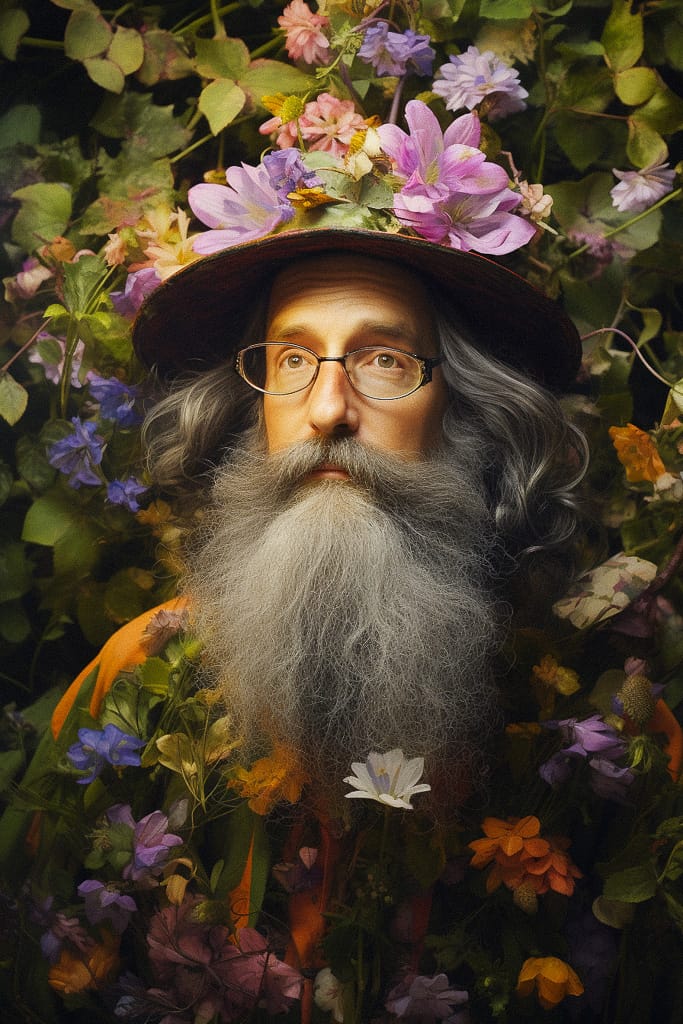
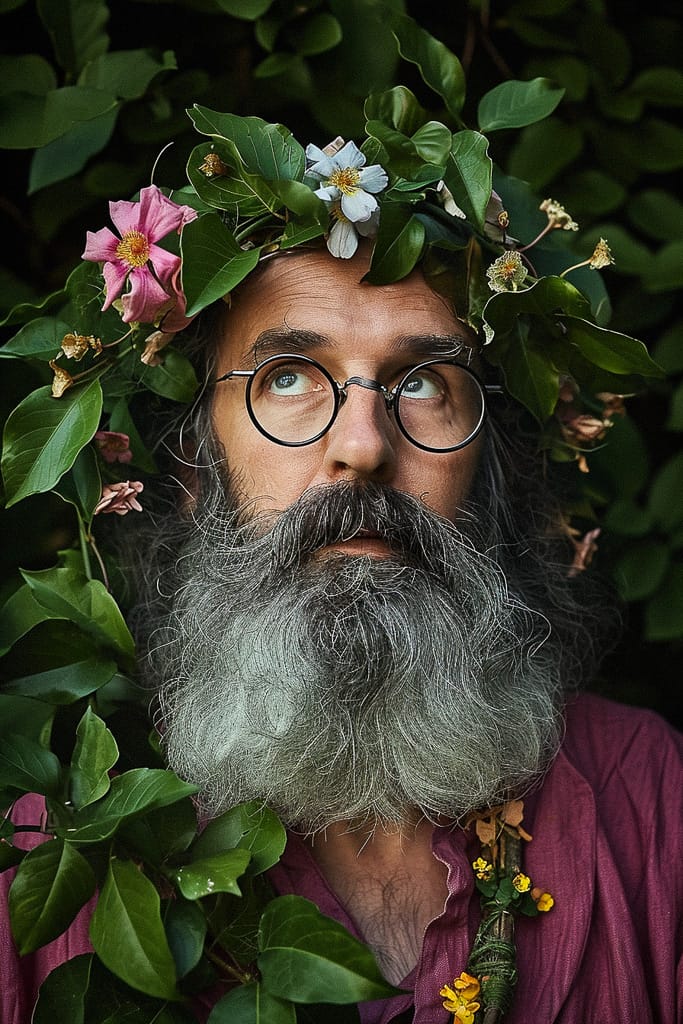
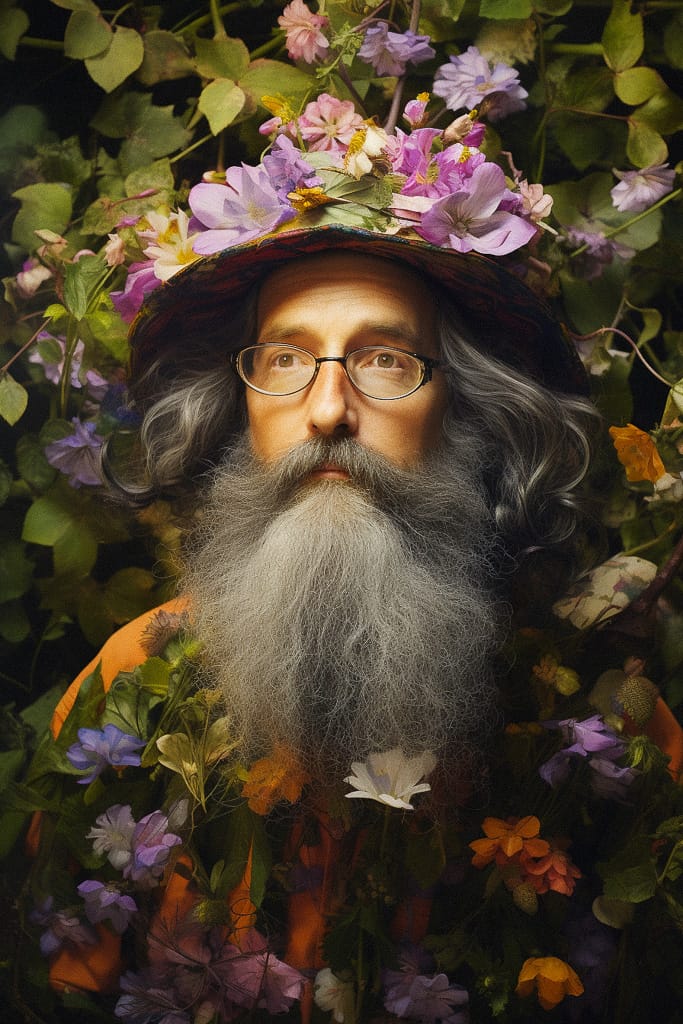
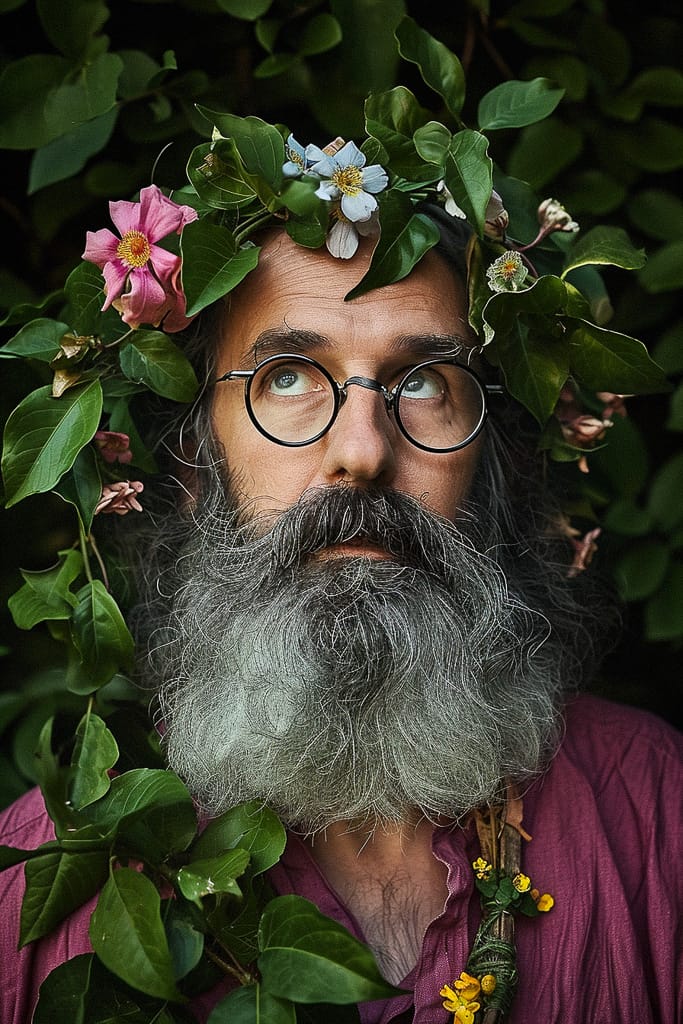
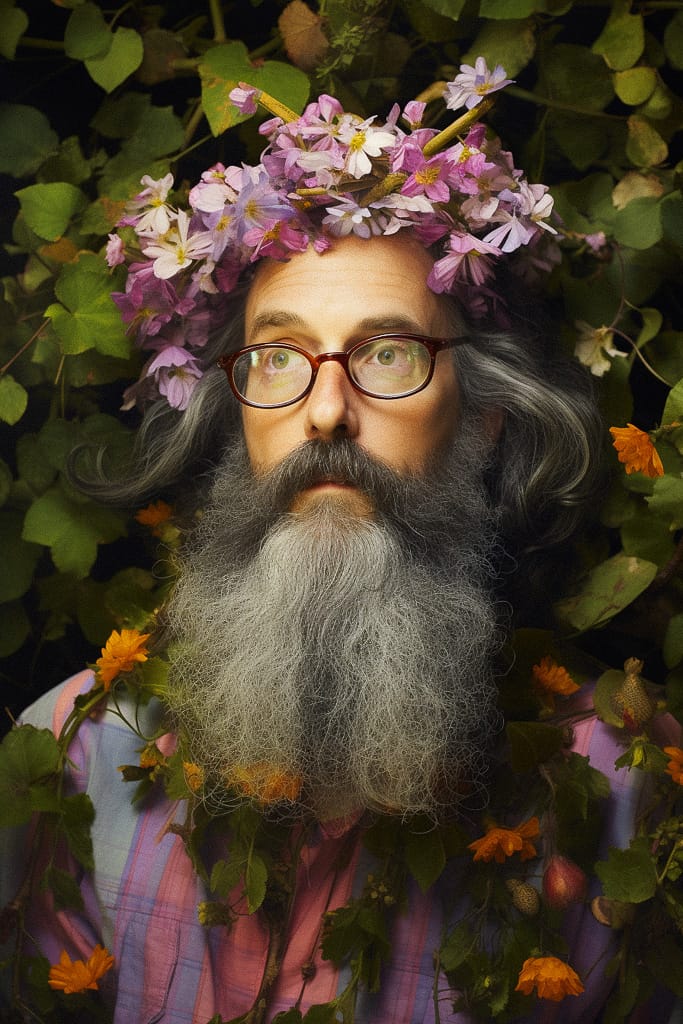
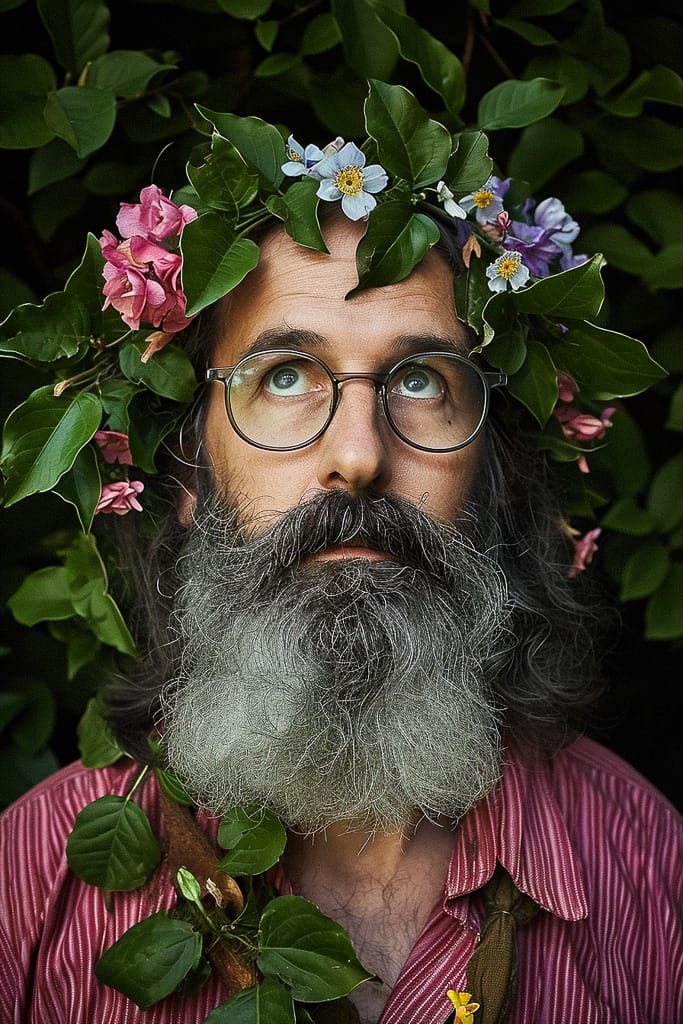
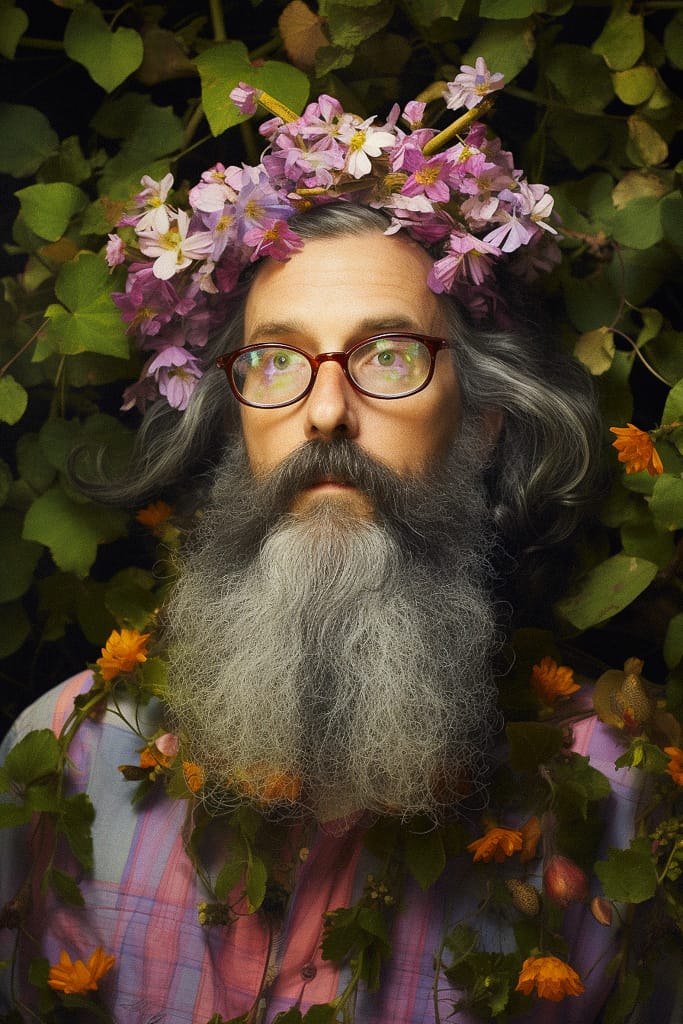
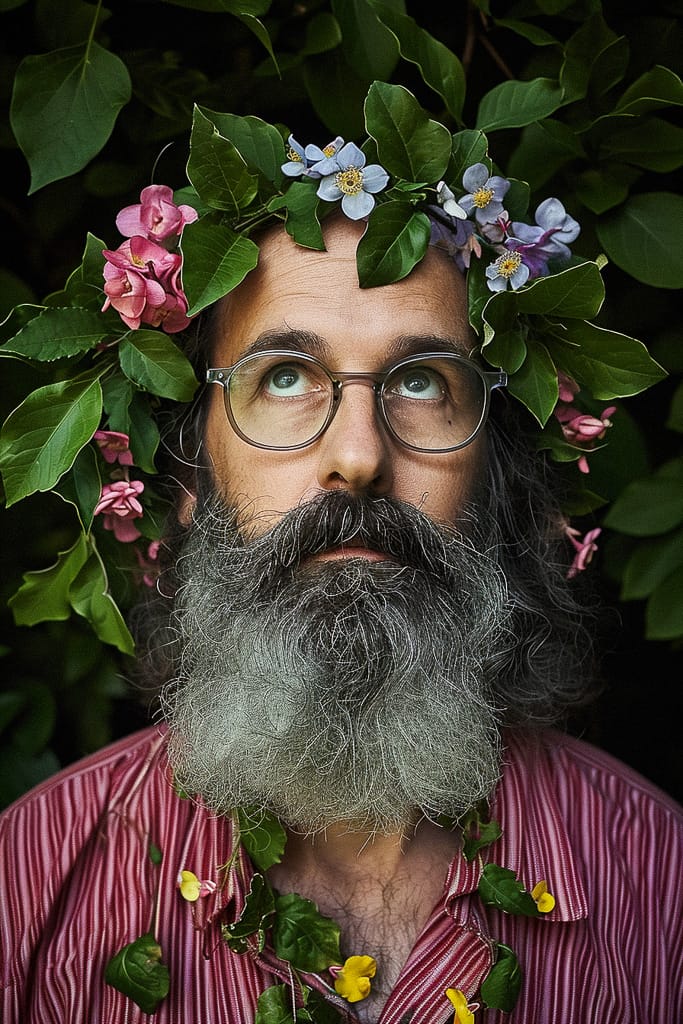
To start with prompting, let’s experiment with the word order to see its influence on the outcome. For this test, I used four variants of the same prompt with different word/token order. First, I applied the same to each generation to get the results as similar as possible:
6
5.2
6
5.2
6
5.2
6
5.2
And even though there are slight differences between the four images, the overall result didn’t change that much from variant to variant. However, this happened when I removed the and let each generation be unique:
6
5.2
6
5.2
6
5.2
6
5.2
But the true importance of the word order (and the benefit of using Optimal Prompts) becomes obvious with less powerful Midjourney styles than that of Aaron Horkey.
Here are just a couple of examples of how the right wording can change the outcome drastically:
6
5.2
6
5.2
6
5.2
6
5.2
Prompt Complexity
When exploring Midjourney's capability to understand your prompt, an important question to answer is: how complex can we make our prompt before MJ ”breaks” (i.e., stops reacting to new additions to the prompt or “loses” its previous parts).
Let's start with a simple prompt, and gradually add new tokens to it, while keeping the paramter fixed for consistency.
6
5.2
6
5.2
6
5.2
6
5.2
6
5.2
6
5.2
6
5.2
6
5.2
Midjourney V6 made it to an impressive seven steps before parts of the prompt started “disappearing“. While V5.2 started losing tokens one step earlier.
Obviously, results can vary depending on different situations and prompts. However, in most of my experiments, the predecessor model tended to reach its limit at around 6–7 steps before ”breaking“, whereas the new model consistently managed to handle a couple of steps more before encountering similar issues.
Abstract Concepts
For the concluding test of this chapter, let’s see how both models—and their Raw Modes—interpret more abstract (and even nonsensical!) prompts.
6
5.2
6
5.2
6
5.2
6
5.2
Despite the dramatic official announcement from the Midjourney team, the prompting strategies I developed with earlier models proved highly effective in the new version. Nonetheless, V6’s advancements—in terms of quality, variability, and the AI's improved understanding of prompts—are unmistakable.
Image Prompting
Image Prompts, allowing the use of existing images as a basis for Midjourney to build upon, have been a part of the platform since V3. With each new model, this functionality has grown more powerful. So, what changes does V6 bring to Image Prompting?
V6 V5.2
6
5.2
Here to present to you the capabilities of V6—Francis D., my friend, muse, and the ideal subject for Midjourney’s Image Prompts!
Original photograph
Francis D. (2011)
A major issue I've found with Image Prompts in earlier Midjourney versions was their limited ability to transform photorealistic images into something else. For instance, using a photographic portrait as a source image to create a non-photographic result often didn't fully work. The outcome would still lean towards photorealism.
Let's see if V6 brings any improvement in this area!
6
5.2
6
5.2
6
5.2
6
5.2
6
5.2
6
5.2
Another notable aspect of Image Prompts in V6 is the model's boldness in completely transforming the source image to meet the prompt's requirements. How about turning Francis D. into a lion? Or an owl? Or Stan Winston’s monster?
6
5.2
6
5.2
6
5.2
The reason why Francis is such a great model for Image Prompts is the combination of his standout facial features and the dramatic lighting that amplifies them. That’s the best recipe to help Midjourney “recognize,” or “read” a face to then reproduce it. But how about less obvious photographs? Or not photographs at all?
Andrei Kovalev — E.T. Mask by Catherine Zolotukhina (2007)
Vincent van Gogh — Self-portrait (1887)
Hilma af Klint — Group IV, No.3, Youth, from The Ten Largest series (1910)
Egon Schiele — Self-portrait (1910)
For this experiment, I began with a text part of the prompt that complemented the contents of the image. Then, I proceeded with prompts designed to transform the source picture into something entirely different:
6
5.2
6
5.2
6
5.2
6
5.2
Throughout my experiments, an intriguing observation emerged regarding the text component of single-picture Image Prompts. When the prompt includes the image of a well-known individual, adding this person's name tends to “weaken” the impact of the other elements in the prompt. It appears that Midjourney's preconceived notion of the individual forces the AI to favor more traditional, real-life representations of that person.
Original photograph
Pablo Escobar (1970s)
6
5.2
6
5.2
Original photograph
Alberto Korda — Che Guevara, Guerrillero Heroico (1960)
6
5.2
6
5.2
Image Weight
Talking about Image Prompts, it's impossible not to mention the Image Weight, or parameter. This setting in V6, ranging from 0.1 to 3 (to 2 in V5.2), dictates how closely Midjourney adheres to your source image in the generation process.
For this test, I used some photographs from my own archive:
Alexandra Titova (2018)
“Faces of A Picolo“ series (2012)
Marco Casolanetti for Simple Wine News (2016)
Using these portraits as source pictures, let's explore how changing the value affects Image Prompts in V6 in comparison to V5.2:
6
5.2
6
5.2
6
5.2
6
5.2
6
5.2
6
5.2
6
5.2
6
5.2
6
5.2
6
5.2
6
5.2
6
5.2
6
5.2
6
5.2
6
5.2
6
5.2
6
5.2
6
5.2
6
5.2
6
5.2
6
5.2
6
5.2
6
5.2
6
5.2
6
5.2
6
5.2
6
5.2
6
5.2
6
5.2
6
5.2
6
5.2
6
5.2
6
5.2
6
5.2
6
5.2
6
5.2
6
5.2
6
5.2
6
5.2
6
5.2
6
5.2
6
5.2
6
5.2
6
5.2
6
5.2
6
5.2
6
5.2
6
5.2
6
5.2
6
5.2
6
5.2
6
5.2
6
5.2
6
5.2
6
5.2
6
5.2
6
5.2
6
5.2
6
5.2
6
5.2
Considering that V5.2's maximum Image Weight is limited to 2, let's explore what the increased maximum for this parameter in V6 can achieve with the same images and prompts (just V6 samples for this one).
6
6
V6
Blending Pictures
Midjourney’s command is a fascinating capability of merging multiple existing images to create a new, unique result.
Titian — Portrait of Pope Paul III (c.1543)
+
Amanda Jones, Rajkumar Ranadeva Singh — Andrei Kovalev (2012)
=
6
5.2
Unlike single-picture Image Prompts, blends don't need any text input. This means you can just put two or more images into Midjourney’s blender and let it do its magic—based entirely on the visual elements of the pictures.
Jacques Le Moyne de Morgues — A Young Daughter of the Picts (c.1585)
+
Unknown photographer — Portrait of a girl (1880s)
=
6
5.2
To explore the nuances of the “blending behavior” of Midjourney V6, I again turned to my photographic archive.
Paul Cézanne — Madame Cézanne In A Yellow Chair (1893)
+
Georgian writer, screenwriter and movie director Nana Ekvtimishvili for Die Zeit (2018)
=
6
5.2
Okay, it works truly well with portraits, but how about more abstract things, more difficult blends—using visually polar images with conflicting aesthetics?
+
=
6
5.2
Walt Disney, Ub Iwerks — Steamboat Willie (1928)
+
Edvard Munch — The Scream (1883)
=
6
5.2
Louis Wain — A Cat In "Gothic" Style (1925/1939)
+
John Comes Again, Lakota (1899)
=
6
5.2
Both, Image Prompts in general and Blending specifically open a whole new dimension of creative possibilities in Midjourney. With V6’s sensitivity and ability to recognize a source image’s main features to later reproduce them in an unusual mix, this universe of possibilities has just become much broader.
In the next chapter, we will learn to control our prompts and increase the predictability of Midjourney's generations with parameters. Continue reading →
About the author
Andrei KovalevLibrarian
I am a visual artist with 17 years of experience in portrait photography, film, mask design, and education. As Midjourney AI and its analogs are revolutionizing the world of art and our creativity itself, I am overwhelmingly excited to explore the limits of these fantastic new tools and share my findings with the community.