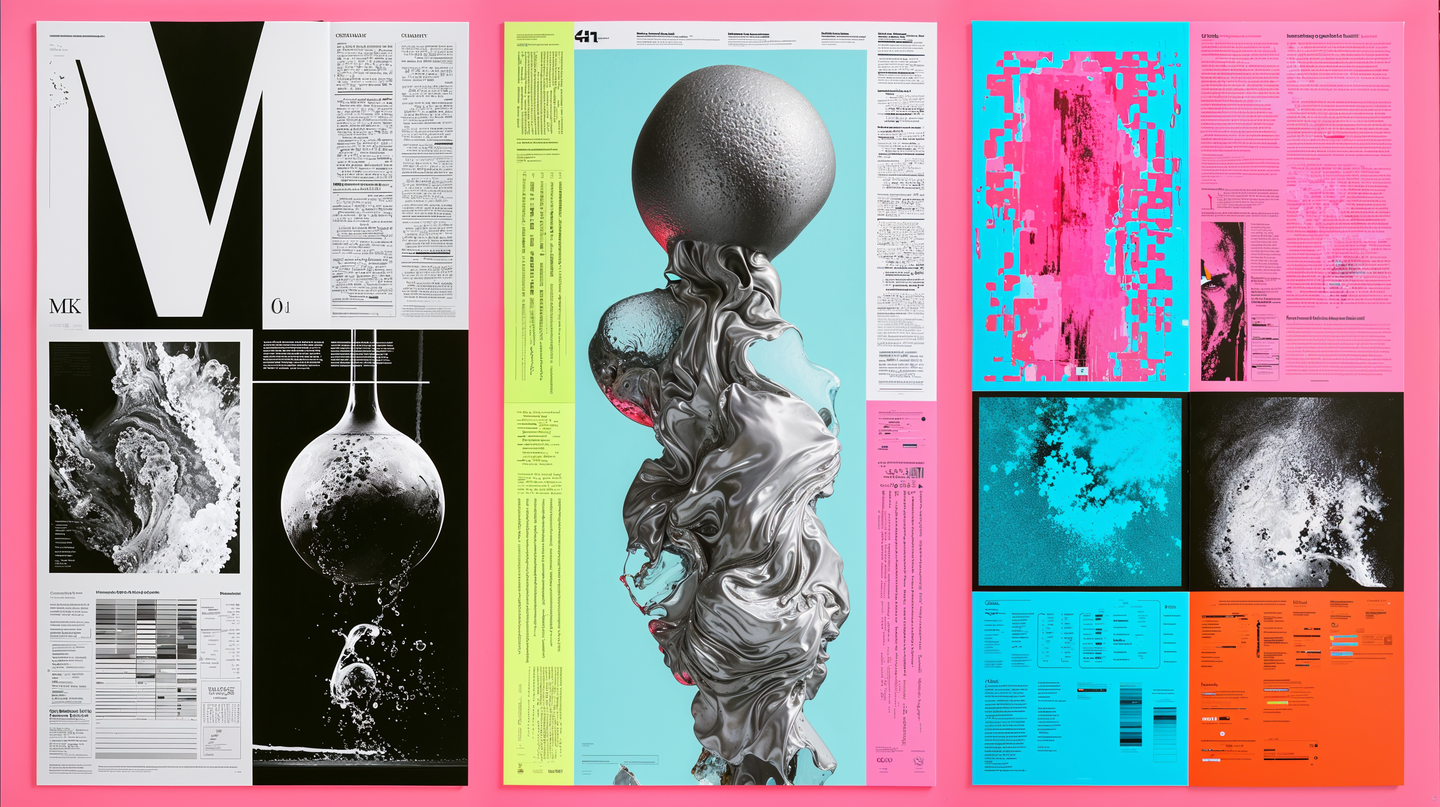
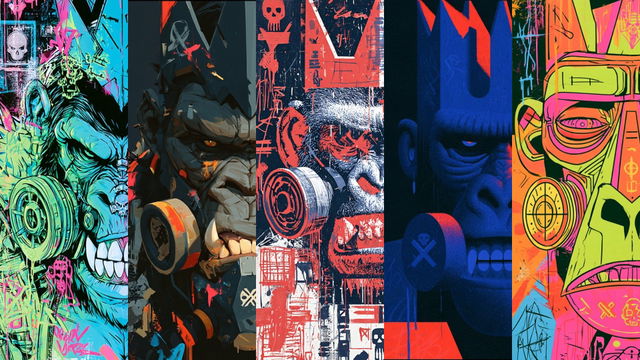
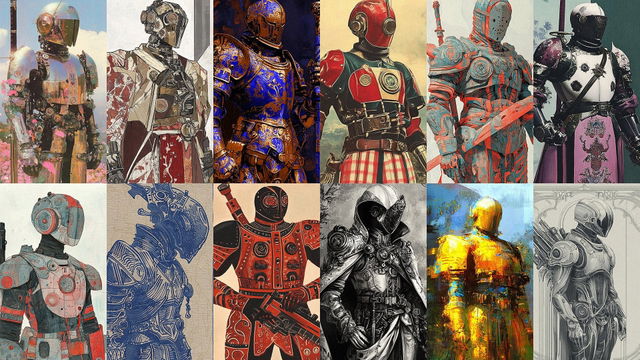
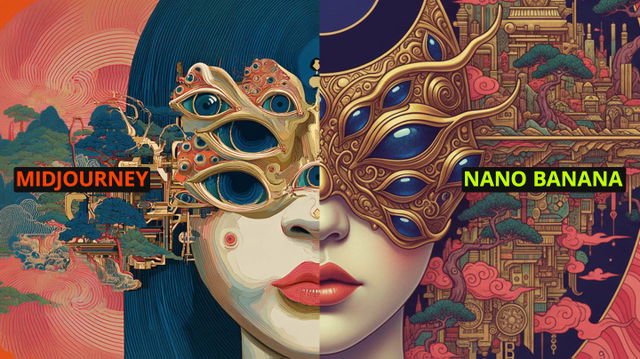
Midlibrary 4 moved into its new house 11 days ago, and we’re already opening its first new room: the Lab, a place for experiments, tools, and toys.
From Midstruments to the Lab
Midlibrary has always kept a corner for experiments. In its previous iteration, we called it Midstruments: Style Roulette, Color Roulette, and the Style Benchmark, our test of how styles behave when given the same prompts.
New versions of these exploration tools live in the Lab now, and that’s where the next experiments will go. Two are open today.
Style Roulette
Style Roulette moved into the Lab. Spin, and it deals you four styles, each with its picture and the words to use it. Spin again for four more.
A style’s name or an SREF code tells you little until you see it at work. A benchmark is how we test it: a fixed set of prompts, the same for every style. Put two styles side by side on one prompt, and whatever differs IS the style!
85SREF codes tested so far, each on 17 prompts in Midjourney V8.2: 1,445 pictures, and more are coming in the weeks ahead.
Here are 20 of them on five prompts. Each picture’s caption is its whole prompt; click it to copy.
Screamoire
Stippled Elsewhere
Ornacroma
Ballooncliff Etching
Atelier Magenta Oxide
Atelier Virelia
Botanical Satinwork
Chromacavalcade
Cloudbranch Railway
Cyanthorn
Fluorobaroque
Fluoromosaic
Fossilflora
Limefoliate
Mintwater Imposition
Puppetglow
Screenweave Antiqua
Skullstep
Ferricircuit
Malachite Koi Oratorio
Screamoire
Stippled Elsewhere
Ornacroma
Ballooncliff Etching
Atelier Magenta Oxide
Atelier Virelia
Botanical Satinwork
Chromacavalcade
Cloudbranch Railway
Cyanthorn
Fluorobaroque
Fluoromosaic
Fossilflora
Limefoliate
Mintwater Imposition
Puppetglow
Screenweave Antiqua
Skullstep
Ferricircuit
Malachite Koi Oratorio
Screamoire
Stippled Elsewhere
Ornacroma
Ballooncliff Etching
Atelier Magenta Oxide
Atelier Virelia
Botanical Satinwork
Chromacavalcade
Cloudbranch Railway
Cyanthorn
Fluorobaroque
Fluoromosaic
Fossilflora
Limefoliate
Mintwater Imposition
Puppetglow
Screenweave Antiqua
Skullstep
Ferricircuit
Malachite Koi Oratorio
Screamoire
Stippled Elsewhere
Ornacroma
Ballooncliff Etching
Atelier Magenta Oxide
Atelier Virelia
Botanical Satinwork
Chromacavalcade
Cloudbranch Railway
Cyanthorn
Fluorobaroque
Fluoromosaic
Fossilflora
Limefoliate
Mintwater Imposition
Puppetglow
Screenweave Antiqua
Skullstep
Ferricircuit
Malachite Koi Oratorio
Screamoire
Stippled Elsewhere
Ornacroma
Ballooncliff Etching
Atelier Magenta Oxide
Atelier Virelia
Botanical Satinwork
Chromacavalcade
Cloudbranch Railway
Cyanthorn
Fluorobaroque
Fluoromosaic
Fossilflora
Limefoliate
Mintwater Imposition
Puppetglow
Screenweave Antiqua
Skullstep
Ferricircuit
Malachite Koi Oratorio
If there is a downside to trying out different SREFs like this, it must be that you can’t stop—it’s addictive!
A Page for Every Prompt
Each of the 17 prompts now has its own page: every tested SREF on that one prompt, side by side. Portraits, Fantasy, Typography, and the rest are one click away in the page’s heading.
Filters work there, too. Categories, Picks only, and Colors, just as in the Library. Every warm-orange portrait is two clicks away.
A new way to sort, in every grid:Newly tested, next to Popular, A–Z, and Random.
Open a picture, and ← → step to the next style on the same prompt. Its prompt is ready to copy, and “Open style →” takes you to the style page.
On a style’s page, a violet Tested! beside its name means it has been through the benchmark. Click it to jump straight to the pictures!
Named styles (artists, movements, techniques) have their benchmark page as well, with the nine prompts of the Midlibrary 3 benchmark.
We built Midlibrary 4 so we could keep building. The Lab has room for many more experiments, and we have ideas!
Midlibrary is made by a small team and kept free and growing by the people who support it on Patreon. If the Lab is useful to you, joining helps us build the next experiment sooner.
Have an idea for an experiment? A tool you’d like us to review, or a collaboration in mind? Write to us: the Write to us link sits at the bottom of every page, and it comes straight to me.
Happy midjourneys, — Andrei
About the author
Andrei KovalevLibrarian
I am a visual artist with 17 years of experience in portrait photography, film, mask design, and education. As Midjourney AI and its analogs are revolutionizing the world of art and our creativity itself, I am overwhelmingly excited to explore the limits of these fantastic new tools and share my findings with the community.