Styles and SREF codes
Every style in the Library comes with one short line to copy. Here is what that line is made of, what the four pictures above it show, and how a style changes from one Midjourney version to the next.
Two kinds of style
The Library holds two kinds, side by side. Both do the same job — they change how your picture looks — but you copy them differently.
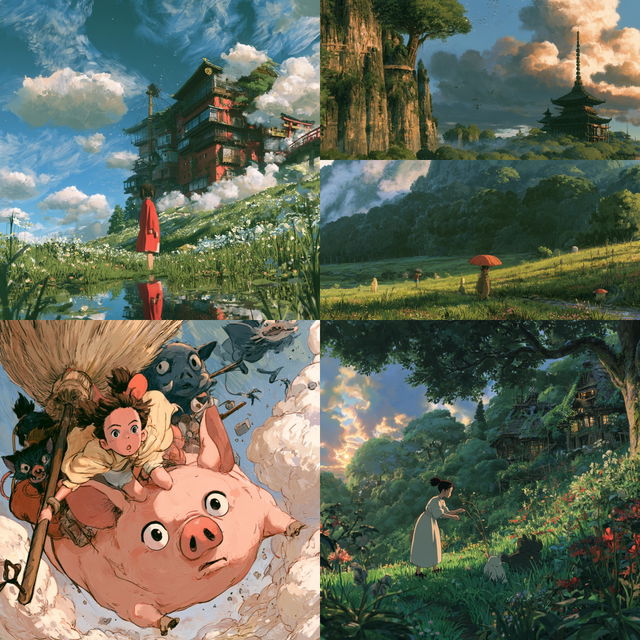
A named style · Hayao Miyazaki
Words Midjourney already knows: an artist, a movement, a technique, a film. You copy a prompt and add it to your own words.
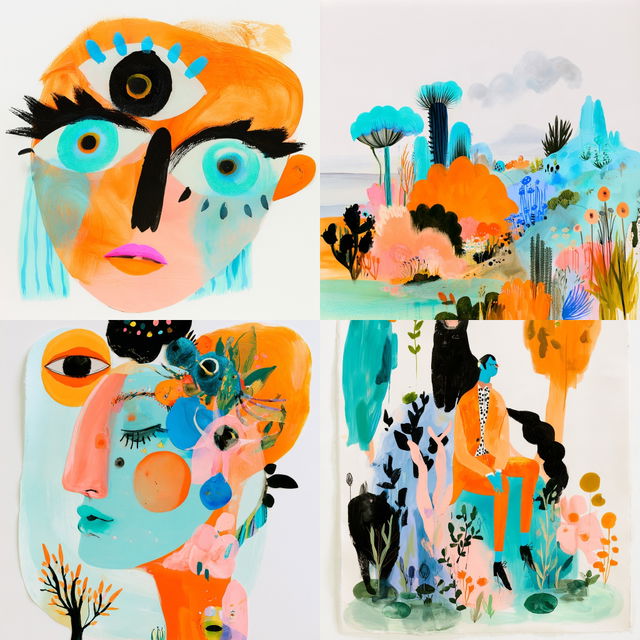
An SREF code · Paintflora Oddity
A look with no name — a number Midjourney turns into colours, marks and light. You copy a code and put it at the end. Midlibrary names each code so you can find it again; the name is not part of the prompt.
The line, part by part
Here is a whole prompt as you would send it to Midjourney, with a named style copied from the Library:
portrait of shaman-huntress in morning marshesYour idea. What you want to see, in your own words. This part is always yours.Write anything.by Hayao MiyazakiThe style. What you copied from the Library. A named style is words, so it can sit anywhere in the sentence; an SREF code always goes at the end.Keep it as copied. For a named style, moving it to the front pulls harder: Hayao Miyazaki’s painting of …--v 8.2The version. Which Midjourney model makes the picture. Every picture in the Library was made with V8.2.Keep it to get the look you saw. Another version gives another look — see Versions below.With an SREF code it reads the same way — your idea, then the code, then the version: portrait of shaman-huntress in morning marshes --sref 1474328911 --v 8.2
What the four pictures are
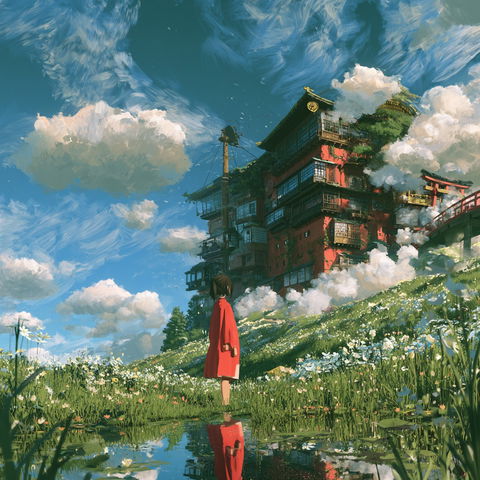
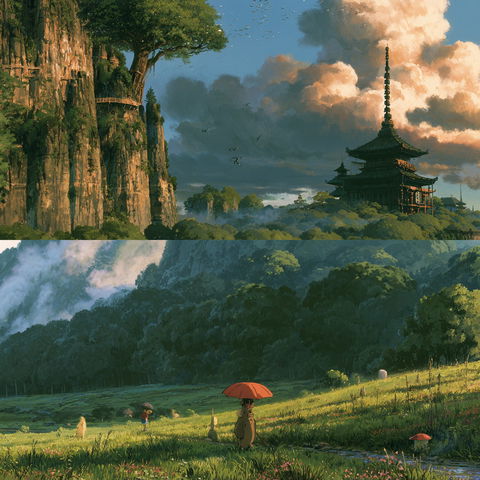
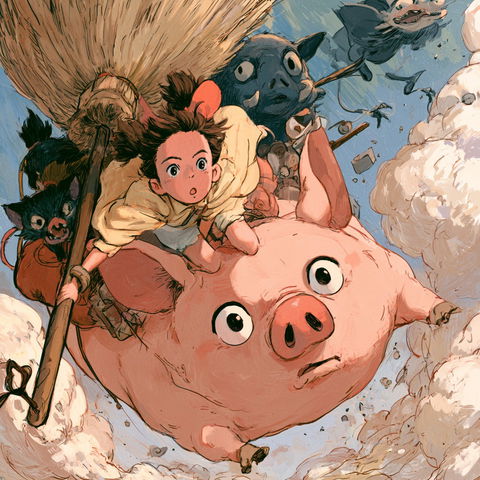
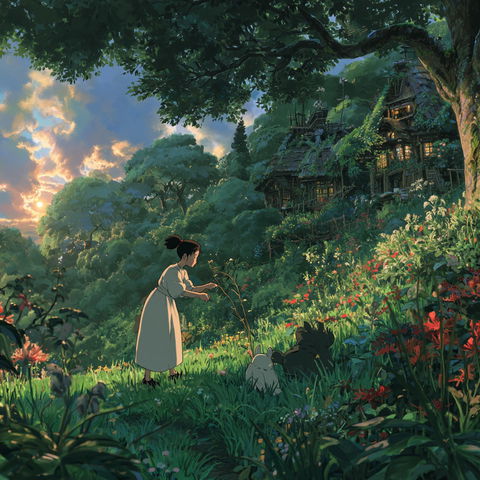
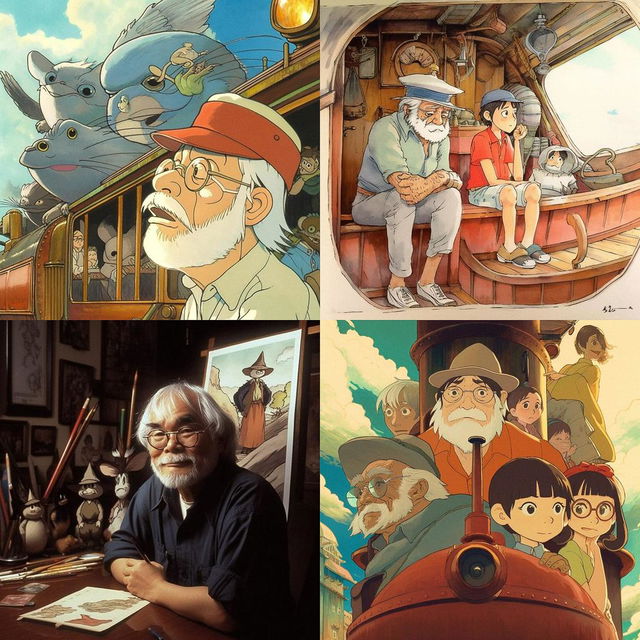
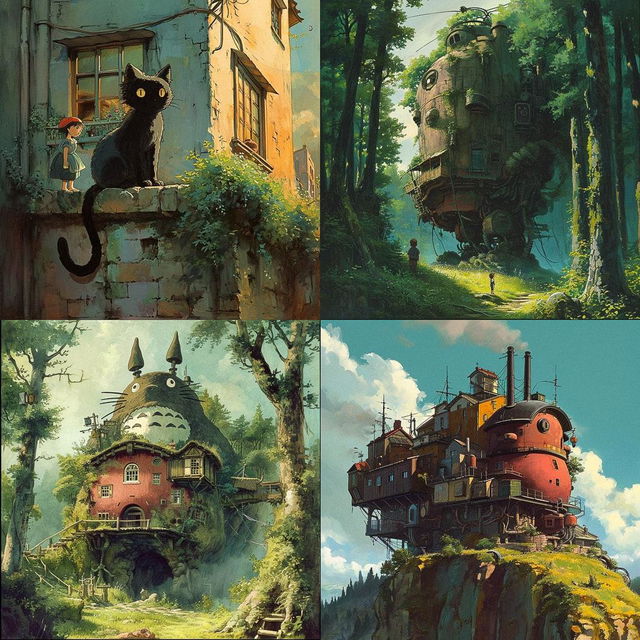
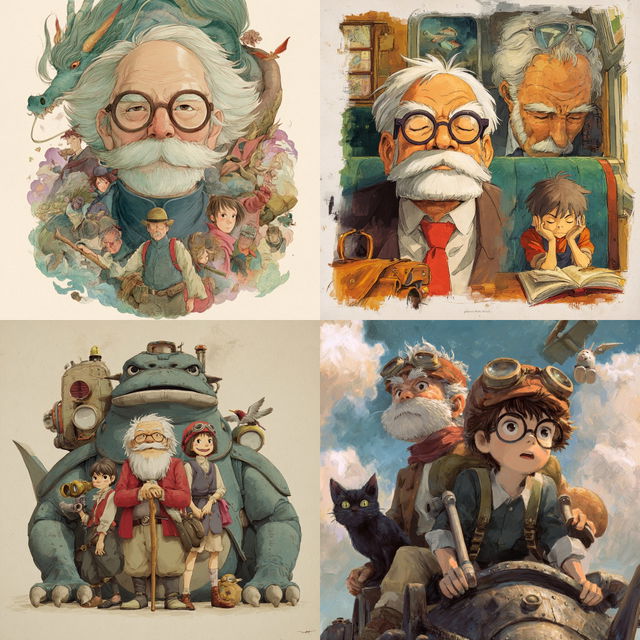
Every style shows four pictures. They are what Midjourney V8.2 made when it was given the style’s line and nothing else — no idea, no subject: just by Hayao Miyazaki --v 8.2. So they show the look a style brings on its own, and the things it reaches for when nobody asks.
Versions and Applications
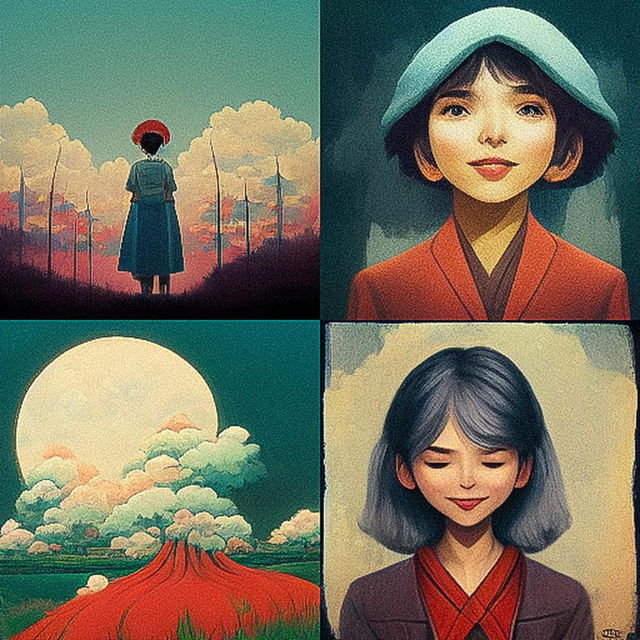
The same words look different in every Midjourney version. Here is by Hayao Miyazaki from V3 to today — one picture of each version’s four. A style’s page keeps its earlier versions under Earlier versions.
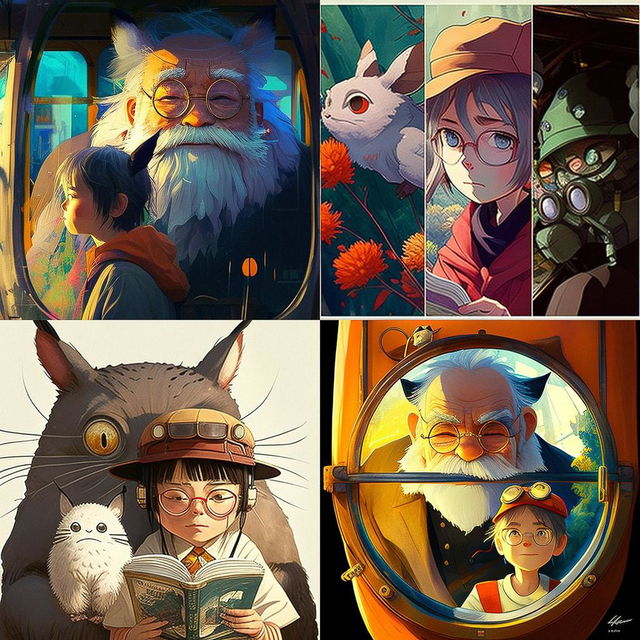
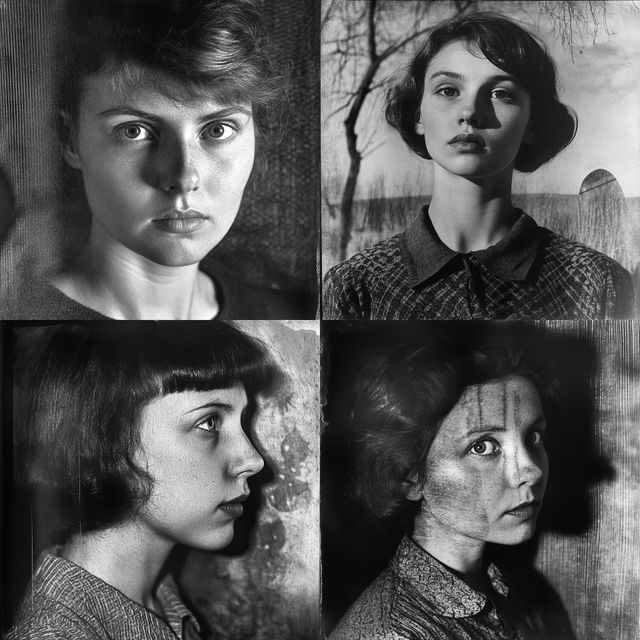
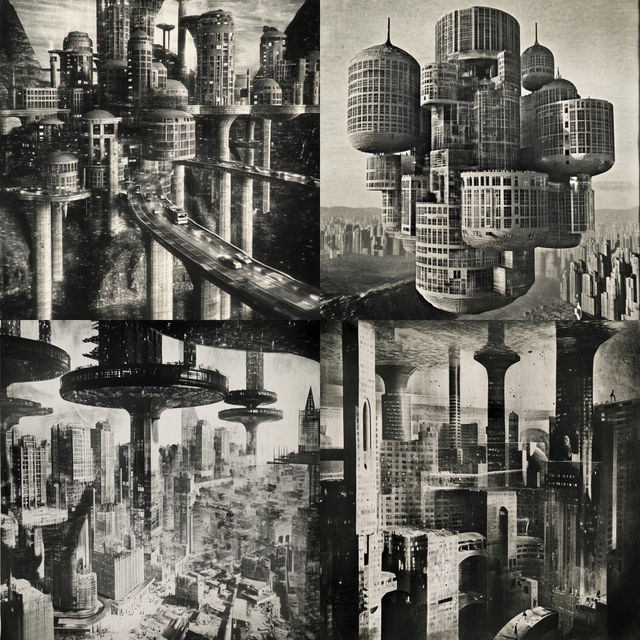
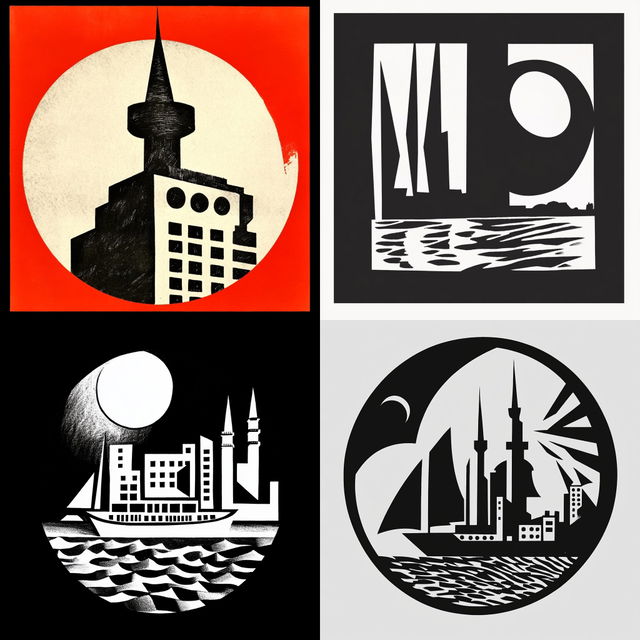
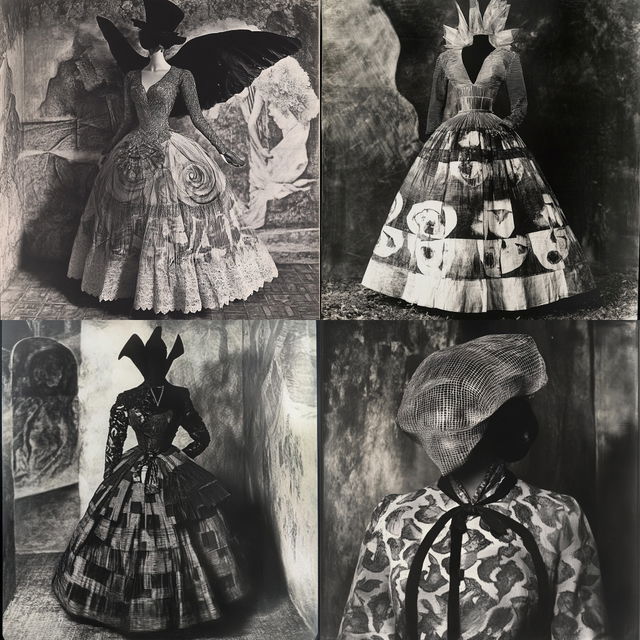
To see how a style behaves on your kind of subject, open its Applications: the same style on up to 17 subjects, from a portrait to a logo, each with the whole prompt under it. Four of Paintflora Oddity’s:
Next
Finding styles — Filters, Colours and the keys, for when you know what you want.
Collections — keep the styles you like, per project.