Collections:boards for your styles
A collection is a board of styles you keep — like Pinterest, for Midjourney styles. Make one for a theme or for a project, give it your own order and cover, and share it with a link. All it takes is a free account.
Why keep collections
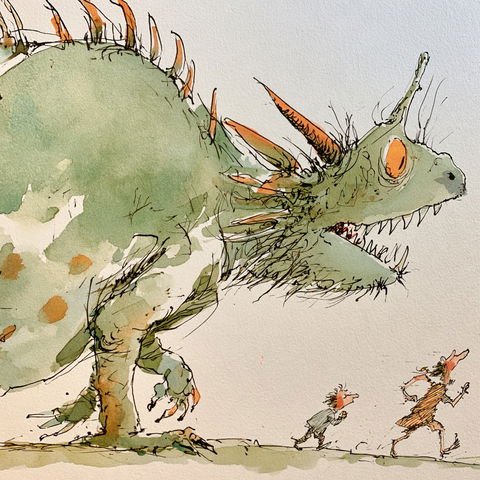

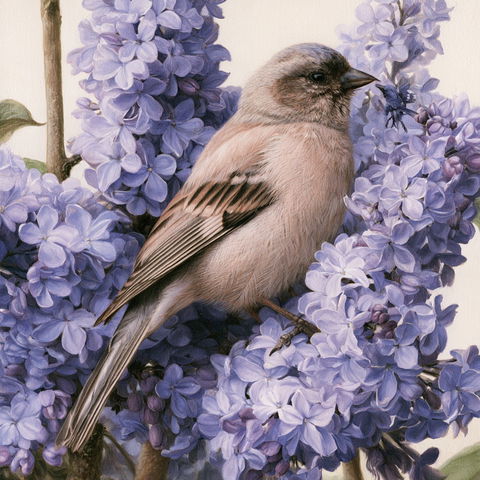
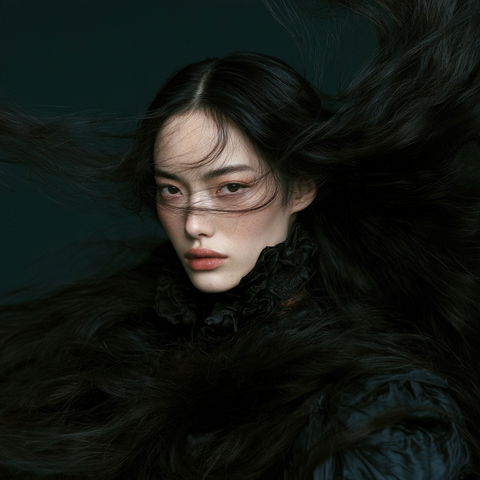
Keep what you find
Like Pinterest, for Midjourney styles. Make a board for a theme — the best styles for kids’ drawings, your top cinematic looks — and every style you save stays one click away, its line ready to copy.
One for each project
Gather a shortlist for a piece of work: the looks you are weighing for a client, in your own order, under a cover you choose.
Share it with a link
Send the board to a client or a teammate. They see every style in it and can copy each line — no account needed.
Show your taste
Public boards appear on your profile, so anyone can see what you keep — a portfolio of your eye.
How it works
- 1
Save a style
Wherever a style shows — in the Library, on its own page, in a compilation — press Save (or S). Your collections open in a short list: click one to put the style in, click it again to take it out. New collection makes one on the spot, with the style already in it.
- 2
Give it a cover and an order
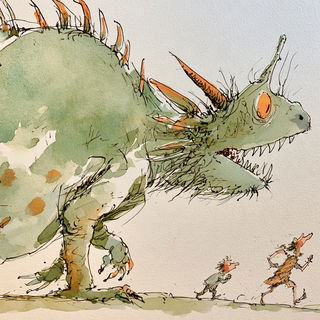
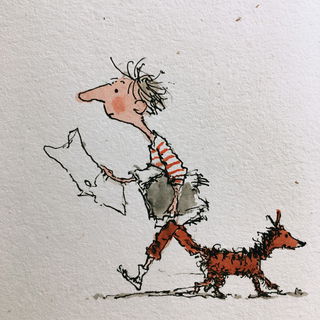
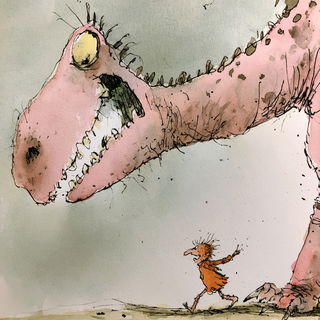
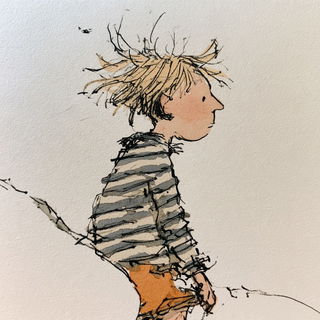
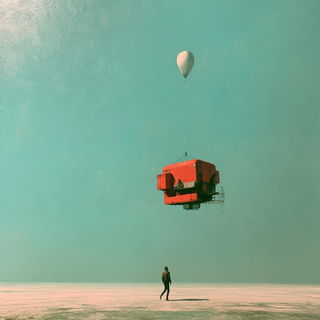
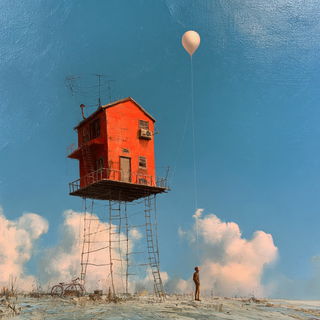
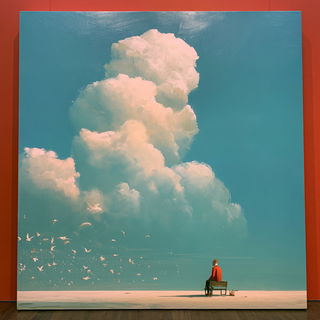
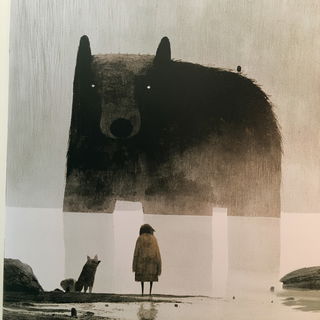
Open the collection. Set cover shows all four pictures of every style in it — click the one picture that should stand for the whole board. Then drag the styles into the order you want; everyone who opens it sees that order.
- 3
Choose who sees it, then share
Visibility has three choices, and each one says what it means. A public board can be sent to anyone: Share link copies its address.
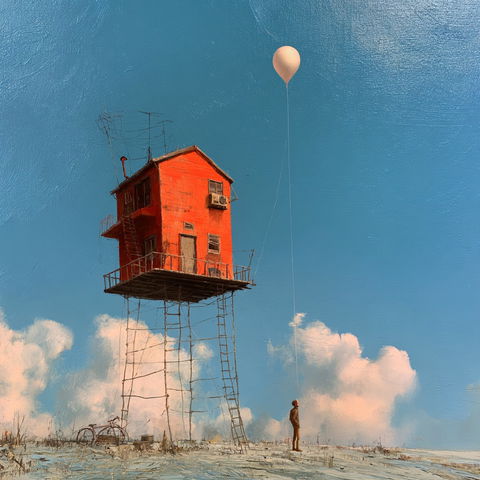



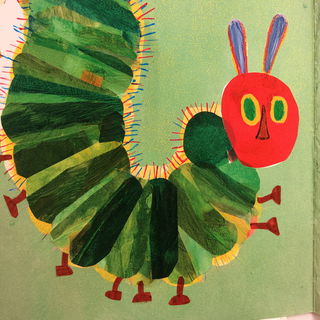
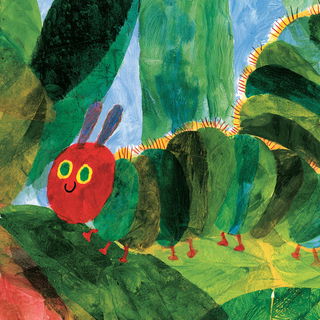
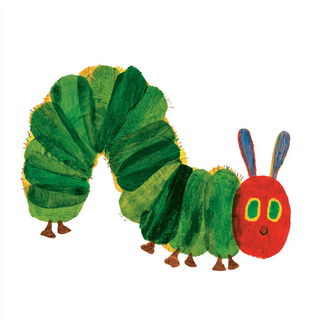
Room to grow
A free account keeps one collection of 36 styles. Members keep more, at four levels — and their membership is what keeps Midlibrary going.

of 36 stylesFree
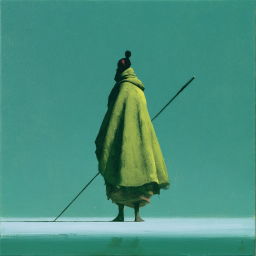
36 styles each
72 styles each
108 styles each
144 styles each
Next
Questions — accounts, membership, and the rest.
From idea to picture — how a style you saved becomes your own picture.